Introduction
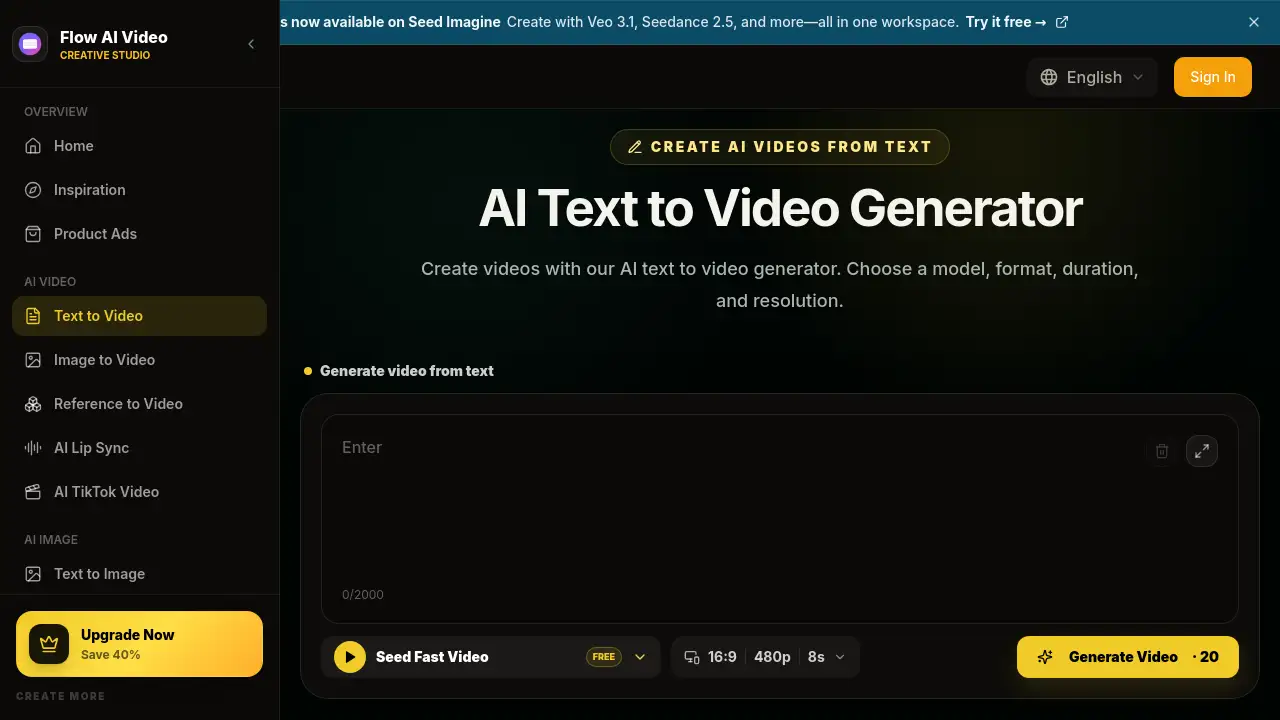
Flow AI Video is an online text to video ai tool that turns written prompts into AI-generated video clips. Users can choose a model, aspect ratio, duration, and resolution to generate video from text without filming or editing. It is designed for creators, marketers, and anyone who needs quick video content.
What is text to video ai?
Text to video ai is a browser-based video creation service offered by Flow AI Video. It uses AI text to video generator technology to convert simple text prompts into short video clips. Instead of using a camera or stock footage, users describe a subject, action, camera movement, and style. The system then produces a video that matches the prompt.
This tool solves a major problem: video creation is time-consuming. A text to video generator helps people who need social media clips, ad concepts, and visual ideas quickly. It matters because it makes video production accessible to non-professionals and speeds up early-stage creative work. The platform supports multiple AI video models, including Seedance, Veo 3, and Wan, so users can compare results and choose a look that fits the project.
Key Features of text to video ai
Text-Only Video Generation
Write a prompt and generate video from text without uploading footage or images. This makes the text to video ai workflow simple for beginners.
Multiple AI Video Models
Choose from models like Seedance, Veo 3, MiniMax, Wan, Kling, and others. The text to video generator lets users match the scene to the model's motion and style.
Format Controls
Select aspect ratio, duration, and resolution. The AI text to video generator supports landscape, portrait, and square frames for different platforms.
Clear Prompt Guidance
The platform shows real text to video examples with prompts. Users can learn how to describe subject, camera, and lighting for a text to video AI output.
Scene and Camera Direction
Describe subject movement and camera behavior. This helps the text to video ai tool create more controlled shots.
Iterative Revision
Generate, watch, and change one detail at a time. The text to video generator encourages small prompt refinements to improve results.
Use Cases for text to video ai
Social Media Clips
Create vertical videos for TikTok, YouTube Shorts, and Instagram Reels. A text to video ai generator can turn a one-sentence idea into a short hook-driven clip.
Video Ads and Product Concepts
Marketers can use the AI text to video generator to test campaign ideas and product videos before filming. It helps visualize a concept quickly.
Cinematic B-Roll
Filmmakers can create establishing shots and atmospheric cutaways. This text to video ai tool is useful when stock footage does not match the script.
Animated Scenes
Name an animation style and visible action to generate 3D, illustrated, or hand-drawn clips. The text to video generator makes animation tests easier.
Storyboards and Previsualization
Directors can use the text to video ai tool to test camera angles, mood, and action before committing to production.
YouTube and Marketing Clips
Create intros, cutaways, and background visuals for videos and landing pages. The text to video generator supports quick marketing assets.
How to Use text to video ai
Using the text to video ai tool takes a few simple steps:
- Write a prompt that names one visible scene with a subject, location, and action.
- Add motion, camera movement, lighting, and visual style details.
- Choose an AI video model and select aspect ratio, duration, and resolution.
- Check the credit cost, generate the video, and watch the result.
- Revise one unclear instruction and generate another version.
This text to video ai generator is designed so users can go from idea to video in minutes.
Target Audience for text to video ai
- Content creators who need regular social media videos
- Social media managers handling TikTok, Instagram, and YouTube Shorts
- Marketers designing ad concepts and campaign visuals
- Filmmakers and video editors creating B-roll and previsualization
- Small business owners who want quick promo videos
- Beginners with no video editing experience
Is text to video ai Free?
Flow AI Video offers free credits to start, and users can try the text to video ai generator before paying. The paid plans provide more credits, more videos per month, priority generation, no watermark, and access to multiple models.
| Plan | Price | Features |
|---|---|---|
| Basic | $19.9/month | 800 credits, up to 40 videos/month, no watermark, priority support |
| Pro | $39.9/month | 2,000 credits, up to 200 videos/month, priority queue, no watermark |
| Enterprise | $99.9/month | 6,000 credits, up to 600 videos/month, commercial license, priority support |
The exact number of videos depends on resolution, duration, and model cost. Pricing details are available on the official Flow AI Video page.
text to video ai's Pros and Cons
| Aspect | Pros | Cons |
|---|---|---|
| Ease of Use | Text-only workflow is beginner-friendly | Output quality depends on prompt and model choice |
| Features | Multiple AI models, formats, durations, resolutions | Credit costs can add up for high-volume work |
| Pricing | Free credits and simple monthly plans | Advanced features may require paid plans |
| Creative Control | Can direct subject, camera, and style | Requires practice to write effective prompts |
Frequently Asked Questions about text to video ai
What is an AI text to video generator?
An AI text to video generator is an online tool that converts a written text prompt into an AI-generated video clip. It replaces the need for footage and lets users describe the scene, action, and camera movement. The selected model creates the final video frames.
How do I turn text into video with AI?
Write one clear scene, add motion and camera details, choose a model, and select format settings. The text to video ai tool then generates a clip from the prompt. Review the result and revise one detail at a time.
Can I generate a video without an image?
Yes. This text to video ai platform is designed for text-only input. Users can generate video from text with no starting image or footage. If you have an image, the site also offers image-to-video tools separately.
What AI models are available?
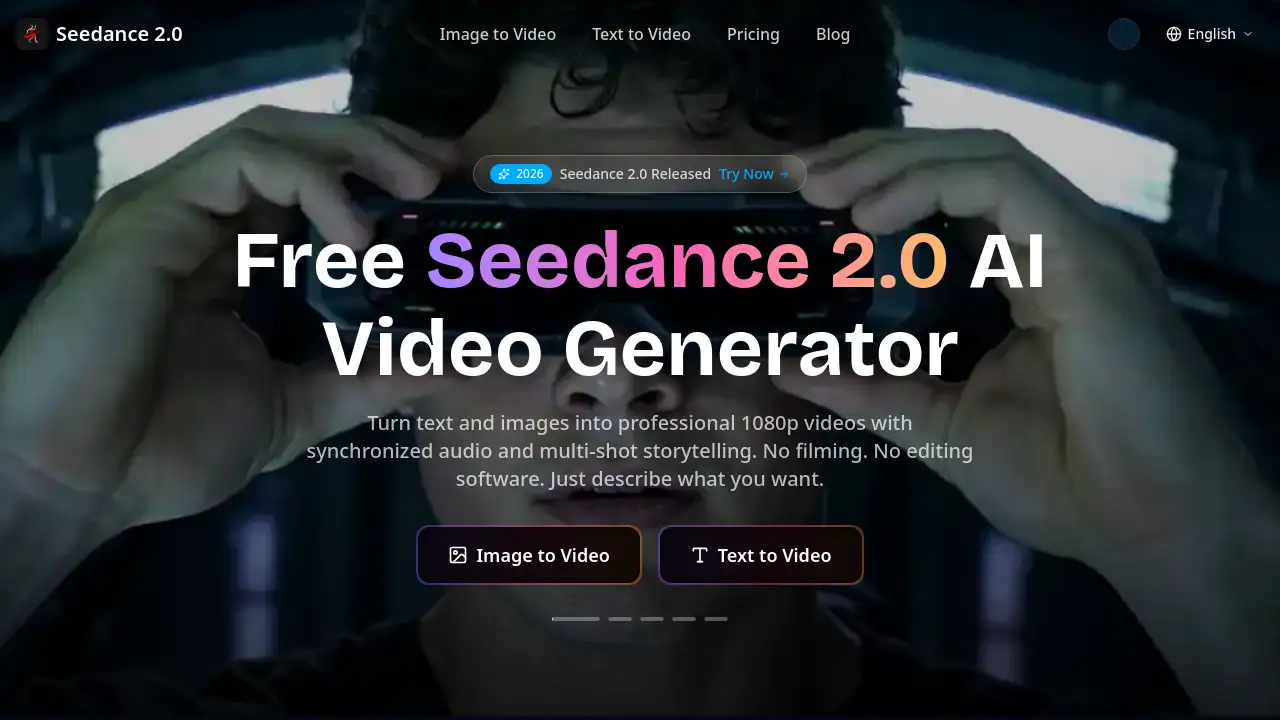
The platform supports models such as Seedance 2.5, Veo 3.1, MiniMax H3, Wan 3.0, Kling 3.0, and others. Users can compare different AI video models before generating.
Can I choose aspect ratio, duration, and resolution?
Yes. The text to video generator lets users choose a format such as 16:9 or 9:16, select the clip duration, and adjust output resolution. The available options depend on the selected model.
Is there a free option?
Flow AI Video offers free credits to start. Users can generate their first videos before deciding on a paid plan. Paid plans add more credits and premium features.
text to video ai Tags
text to video ai, AI text to video generator, text to video generator, text to video AI, text to video AI free, generate video from text, AI video generator from text, create video from text prompt, Flow AI Video, text to video online, AI video model comparison, video from text prompt