Introduction
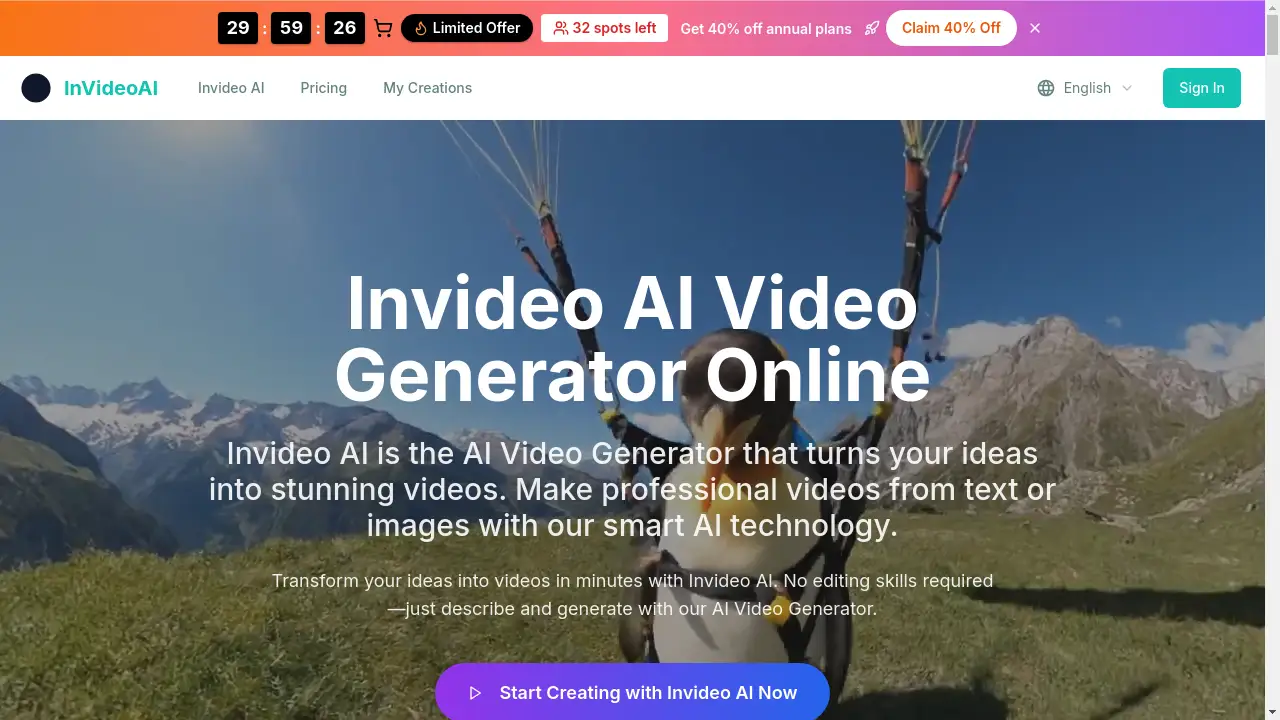
Invideo AI is a powerful AI video generator that transforms text prompts and images into high-quality video content quickly and easily.
What is Invideo AI?
Invideo AI is a web-based platform that uses artificial intelligence to create videos. It addresses the common challenge of producing professional-looking video content without requiring expensive equipment, technical editing skills, or significant time investment. Users can simply describe a scene or upload images, and the AI Video Generator will handle the complex tasks of animation, pacing, and transitions. This tool is particularly suitable for marketers, social media creators, educators, and businesses looking to produce engaging content for ads, social media stories, or presentations efficiently.
Key Features of Invideo AI
Turn Still Images into Cinematic Video
Invideo AI can animate static photos, adding motion and depth to transform them into immersive video scenes automatically.
Text-to-Video and Image-to-Video Generation
The platform offers dual workflows, allowing users to create videos either from a detailed text prompt or by uploading their own images, providing flexibility in content creation.
Library of Motion Styles and Templates
Users can choose from various dynamic presentation styles tailored for different scenarios like advertisements, testimonials, or slideshows to match their vision.
AI-Enhanced Pacing and Transitions
The tool automatically adds smooth camera movements, animated transitions, and ambient soundscapes to create a polished, well-paced final video.
Watermark-Free Video Export
Unlike many other generators, Invideo AI allows users to download their creations without any watermarks, even during evaluation, ensuring clean, professional output.
Browser-Based with No Software Required
Everything runs directly in a web browser, eliminating the need for downloads or installations and offering a straightforward, drag-and-drop user experience.
Use Cases for Invideo AI
Marketing Videos and Social Media Ads
Brands and marketers can quickly generate high-quality promotional videos and social media ads at a low cost, perfect for campaigns and engagement.
Animated Landscapes and Nature Scenes
The AI excels at bringing landscapes to life with realistic effects like flowing water, moving clouds, and swaying trees for travel or educational content.
Branded Visual Storytelling
Businesses can maintain consistent branding by incorporating logos, color schemes, and branded intros/outros into their videos at scale.
Personal Content Creation
Individual creators, vloggers, and educators can easily turn ideas or lecture slides into engaging video stories for platforms like YouTube or Instagram.
How to Use Invideo AI
Using Invideo AI to generate a video is a simple three-step process.
- Describe or Upload: Start by either typing a detailed text prompt describing your scene, subjects, style, and camera motion, or by dragging and dropping your images into the platform.
- Customize Settings: Select your preferred motion style, video quality (up to 1080p), and other preferences like sound effects.
- Generate and Download: Click the generate button. The AI will process your request (typically within minutes) and present your finished, watermark-free video ready for download and use.
Target Audience for Invideo AI
- Social Media Managers and Content Creators
- Digital Marketers and Advertising Professionals
- Small Business Owners and Entrepreneurs
- Educators and Trainers
- Bloggers and Personal Brand Builders
- Teams needing scalable video content
Is Invideo AI Free?
Invideo AI operates on a credit-based system. It offers a free tier to start, with paid plans providing more monthly credits and advanced features. Specific pricing details from the homepage are outlined below.
| Plan | Price (Monthly) | Key Features |
|---|---|---|
| Basic | $18.9/month (billed yearly) | 1,000 credits/month, Up to 1080p, Standard Quality, Basic tools |
| Professional (Most Popular) | $29.9/month (billed yearly) | 2,000 credits/month, Up to 1080p, Advanced Quality, Priority support, Commercial license |
| Business | $59.9/month (billed yearly) | 5,000 credits/month, Up to 1080p, Advanced Quality, Expert support, Commercial license |
Invideo AI's Pros and Cons
| Aspect | Pros | Cons |
|---|---|---|
| Ease of Use | Extremely user-friendly with no editing skills required; browser-based. | Creative control is limited compared to manual professional editing software. |
| Output Quality | Produces professional, cinematic-quality videos with smooth motion and good detail. | The quality and accuracy depend heavily on the clarity of the input prompt or image. |
| Pricing & Value | Watermark-free exports even for evaluation; scalable plans for different needs. | Each video generation consumes credits, which can deplete quickly on complex projects. |
| Speed | Generates videos in minutes, significantly faster than traditional video production. | Processing time can vary (100-300 seconds) based on complexity and server load. |
Frequently Asked Questions about Invideo AI
What is the main function of Invideo AI?
Invideo AI is an AI Video Generator designed to turn text descriptions or uploaded images into high-quality, animated videos automatically, simplifying the video creation process.
Do I need video editing experience to use Invideo AI?
No, one of the core benefits of Invideo AI is that it requires zero editing skills. The platform handles animation, transitions, and pacing, allowing users to focus solely on their idea.
Can I use videos created with Invideo AI for commercial purposes?
Yes, commercial use licenses are included with the Professional and Business subscription plans, allowing you to use the generated videos in client work, advertisements, and other commercial projects.
How long does it take to generate a video?
Processing time typically ranges between 100 to 300 seconds per video generation, depending on the complexity of the request and the selected output quality.
Does Invideo AI add a watermark to the videos?
No, a key feature of Invideo AI is that it allows for watermark-free export of videos. Users can download their creations without any branding, even on the free tier.
What video quality and resolutions does Invideo AI support?
The platform supports video generation in standard definition (480p), high definition (720p), and full high definition (1080p) resolutions, depending on your selected plan and settings.
Invideo AI Tags
AI video generator, text to video, image to video, create video from text, watermark-free video, social media video maker, marketing video tool, animated landscape, video creation software, AI content creation, online video editor, professional video generator