Introduction
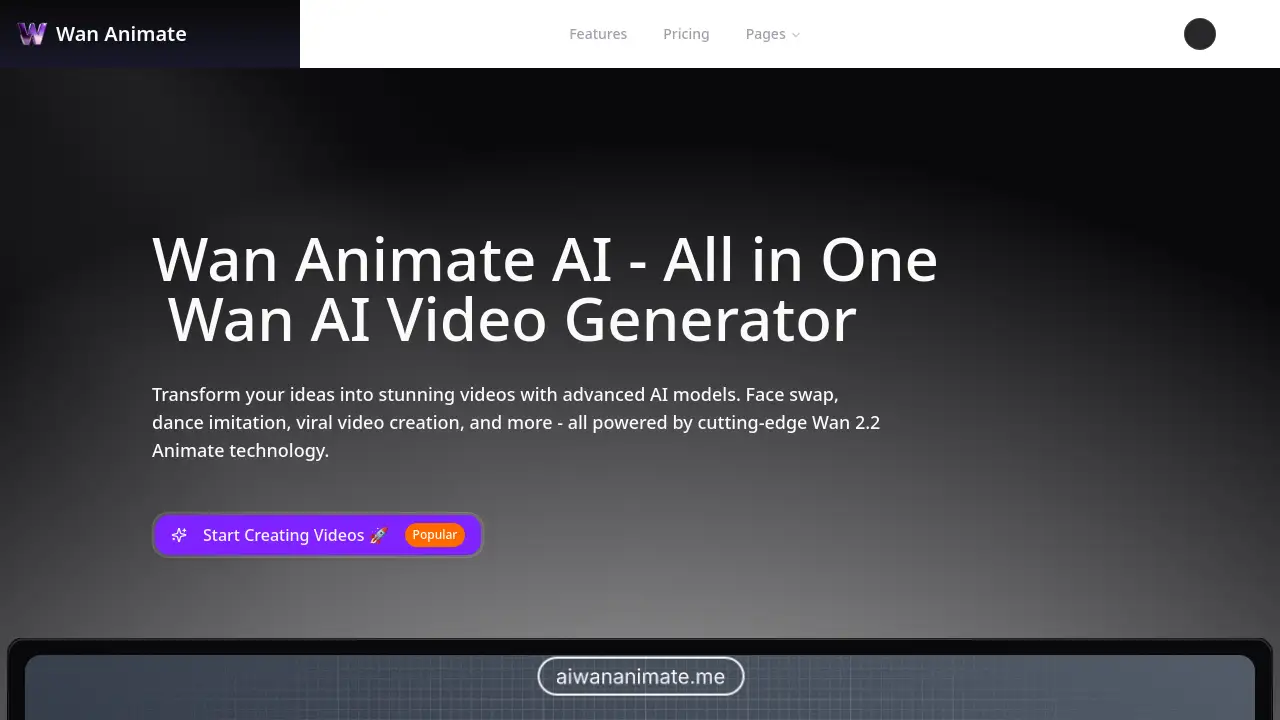
Wan Animate is an advanced AI video generator that uses the Wan 2.2 Animate model to create stunning videos with features like face swap and character animation.
What is wan animate?
Wan Animate is a specialized AI-powered video creation platform designed to transform static character images into dynamic, animated videos. The core problem it solves is the complexity and high barrier to entry traditionally associated with video animation, requiring significant technical skill and expensive software. By using the Wan 2.2 Animate technology, users can simply upload a character image and a short reference video, and the AI handles the complex process of transferring motion. This makes professional-looking AI video generation accessible to a broad audience. It is particularly suitable for content creators, social media marketers, and small businesses looking to create engaging content like dance videos, explainer animations, or viral marketing clips without a steep learning curve. Its significance lies in democratizing video production, enabling creativity at a fraction of the traditional time and cost.
Key Features of wan animate
Advanced Face Swap Technology
This feature uses sophisticated AI to seamlessly replace faces in a reference video, maintaining natural expressions and movements for a realistic and convincing result.
Dance and Motion Imitation
Users can copy dance moves and body movements from any reference video, applying them to a character image to create engaging and synchronized dance videos with ease.
Viral Video Creation Tools
The platform includes AI-assisted tools specifically designed to help users generate trending and engaging content optimized for social media platforms and viral marketing campaigns.
Audio Integration and Customization
It allows for seamless merging of audio from the original reference video or the addition of custom soundtracks and effects to enhance the final AI-generated video.
Artistic Style and Filter Application
Users can apply various AI-powered artistic styles and visual effects to transform the aesthetic of their videos, offering creative control over the final look.
Intuitive User Interface
The platform is designed with a simple, user-friendly interface that enables the generation of professional-quality videos with just a few clicks, requiring no technical expertise.
Fast Processing and HD Output
Videos are generated in minutes (not hours) and exported in high-definition quality, with options for 720p and 480p resolution to suit different needs.
Use Cases for wan animate
Social Media Content Creation
Ideal for creating eye-catching, short-form videos for platforms like TikTok, Instagram Reels, and YouTube Shorts to boost engagement and follower growth.
Marketing and Advertising
Businesses can produce cost-effective promotional videos, product demos, or animated advertisements with custom characters to enhance their brand storytelling.
Educational and Explainer Videos
Educators and trainers can create animated explainer videos to simplify complex topics, using custom avatars to deliver lessons in an engaging way.
Entertainment and Personal Projects
Users can have fun creating personalized videos, such as making a photo dance, starring in a movie scene, or generating unique content for special occasions.
Influencer and Creator Branding
Content creators and influencers can develop a consistent and unique animated avatar for their channel, saving time on live filming while maintaining a professional presence.
How to Use wan animate
Using Wan Animate is a straightforward, three-step process designed for simplicity.
- Upload Your Assets: Start by uploading a clear PNG or JPG character image (up to 50MB) and a reference video (MP4 or MOV, up to 50MB and 20 seconds long) that contains the motion you want to copy.
- Configure Your Settings: Optionally, add a text prompt for further guidance, select your desired output resolution (480p or 720p), and adjust any advanced settings. The platform will show the credit cost based on video length and resolution.
- Generate and Download: Initiate the generation process. The AI will animate your character using the motion from the reference video. Once complete, you can preview and download your new AI video.
Target Audience for wan animate
- Social Media Influencers and Content Creators
- Digital Marketers and Advertising Agencies
- Small Business Owners and Entrepreneurs
- Educators and Online Course Creators
- Hobbyists and Individuals interested in fun, creative projects
Is wan animate Free?
Wan Animate operates on a credit-based system. While there is a free tier to start, sustained use requires purchasing credits or a subscription. The pricing is structured as follows:
| Plan | Price | Key Features / Credits |
|---|---|---|
| Starter | Not Listed | Includes 300 credits per month. Credits expire after 30 days. |
| Pro (Popular) | Not Listed | Includes 750 credits per month. Credits expire after 30 days. |
| Business | Not Listed | Includes 1600 credits per month. Credits expire after 30 days. |
Additionally, users can purchase one-time credit packs: 100 credits for $9.99, 220 for $19.99, or 550 for $49.99 (Most Popular). All credits expire 30 days after purchase. Users are advised to visit the official Wan Animate pricing page for the most current subscription fees and detailed plan comparisons.
wan animate's Pros and Cons
| Aspect | Pros | Cons |
|---|---|---|
| Ease of Use | Intuitive interface, no technical skills needed. | Advanced creative control may be limited compared to professional software. |
| Speed & Accessibility | Generates videos in minutes; lowers barrier to video creation. | Output length is capped by the 20-second reference video limit. |
| Pricing & Value | Flexible credit packs; scalable subscription plans. | Credits expire after 30 days, which may not suit sporadic users. |
| Output Quality | Offers good quality HD (720p) output for its purpose. | Maximum resolution is 720p, not 4K or 1080p. |
| Technology | Powered by advanced Wan 2.2 Animate AI for realistic motion. | Results depend heavily on the quality of uploaded image and reference video. |
Frequently Asked Questions about wan animate
What is Wan 2.2 Animate technology?
Wan 2.2 Animate is the specific AI model that powers the Wan Animate platform. It is the core technology responsible for analyzing the motion in a reference video and accurately applying it to a static character image to create a seamless and lifelike animation.
What kind of videos can I create with Wan Animate?
You can create a wide variety of videos, including face-swap videos, character dance videos, animated explainers, social media clips, and promotional content. The platform is designed for viral video creation and any scenario where you want to bring an image to life with motion.
How long does it take to generate an AI video?
Generation times are typically in the range of minutes, not hours. The exact time can vary based on video length, resolution, and server load, but the platform is optimized for lightning fast processing to streamline your workflow.
What file formats and sizes are supported for upload?
The platform supports character images in PNG or JPG format, up to 50MB. Reference videos must be in MP4 or MOV format, also up to 50MB in size and a maximum duration of 20 seconds.
Do I own the AI videos I create?
Typically, users retain ownership of the original assets they upload and the final output generated. However, it is always recommended to review the platform's Terms of Service for specific details regarding licensing and usage rights.
What happens if my video generation fails?
If a video generation run fails, the platform states that the credits used for that attempt will be automatically refunded to your account, ensuring you are not charged for unsuccessful processing.
wan animate Tags
wan animate, AI video generator, Wan 2.2 Animate, face swap AI, dance video maker, character animation, AI video creation, viral video tool, AI animation software, social media video maker, online video editor, AI content creation