Introduction
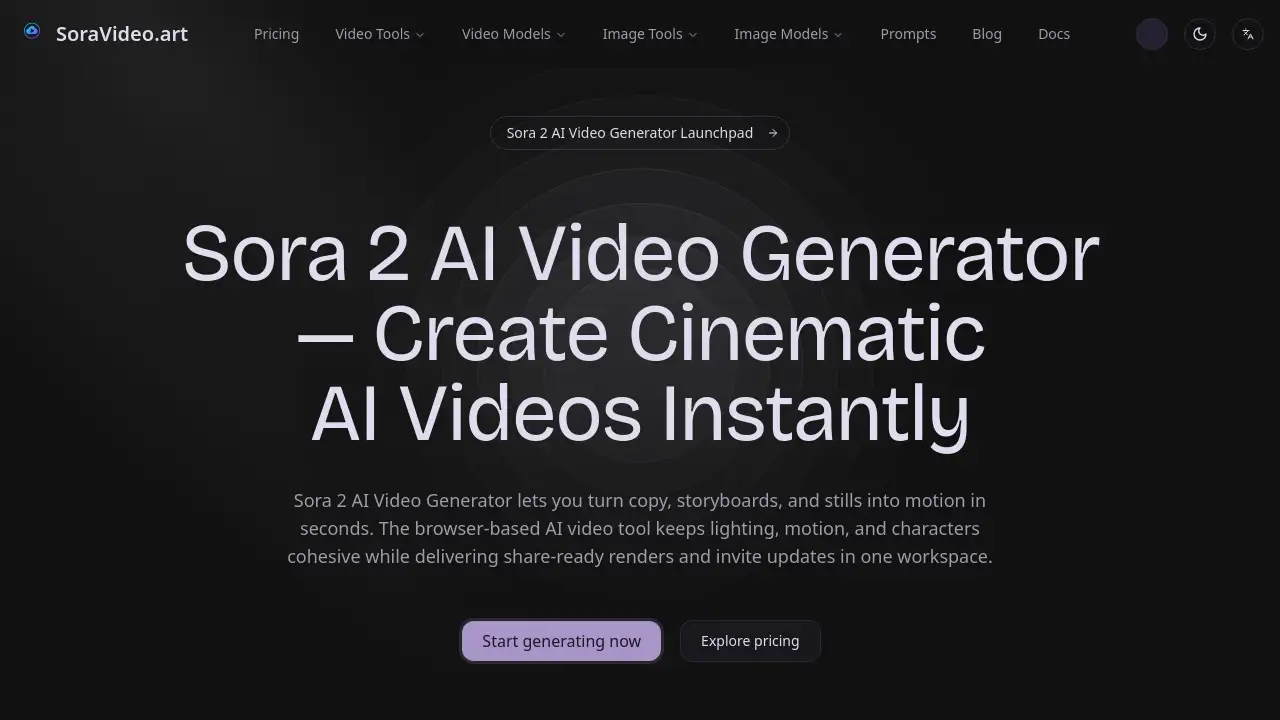
Sora Video offers an online platform for instant, cinematic AI video generation using Sora 2.
What is Sora Video?
Sora Video, accessible at SoraVideo.art, is a browser-based platform that leverages the Sora 2 AI Video Generator. It is designed to solve the problem of complex, time-consuming video production by allowing users to transform simple text prompts, images, or storyboards into polished, cinematic clips in seconds. This tool is suitable for content creators, marketing teams, and filmmakers who need to quickly produce high-quality video content without extensive technical skills or expensive software. It matters because it democratizes high-end video creation, streamlining the workflow from concept to a share-ready final render in one cohesive online workspace.
Key Features of Sora Video
Instant Cinematic Video Generation
The core function allows users to type an idea or upload media and receive a cinematic-ready video clip almost instantly, powered by the Sora 2 model.
Browser-Based, Zero-Installation Tool
The entire AI video generation process happens online in any web browser, eliminating the need for software downloads or powerful local hardware and enabling easy collaboration.
Cohesive Style and Motion Preservation
The AI is optimized to keep lighting, character details, and motion consistent throughout the generated video, maintaining a professional and cohesive look.
High-Resolution Output Options
Users can export their finished videos in high-definition formats like 1080p or 4K (MP4/MOV), making them ready for social media, presentations, or further editing.
Dedicated Cinematic and Anime Presets
The platform includes style presets, such as for Sora 2 anime or photorealistic looks, to help maintain a consistent visual theme across multiple video projects.
Integrated Workflow and Progress Tracking
From uploading assets and tracking invite code updates to reviewing renders and downloading the final sequence, every step is managed within a single, streamlined dashboard.
Use Cases for Sora Video
Social Media Content Creation
Quickly generate eye-catching, short-form video content for platforms like TikTok, Instagram Reels, and YouTube to engage audiences without a full production crew.
Marketing and Advertisement Prototyping
Create compelling AI video prototypes for product showcases, commercial concepts, or brand storytelling to visualize ideas before committing to a full-scale shoot.
Storyboarding and Pre-Visualization
Filmmakers and animators can use text prompts or reference images to rapidly visualize scenes, experiment with camera angles, and create dynamic storyboards.
Educational and Explainer Videos
Educators and businesses can produce clear, visually engaging explainer videos or training materials by simply describing the concept they want to illustrate.
How to Use Sora Video
Using Sora Video is a straightforward, three-step process designed for efficiency.
- Provide Your Input: Start by typing a detailed text prompt or uploading your reference materials. You can import scripts, JPG/PNG images, MP4 videos, or full storyboards directly into the platform.
- Let the AI Generate: Initiate the Sora 2 AI Video Generator. The cloud-based AI will process your input, orchestrating camera moves, motion, and lighting to build a complete video sequence. You can preview iterations in real-time.
- Download and Export: Once satisfied with the generated video, simply download the final output. Choose your preferred format and resolution (like 1080p or 4K) for use in other projects or for direct sharing.
Target Audience for Sora Video
- Digital Marketers and Social Media Managers
- Independent Content Creators and Influencers
- Small Business Owners and Entrepreneurs
- Filmmakers, Animators, and Video Editors
- Educators and Corporate Trainers
- Advertising and Creative Agency Teams
Is Sora Video Free?
Specific pricing plans for Sora Video are not detailed on the provided homepage. The platform emphasizes its role in providing access, updates, and workflow management for the Sora 2 AI Video Generator. It is common for such AI tool platforms to operate on a freemium or subscription model. For the most accurate and current information regarding any free trials, subscription tiers, or costs associated with generation credits, users should visit the official SoraVideo.art website.
Sora Video's Pros and Cons
| Aspect | Pros | Cons |
|---|---|---|
| Accessibility | Entirely browser-based; no software installation required. | Requires a stable internet connection for cloud generation. |
| Speed & Workflow | Dramatically speeds up video ideation and prototyping. | The quality of output is highly dependent on the detail of the user's prompt. |
| Output Quality | Generates videos with cohesive cinematic aesthetics and motion. | As an AI tool, it may lack the precise, frame-by-frame control of manual editing. |
| Ease of Use | Simple three-step process lowers the barrier to video creation. | Pricing and access model (e.g., invite codes) may not be immediately clear. |
Frequently Asked Questions about Sora Video
How do I get access to the Sora 2 AI Video Generator?
Access is managed through the SoraVideo.art platform. The site helps users join waitlists for invite codes during open application windows and provides updates on availability directly within the dashboard.
What kind of videos can Sora 2 create?
As shown in the community gallery, the Sora 2 AI Video Generator can produce a wide range of content, from photorealistic scenes and product videos to Pixar-style 3D animations and surreal art pieces, all based on user prompts.
Do I need video editing experience to use Sora Video?
No, the platform is designed to be intuitive. The primary skill required is the ability to craft a clear, descriptive text prompt or to select effective reference images to guide the AI video generation.
Can I use my own images or videos as a starting point?
Yes. A key feature is the ability to upload your own assets, including JPGs, PNGs, or MP4s, which the AI then uses as a reference to generate a new, cohesive video sequence.
What are the export options for my finished video?
You can export your generated videos in standard high-definition formats, specifically as MP4 or MOV files, in either 1080p or 4K resolution, suitable for most digital platforms.
Is the content generated with Sora Video copyrighted?
Users should refer to the platform's official terms of service for detailed licensing information. Typically, users retain rights to the videos they generate for personal or commercial use, but it is essential to verify this based on the specific plan and AI model's terms.
Sora Video Tags
Sora Video, Sora 2 AI Video Generator, AI video generation, cinematic AI video, create video from text, online video maker, Sora 2 anime, video generator tool, instant video creation, marketing video AI, content creation tool, SoraVideo.art