Introduction
Veo 3.1 Video Generator creates cinematic AI videos with native audio.
What is Veo 3.1 Video Generator?
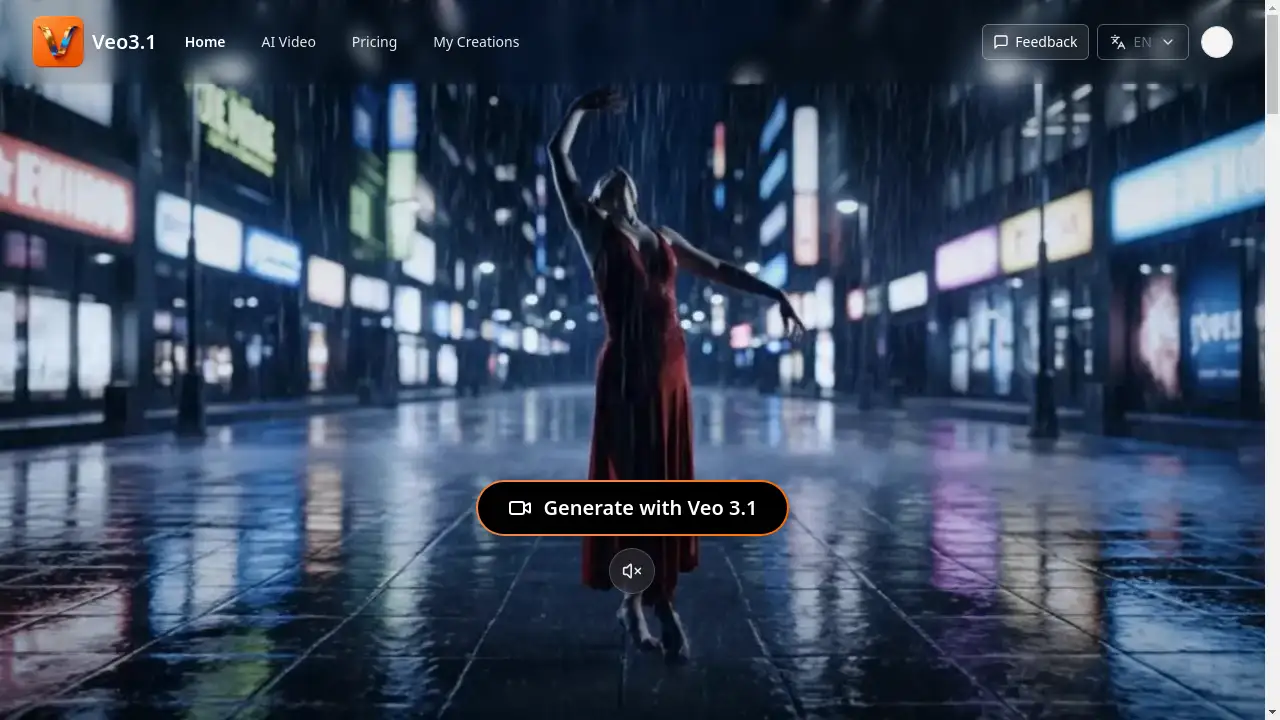
The Veo 3.1 Video Generator is an AI-powered platform that transforms text prompts into high-quality, 1080p video clips. It addresses the challenge for creators, marketers, and businesses who need to produce professional video content quickly and without a full film crew. This tool is significant because it merges photorealistic visuals with native audio generation and offers unprecedented control over the final output. With features like first-and-last-frame steering and multi-shot prompts, Veo 3.1 provides a responsive and controlled environment for AI video generation, making it suitable for everything from marketing campaigns to educational content. It enables users to move from a simple idea to a publish-ready video story with integrated sound design in minutes.
Key Features of Veo 3.1 Video Generator
Native Audio Generation
This feature automatically delivers dialogue, ambience, and Foley sounds within every rendered video, eliminating the need for external audio mixing.
Prompt Fidelity and Shot-by-Shot Control
Guide the narrative precisely using first and last frame steering, multi-shot prompts, and reference images to ensure every scene stays aligned with your vision.
Fast Iteration Mode
Preview video drafts quickly with a Fast Mode to iterate on ideas before committing resources to a final, high-quality render.
Secure and Encrypted Delivery
Each video output remains private with encrypted storage, audit trails, and commercial-ready licensing to protect intellectual property.
Flexible Scene Extension
Easily extend video scenes in two-second increments, allowing for seamless transitions and precise pacing adjustments.
Multi-Format Export
Download your final videos in 1080p resolution as MP4 or MOV files, with presets for landscape, vertical, and square aspect ratios for different platforms.
Use Cases for Veo 3.1 Video Generator
Marketing Campaigns
Launch regional explainers and dynamic product reveal videos without the expense and time of organizing a live shoot.
Storyboarding and Previsualization
Filmmakers and creators can previsualize scenes, test character beats, and iterate on transitions rapidly during the pre-production phase.
Entrepreneurial Pitches
Demo product features, onboard new users, and pitch to investors by creating professional videos without needing a film crew.
Educational Content
Transform scripts into engaging, multi-language lessons using safe, reference-driven characters to maintain consistency.
Rapid Campaign Variants
Spin up A/B testing assets for ads with native audio and localized captions on demand to optimize marketing performance.
How to Use Veo 3.1 Video Generator
Creating a video with the Veo 3.1 Video Generator is a straightforward process designed for efficiency.
- Map the story beats: Begin by outlining the key scenes of your video with timing cues. This helps the AI understand the desired pacing and transitions.
- Upload prompts and references: Input your text instructions and, for greater control, upload reference images to anchor specific elements like character looks, color palettes, or camera movements.
- Fine-tune and export: Use the first and last frame guidance to adjust scenes, extend shots in two-second increments if needed, and then download the final 1080p video in your preferred aspect ratio.
Target Audience for Veo 3.1 Video Generator
- Marketing professionals and agencies
- Content creators and social media managers
- Entrepreneurs and startups
- Educators and e-learning developers
- Filmmakers and storyboard artists
Is Veo 3.1 Video Generator Free?
The Veo 3.1 Video Generator offers a flexible subscription model that begins with complimentary trial credits for new users. This allows individuals to test the platform's core features, including AI video generation and native audio. After the trial, users can choose from various paid tiers that scale with render minutes, providing predictable per-second pricing and budget visibility. This structure makes it an accessible tool for creators of all levels, from individuals experimenting with AI video to enterprises requiring high-volume, secure production.
Frequently Asked Questions about Veo 3.1 Video Generator
What is the main difference between Veo 3.1 and earlier models?
Veo 3.1 offers tighter prompt adherence, new creative controls like first and last frame steering, support for multi-shot prompts, longer clip durations, and richer native audio layers embedded directly in the video.
How does the shot-by-shot control work?
You can guide the AI by specifying the desired first and last frame of a scene, using reference images, and writing multi-shot prompts to maintain consistent character styling and narrative flow.
What video formats and durations does Veo 3.1 support?
The generator produces stabilized 1080p videos that can be exported as MP4 or MOV files. You can create clips in landscape, vertical, or square formats and extend scenes in two-second increments.
Can I use Veo 3.1 for commercial projects?
Yes, outputs from Veo 3.1 come with commercial-ready licensing, making them suitable for professional use in marketing, advertising, and other business applications.
How does the pricing and credit system work?
Every account starts with complimentary trial credits. Afterwards, users subscribe to a plan that provides a monthly credit pool for rendering; usage alerts help manage spend and prevent surprise overage fees.
Is the content I create private and secure?
Yes, the platform employs encrypted storage for your videos and provides audit trails, ensuring that all your outputs and intellectual property are protected.
Veo 3.1 Video Generator Tags
Veo 3.1, AI video generator, video generator, native audio, cinematic AI, prompt to video, shot-by-shot control, first last frame, multi-shot prompts, secure video AI, commercial video AI, 1080p AI video