Introduction
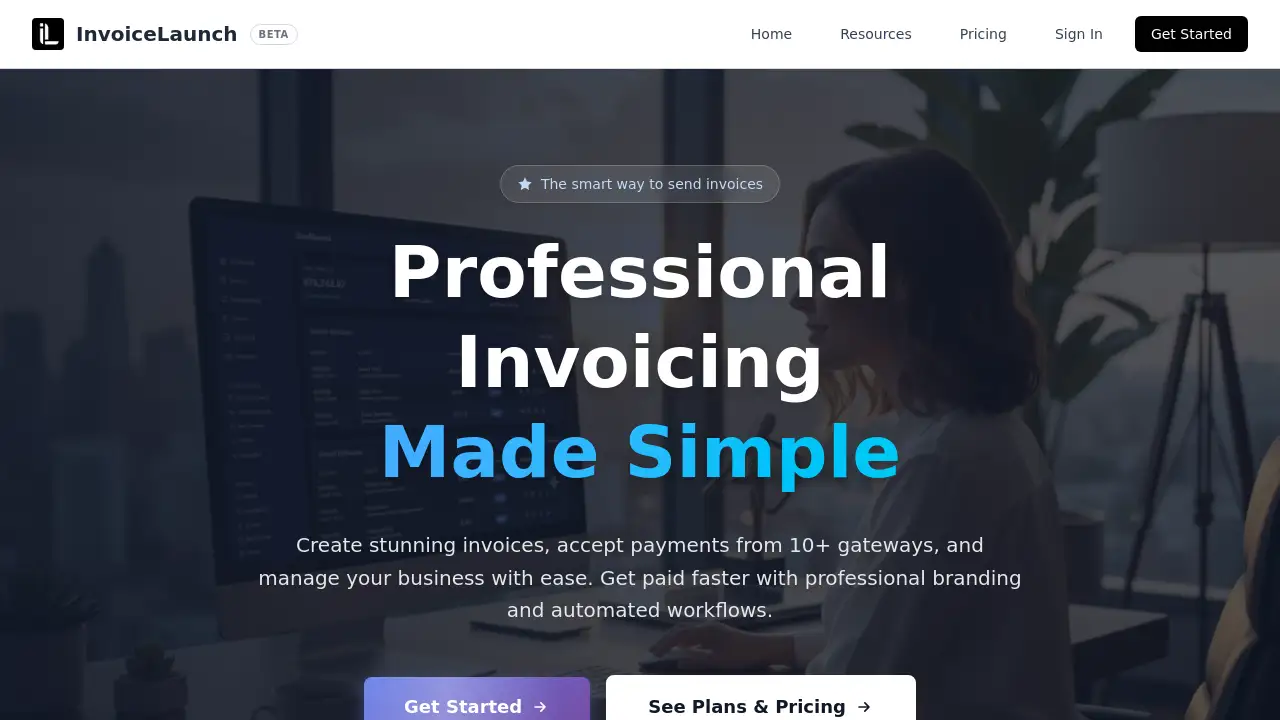
InvoiceLaunch is a modern invoicing platform designed to help businesses create professional invoices, accept payments through multiple gateways, and speed up cash flow with smart automation.
What is InvoiceLaunch?
InvoiceLaunch is an all-in-one invoicing software that lets users generate branded invoices, collect payments from over ten major payment gateways such as Stripe, PayPal, and Square, and manage client relationships from a single dashboard. The platform solves the common problem of slow, manual billing by offering automated workflows, AI-assisted invoice creation, and secure payment processing. It is suitable for freelancers, small businesses, and growing companies that need a reliable way to send invoices and get paid faster. The tool also includes an AI finance assistant that can parse documents, generate follow-ups, and handle natural language commands, making it a smart choice for businesses aiming to streamline their invoicing process.
Key Features of InvoiceLaunch
Professional Invoices with Custom Branding
Users can create stunning, branded invoices and estimates using custom logos and professional layouts. This feature ensures every invoice reflects the business identity, improving trust and recognition.
Multi‑Gateway Payment Acceptance
InvoiceLaunch integrates with 10+ payment gateways, including Stripe, PayPal, Square, Braintree, Authorize.Net, and Razorpay. This flexibility allows customers to pay via credit cards, digital wallets, and alternative methods.
AI Finance Assistant
An intelligent AI assistant automates invoicing tasks. Users can create invoices by typing natural language commands like “Create an invoice for John’s web design project, $2500.” It also parses uploaded proposals and generates reminder emails for overdue invoices.
Client Management Dashboard
A centralized dashboard organizes clients, tracks payment history, and stores contact details. Adding new clients is quick, and all billing information remains accessible in one place.
Automated Sharing and Reminders
Invoices can be sent via email, SMS, or QR codes. Automated follow‑up reminders are sent for overdue payments, reducing manual effort and improving collection rates.
Advanced Analytics and Reporting
Real‑time analytics track revenue trends, client performance, and business growth. Users gain insights into which clients pay on time and where to focus collection efforts.
Enterprise‑Grade Security
Bank‑level encryption, secure cloud storage, and SOC 2 compliance protect sensitive financial data. The platform also boasts 99% uptime and 24/7 customer support.
Use Cases for InvoiceLaunch
Freelancers Sending Invoices to Multiple Clients
A freelance designer can quickly create a branded invoice, select Stripe or PayPal as the payment method, and send it via email with a QR code. The AI assistant can handle follow‑ups automatically.
Small Businesses Accepting Global Payments
A small e‑commerce store can accept payments from customers worldwide using multiple gateways like Square and Razorpay. The multi‑gateway support ensures customers can pay with their preferred method.
Agencies Managing Recurring Billing
A marketing agency can set up recurring invoices, track payment history in the client dashboard, and use analytics to monitor cash flow. Automated reminders reduce late payments.
Service Providers with Complex Invoicing Needs
A consulting firm can upload contracts or proposals and let the AI extract invoice details. This saves time and reduces data entry errors.
How to Use InvoiceLaunch
- Sign up – Visit invoicelaunch.com and create an account. No setup fees, and you can cancel anytime.
- Choose a subscription plan – Select a plan that fits your needs (including a free trial or paid options). The AI add‑on is available for $25/month.
- Set up your business profile – Add your company logo, contact information, and preferred payment gateways (e.g., Stripe, PayPal).
- Create an invoice – Use the manual form or the AI assistant by typing a natural language command. Customize the layout, add items, and set payment terms.
- Send and track – Share the invoice via email, SMS, or a QR code. Monitor its status (sent, viewed, paid) from the dashboard. Automated reminders go out for overdue invoices.
Target Audience for InvoiceLaunch
- Freelancers and independent contractors
- Small and medium‑sized businesses
- E‑commerce stores and online merchants
- Consulting and professional services firms
- Agencies that manage multiple clients and recurring billing
Is InvoiceLaunch Free?
InvoiceLaunch offers a 30‑day money‑back guarantee and a “no setup fees” policy. The exact free tier details are not fully listed on the homepage, but the website indicates that a Business plan costs $99/month (which includes the AI assistant) and a Scale plan includes more AI credits. Users can also add the AI feature for $25/month to any subscription. For the most current pricing, visit the official pricing page at invoicelaunch.com/pricing.
InvoiceLaunch's Pros and Cons
| Aspect | Pros | Cons |
|---|---|---|
| Payment Gateways | Supports 10+ gateways (Stripe, PayPal, Square, etc.) | Some gateways may have regional restrictions |
| AI Assistant | Natural language commands and document parsing save time | AI add‑on costs extra ($25/month) unless on Business plan |
| Automation | Automated reminders and sharing (email, SMS, QR) | Advanced automation features may require a higher plan |
| Security | SOC 2 compliant, bank‑level encryption | No mention of two‑factor authentication on homepage |
| Pricing | No setup fees, 30‑day money‑back guarantee | Business plan at $99/month may be costly for solo freelancers |
Frequently Asked Questions about InvoiceLaunch
Can I use InvoiceLaunch with both Stripe and PayPal?
Yes. InvoiceLaunch integrates with 10+ payment gateways, including Stripe, PayPal, and Square. You can enable multiple gateways in your account settings and let customers choose their preferred method.
Does InvoiceLaunch support recurring invoices?
Absolutely. The platform allows you to set up recurring invoices for repeat clients. Automated billing and reminders help ensure payments come in on time.
How does the AI finance assistant work?
The AI assistant understands natural language commands. For example, you can type “Create an invoice for John’s web design project, $2500” and it will generate the invoice. It can also parse uploaded documents like proposals or contracts to extract data.
Is there a mobile app for InvoiceLaunch?
The homepage does not mention a dedicated mobile app, but the platform is web‑based and works on any device with a browser. Invoices can be sent via SMS and QR codes for easy mobile access.
What security measures does InvoiceLaunch have?
Data is protected with bank‑level encryption and secure cloud storage. InvoiceLaunch is SOC 2 compliant and maintains 99% platform uptime.
Can I cancel my plan at any time?
Yes. InvoiceLaunch advertises “Cancel anytime” with no setup fees, and a 30‑day money‑back guarantee is available.
InvoiceLaunch Tags
InvoiceLaunch, invoicing software, online invoicing platform, payment gateways, Stripe, PayPal, Square, AI invoice assistant, professional invoices, automated billing, client management, small business invoicing, freelance invoicing tool, recurring invoices, invoice automation