Introduction
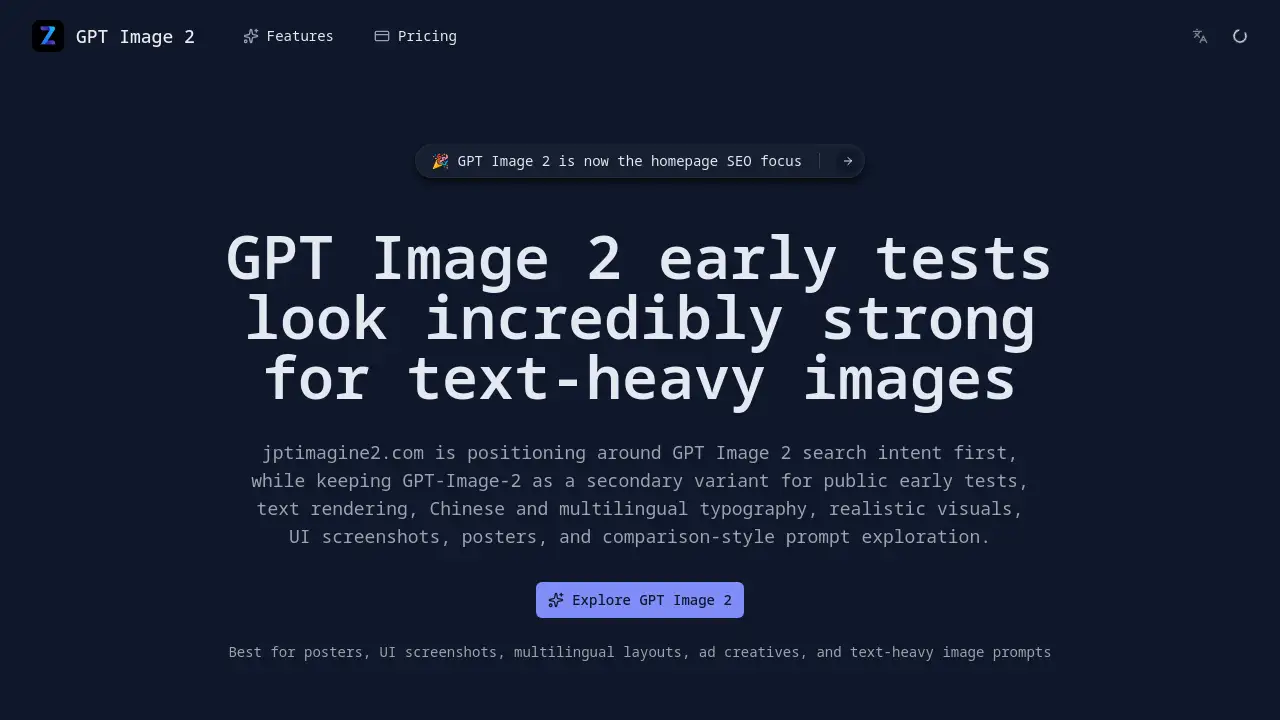
GPT Image 2 is an advanced AI image generation tool designed for creating text-heavy visuals.
What is GPT Image 2?
GPT Image 2 is a specialized AI model focused on generating images where text clarity and layout fidelity are paramount. It addresses a common challenge in AI art: producing readable, well-integrated text within complex visuals like posters, user interface mockups, and multilingual designs. This tool is suitable for marketers, graphic designers, content creators, and businesses that need to quickly prototype ad creatives, app screenshots, or educational materials with accurate textual elements. Its significance lies in its ability to handle text-heavy image prompts, Chinese rendering, and realistic scene composition more reliably than many general-purpose models.
Key Features of GPT Image 2
Superior Text Rendering
The model excels at generating clear, legible text within images, making it ideal for posters, banners, and any graphic where copy is a central element.
Multilingual Typography Support
It demonstrates strong capabilities in Chinese and multilingual typography, maintaining character integrity and readability in bilingual or non-Latin script layouts.
Realistic Scene Generation
GPT Image 2 can create convincing realistic visuals and detailed scenes, from product shots to environmental backgrounds, with high prompt fidelity.
UI and Screenshot Specialization
It is optimized for creating UI screenshots, app interfaces, and dashboard mockups that require precise layout control and interface-like text elements.
Comparison-Driven Evaluation
The platform encourages comparison-style prompt exploration, allowing users to test and compare outputs side-by-side with other models to evaluate performance.
Use Cases for GPT Image 2
Posters and Ad Creatives
Generate promotional materials, social media ads, and event posters where headlines and body text must be perfectly integrated and readable.
UI Screenshots and Product Mockups
Rapidly create realistic app interfaces, website sections, and software demo visuals for presentations, pitches, and user testing.
Chinese and Bilingual Marketing Materials
Produce marketing assets for Chinese-speaking markets or global campaigns that require accurate and aesthetically pleasing Chinese rendering.
Educational and Informational Graphics
Create explainer images, charts, infographics, and other info-dense visuals where text and structure are critical for communication.
Creative Campaign Consistency
Test character consistency across multiple images for branding campaigns, storyboarding, or character design projects.
How to Use GPT Image 2
- Visit the Platform: Navigate to the official GPT Image 2 website.
- Craft Your Prompt: In the input box, write a detailed, text-heavy prompt. Describe the scene, specify the text to be included, and mention the desired style (e.g., "a modern UI screenshot for a finance app showing a dashboard with the title 'Monthly Analytics'").
- Adjust Settings (Optional): Select an aspect ratio and upload reference images if using the image-to-image feature.
- Generate and Review: Click to generate. Evaluate the output for text clarity, layout accuracy, and realism.
- Refine and Compare: Adjust your prompt based on the results or use the same prompt for GPT Image 2 vs Nano Banana comparisons to see which model better suits your needs.
Target Audience for GPT Image 2
- Digital Marketers and Advertisers needing quick, high-quality ad creatives.
- UI/UX Designers and Product Managers prototyping interfaces and mockups.
- Content Creators and Social Media Managers designing engaging, text-based visuals.
- Businesses Targeting Multilingual Markets, especially Chinese-speaking audiences.
- Educators and Trainers creating instructional materials and presentations.
Is GPT Image 2 Free?
GPT Image 2 offers a free tier with limited credits to start. For extensive use, paid plans are available. Based on the reference information, the pricing structure appears as follows:
| Plan | Price (Annual) | Key Features |
|---|---|---|
| Free | $0 | 20 Free Credits, GPT Image 2 access, Standard generation, Basic support, Non-commercial use. |
| Pro (Annual) | Not Specified | 12,000 Credits (~3,000 images), Priority generation, Commercial rights, Early access to new features. |
| Best Value (Annual) | Not Specified | 42,000 Credits (~10,500 images), Hyper-priority generation, Expanded project history, Early access to workflow upgrades. |
For the most current and detailed pricing, users should visit the official pricing page on the website.
GPT Image 2's Pros and Cons
| Aspect | Pros | Cons |
|---|---|---|
| Core Strength | Exceptional at text-heavy image generation and Chinese rendering. | May be over-specialized for users needing only abstract or purely artistic imagery. |
| Use Case Fit | Ideal for practical, commercial graphics like posters and UI screenshots. | Less discussed for fine art or highly stylized, non-commercial artistic exploration. |
| Evaluation | Encourages transparent, comparison-style prompt exploration for informed decisions. | As an "early test" model, its full capabilities and limitations are still being publicly explored. |
| Accessibility | Offers a free tier for testing core functionalities. | High-volume commercial use requires a paid subscription. |
Frequently Asked Questions about GPT Image 2
What makes GPT Image 2 different from other AI image generators?
GPT Image 2 is specifically optimized for generating images where text is a key component. It focuses on delivering superior text clarity, supporting multilingual typography (especially Chinese), and creating realistic UI screenshots and product mockups with high layout fidelity.
How good is GPT Image 2 at rendering Chinese text?
Early tests and the platform's positioning indicate that Chinese rendering is a primary strength. It is designed to keep Chinese characters readable and well-integrated within the overall image composition, which is a challenge for many AI models.
Can I use GPT Image 2 for commercial projects?
Yes, but commercial rights are typically included in the paid Pro and "Best Value" subscription plans. The free tier is generally for non-commercial use and initial testing.
What is the best way to write a prompt for GPT Image 2?
For the best results, write detailed, text-heavy prompts. Clearly describe the scene, specify the exact text you want to appear, and define the context (e.g., "a concert poster with the headline 'Summer Festival 2024' in bold, stylized text"). Testing Chinese and multilingual typography in your prompts is also recommended to evaluate its capabilities.
How does GPT Image 2 compare to models like Nano Banana?
The platform actively encourages GPT Image 2 vs Nano Banana comparisons. Users are advised to run identical prompts through both models to compare outputs on metrics like text clarity, realism, prompt adherence, and overall suitability for their specific use cases, such as creating ad creatives.
Is there a free trial for GPT Image 2?
Yes, a free tier is available that provides a small number of credits (e.g., 20) for users to generate images and test the core features of GPT Image 2 before committing to a paid plan.
GPT Image 2 Tags
GPT Image 2, AI image generator, text to image, text-heavy image, Chinese rendering, multilingual typography, realistic visuals, UI screenshot generator, poster maker, ad creative AI, comparison AI models, GPT Image 2 vs Nano Banana, AI for designers, commercial AI art