Introduction
Krea 2 AI image generator creates stunning art from text prompts.
What is Krea 2?
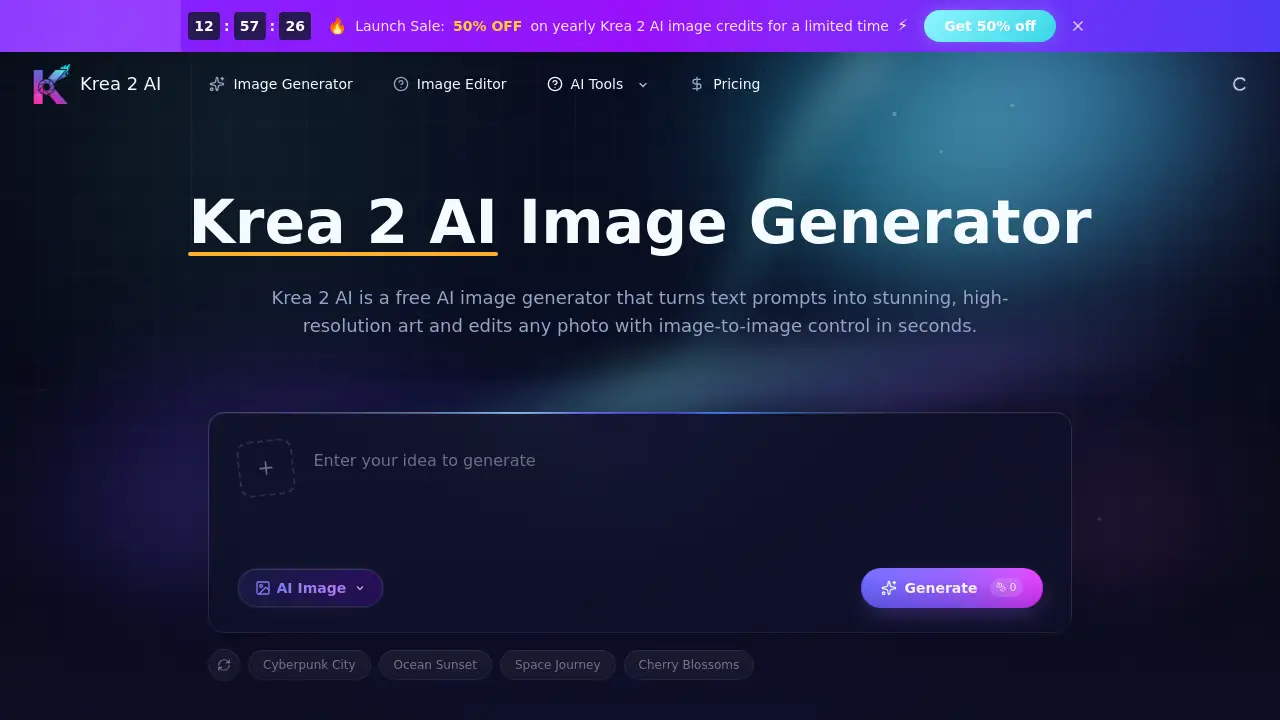
Krea 2 is a browser-based Krea 2 AI image generator that turns plain text prompts and reference photos into high-resolution images in seconds. It solves the problem of needing design skills or stock photography — anyone can visualize ideas instantly. The tool is suitable for marketers, content creators, designers, and hobbyists who need quick, high-quality visuals. With features like text-to-image generation, image-to-image editing, multiple visual styles, and flexible aspect ratios, Krea 2 matters because it offers a simple, free starting point for creating professional-looking artwork without expensive software or hiring a designer. By combining speed, resolution, and control, this Krea 2 AI image generator positions itself as a versatile solution for modern visual content needs.
Key Features of Krea 2
Text-to-Image Generation
Krea 2 converts any text prompt into a detailed image within seconds, enabling instant visualization of ideas without relying on stock photos or design background.
Image-to-Image Editing
Upload a reference photo and use a prompt to restyle, extend, or refine the image while preserving the original subject and composition — a powerful image to image editing capability.
High-Resolution Output
The generator renders sharp, crisp high-resolution images with clean detail, suitable for large screens, posters, and print projects.
Multiple Aspect Ratios
Choose square, portrait, or wide aspect ratios so every image fits social media feeds, hero banners, thumbnails, or ad placements without cropping.
Multiple Visual Styles
Switch between photorealistic, illustration, anime, and concept-art styles to match a brand identity or explore fresh creative directions.
Fast Generation with Free Credits
Krea 2 returns results in seconds and provides new users with free credits to start, allowing testing of prompts and ideas before committing to a paid plan.
Use Cases for Krea 2
Social Media Content Creation
Generate a full week of on-brand social images from text prompts in a single afternoon, saving time and maintaining consistent visual style.
Product Photography Variations
Upload one product photo and create a dozen styled variations for testing different ad hooks or marketing angles in minutes using image to image editing.
Concept Art for Presentations
Produce fast concept art for pitch decks and early visual exploration, helping directors and clients feel the world before production begins.
E-Commerce Lifestyle Images
Transform plain catalog shots into clean, high-resolution lifestyle images for landing pages and online stores, improving conversion rates.
How to Use Krea 2
- Enter your prompt – Describe the image you want in plain text. Optionally upload a reference photo to guide subject, composition, or style for image-to-image editing.
- Choose parameters – Pick an aspect ratio, select a visual style, and set the output resolution before generating.
- Generate and download – Click generate, wait a few seconds, then download your finished high-resolution image ready for social media, print, or client work.
Target Audience for Krea 2
- Social media managers – Need quick, on-brand visuals without design software.
- Graphic designers – Use as a brainstorming tool or to generate base assets.
- E-commerce sellers – Create product variations and lifestyle shots efficiently.
- Content creators and influencers – Produce eye-catching thumbnails, banners, and posts.
- Small business owners – Generate marketing materials on a budget.
- Hobbyists and artists – Explore new visual styles and experiment with prompts.
Is Krea 2 Free?
| Plan | Price | Features |
|---|---|---|
| Free | $0 | Free credits to start generating images, text-to-image, image-to-image editing, multiple styles, aspect ratios, high-resolution output. |
| Paid plans | Monthly / Yearly / Pay-as-you-go | Additional credits, faster generation, priority support (exact details on official pricing page). |
New users get free credits immediately without paying. Upgrade later for more usage.
Krea 2's Pros and Cons
| Aspect | Pros | Cons |
|---|---|---|
| Pricing | Free credits available for beginners; affordable paid plans | Pay-as-you-go credits can add up for heavy users |
| Features | Fast text-to-image and image-to-image editing with subject preservation; multiple styles and aspect ratios | Limited free credits may require frequent upgrades |
| Ease of Use | Simple three-step workflow; no installation needed | Advanced controls may be less discoverable for first-time users |
| Output Quality | High-resolution, clean detail suitable for print and web | Photo-realism may vary depending on prompt complexity |
| Commercial Use | Images can be used for commercial projects (subject to ToS) | Must review terms for each use case |
Frequently Asked Questions about Krea 2
What is Krea 2 AI?
Krea 2 AI is a browser-based Krea 2 AI image generator that turns text prompts and reference photos into high-resolution images, with multiple styles and aspect ratios in one workspace.
How is Krea 2 different from other image generators?
Krea 2 combines fast text-to-image generation with image to image editing that preserves your original subject, plus multiple styles, flexible aspect ratios, and high-resolution downloads in a single tool, all starting with free credits.
Is Krea 2 free to use?
Yes, new users receive free credits to start generating images right away. You can upgrade later with monthly, yearly, or pay-as-you-go credit plans.
Does Krea 2 support image-to-image editing?
Yes. You can upload a reference photo and transform it with a prompt, and the generator keeps the original subject and structure while restyling or refining the image — a key image to image editing feature.
What resolution and aspect ratios can I generate?
Krea 2 produces high-resolution images and lets you choose square, portrait, and wide aspect ratios to fit social posts, banners, thumbnails, and print work.
Can I use Krea 2 images for commercial work?
Yes, images you generate can be used for commercial projects like ads, products, and social content, subject to the terms of service.
Krea 2 Tags
Krea 2 AI image generator, text to image, image to image editing, high-resolution images, free AI art generator, AI photo editor, image generator online, visual styles, aspect ratios, AI art tool, generate images from text, AI for content creation