Introduction
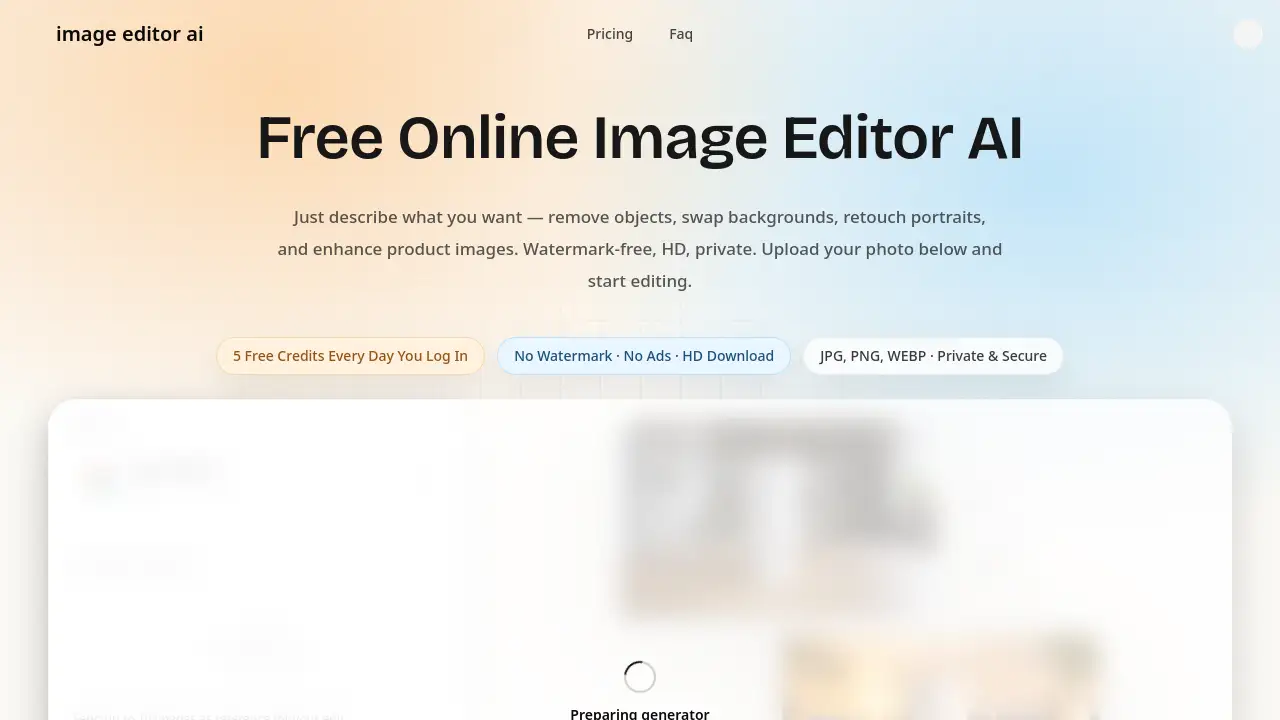
Image Editor AI is a free online photo editor.
What is Image Editor AI?
Image Editor AI is a browser-based AI photo editor that lets users upload a picture, describe the desired change in plain English, and download the result. It solves the problem of complex photo editing software by turning tasks such as background removal, object erasing, photo restoration, and portrait retouching into simple text prompts. The tool is suitable for beginners, online sellers, social media creators, families restoring old photos, and designers who need fast visual variations. Because Image Editor AI runs in a web browser, it matters for users who want a free online photo editor without installing software, learning advanced tools, or dealing with watermarked exports.
Key Features of Image Editor AI
Prompt-Based Photo Editing
Image Editor AI lets users describe an edit in natural language, making prompt-based editing accessible for tasks like removing objects, swapping backgrounds, and enhancing images.
Background Removal and Replacement
Users can erase cluttered backgrounds and replace them with studio backdrops, lifestyle scenes, or brand-friendly environments, with clean background removal handled by the AI photo editor.
Object Erasing
Image Editor AI can remove people, text, watermarks, trash cans, and power lines from photos, then fill the erased area naturally so the final image looks clean.
Old Photo Restoration
The online photo editor helps restore faded, scratched, and damaged photos by fixing colors, reducing noise, repairing tears, and improving faded details in a few steps.
AI Style Transfer
Users can transform photos into anime scenes, oil paintings, watercolor illustrations, cinematic stills, pencil sketches, or pixel art, then compare results before exporting.
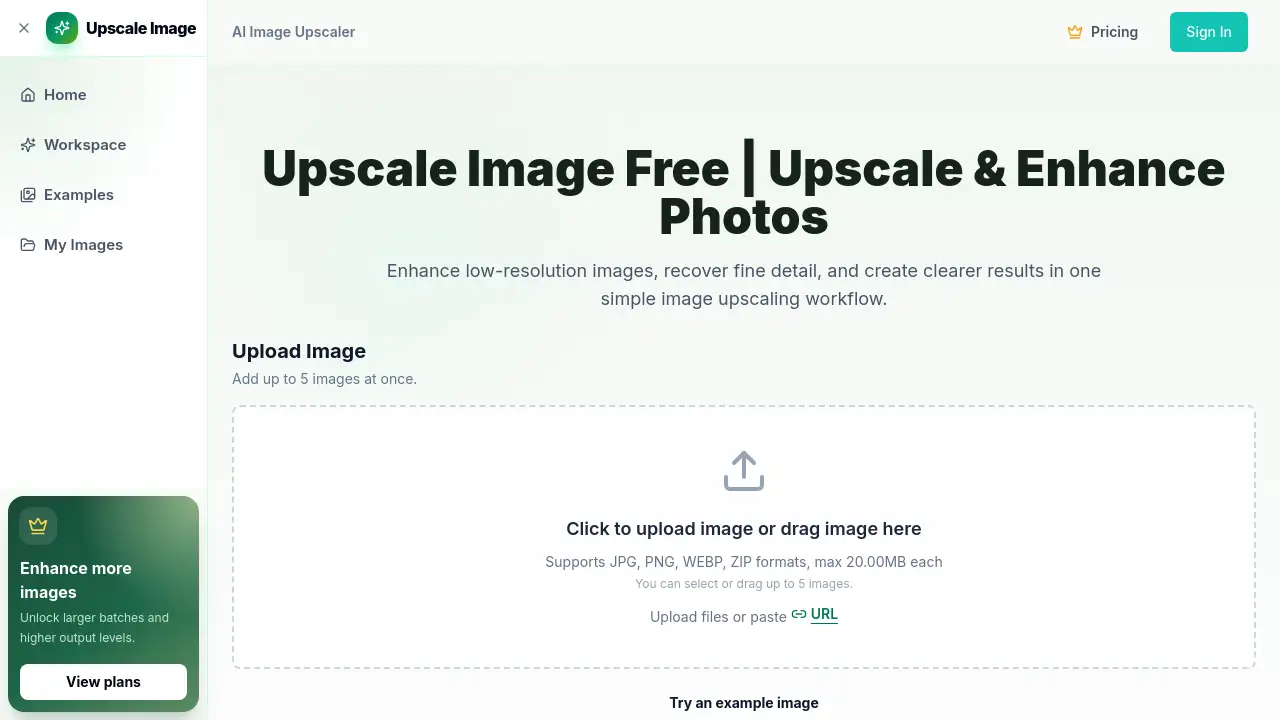
Image Upscaling and Enhancement
Image Editor AI can sharpen soft images, improve poor lighting, reduce noise, and upscale images to 4K, making the AI image editor useful for print and ecommerce visuals.
Portrait and Pet Retouching
The tool can retouch portraits by smoothing skin, removing blemishes, brightening eyes, and whitening teeth, while also cleaning tear stains and tidying fur in pet photos.
In-Image Text Editing
Image Editor AI allows users to change words inside posters, ads, packaging mockups, and social graphics while keeping the original layout, colors, and brand style intact.
Use Cases for Image Editor AI
E-commerce Product Photos
Online sellers can use Image Editor AI to remove backgrounds from product photos, create clean white backdrops, and prepare consistent storefront visuals without Photoshop.
Social Media Content
Creators can produce thumbnails, cover images, profile pictures, and campaign visuals with an AI photo editor, then switch styles quickly using prompt-based editing.
Old Photo Restoration
Families can use Image Editor AI to restore faded, scratched, or damaged family photos, fix colors, and recover details that would otherwise require professional restoration.
Marketing and Ads
Small businesses and marketing teams can create ad creatives, banners, and landing page visuals in the browser, using background removal and object erasing to keep assets on brand.
Portrait and Headshots
Job seekers, freelancers, and professionals can retouch portraits, improve lighting, and create polished headshots with natural-looking results from the AI image editor.
Creative Design
Designers and art students can explore styles, color schemes, and visual directions with Image Editor AI, using quick variations before choosing a final direction.
How to Use Image Editor AI
- Upload an image to Image Editor AI. The free online photo editor supports JPG, PNG, and WEBP files up to 24MB in a browser.
- Describe the edit in plain English. Users can write a prompt or choose from ready-to-use templates for background removal, object erasing, photo restoration, or retouching.
- Preview the result with the before/after slider, compare details, and download a watermark-free high-resolution image.
Target Audience for Image Editor AI
- E-commerce sellers on Amazon, Shopify, and Etsy
- Social media creators and video publishers
- Families and memory keepers restoring old photos
- Marketing teams and small business owners
- Job seekers, freelancers, and professionals needing better headshots
- Designers and art students exploring visual styles
Is Image Editor AI Free?
Image Editor AI offers a free tier with watermark-free exports and no ads. Paid monthly credits are available for higher volume, and a one-time top-up can add credits to any plan. Pricing details below are based on the reference information; users should check the official website for current prices.
| Plan | Price | Features |
|---|---|---|
| Free | $0 | Core prompt-based edits, background removal, object erasing, photo restoration, portrait retouching, watermark-free exports, no ads |
| 600-credit monthly plan | Not listed | 600 credits per month, up to 120 standard edits, commercial use rights, 24/7 support, watermark-free exports |
| 1,500-credit monthly plan | Not listed | 1,500 credits per month, up to 300 standard edits, commercial use rights, 24/7 support, watermark-free exports |
| 4,000-credit monthly plan | Not listed | 4,000 credits per month, up to 800 standard edits, commercial use rights, 24/7 support, watermark-free exports |
| Credit top-up | $9.9 for 300 credits | One-time purchase, valid for 30 days, about 60 standard edits, works alongside subscription plans |
Image Editor AI's Pros and Cons
| Aspect | Pros | Cons |
|---|---|---|
| Pricing | Free tier with watermark-free exports; paid credits for higher volume | High-volume users may need a paid plan |
| Features | Prompt-based editing, background removal, object erasing, photo restoration, 4K export | Results depend on prompt quality and may need refinement |
| Accessibility | Browser-based on desktop and mobile; no installation | Requires an internet connection |
| Privacy | Encrypted transfers and automatic deletion after processing | Users should still avoid uploading sensitive images unnecessarily |
| Workflow | 50+ prompt templates and before/after slider | Not a full replacement for advanced manual editing software |
Frequently Asked Questions about Image Editor AI
What is Image Editor AI?
Image Editor AI is a free online photo editor that uses AI to apply edits from plain English prompts, including background removal, object erasing, photo restoration, and portrait retouching.
Is Image Editor AI free to use?
Yes, Image Editor AI has a free tier with no ads and watermark-free exports. Paid credit plans and top-ups are available for users who need more edits or higher volume.
Do I need design skills to use Image Editor AI?
No. The AI image editor is designed for beginners, and users can start with ready-to-use prompt templates or write simple descriptions of the desired change.
Can Image Editor AI remove backgrounds and objects?
Yes. Image Editor AI can swap backgrounds, remove unwanted objects, erase text or watermarks, and fill erased areas naturally for cleaner results.
Is my photo private when using Image Editor AI?
Image Editor AI states that uploads are protected during transfer and processing, and images are automatically deleted after processing. Users should review the official privacy policy for full details.
Can I export edited images without a watermark?
Yes. Image Editor AI provides watermark-free exports, including high-resolution output up to 4K.
Image Editor AI Tags
Image Editor AI, AI photo editor, free online photo editor, background removal, remove objects, swap backgrounds, retouch portraits, photo restoration, image upscaling, prompt-based editing, AI image editor, watermark-free photo editor