Introduction
A review of ERNIE Image, an open-source AI model for generating images with accurate text and layouts.
What is Ernie Image?
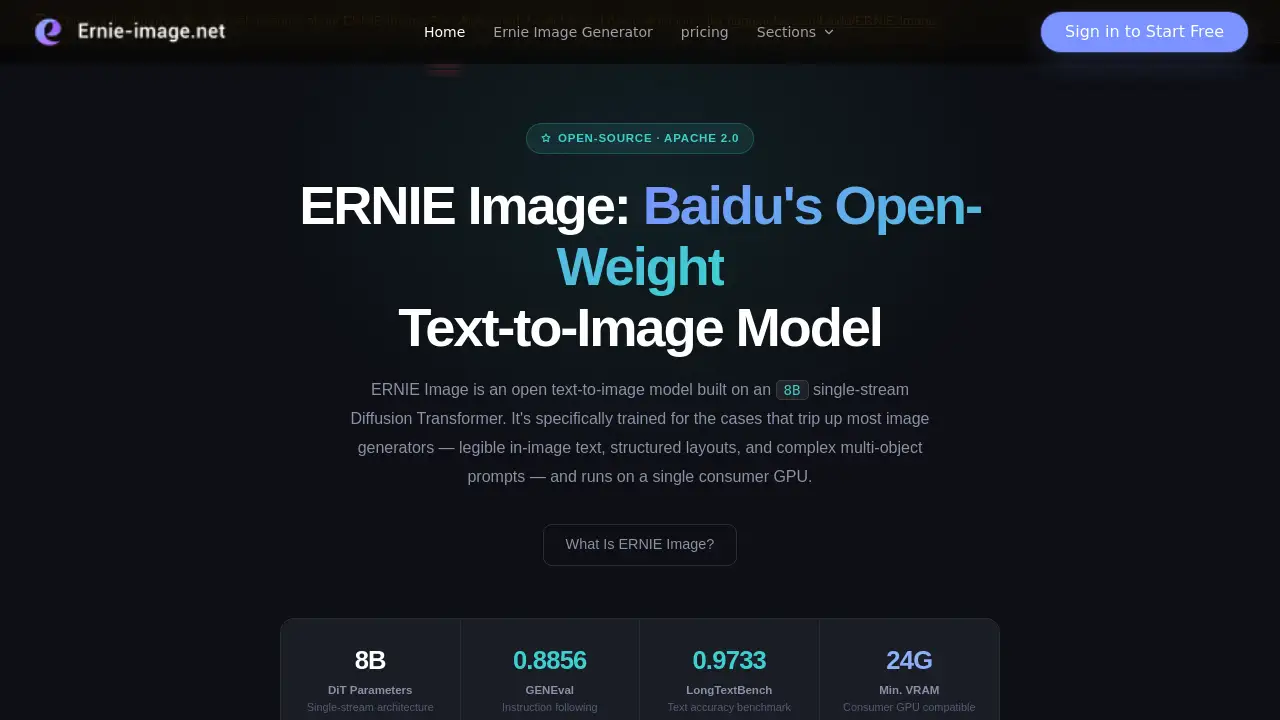
ERNIE Image is a powerful, open-source text-to-image generation model developed by Baidu's ERNIE team. It is built on an 8-billion-parameter Diffusion Transformer (DiT) architecture and is specifically engineered to handle tasks that often challenge other AI image generators, such as creating images with legible embedded text, structured compositions, and complex multi-object scenes. Released under the permissive Apache 2.0 license, it can be downloaded, used commercially, and fine-tuned for free. With a modest requirement of 24GB of VRAM, it is designed to run efficiently on a single consumer-grade GPU, making advanced image generation accessible without relying on cloud APIs or incurring usage costs.
Key Features of Ernie Image
Exceptional In-Image Text Rendering
ERNIE Image excels at generating images containing dense, layout-sensitive text, making it ideal for creating posters, infographics, and UI mockups with clean, readable copy.
Handles Complex Multi-Object Prompts
The model robustly follows detailed prompts involving multiple subjects and their spatial relationships, avoiding the common pitfall of merging objects into a generic output.
Structured Layout Generation
It is specifically trained for structured visual tasks, producing consistent and logical layouts for comics, multi-panel storyboards, and poster designs.
Versatile Visual Styles
ERNIE Image can generate a wide range of aesthetics, from realistic photography to clean design-oriented graphics and distinctive artistic styles, offering flexibility for various projects.
Runs on a Consumer GPU
The full model is optimized to run on a single GPU with 24GB of VRAM, such as an RTX 3090 or 4090, enabling local, private, and cost-free inference.
Built-In Prompt Enhancer
A lightweight Prompt Enhancer automatically expands brief user inputs into richer, structured descriptions, improving output quality without manual prompt engineering.
Use Cases for Ernie Image
Marketing and Advertising Design
Generate high-quality advertising banners, social media posts, and product mockups that require precise text placement and brand-compliant layouts.
Concept Art and Storyboarding
Quickly visualize scenes, characters, and environments for films, games, or comics, with the ability to maintain consistency across multiple panels.
Educational and Infographic Content
Create engaging educational materials, charts, and diagrams where accurate labels and textual information are integral to the image.
Prototyping and UI/UX Design
Produce realistic app or website interface mockups with readable placeholder text and coherent design elements for client presentations.
How to Use Ernie Image
- Download the Model: Visit the official Hugging Face repository at
huggingface.co/baidu/ERNIE-Imageto download the model weights (available in SFT and Turbo variants) and the Prompt Enhancer file. - Set Up Your Environment: Ensure you have a compatible GPU with at least 24GB of VRAM and a local AI image generation tool like ComfyUI, which offers official support.
- Load the Model: In your chosen software (e.g., ComfyUI), load the downloaded ERNIE Image safetensors checkpoint.
- Integrate the Prompt Enhancer: Add the Prompt Enhancer node to your workflow to automatically improve your text prompts before generation.
- Generate Images: Input your text prompt, configure your desired settings (like the number of steps), and run the ERNIE Image model to create your image.
Target Audience for Ernie Image
- Digital Artists and Illustrators
- Graphic Designers and Marketing Professionals
- Content Creators and Social Media Managers
- Game Developers and Concept Artists
- UI/UX Designers and Prototypers
- Researchers and Developers in AI/ML
- Educators and e-Learning Content Creators
Is Ernie Image Free?
Yes, ERNIE Image is completely free. It is released under the Apache 2.0 open-source license, which permits free commercial use, modification, and distribution. There are no fees for downloading the model, using it to generate images, or incorporating the outputs into commercial projects.
| Aspect | Details |
|---|---|
| License | Apache 2.0 |
| Cost | Free |
| Commercial Use | Allowed |
| Fine-Tuning | Allowed |
| API/Quota | None (self-hosted) |
Ernie Image's Pros and Cons
| Aspect | Pros | Cons |
|---|---|---|
| Licensing & Cost | Free, open-source, and allows commercial use. | Requires technical knowledge for local setup. |
| Core Capabilities | Superior at rendering in-image text and structured layouts. | May not match the artistic style range of some closed-source models. |
| Performance | Runs efficiently on a single consumer GPU (24GB VRAM). | The high VRAM requirement excludes users with lower-end graphics cards. |
| Usability | Integrates with popular tools like ComfyUI and includes a Prompt Enhancer. | Lacks a dedicated, polished user interface compared to some SaaS products. |
Frequently Asked Questions about Ernie Image
Is ERNIE Image free to use commercially?
Yes. Released under the Apache 2.0 license, ERNIE Image can be downloaded, used to generate images, and those outputs can be used commercially without any fees or additional licenses.
What GPU do I need to run ERNIE Image locally?
The model requires a GPU with at least 24GB of VRAM for optimal performance with the full SFT version. Graphics cards like the NVIDIA RTX 3090, RTX 4090, or A10G are suitable. The Turbo variant may have lower requirements.
How does ERNIE Image compare to Midjourney or DALL-E?
ERNIE Image is an open-source model focused on text accuracy and layout control, which it often handles better than many competitors. Models like Midjourney may offer broader artistic style exploration but are closed-source and subscription-based. ERNIE Image provides full control through local deployment.
Can I use ERNIE Image with ComfyUI?
Yes. ComfyUI added official support for ERNIE Image. You can load the model checkpoint and use the provided workflow template from Baidu's GitHub repository to integrate it seamlessly, including the Prompt Enhancer node.
What languages does ERNIE Image support?
The model supports prompts in English, Chinese, and Japanese. It is particularly adept at generating images with clean, bilingual text rendering, such as English and Chinese text within the same image.
What is the difference between ERNIE Image SFT and Turbo?
The SFT model is the standard, high-quality version using 50 denoising steps, best for final renders. The Turbo version is a distilled model that uses only 8 steps, making it roughly 6 times faster for drafting and iterative brainstorming, though with slightly lower output fidelity.
Ernie Image Tags
ERNIE Image, text-to-image AI, open-source AI model, AI image generator, in-image text rendering, layout generation, Diffusion Transformer, AI for designers, free AI model, ComfyUI workflow, local AI generation, Baidu ERNIE, Apache 2.0 AI