Introduction
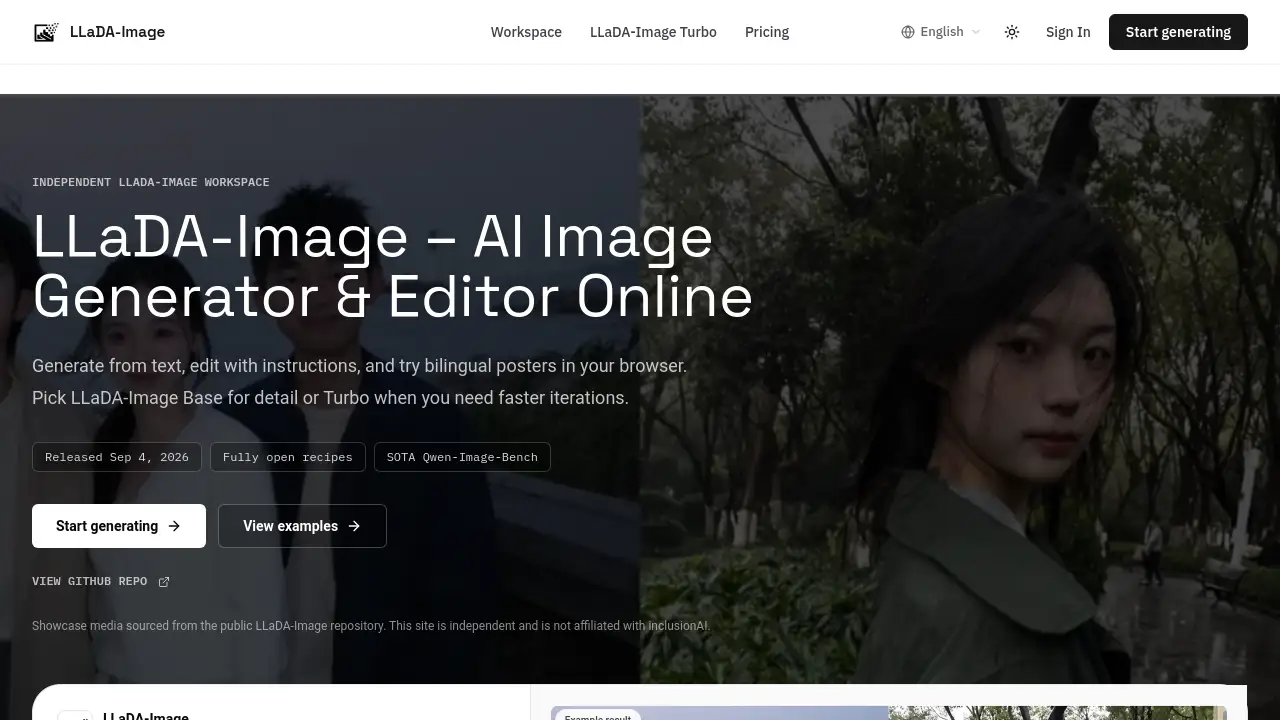
LLaDA-Image is a browser-based online image workspace for testing LLaDA-Image. It generates images from text, applies instruction-guided edits, and builds Chinese-English bilingual posters. One model handles generation and editing, while LLaDA-Image Turbo reduces the wait time to a few sampling steps. This makes LLaDA-Image useful for creators who want an open, unified diffusion model without local setup.
What is LLaDA Image?
LLaDA Image is an open-source 6B model family from inclusionAI, released with fully open recipes. The public Sep 2026 release notes mention two checkpoints: LLaDA-Image Base for high-detail output and LLaDA-Image Turbo for fast drafts. The project uses a unified diffusion stack, so the same LLaDA-Image checkpoint supports text-to-image and instruction-guided editing.
LLaDA Image is designed for users who need one workflow instead of several specialized models. The independent workspace at lladaimage.com mirrors the open Diffusers pipeline. It is not affiliated with inclusionAI, yet it offers the practical experience of LLaDA-Image: choose a prompt, pick a mode, use Base or Turbo, and review output in the browser. The online LLaDA-Image workspace also shares example images from the public repository.
Key Features of LLaDA Image
Unified Generation and Editing
LLaDA-Image is built as a unified diffusion stack, not as a separate editing backbone added later. One LLaDA-Image checkpoint covers text-to-image and reference-preserving, instruction-guided editing.
Text-to-Image
Text-to-image mode lets users generate images from a prompt alone. LLaDA-Image Base and Turbo support height and width values divisible by 16, which makes the output dimensions predictable for creative work.
VQ-Conditioned Mode
VQ-conditioned mode uses LLaDA2 image VQ tokens from the prompt before diffusion. This means LLaDA-Image can produce an image from token guidance without requiring an input image.
Instruction-Guided Image Editing
LLaDA-Image also handles image editing tasks. Users upload a reference image, describe the change, and keep the subject identity while updating the background, style, or content. Editing paths expect dimensions divisible by 32.
Chinese-English Poster Text
One useful LLaDA-Image feature is practical text rendering for bilingual poster layouts. The model can generate poster-style visuals with clear English headlines and Chinese subheads, which helps with international creative briefs.
LLaDA-Image Turbo for Faster Iterations
LLaDA-Image Turbo is a distilled path designed for faster generation and editing. This variant targets quick drafts in only a few sampling steps. It is a helpful choice when users want to explore multiple layouts before refining details.
Use Cases for LLaDA Image
Photoreal Product Still Lifes
LLaDA-Image can produce photoreal product scenes with soft light and clean materials. These still lifes work well for concept mockups, packaging visuals, or e-commerce design references.
Bilingual Poster Creation
Users can create bilingual poster options in one generation session. LLaDA-Image Turbo is especially suited for quick poster composition passes before typography is refined.
Subject-Preserving Image Edits
When a design team wants to change only a background, LLaDA-Image can keep the main subject intact. This is a strong use case for visual iteration without rebuilding the entire image.
Rapid Drafting and Layout Exploration
LLaDA-Image Turbo supports faster creative loops. Designers can test multiple versions of a brief, compare outputs, and then move to LLaDA-Image Base for more detailed final work.
How to Use LLaDA Image
- Open the LLaDA-Image workspace at lladaimage.com and go to the generator section.
- Enter a text prompt or upload a reference image for image editing.
- Select the generation mode, such as text-to-image, VQ-conditioned, or image editing.
- Choose LLaDA-Image Base for detailed output or LLaDA-Image Turbo for faster drafts.
- Generate the image, review the result, and repeat the prompt or edit instruction to iterate.
The online LLaDA-Image workspace is designed to feel similar to the open Diffusers pipeline. Users do not need to install weights or set up a local environment before testing the model.
Target Audience for LLaDA Image
- Graphic and product designers who want fast visual drafts
- Marketing teams creating bilingual poster content
- Content creators exploring AI image generation
- AI researchers and developers who compare open-source image models
- Product teams testing unified generation and editing workflows
- Anyone curious about LLaDA-Image without local installation
Is LLaDA Image Free?
LLaDA Image does not appear to follow a traditional free or subscription pricing page. The independent workspace at lladaimage.com uses published credit rates, with examples around 10 credits per generated image and around 58+ credits for more complex editing tasks.
Because lladaimage.com is an independent workspace, users should visit the site directly for current credit costs. Official weights and code remain available on GitHub, Hugging Face, and ModelScope through the primary open-source channels.
LLaDA Image's Pros and Cons
| Aspect | Pros | Cons |
|---|---|---|
| Unified workflow | One model handles generation and editing | Independently hosted workspace, not official |
| Turbo speed | LLaDA-Image Turbo supports fast drafts | Detail-rich projects may still need Base |
| Bilingual text | Useful for Chinese-English poster layouts | Performance outside these languages is not confirmed |
| Browser access | No local setup required | Users depend on a third-party website |
| Open-source background | Public weights and recipes available | Additional verification should come from official sources |
Frequently Asked Questions about LLaDA Image
What is LLaDA-Image?
LLaDA-Image is a 6B open-source image generation and editing model family from inclusionAI. It supports text-to-image, VQ-conditioned generation, reference-preserving image editing, and Chinese-English bilingual text rendering.
Is lladaimage.com the official LLaDA-Image site?
No. The website lladaimage.com describes itself as an independent LLaDA-Image workspace. Official code, weights, and research materials live on GitHub, Hugging Face, and ModelScope.
What is LLaDA-Image Turbo?
LLaDA-Image Turbo is a distilled version of the model designed for faster generation and editing in a few sampling steps. It is useful when users need quick iterations before moving to LLaDA-Image Base.
Can LLaDA Image edit images as well as generate them?
Yes. Users can upload a reference image and describe the change. The unified LLaDA-Image checkpoint handles instruction-guided editing without relying on a separate editing backbone.
What generation modes does LLaDA Image support?
LLaDA Image supports text-to-image, VQ-conditioned generation, and image editing. Text-to-image and VQ modes do not require an input image, while image editing requires a reference image and an instruction.
Where do the showcase images on the workspace come from?
Showcase images are sourced from the public LLaDA-Image repository assets. Live generations in the browser workspace use the site’s hosted LLaDA-Image pipeline.
LLaDA Image Tags
LLaDA-Image, LLaDA Image online, LLaDA-Image Turbo, LLaDA-Image text-to-image, LLaDA-Image image editing, LLaDA-Image bilingual poster, open-source image generation, instruction-guided editing, LLaDA-Image workspace, generate images online, VQ image generation, AI poster maker