Introduction
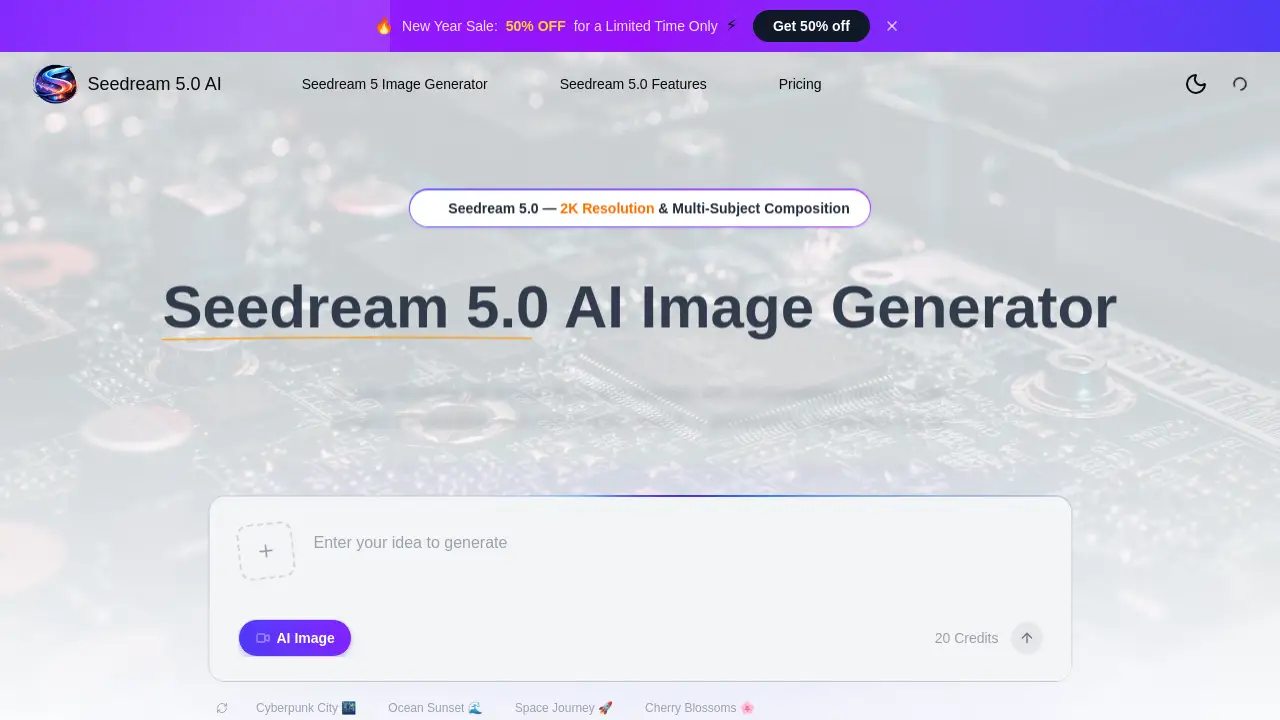
Seedream 5.0 AI is an advanced AI image generator for creating stunning 2K visuals from text. This powerful tool is designed to deliver photorealistic detail and handle complex, multi-subject compositions with ease, making it a standout option for creators seeking professional-grade results.
What is Seedream 5.0 AI?
Seedream 5.0 AI is a fifth-generation diffusion transformer model designed for high-fidelity image creation. It solves the challenge for creators, designers, and marketers who need rapid access to custom, high-quality visuals without extensive technical skills or expensive photoshoots. By interpreting text prompts with remarkable accuracy, it generates studio-quality images in seconds. The tool is suitable for hobbyists, professional creators, and business teams looking to produce everything from social media graphics and product mockups to concept art and editorial portraits. Its significance lies in its combination of speed, exceptional 2K resolution output, and sophisticated understanding of complex scene descriptions.
Key Features of Seedream 5.0 AI
Ultra-High-Fidelity 2K Resolution
Seedream 5.0 AI produces images at up to 2K resolution, capturing photography-level details like skin textures, fabric weaves, and realistic reflections for professional results.
Advanced Prompt Comprehension
The model excels at interpreting complex text prompts, accurately rendering spatial relationships, specific lighting conditions, and detailed style modifiers as described by the user.
Multi-Subject Composition
A key strength is its ability to compose coherent scenes with three or more distinct subjects, maintaining each one's individual attributes and natural interactions within the image.
Native Style Control
Users can effortlessly switch between diverse artistic styles such as photorealism, anime, cyberpunk, watercolor, oil painting, and 3D rendering using simple text prompts or reference images.
Fast Image Generation
Leveraging an optimized architecture, Seedream 5.0 AI delivers a complete 2K image in just 5 to 10 seconds, which is reported to be 40% faster than previous model iterations.
Image-to-Image Editing
Beyond text-to-image, the platform allows for powerful image editing. Users can upload a base image and apply natural language commands for style transfer, object removal, background replacement, and color grading.
Use Cases for Seedream 5.0 AI
Social Media Content Creation
Marketers and influencers can quickly generate scroll-stopping thumbnails, promotional graphics, and thematic visual content that aligns with current trends and brand aesthetics.
Concept Art and Illustration
Artists and game designers can rapidly prototype characters, environment art, and key visual concepts, exploring different styles and compositions before finalizing their work.
E-commerce and Product Photography
Online sellers can create photorealistic product images, lifestyle shots, and advertising materials without the need for costly photo studios or extensive stock photo libraries.
Marketing and Advertising Campaigns
Agencies and in-house teams can produce a high volume of campaign visuals, ad variants, and branded artwork that consistently matches strict style guidelines.
UI/UX and Design Prototyping
Designers can visualize user interface concepts, app screens, and website layouts with specific styles, accelerating the prototyping and presentation phases.
How to Use Seedream 5.0 AI
Using Seedream 5.0 AI is a straightforward three-step process designed for users of all skill levels.
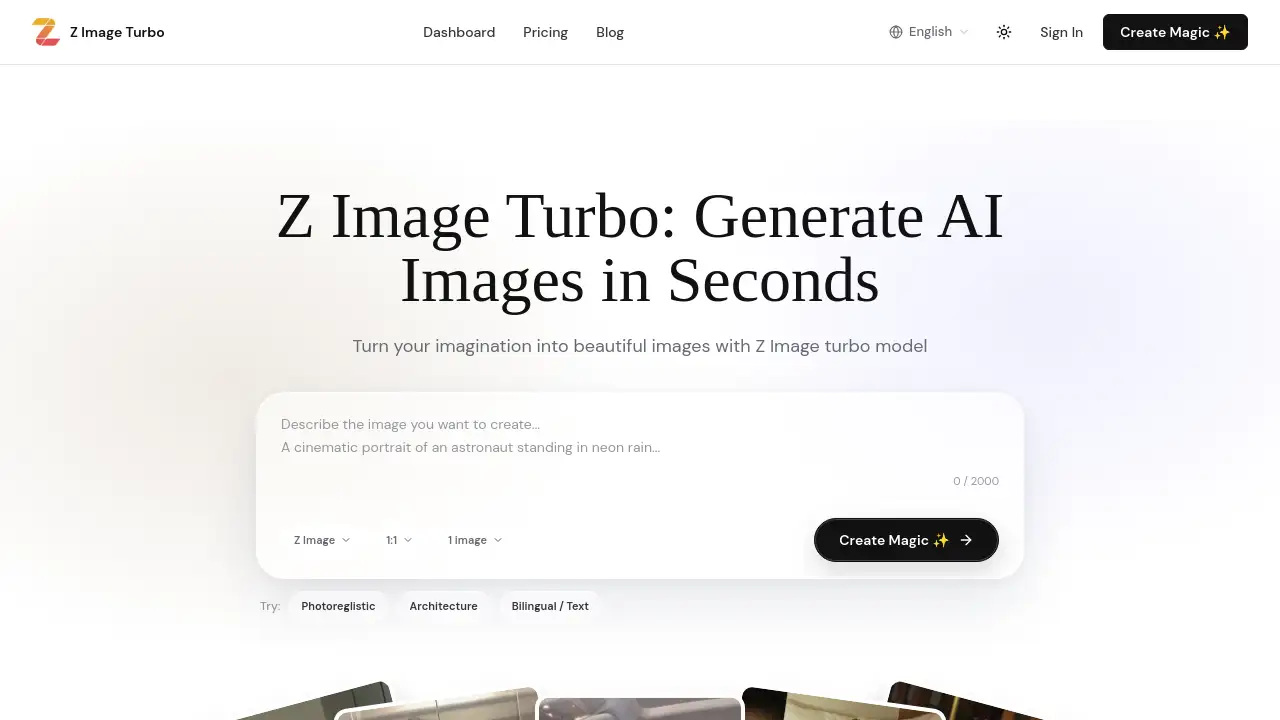
- Enter Your Prompt: Describe the desired image in the text box. Be as detailed as possible about subjects, style, lighting, camera angle, and mood. Seedream 5.0 AI's advanced comprehension will interpret your description.
- Configure Settings: Select your preferred output parameters, such as the image aspect ratio and format. You can also choose to start from a text prompt or upload an existing image for the image-to-image editing feature.
- Generate and Download: Click the generate button. Seedream 5.0 AI will process your request and present the 2K resolution image within seconds. You can then download it for immediate use on social media, in print, or for further editing.
Target Audience for Seedream 5.0 AI
- Digital Artists and Illustrators seeking to brainstorm and create detailed artwork.
- Social Media Managers and Content Creators needing a fast, reliable stream of original visuals.
- Marketing Professionals and Ad Agencies requiring brand-specific imagery for campaigns.
- E-commerce Entrepreneurs and Product Managers looking to create professional product photos.
- UI/UX Designers and Concept Artists prototyping visuals and exploring creative directions.
- Hobbyists and Casual Creators exploring AI art generation for personal projects.
Is Seedream 5.0 AI Free?
Seedream 5.0 AI operates on a credit-based subscription model. There is no permanently free tier mentioned, but a limited-time New Year sale offers 50% off plans. Users should visit the official pricing page for the most current offers and potential trial credits. The available subscription plans are:
| Plan | Monthly Price (After 50% Sale) | Annual Price | Key Features & Approximate Output |
|---|---|---|---|
| Starter | $9.9/month | $119.4/year | For hobbyists. ~400 images/month, includes a commercial license. |
| Plus (Most Popular) | $14.9/month | $178.8/year | For professionals. ~650 images/month, priority support. |
| Enterprise | $39.9/month | $479.4/year | For teams/power users. ~1,867 images/month, fastest generation speed. |
Seedream 5.0 AI's Pros and Cons
| Aspect | Pros | Cons |
|---|---|---|
| Output Quality | Exceptional 2K resolution with photorealistic detail. | Quality can vary with overly vague or conflicting prompts. |
| Features | Powerful multi-subject composition and style control. | Advanced image-to-image editing may require practice for precise results. |
| Speed & Efficiency | Very fast generation (5-10 secs), significantly speeding up workflow. | Operates on a credit system; high-volume users may exhaust credits quickly. |
| Ease of Use | Simple three-step process, accessible to beginners. | Mastering prompt engineering for complex scenes has a learning curve. |
| Pricing | Competitive pricing with a commercial license included at all tiers. | No mentioned free forever tier, which may deter some casual users. |
Frequently Asked Questions about Seedream 5.0 AI
What is the maximum resolution Seedream 5.0 AI can generate?
Seedream 5.0 AI generates images at up to 2K resolution, providing high detail suitable for both digital use and professional print materials.
Can I use images created with Seedream 5.0 AI commercially?
Yes, all paid subscription plans for Seedream 5.0 AI include a commercial use license, allowing you to use the generated images in client work, marketing, and products.
How does the multi-subject composition feature work?
The multi-subject composition capability allows Seedream 5.0 AI to understand and render scenes with multiple distinct elements (e.g., "a cat, a book, and a cup of coffee on a windowsill"), maintaining logical spatial relationships between them.
Does Seedream 5.0 AI only work from text prompts?
No, in addition to text-to-image generation, Seedream 5.0 AI offers an image-to-image editing feature. You can upload an existing photo and use text prompts to edit its style, modify elements, or change the background.
What styles can Seedream 5.0 AI generate?
The style control is versatile, supporting a wide range including photorealism, anime, cyberpunk, watercolor, oil painting, 3D render, and cinematic styles, all controllable via your text description.
How fast does Seedream 5.0 AI generate an image?
Seedream 5.0 AI is optimized for speed, typically delivering a final 2K resolution image within 5 to 10 seconds after you submit your prompt.
Seedream 5.0 AI Tags
AI image generator, Seedream 5.0 AI, text to image, 2K resolution, photorealistic AI, multi-subject composition, AI art generator, style control, image to image editing, fast AI generation, commercial AI art, AI for creators