Introduction
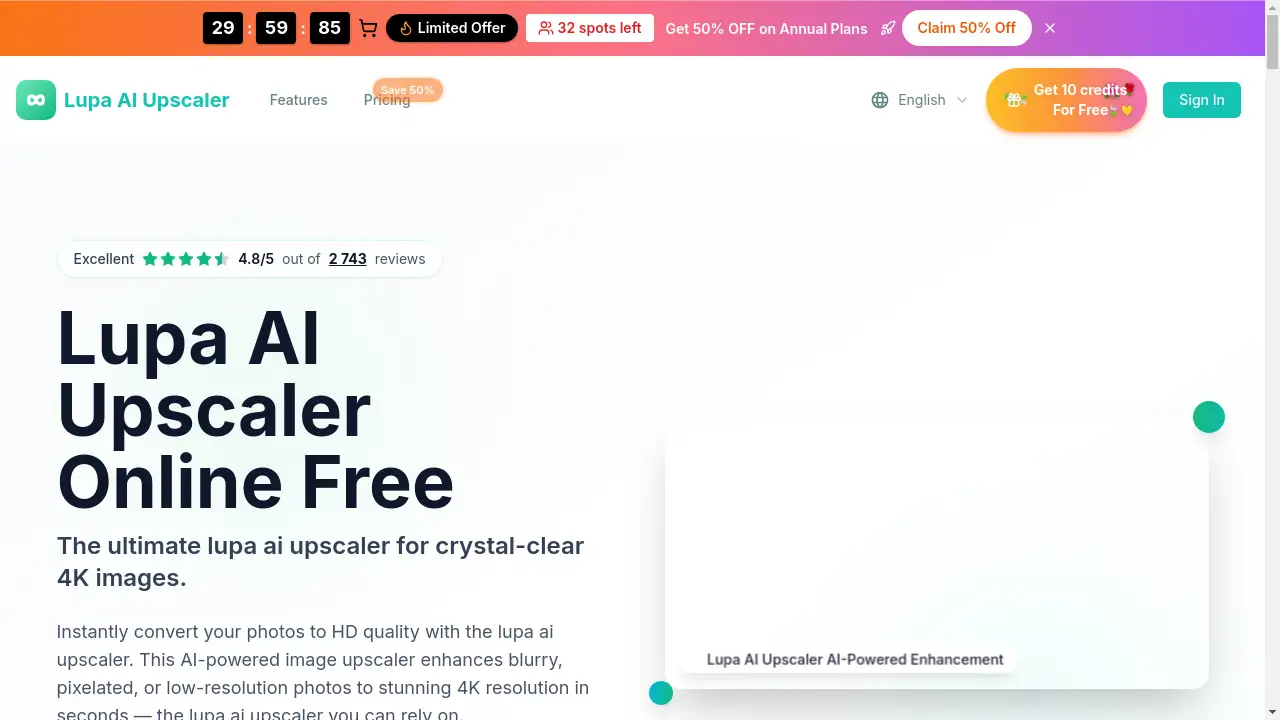
Instantly enhance blurry photos to stunning 4K quality with the Lupa AI Upscaler, an AI-powered online image upscaler.
What is Lupa AI?
Lupa AI is an online tool designed to enhance and upscale images using artificial intelligence. It addresses the common problem of dealing with blurry, pixelated, or low-resolution photos by transforming them into high-definition, high-resolution images in seconds. This AI image upscaler is suitable for a wide range of users, from individuals looking to restore old family photos to professionals needing crisp images for business or social media. The significance of Lupa AI lies in its ability to make professional-grade photo enhancement accessible and fast, requiring no technical skills.
Key Features of Lupa AI
AI-Powered Detail Enhancement
The AI analyzes image content to reconstruct lost information, producing clear, natural-looking results ideal for restoring old photos and enhancing portrait quality for print-ready output.
Professional 4K Upscaling
It transforms images into crisp, high-resolution output suitable for commercial use, product photography, and high-quality printing with exceptional detail preservation, offering up to a 4x resolution increase.
Instant HD Conversion
Users can convert photos to HD quality in seconds, benefiting from vibrant color enhancement, sharp details, and clean output optimized for sharing across various platforms.
Multiple Upscaling Options
The tool offers flexible upscaling factors (like 2x, 3x, 4x) to match different needs, ensuring consistent, high-quality output for various projects.
Wide Format Support
It seamlessly processes popular image formats including JPG, JPEG, PNG, and WEBP, with support for files up to 10MB, facilitating smooth workflows.
Lightning-Fast Processing
Optimized AI pipelines deliver high-quality, upscaled images in just seconds, allowing for quick enhancements without long waiting times.
Use Cases for Lupa AI
Restoring Old Photographs
Breathe new life into cherished but faded or damaged family photos by upscaling and enhancing them to modern HD standards with the Lupa AI upscaler.
Enhancing Social Media Content
Create eye-catching, high-resolution images for Instagram, Facebook, or other platforms to make your social media posts and profiles stand out with better clarity.
Improving Product Photography
E-commerce sellers and businesses can use the tool to upscale product shots, ensuring images are crisp and detailed, which can help improve customer perception and sales.
Preparing Images for Print
Photographers and designers can upscale images to 4K or higher resolutions, ensuring they are of sufficient quality for professional printing in magazines, portfolios, or large formats.
How to Use Lupa AI
Using the Lupa AI Upscaler is a straightforward, three-step process:
- Upload Your Image: Visit the Lupa AI website, drag and drop your image, or click to upload. The tool supports JPG, PNG, and WEBP formats up to 10MB.
- Select Options & Process: Choose your desired output resolution (e.g., 2K, 4K) and any additional enhancements like face refinement. Then, start the AI processing.
- Download Your Result: Within seconds, your enhanced, high-resolution image will be ready. Simply download it for immediate use.
Target Audience for Lupa AI
- Photographers and digital artists
- E-commerce business owners and marketers
- Social media managers and content creators
- Individuals looking to restore and preserve old personal photos
- Graphic designers and printing professionals
Is Lupa AI Free?
Lupa AI offers a free tier that provides users with initial credits to try the service. For regular use, it operates on a credit-based subscription model. The official website lists several paid plans, often featuring promotional discounts.
| Plan | Price (Billed Annually with 50% Off) | Key Features |
|---|---|---|
| Professional | $4.9/month | 200 HD conversions per month, portrait mode, Ultra Clean AI, priority support. |
| Business | $7.9/month | 500 HD conversions per month, includes batch processing API access, priority support. |
| Enterprise | $9.9/month | 3,000 HD conversions per month, advanced API access, dedicated support. |
Note: Pricing and plan details are subject to change. For the most current information, visit the official Lupa AI pricing page.
Lupa AI's Pros and Cons
| Aspect | Pros | Cons |
|---|---|---|
| Ease of Use | Very simple, three-step process with no technical skill required. | Advanced features like API access are reserved for higher-tier plans. |
| Speed & Performance | Extremely fast processing times (seconds per image). | Free tier has limited credits, requiring a subscription for heavy use. |
| Output Quality | High-quality 4K upscaling with effective detail and texture restoration. | Maximum input file size is 10MB, which may limit some professional workflows. |
| Accessibility | Available online with no software installation needed. | Requires an internet connection to use the web-based service. |
Frequently Asked Questions about Lupa AI
How does the Lupa AI Upscaler work?
The Lupa AI Upscaler uses advanced deep learning models to analyze a low-resolution image. It intelligently generates new pixels to increase the resolution while preserving and enhancing details, textures, and edges, resulting in a clearer, higher-quality image.
What image formats does the Lupa AI Upscaler support?
It supports common image formats including JPG, JPEG, PNG, WEBP, and BMP. The maximum file size for upload is 10MB.
How long does it take to upscale an image with Lupa AI?
Processing is typically very fast, often taking just a few seconds per photo to complete the AI-powered upscaling and enhancement.
Is Lupa AI Upscaler really free to use?
Yes, Lupa AI offers a free tier that provides a number of credits to new users, allowing them to test the service and perform several HD photo conversions at no cost.
Are my photos stored on your servers?
According to the website, user creations are kept private and are only visible to the user. For specific details on data retention and privacy, it is recommended to review the platform's Privacy Policy.
What is the difference between the Professional and Business plans?
The main differences are in volume and features. The Business plan offers more monthly credits (500 vs. 200) and includes additional capabilities like batch processing API access, making it more suitable for teams and commercial use.
Lupa AI Tags
Lupa AI, Lupa AI Upscaler, AI image upscaler, photo enhancer, 4K upscaler, HD photo converter, restore old photos, AI photo editing, online image upscaling, enhance blurry photos, professional photo upscaler, free image upscaler