Introduction
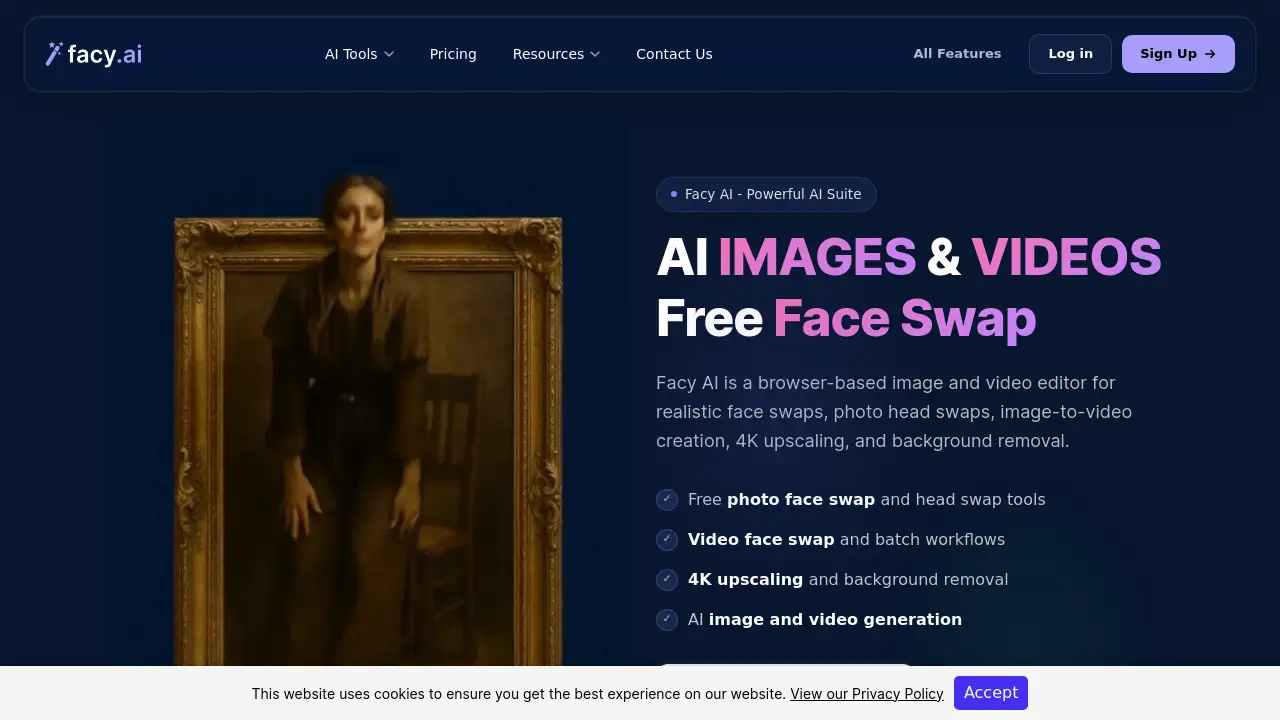
Facy AI Face Swap is an online AI tool that lets people replace faces in photos, videos, GIFs, and full head shots. It is built by Facy AI, available at facy.ai, and works through a normal web browser. A free face swap mode for photos makes it easy for any user to see the AI quality without spending money or signing up.
What is Facy AI Face Swap?
Facy AI Face Swap is the face-focused part of a larger Facy AI media suite. It provides photo face swap, video face swap, batch face swap, multiple face swap, GIF face swap, and photo head swap features.
The product solves a common problem for creators: making realistic face changes used to require desktop software and manual editing skills. Facy AI Face Swap changes that workflow to a simple browser process. A person uploads a source picture and a target photo or clip, waits a few seconds, and downloads the result. Most face changes are processed quickly, and several image tools are marked as free on the official site.
The audience for this tool is broad. Casual users may want funny photos, while marketing teams and creators need video face swap for short content. Because the same platform includes Facy AI tools for upscaling, background removal, AI image generation, image-to-video, and text-to-video, users can do more than face changes in one place.
Key Features of Facy AI Face Swap
The feature list covers still images, animated images, and full-length video.
Photo Face Swap
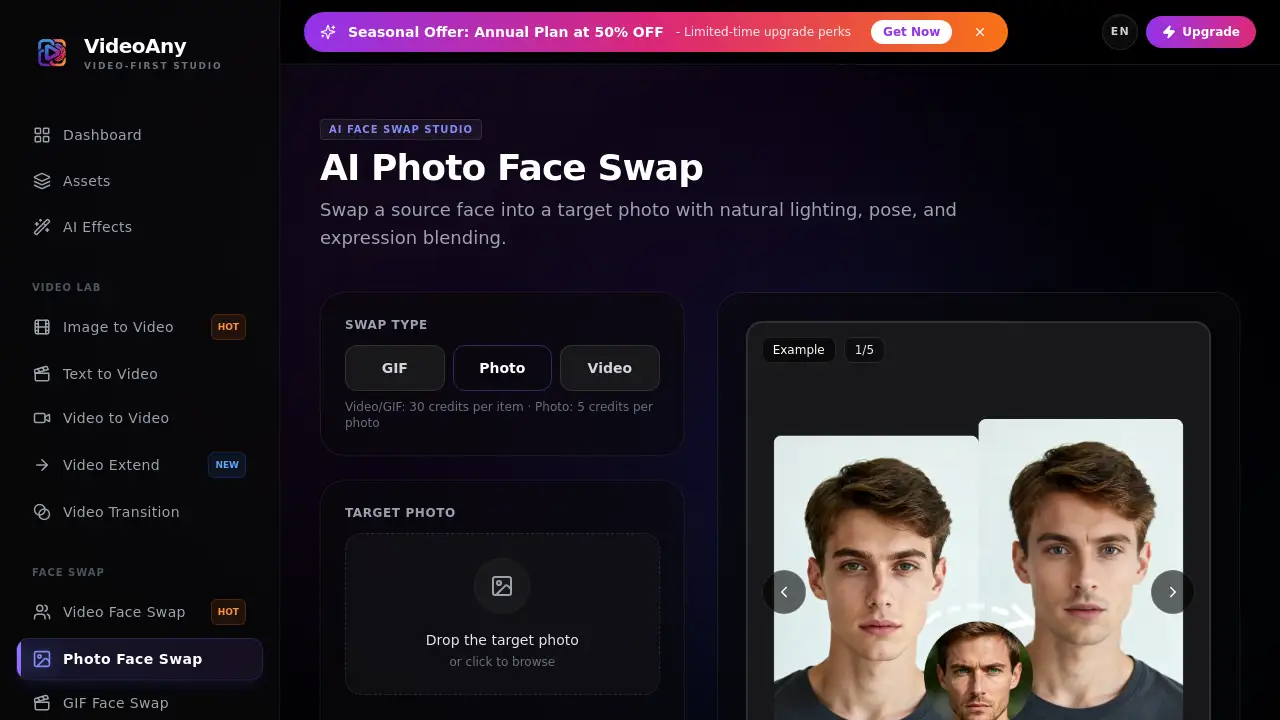
Facy AI provides a free photo face swap that works without an account. Users upload a face image and a target photo, then view a realistic result.
Video Face Swap
This video face swap function can handle footage up to 60 minutes per file on paid plans, with AI-assisted tracking and blending for moving faces.
Batch Face Swap
People with large photo sets can use batch face swap to process several images in a single workflow.
Multiple Face Swap
The multiple face swap option supports group images and can swap several distinct faces in one picture.
GIF Face Swap
Users can apply a face swap in an animated GIF, which is useful for memes and chat stickers.
Photo Head Swap
This newer head swap feature replaces the full head area rather than only the mid-face, giving creators more control for character or look changes.
Other Facy AI Tools
The suite also contains an AI image generator, image-to-video, text-to-video, an image upscaler, background remover, and an image-to-image editor, all in the same platform.
Use Cases for Facy AI Face Swap
Social Media Content
Creators can turn selfies into character photos, reaction images, or parodies with photo face swap and post them immediately. The absence of signup for the photo tool keeps the workflow short.
Video Experiments
Video face swap can place a person into an existing clip or help a small production test a visual idea before the main shoot. It is useful for short films, online videos, and personal projects.
Consistent Visual Assets
Small businesses can use Facy AI Face Swap with licensed or owned material to create variations of human visuals, then finish images with the upscaler and background remover in the same account.
How to Use Facy AI Face Swap
The steps are simple for all tools:
- Browse to facy.ai and select the task, such as photo face swap or video face swap.
- Upload the source face or head image first, then upload the target photo, video, or GIF.
- Wait for the AI to process and blend the result.
- Preview the output and download it in the available format.
Some tools require an account, while the free photo face swap can be tested without registration.
Target Audience for Facy AI Face Swap
- Social media users who want quick humorous edits
- Content creators and YouTubers looking for fast video effects
- Marketers who need custom images and video clips for campaigns
- Photographers handling portraits and group photos
- Casual users who are curious about trying a face swap tool online
Is Facy AI Face Swap Free?
Yes. The official site includes a no-cost Free plan and a free photo face swap that does not require signup. New accounts also receive credits so users can try more advanced tools.
The pricing page shows one-month access for paid plans:
| Plan | Price | Main Highlights |
|---|---|---|
| Free | $0 | Unlimited image processing; medium output quality; slower processing times |
| Basic | $19.99 (listed alongside $47.99 original price) | Excellent 4K UHD quality; batch image processing; faster processing; no captcha; early access to new features; 20 videos per month, up to 2 minutes per video |
| Plus | $89 | Same image benefits; 25 videos per month; video length up to 20 minutes |
| Pro | $399 | Same image benefits; 30 videos per month; video length up to 60 minutes |
The Basic, Plus, and Pro options all include unlimited image processing, batch image processing, fast processing times, no captcha, and early access to new features.
Facy AI Face Swap's Pros and Cons
| Aspect | Pros | Cons |
|---|---|---|
| Pricing | Free entry point and free photo face swap | Paid video plans are expensive for casual users |
| Feature Range | Face swap, head swap, upscaling, background removal, and AI generation in one place | Advanced video and batch features require a paid plan |
| Ease of Use | Browser-based interface; no software installation | Account needed for credits and some workflows |
| Privacy | Uploaded materials are removed from servers within 2 days | Registration is required to track credits |
| Output Quality | Supports high resolution and detailed results | Clear, well-lit source images produce better outcomes |
Frequently Asked Questions about Facy AI Face Swap
Is Facy AI Face Swap free?
Yes. Several image tools can be used free, and there is a no-cost plan with unlimited image processing at medium quality. The free photo face swap tool works without signup, so new users can test quality before choosing a paid option.
Can I use Facy AI Face Swap for videos?
Yes. The video face swap feature supports clips with AI-assisted tracking and blending. Video length depends on the plan, with the Pro plan supporting clips up to 60 minutes.
Which image formats are supported?
Facy AI supports common image formats such as JPG/JPEG, PNG, and WEBP. Clear, well-lit source images generally produce better face swap results.
Is it allowed to swap the faces of celebrities?
No. Facy AI uses an automated “Celebrity Detector” that rejects materials containing the faces of celebrities or public figures. Users should also avoid creating deceptive or harmful content.
What happens to uploaded files?
According to the privacy policy, uploaded materials are automatically removed from Facy servers within 2 days. This reduces the risk of stored personal images being kept longer than needed.
Can I use the results for commercial projects?
Facy AI can support personal and commercial creative projects when users own the source material or have permission to use it. Specific limits may come from the selected plan, local law, third-party rights, and the Terms of Service.
Facy AI Face Swap Tags
Facy AI Face Swap, Facy AI, free face swap, photo face swap, video face swap, batch face swap, multiple face swap, GIF face swap, head swap AI, online face swap tool, AI photo editor, AI face swap