Introduction
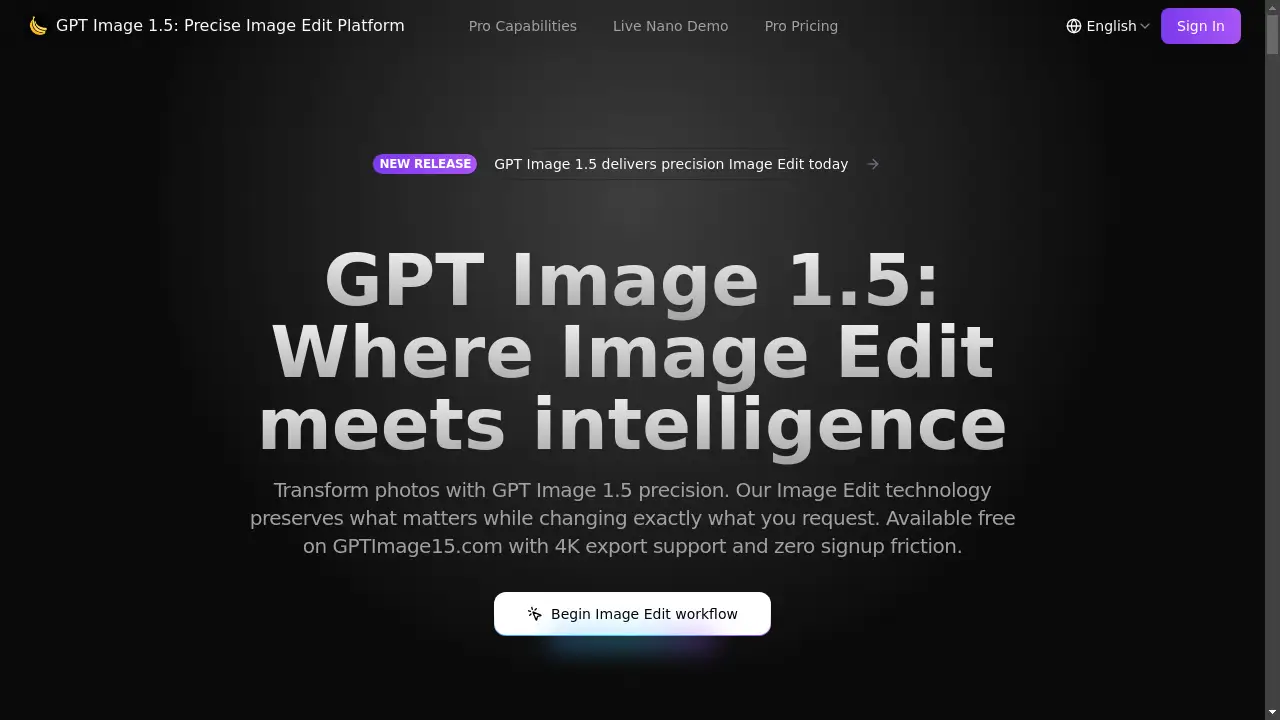
GPT Image 1.5 is an advanced AI-powered image editing platform that delivers precise, intelligent transformations while preserving the core elements of your photos.
What is GPT Image 1.5?
GPT Image 1.5 is a sophisticated online tool designed for image edit tasks using artificial intelligence. It solves the common problem of making specific, detailed changes to a photo—like altering clothing, swapping backgrounds, or adding text—without losing the original subject's identity or the image's atmosphere. This product is suitable for a wide range of users, from creative professionals needing rapid prototyping to marketers, content creators, and hobbyists who want high-quality edits without complex software. It matters because it democratizes advanced photo manipulation, making powerful image edit capabilities accessible for free through a simple, no-signup web interface at GPTImage15.com.
Key Features of GPT Image 1.5
Precise Image Edit Control
The platform's core engine allows users to request specific modifications, which are executed while meticulously preserving facial features, original lighting, and overall composition integrity.
Advanced Text Rendering
GPT Image 1.5 excels at generating crisp, legible text within images, handling complex layouts on curved surfaces and supporting multiple languages for professional graphic design work.
Creative Transformation Suite
Users can apply dramatic style shifts, converting everyday photos into artistic interpretations like movie posters or magazine covers while keeping key elements recognizable.
Multi-Frame Consistency
The AI remembers characters, props, and environments across a series of images, ensuring visual consistency when generating multiple related outputs for projects like storyboards or product series.
Intelligent Addition and Removal
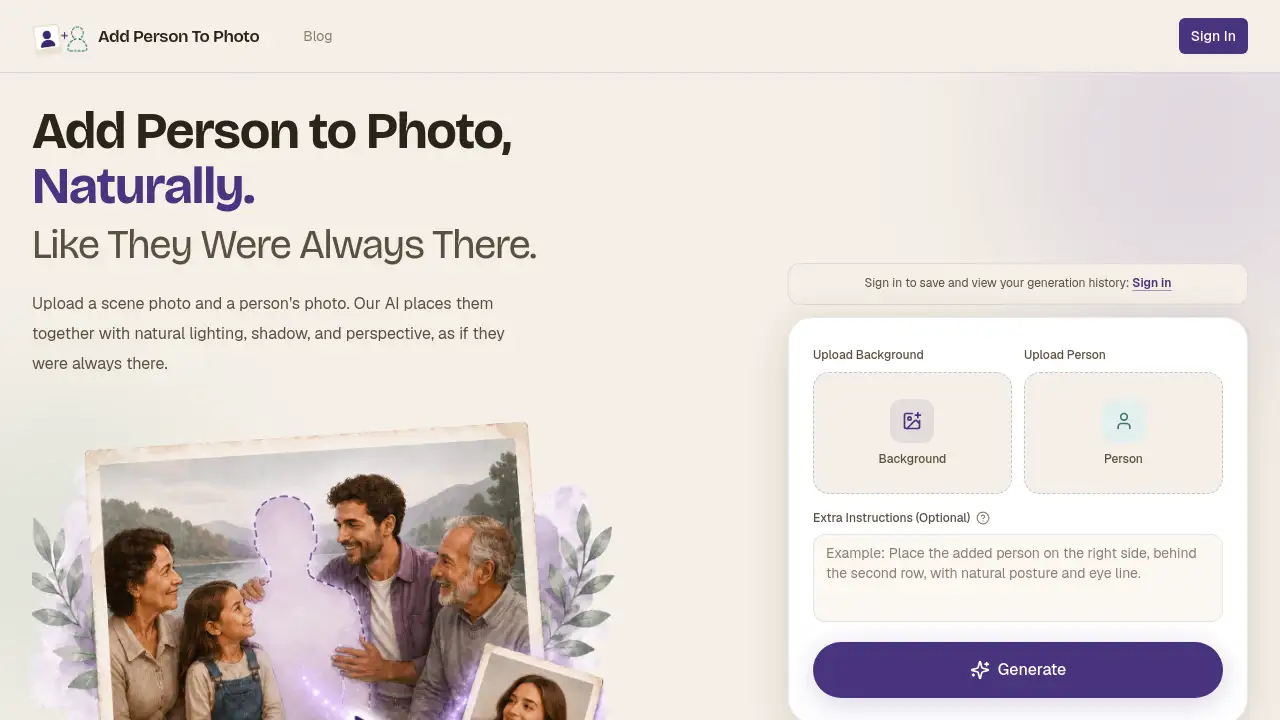
The tool seamlessly inserts new objects with correct lighting and perspective or removes unwanted elements, intelligently reconstructing the background for a clean, natural look.
Realistic Photo Editing
It applies practical modifications such as wardrobe changes or hairstyle trials that look authentic and believable, making it suitable for e-commerce, portfolios, and personal use.
Quality Enhancement Pipeline
Every output undergoes automatic validation checks to correct common AI errors like distorted anatomy or lighting inconsistencies before the final image is delivered.
Rapid Generation and 4K Export
Most edits are completed within seconds, and all results can be downloaded in high-resolution formats up to 4K, with support for transparency channels.
Use Cases for GPT Image 1.5
E-commerce Product Visualization
Online retailers can quickly generate multiple lifestyle images of a product by changing model outfits, backgrounds, or accessories to showcase items in various contexts.
Social Media Content Creation
Content creators and marketers can produce engaging, on-brand graphics by editing photos, adding stylized text, and applying consistent filters across a campaign's imagery.
Personal Photo Enhancement
Individuals can easily retouch personal photos, remove distracting objects from the background, or experiment with different looks for profile pictures or creative projects.
Professional Concept Art & Prototyping
Designers and artists can use the tool to rapidly iterate on visual concepts, test color schemes, layout compositions, and stylistic elements before finalizing their work.
How to Use GPT Image 1.5
Using GPT Image 1.5 for AI-powered image edit is a straightforward process:
- Visit GPTImage15.com and upload your source image directly to the platform.
- Write a detailed prompt describing exactly what you want to change, add, or remove. Being specific yields the best results.
- Configure settings like aspect ratio and resolution according to your needs.
- Generate the edit and review the output. The tool typically processes requests in under ten seconds.
- Download your final image in your preferred format (PNG, JPEG, WebP), with options to upscale to 4K resolution.
Target Audience for GPT Image 1.5
- Digital Marketers & Social Media Managers needing fast, high-quality visual content.
- E-commerce Store Owners & Product Photographers creating varied product shots.
- Graphic Designers & Concept Artists for rapid prototyping and idea visualization.
- Content Creators & Bloggers enhancing images for articles and social posts.
- Hobbyists & General Users looking for a powerful, free alternative to complex editing software.
Is GPT Image 1.5 Free?
Yes, GPT Image 1.5 offers a generous free plan accessible directly at GPTImage15.com with no signup required. This free tier provides full access to its core image edit capabilities, including 4K export support. For users with higher volume needs, the platform offers affordable premium subscription plans that provide additional credits and features, catering to both individual creators and enterprise teams.
Frequently Asked Questions about GPT Image 1.5
How do I get the best results with GPT Image 1.5?
For optimal image edit outcomes, provide clear, detailed prompts. Specify exactly what should change and, importantly, what should remain the same, including descriptions of lighting, style, and key elements to preserve.
Can GPT Image 1.5 edit videos?
Currently, GPT Image 1.5 is focused exclusively on still image editing. Its advanced image edit capabilities are designed for photos, concept art, product visualization, and static graphic design projects.
How does GPT Image 1.5 handle text in images so well?
The AI is specifically trained to understand typography and perspective. When you describe where text should go and what it should say, GPT Image 1.5 renders it with proper formatting, legibility, and respect for the image's lighting and geometry.
What makes GPT Image 1.5 different from other AI image editors?
Its standout feature is superior context and identity preservation. During image edit operations, it excels at maintaining the original subject's likeness and the scene's atmosphere while executing complex modifications, reducing the need for manual corrections.
Is there a limit to how many images I can edit for free?
The free plan on GPTImage15.com operates on a credit system. Users start with a set number of credits, which are consumed per edit. The specifics of the free credit allocation and refresh rate can be found on the website's pricing page.
Can I use GPT Image 1.5 for commercial projects?
Yes, the images generated through GPT Image 1.5 can typically be used for commercial purposes. However, it is always advisable to review the platform's current Terms of Service on GPTImage15.com for the most accurate and detailed usage rights information.
GPT Image 1.5 Tags
AI image editor, free photo editor, precise image edit, background replacement, AI text generator, 4K image upscale, online photo editing, creative AI tool, GPTImage15, image consistency AI, product photo editing, social media image tool