Introduction
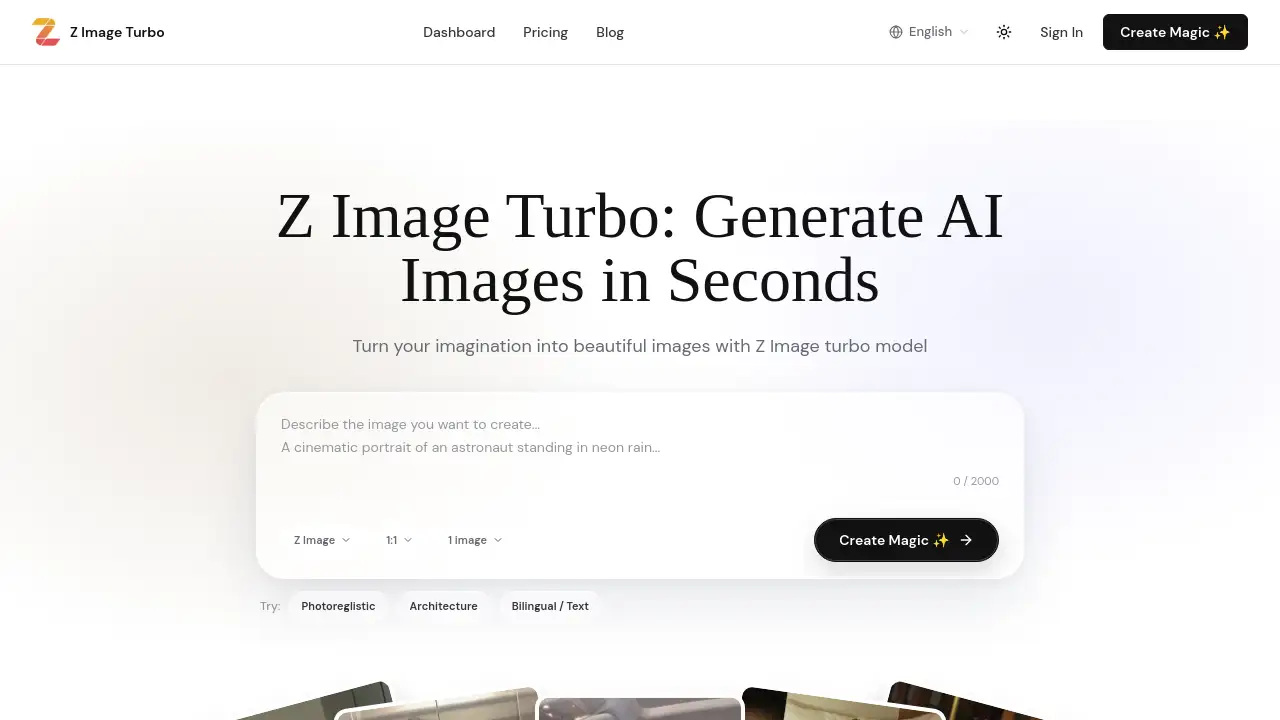
ZImageTurbo AI is a fast AI image generator that produces photorealistic images from simple text descriptions. Built around the Z Image Turbo model, it creates visuals in seconds online or through ComfyUI. ZImageTurbo AI understands English and Chinese prompts, making it easy for designers, marketers, and developers to test ideas without barriers. The platform balances speed, image quality, and flexible deployment for everyday creative work.
What is ZImageTurbo AI?
ZImageTurbo AI is a hosted workspace and open-model workflow built on the Z-Image-Turbo 6B S3-DiT text-to-image model. The model uses an 8-step distilled pipeline, which means fewer sampling steps are needed compared with standard diffusion models. On the hosted platform, most images finish in 2–4 seconds; self-hosting on a mid-range GPU usually stays under 10 seconds.
This AI image generator solves a common problem: slow generation blocks creative momentum. Instead of waiting for a complicated setup or a long render, users can test many ideas quickly. This makes ZImageTurbo AI suitable for design teams, game developers, content creators, and developers who want AI-generated visuals with speed and control.
Key Features of ZImageTurbo AI
The core features of this AI image generator focus on speed, quality, language support, and flexible deployment.
Lightning-Fast Generation
ZImageTurbo AI reduces image generation time with an 8-step sampler. Most scenes complete in seconds, making it a practical AI image generator for rapid visual exploration.
Photorealistic Quality
Powered by a 6B model, ZImageTurbo AI creates photorealistic images with detailed textures and natural lighting. Output can be exported at high resolution for professional-looking results.
Bilingual Prompt Support
ZImageTurbo AI accepts English and Chinese prompts natively. International teams can write in their preferred language without losing meaning or having to translate creative briefs.
Flexible Runtime
Run it in the browser, through the REST API, or inside ComfyUI. ZImageTurbo AI supports managed cloud use and offline self-hosting, so users can choose the workflow that fits their comfort level.
Team Tools and Open Weights
The workspace stores prompts and team folders, while the Apache-licensed Tongyi-MAI weights allow self-hosting. This means ZImageTurbo AI can fit into custom production pipelines and privacy-focused environments.
Use Cases for ZImageTurbo AI
Many teams can use this AI image generator for daily visual projects.
Concept Art Exploration
Digital artists can type a scene idea into ZImageTurbo AI and compare several visual directions in seconds. That speed helps creative teams move from rough prompts to clearer concepts.
Marketing Prototypes
Marketing teams can generate backgrounds and product-style scenes quickly. ZImageTurbo AI helps bilingual teams create consistent visuals for English- and Chinese-speaking audiences.
Personal Inspiration
Hobbyists can turn imaginative prompts into photorealistic images for mood boards, storytelling, or social media. ZImageTurbo AI makes high-quality image creation more accessible.
Local Private Workflows
Organizations with privacy needs can self-host the model and run ZImageTurbo AI inside ComfyUI. This keeps sensitive data local while still delivering fast image output.
How to Use ZImageTurbo AI
Using this AI image generator through the browser workspace is simple:
- Go to the ZImageTurbo AI workspace and choose the Z Image Turbo model.
- Enter an English or Chinese prompt with lighting, style, and subject details.
- Keep the recommended settings: CFG near 1.0, Shift between 3 and 6, and steps at 8–10.
- Preview the image, then refine the prompt if needed.
- Export the final result at high resolution or switch to the ComfyUI workflow.
ZImageTurbo AI also includes API documentation for developers who want to connect the engine to custom tools.
Target Audience for ZImageTurbo AI
The following groups benefit most from this AI image generator:
- Creative directors and digital artists
- UI/UX designers
- Game developers
- Marketing and social media teams
- Freelance visual creators
- Developers building image-based applications
- Bilingual content teams working in English and Chinese
Is ZImageTurbo AI Free?
ZImageTurbo AI starts with free credits, allowing users to test the workspace before choosing a paid plan. Paid plans follow a simple credit model:
| Plan | Price | Features |
|---|---|---|
| Basic | $29/month | 2,900 credits/month, about 1,450 generations, standard speed |
| Pro | $59/month | 5,900 credits/month, about 2,950 generations, priority processing |
| Max | $99/month | 9,900 credits/month, about 4,950 generations, team workspace tools |
Users who need more flexibility can visit the official pricing page for yearly, bonus, and pay-as-you-go options.
ZImageTurbo AI's Pros and Cons
| Aspect | Pros | Cons |
|---|---|---|
| Speed | Most hosted scenes finish in 2–4 seconds | Speed depends on server load or GPU |
| Quality | 6B model gives detailed photorealistic images | Prompt tuning may be needed for an exact style |
| Language | Native English and Chinese prompt support | Advanced multilingual output may need testing |
| Deployment | Browser, API, ComfyUI, and self-host options | Local setup requires some technical knowledge |
| Pricing | Free credits and flexible monthly plans | Paid subscription may be high for occasional users |
Frequently Asked Questions about ZImageTurbo AI
Is ZImageTurbo AI easy for beginners?
Yes. The hosted workspace lets beginners type an idea and see an image quickly. Advanced users can adjust settings, use the API, or run the model locally in ComfyUI.
What kind of images can ZImageTurbo AI create?
It handles portraits, landscapes, product visuals, architecture, fantasy worlds, and other photorealistic images. Clear prompts with lighting and subject details usually give the strongest results.
How fast is image generation with ZImageTurbo AI?
Hosted generation typically takes 2–4 seconds for most scenes. Self-hosted generation on a mid-range GPU generally stays under 10 seconds.
Does ZImageTurbo AI support Chinese?
Yes. The model supports English and Chinese prompts. This feature is useful for bilingual teams and creators who prefer to describe visual ideas in Chinese.
Can developers use ZImageTurbo AI locally?
Yes. The official Z Image Turbo weights are Apache-licensed, and the ComfyUI workflow available on the site allows local GPU use without depending on a hosted subscription.
Does ZImageTurbo AI require a paid plan?
No. The workflow starts with free credits, and paid plans add more credits for frequent use. Local use of the open model does not require a monthly fee.
ZImageTurbo AI Tags
ZImageTurbo AI, Z Image Turbo, AI image generator, photorealistic image generator, text-to-image AI, ComfyUI image model, Tongyi 6B image model, bilingual AI art, fast AI image generation, Chinese prompt image generator, open-source image model, 4K AI artwork