Introduction
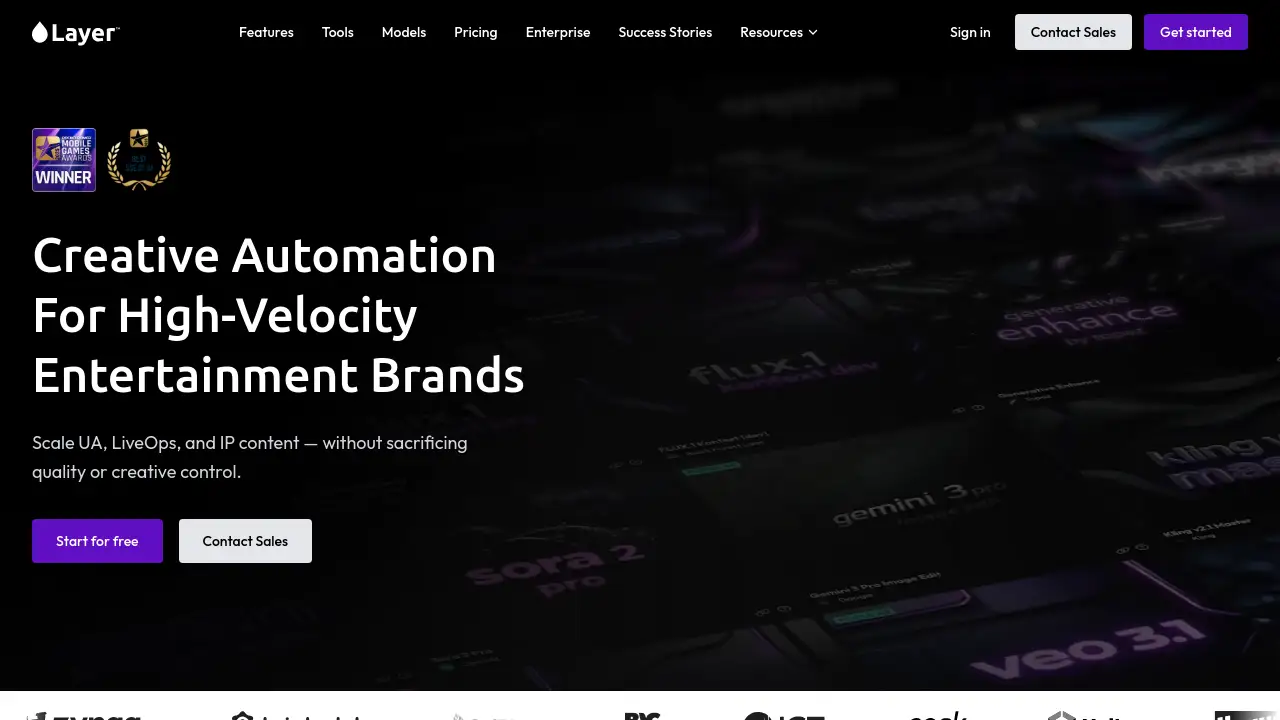
Layer is an AI platform designed to help game studios generate and automate creative content at scale.
What is Layer?
Layer is an AI-powered creative platform built specifically for the entertainment industry, particularly game studios. It addresses a critical challenge: the need to produce high volumes of consistent, on-brand visual and audio assets—such as images, videos, 3D models, and audio—without exponentially increasing team size or outsourcing. By integrating access to over 149 leading AI models into a single workspace, Layer enables creative teams to accelerate their entire production pipeline. This includes ideation, prototyping, bulk asset generation, and workflow automation for tasks like user acquisition (UA) campaigns and live operations (LiveOps). The platform emphasizes maintaining creative control and brand consistency while drastically reducing production time from weeks to days, making it a vital tool for studios aiming to scale their content output efficiently.
Key Features of Layer
Multi-Model AI Generation
Layer provides access to a curated selection of over 149 top AI models for generating images, video, 3D assets, and audio, allowing teams to choose the best tool for each creative task without managing multiple separate subscriptions.
Custom Style Training
Teams can train custom AI models on their unique brand assets and art styles, ensuring that all generated content remains consistent and on-brand, eliminating style drift across large-scale productions.
Workflow Automation
The platform features a node-based UI and agent-powered workflows to automate complex, multi-step creative pipelines, such as generating hundreds of UA ad variants or LiveOps assets, saving significant manual effort.
Enterprise Security & Compliance
Layer is built with enterprise-grade security, including SOC 2 Type II certification, SSO/SCIM integration, and role-based access controls, making it suitable for large, multi-studio entertainment brands with strict compliance needs.
Seamless Tool Integration
Designed to fit into existing workflows, Layer integrates with popular industry-standard software and game engines, allowing teams to augment their current tools with AI power without a disruptive learning curve.
Collaborative Workspace
The platform supports team collaboration with a shared workspace and a usage-based pricing model that uses pooled credits, enabling multiple team members to contribute without per-seat fees.
Use Cases for Layer
Scaling User Acquisition (UA) Campaigns
Game studios can use Layer to rapidly generate and test hundreds of localized ad creatives for multiple markets, increasing variant volume by 500-1000% to optimize user acquisition performance.
Accelerating LiveOps Content Production
Teams can automate the creation of event-specific assets, banners, and in-game content, enabling faster, multi-region LiveOps updates and increasing output by over 200%.
Rapid Concept Ideation & Prototyping
Creative producers and artists can explore 10-20 visual concepts in days instead of weeks, using AI to generate instant variations and storyboards for early validation and iteration.
Bulk Asset Generation for Production
Art departments can produce hundreds of consistent, production-ready 2D or 3D assets daily for game development, streamlining what was traditionally a manual and time-consuming process.
How to Use Layer
Getting started with Layer is a straightforward process designed for creative teams.
- Create a Free Account: Visit the Layer website and sign up for a free account to access the platform.
- Define Your Style (Optional): For consistent branding, upload examples of your art style to train a custom model within Layer.
- Generate or Edit Assets: Use the intuitive interface to generate new images, video, 3D, or audio assets from text prompts, or upload existing assets for AI-powered refinement and editing.
- Build Automated Workflows: For repetitive tasks, utilize the node-based workflow builder to create automated pipelines that handle multi-step generation and processing.
- Integrate and Export: Sync generated assets directly to your game engine or design tools, or export them for use in your marketing and production pipelines.
Target Audience for Layer
- Game Studios and Publishers: Especially those focused on live-service games requiring constant content updates for UA and LiveOps.
- Creative Producers and Art Directors: Professionals who need to manage high-volume creative output while maintaining strict brand guidelines.
- Marketing and Growth Teams: Teams responsible for producing and A/B testing vast quantities of advertising creatives across different regions.
- Entertainment IP Companies and Agencies: Organizations producing interactive media or serving global brands that need scalable, on-brand asset production.
Is Layer Free?
Layer offers a usage-based pricing model centered on "Creative Units" (CUs) rather than per-seat fees. Users can start with a free tier to explore the platform's capabilities. For detailed pricing plans tailored to different studio sizes and production volumes, it is recommended to consult the official Layer pricing page or contact their sales team directly.
Layer's Pros and Cons
| Aspect | Pros | Cons |
|---|---|---|
| Efficiency & Scale | Dramatically accelerates asset production; enables bulk generation and workflow automation. | The power is best realized by teams with high-volume needs; may be overkill for very small projects. |
| Brand Consistency | Excellent custom style training ensures on-brand outputs across large teams. | Requires an initial investment of time to train custom models effectively. |
| Tool Integration | Model-agnostic and integrates with existing industry tools, reducing workflow disruption. | Teams must still learn Layer's specific node-based interface for advanced automation. |
| Pricing Model | Usage-based (Creative Units) with no per-seat fees can be cost-effective for collaborative teams. | Costs can scale with high-volume usage, requiring careful budget management for some studios. |
| Security | Strong enterprise-grade features (SOC 2, SSO) suitable for large organizations. | The focus on enterprise may make the platform less accessible for very small indie developers. |
Frequently Asked Questions about Layer
What types of assets can I create with Layer?
Layer supports the creation and refinement of multiple asset types central to game development and marketing, including images, video clips, 3D models, and audio. These are commonly used for user acquisition ads, in-game content, brand assets, and other production needs.
Does Layer only use one AI model?
No, Layer provides access to a curated set of over 149 leading AI models for creative production. This model-agnostic approach allows teams to leverage the best model for each specific task without juggling multiple separate tools and subscriptions.
How does Layer help maintain a consistent art style?
Layer offers custom model and style training features. Teams can upload examples of their unique visual style, and the AI learns to generate new assets that match this style, ensuring consistency and brand compliance across all outputs, even at large scale.
Can I edit existing assets with Layer, or only generate new ones?
Yes, Layer includes robust editing and refinement capabilities. You can upload existing assets and use AI tools to iterate, polish, and alter them, not just generate new content from scratch. This functionality works for individual assets and can be applied to batches for scalable editing.
Is Layer suitable for large enterprise studios?
Yes, Layer is built with enterprise requirements in mind. It highlights features like SOC 2 Type II compliance, SSO/SCIM integration, role-based access controls, and fully exportable audit logs, making it a secure and governable platform for multi-studio, multi-project entertainment brands.
How does the pricing work?
Layer uses a consumption-based pricing model. Teams pay for what they create using "Creative Units" (CUs), which are consumed across different models and tools. There are no per-seat license fees, and the platform offers subscription plans that scale with a studio's production needs.
Layer Tags
AI platform for game studios, creative automation, generative AI, asset generation, workflow automation, game development tools, AI image generation, AI video generation, UA creative scaling, LiveOps automation, brand consistency, enterprise AI, model-agnostic platform, collaborative AI workspace