Introduction
Lyria 4 AI Music Generator creates studio-quality tracks in seconds.
What is lyria music?
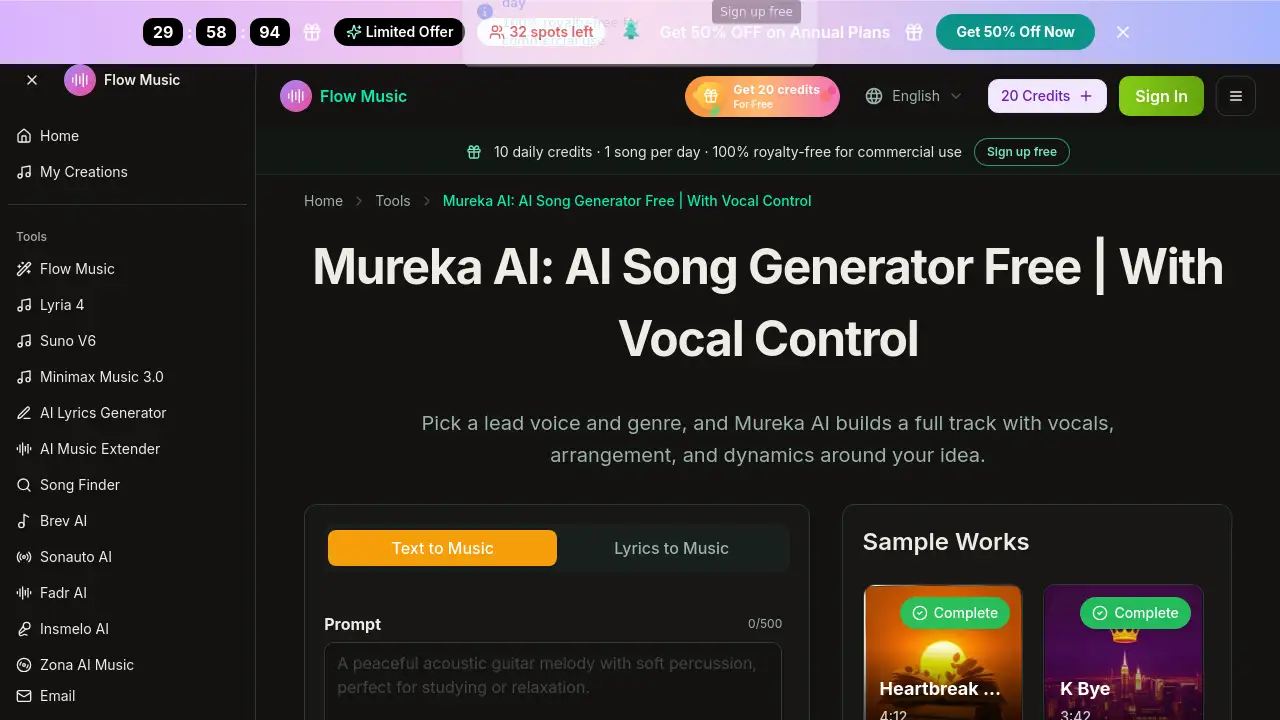
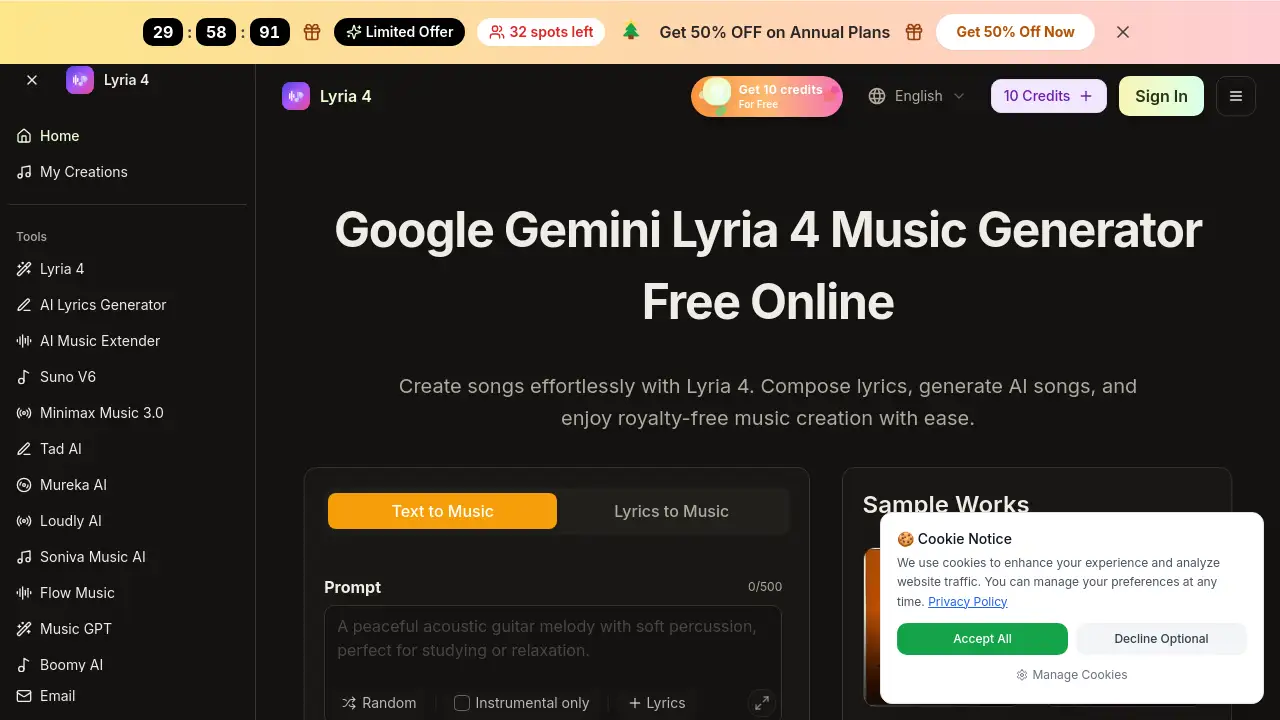
lyria music is an online platform powered by Lyria 4 AI Music Generator technology. It turns simple text prompts, lyrics, or moods into complete, royalty-free songs. The engine runs on Google Lyria 4 and Free Gemini Lyria 4, allowing anyone—from beginners to professionals—to produce music without a traditional DAW or musical training. The tool solves the problem of needing expensive equipment or deep production skills to create custom audio. It matters because it gives video editors, podcasters, marketers, and independent artists a fast, affordable way to get original music for their projects.
Key Features of lyria music
Text & Lyrics to Music
Type a vibe, a few words, or paste full lyrics. The Lyria 4 AI Music Generator reads the input and builds tempo, chord structure, and melody around it.
Extend & Cover Song
Upload a loop or an existing track, then ask the AI to extend, shorten, or rearrange it. Google Lyria 4 keeps harmony and groove consistent.
AI Lyrics Generator
Enter a theme or mood, and the Free Gemini Lyria 4 feature suggests complete lyrical lines that fit the style you want.
Multi‑Voice & Vocal Control
Adjust language, tone, and intensity so vocals sound like real performances. The Lyria 4 AI lets you audition different voices on the same track in minutes.
Export in MP3 & WAV
Download royalty-free tracks in standard audio formats. Google Lyria 4 exports are compatible with every DAW, video editor, and podcast tool.
Concurrent Generations
Paid plans allow multiple songs to be created at once, speeding up work for teams with tight deadlines.
Use Cases for lyria music
Short‑Form Social Video
Create hooks for Reels, Shorts, and TikTok. Free Gemini Lyria 4 credits let you test beats before posting.
Podcast Production
Draft intros, outros, and background beds without digging through stock libraries. Lyria 4 AI delivers dialogue‑friendly mixes.
Video Editing
Turn scene notes into custom cues and audition them directly against your timeline. Google Lyria 4 provides variations fast.
Music Prototyping
Independent artists can turn rough lyrics into full arrangements. Lyria 4 AI Music Generator helps test ideas before a studio session.
Brand Sound Design
Marketing teams build consistent campaign beds and stingers across regions. Lyria 4 AI keeps every asset recognizable.
How to Use lyria music
- Describe Your Idea – Open the Lyria 4 AI Music Generator in your browser, sign in, and type a short description, lyric, or mood. New users get starter credits with Free Gemini Lyria 4.
- Pick Style and Energy – Add lyrics or choose a sound direction. The Lyria 4 AI engine drafts groove, chords, and melody automatically.
- Generate and Download – Click generate, then download your track as MP3 or WAV. The Google Lyria 4 system handles all production behind the scenes.
No DAW or music theory is required.
Target Audience for lyria music
- Short‑form video creators
- Podcast hosts and show editors
- Video, film, and content editors
- Marketing and growth teams
- Independent artists, writers, and producers
- Brands, apps, and product owners
Is lyria music Free?
Yes, a free plan is available. Below is the pricing structure from the official site:
| Plan | Price | Key Features |
|---|---|---|
| Free | $0 | 10 credits/month, text & lyrics to music, extend music, shared queue, public generations, 7‑day cloud storage |
| Creator | $9.90/month | 800 credits, 160 songs/month, latest model, AI lyrics generator, extend & cover, private generations, MP3 download, 30‑day storage |
| Pro | $29.90/month | 3,000 credits, 600 songs/month, audio upload, add music tracks, 3 concurrent generations, 60‑day storage, MP3 download |
All plans use the same Google Lyria 4 engine. The free tier is limited but enough to evaluate the tool.
lyria music's Pros and Cons
| Aspect | Pros | Cons |
|---|---|---|
| Pricing | Free tier available; affordable pro plans | Free plan has low monthly credits (10) |
| Ease of Use | No musical training needed; three‑step workflow | Some advanced controls may feel limited for experienced producers |
| Features | Text/lyrics to music, extend, cover, multi‑voice | WAV download only on higher plans |
| Output Quality | Studio‑quality tracks powered by Google Lyria 4 | Occasionally repetitive on quick prompts |
| License | Royalty‑free for personal and commercial use | Commercial license requires Pro plan |
Frequently Asked Questions about lyria music
Is Lyria 4 really free to try?
Yes. The Free Gemini Lyria 4 plan gives 10 credits per month—enough to create several tracks. The same Google Lyria 4 quality runs on free and paid plans.
How does the Lyria 4 AI Music Generator turn prompts into songs?
You type a vibe or paste lyrics. Lyria 4 AI reads the input and builds tempo, structure, and style. Under the hood, Google Lyria 4 and Free Gemini Lyria 4 handle the musical composition.
Do I need musical training to use Lyria 4 AI?
No. The Lyria 4 AI Music Generator interprets simple descriptions like “upbeat” or “chill” and arranges everything. Most users never open a DAW.
Can I combine Lyria 4 AI with my existing tools?
Yes. Export tracks as MP3 or WAV and drop them into Premiere, DaVinci, any DAW, or podcast software. Google Lyria 4 outputs standard files with no lock‑in.
What audio formats can I download?
MP3 and WAV. Every track from the Lyria 4 AI Music Generator is cleared for personal and commercial use under the Pro plan.
How many songs can I create per month?
The Free plan allows about 10 generations (each can be multiple songs). The Creator plan gives up to 160 songs, and the Pro plan up to 600 songs per month.
lyria music Tags
Lyria 4 AI Music Generator, Google Lyria 4, Free Gemini Lyria 4, AI music generator, royalty-free music, text to music, lyrics to song, AI song generator, online music maker, AI vocals, music production tool, podcast music creator