Introduction
MAGI-2 is an AI video generator for creators.
What is MAGI-2?
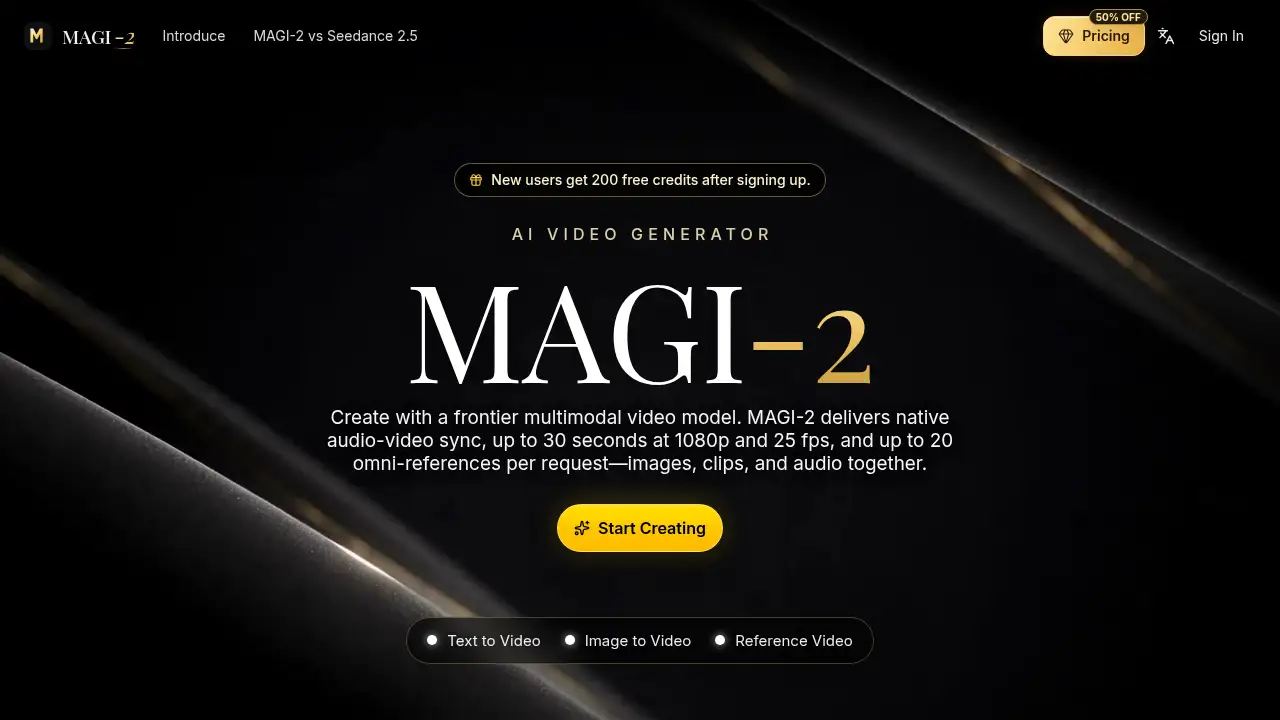
MAGI-2 is an AI video generator built for creators, teams, and studios that want faster video production with more direct creative control. It supports text-to-video, image-to-video, and omni-reference workflows in one environment. Users can combine prompts, images, video clips, and optional audio direction to create cinematic sequences without rebuilding the workflow for each format. The platform is designed to solve a common production problem: keeping characters, scenes, and motion consistent while iterating quickly. MAGI-2 matters because it brings native audio sync and up to 30-second 1080p output into a single AI video generation workflow. It is suitable for marketers, filmmakers, designers, and creative teams that need reliable visual direction across modern video projects.
Key Features of MAGI-2
All-in-One Reference System with @ Tags
MAGI-2 lets users define creative direction with @Image and @Video references. Tag characters, camera movement notes, or scene elements directly inside the workflow to support omni-reference control.
Text, Image, and Video Generation Modes
Create from a text prompt, animate a still image, or transform an existing clip. MAGI-2 supports text-to-video and image-to-video work without forcing users to restart the project when switching modes.
Native Audio Sync and Timing Control
Add optional audio-driven direction to keep motion, timing, and scene intent aligned. This native audio sync feature helps creators build sequences that feel more coordinated across generation passes.
Seamless Scene Extensions
Continue a scene while preserving characters, environments, and motion flow. MAGI-2 scene extensions help maintain pacing and cinematic direction when a project needs longer coverage.
Consistent Scenes and Character Identity
Generate one-take tracking shots or structured multi-shot sequences with stronger continuity. MAGI-2 is designed to preserve character identity and environmental details across scene cuts.
Up to 30-Second 1080p Output
Produce up to 30 seconds of 1080p video in a single workflow. This makes MAGI-2 useful for social clips, previsualization, product visuals, and short cinematic concepts.
Use Cases for MAGI-2
Social and Brand Campaigns
Create scroll-stopping campaign visuals and launch videos with consistent identity while scaling production. MAGI-2 helps brand teams iterate on short-form AI video content quickly.
Filmmaking and Previsualization
Previsualize scenes, test camera movement, and build multi-shot sequences before final production. Filmmakers can use MAGI-2 to explore text-to-video and image-to-video ideas with stronger continuity.
Product Storytelling
Turn product narratives into premium visual experiences aligned with positioning and proof. MAGI-2 supports polished product videos with cinematic control and repeatable creative direction.
Design and Visual Storytelling
Turn reference images into stylized motion concepts and explore new visual looks. Designers can use MAGI-2 omni-reference workflows to push ideas toward production-ready directions.
How to Use MAGI-2
- Open MAGI-2 through the official site and access the creative workflow.
- Choose a generation mode: text-to-video, image-to-video, or video transformation.
- Add references with @Image or @Video tags to guide characters, camera movement, or scene details.
- Write a prompt and, if needed, add audio direction to support native audio sync.
- Generate the clip, review the result, and extend scenes or refine references for consistency.
MAGI-2 is designed for fast iteration, so users can move between prompts, images, and clips without rebuilding the entire project. The workflow supports up to 30-second 1080p output for short cinematic sequences.
Target Audience for MAGI-2
- Brand teams and content marketers
- Filmmakers and video editors
- Designers and visual storytellers
- Creative studios and production teams
- Marketing and growth leaders who need faster video iteration
Is MAGI-2 Free?
The provided information does not list specific MAGI-2 pricing details or confirm a permanent free plan. Access and plan costs are available through the official pricing page at magi2.com/pricing. Users should check that page for current free trial availability, paid plan options, and feature limits. Because pricing can change, the official MAGI-2 pricing page is the best place to confirm costs before starting a project.
MAGI-2's Pros and Cons
| Aspect | Pros | Cons |
|---|---|---|
| Features | Supports text-to-video, image-to-video, and omni-reference workflows | Advanced reference controls may require practice |
| Output | Up to 30-second 1080p video with native audio sync | Output length is limited to short sequences |
| Workflow | Scene extensions and consistent characters help multi-shot projects | Users still need clear creative direction and prompts |
| Audience | Useful for brands, filmmakers, designers, and studios | Pricing details are not fully listed in the provided information |
Frequently Asked Questions about MAGI-2
What is MAGI-2?
MAGI-2 is an AI video generator that supports text-to-video, image-to-video, and omni-reference workflows. It is built for creators and teams that need cinematic control and faster iteration.
Does MAGI-2 support audio sync?
Yes. MAGI-2 includes native audio sync and optional audio-driven direction to help align motion, timing, and scene intent across generation passes.
Can MAGI-2 keep characters consistent across scenes?
Yes. MAGI-2 uses @Image and @Video references to help preserve character identity and environmental details. This supports consistent scenes and multi-shot sequences.
What resolution and length can MAGI-2 produce?
MAGI-2 can produce up to 30-second 1080p output. This makes it suitable for social clips, previsualization, product visuals, and short cinematic concepts.
Who should use MAGI-2?
MAGI-2 is suitable for brand teams, filmmakers, video editors, designers, and creative studios. It is also useful for marketing teams that need faster AI video generation without losing visual direction.
Is MAGI-2 free to use?
The provided information does not confirm a free plan. Users should visit the official MAGI-2 pricing page at magi2.com/pricing to check current trial options, plan costs, and feature limits.
MAGI-2 Tags
MAGI-2, AI video generator, text-to-video, image-to-video, omni-reference workflows, native audio sync, 1080p video output, scene extensions, consistent characters, AI video generation, cinematic video workflow, MAGI-2 review