Introduction
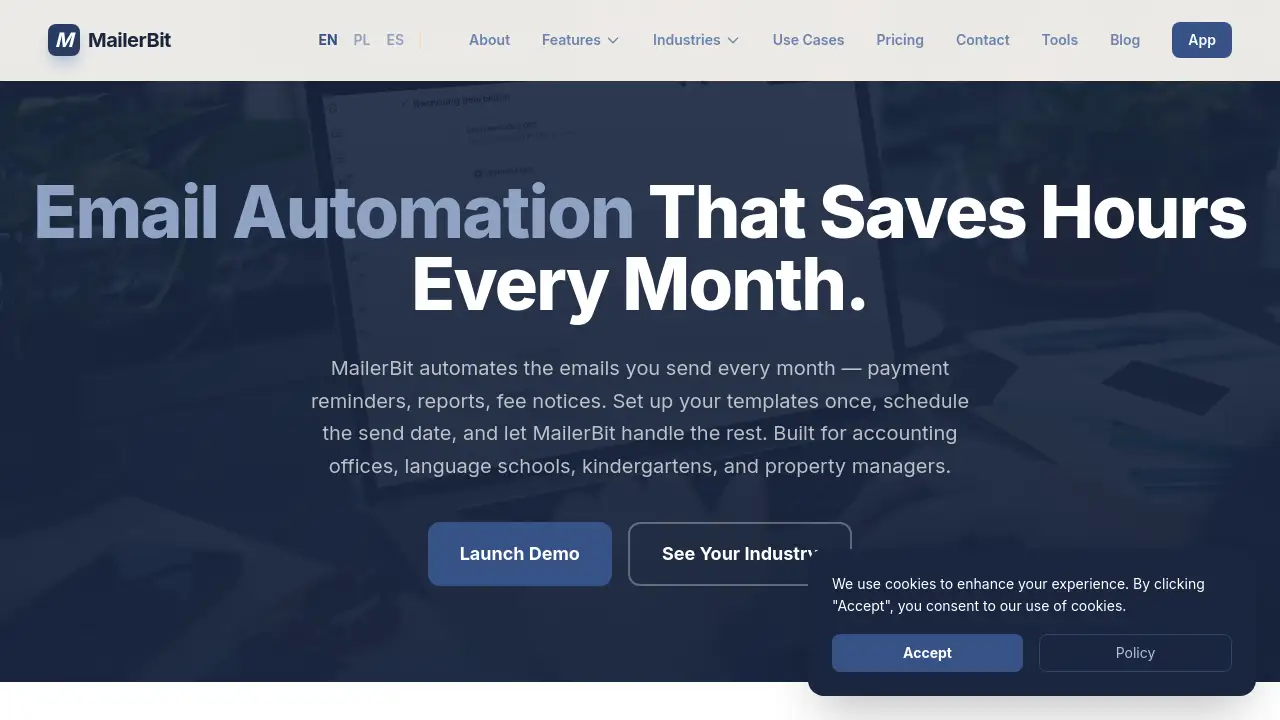
MailerBit is an email automation platform that saves time by sending recurring, personalized emails automatically.
What is MailerBit?
MailerBit is a specialized email automation platform designed for businesses that rely on sending scheduled, repetitive communications. It solves the problem of manual, time-consuming email tasks such as sending monthly payment reminders, reports, and fee notices. The platform is built for specific industries like accounting offices, language schools, kindergartens, and property managers. By setting up templates and schedules once, MailerBit automates the entire process, ensuring timely delivery and personalized content for each recipient using custom data fields. This automation is crucial for maintaining consistent client communication without the risk of human error or forgotten deadlines.
Key Features of MailerBit
Recurring Campaigns
This core feature allows users to schedule automated emails that send on a repeating basis—whether monthly, weekly, or on specific dates—eliminating the need to manually send the same messages each cycle.
Custom Fields
Users can define unlimited custom fields for each contact, enabling the personalization of emails with specific data like individual payment amounts, account numbers, or attendance records.
Template Editor
A visual template editor lets users design email layouts and easily insert dynamic merge tags and math expressions to pull in data from custom fields, creating professional and personalized communications.
Deliverability Tools
MailerBit includes domain warmup and verification features to help ensure high email deliverability rates, aiming for maximum inbox placement rather than the spam folder.
Use Cases for MailerBit
Accounting Offices
Accountants can use MailerBit automates to send out automated invoice reminders, monthly financial reports, and tax deadline notices to their entire client list.
Language Schools
Schools can automate communication for sending class schedules, progress reports, and tuition fee reminders to students and parents, saving administrative hours.
Kindergartens & Nurseries
These institutions can schedule automatic emails for sending weekly activity summaries, payment notices, and important announcements to parents.
Property Managers
Managers can set up recurring campaigns for rent reminders, maintenance updates, and lease renewal notices to all tenants on their portfolio.
How to Use MailerBit
- Import Your Contact List: Start by uploading your contact spreadsheet into the MailerBit platform.
- Create Email Templates: Use the visual editor to design your email and insert dynamic tags for personalization using your custom fields.
- Set Up a Campaign: Choose your template, select the recipient list, and schedule the send date and recurrence pattern (e.g., monthly on the 1st).
- Activate and Monitor: Launch the recurring campaign. MailerBit will handle the sending automatically, and you can track open rates and performance.
Target Audience for MailerBit
- Accounting Offices and Bookkeepers
- Language Schools and Educational Institutions
- Private Schools, Kindergartens, and Nurseries
- Property Management Companies and Landlords
- Any small to medium business that sends regular, data-driven client communications
Is MailerBit Free?
A live, interactive demo is available without requiring registration or a credit card. For detailed information on subscription plans and pricing, users should visit the official MailerBit pricing page.
MailerBit's Pros and Cons
| Aspect | Pros | Cons |
|---|---|---|
| Functionality | Highly |