Introduction
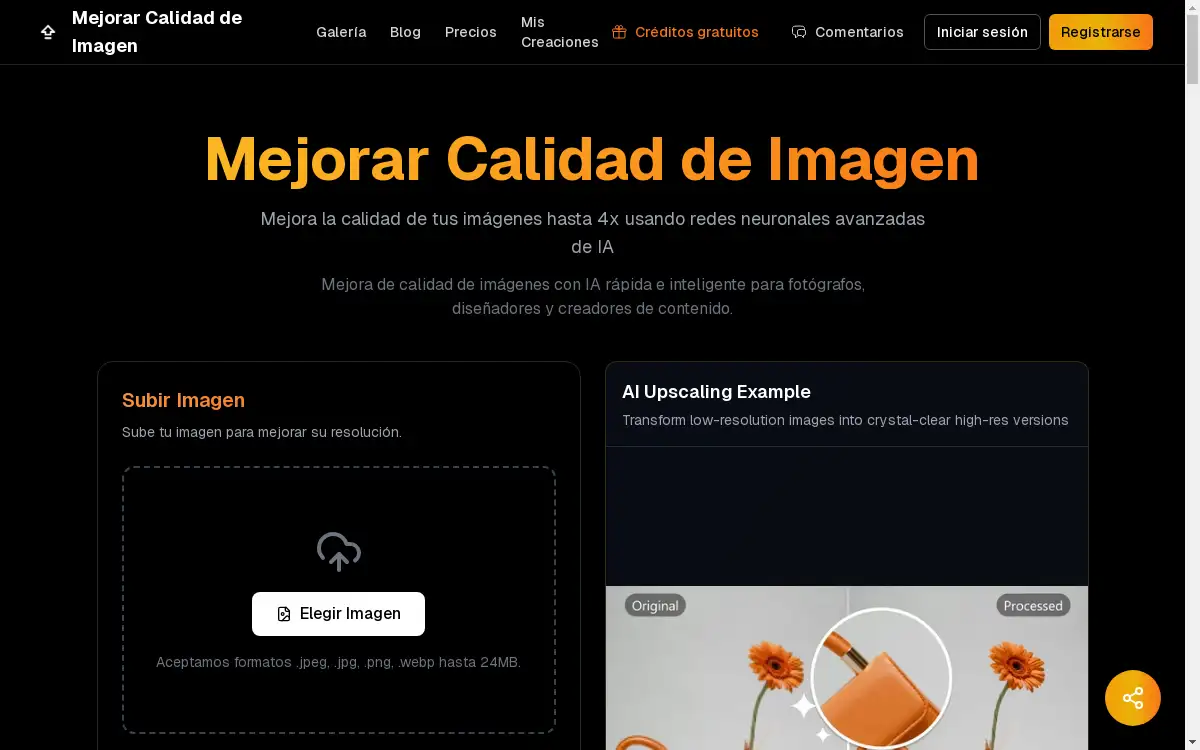
An AI-powered image upscaler that uses advanced neural networks to improve image quality and resolution.
What is mejorar calidad de imagen?
Mejorar calidad de imagen is an online tool designed to enhance the resolution and clarity of digital images. It addresses the common problem of low-quality, blurry, or pixelated images by utilizing advanced artificial intelligence. This tool is suitable for photographers, designers, e-commerce businesses, and content creators who need to improve the visual appeal of their pictures. The platform allows users to mejorar calidad de imagen by intelligently upscaling photos up to four times their original size. The process is fast and user-friendly, making high-quality image enhancement accessible to everyone without requiring technical expertise. The ability to mejorar la calidad de una imagen effectively is crucial for professional presentations, online sales, and digital content.
Key Features of mejorar calidad de imagen
Advanced Neural Networks
The platform uses sophisticated neural networks trained on millions of images to deliver superior upscaling results compared to traditional methods.
Fast Processing
Users can mejorar calidad de imagen quickly, with processing times typically between 10 to 30 seconds for most images.
Multiple Scale Options
The AI image upscaler provides flexible upscaling options, allowing images to be enlarged by 2x, 3x, or 4x their original resolution.
High File Size Support
It supports large image files up to 24MB, accommodating high-resolution originals in formats like JPEG, JPG, PNG, and WEBP.
Content-Aware Analysis
The tool intelligently analyzes each pixel and the overall image content to mejorar la calidad de una imagen by adding realistic details and reducing noise.
4K Ultra-HD Ready
The enhancement process prepares images for 4K displays, ensuring they look sharp and clear on modern high-resolution screens.
Quality Preservation
The original style and essence of the image are maintained throughout the upscaling process, preventing artificial or distorted results.
Use Cases for mejorar calidad de imagen
Professional Photography
Photographers can mejorar calidad de imagen for large-format prints or digital exhibitions, ensuring every detail is crisp and clear.
E-commerce and Marketing
Online stores can mejorar la calidad de una imagen of their products to showcase finer details, potentially increasing customer trust and sales conversions.
Design and Creativity
Graphic designers can use the tool to mejorar calidad de imagen con IA for creative projects, obtaining high-resolution assets from lower-quality sources.
Social Media Content
Influencers and content creators can mejorar calidad de imagen online to make their social media posts on platforms like Instagram and Facebook more impactful and professional.
Restoring Old Photos
Individuals can breathe new life into old, faded, or low-resolution family photos by using AI to enhance and preserve these memories.
How to Use mejorar calidad de imagen
Using this tool to mejorar calidad de imagen is a straightforward process.
- Upload: Start by selecting and uploading your image from your device. The platform accepts .jpeg, .jpg, .png, and .webp files up to 24MB.
- Select Scale: Choose your desired upscaling level from the available options: 2x, 3x, or 4x.
- AI Processing: Initiate the enhancement. The AI will analyze and process your image, which usually takes between 10 to 30 seconds.
- Download: Once processing is complete, download your high-resolution, improved image.
Target Audience for mejorar calidad de imagen
- Professional Photographers
- Graphic Designers and Digital Artists
- E-commerce Store Owners and Managers
- Social Media Influencers and Content Creators
- Marketing Professionals
- Individuals looking to restore old or personal photos
Is mejorar calidad de imagen Free?
The platform offers a generous free plan that allows users to mejorar calidad de imagen gratis. This free tier includes processing without adding a watermark, making it highly accessible for personal and testing purposes. For users with higher volume needs or requiring commercial usage rights, affordable premium options are available, which include rights for commercial use of the generated images.
Frequently Asked Questions about mejorar calidad de imagen
What image formats are supported?
The tool supports common image formats including .jpeg, .jpg, .png, and .webp. The maximum file size for upload is 24MB.
How long does it take to process an image?
Processing is typically very fast. The platform states that it takes between 10 to 30 seconds to mejorar calidad de imagen using its AI technology.
Is there a watermark on the enhanced images?
No, images processed through the platform, including on the free plan, are downloaded without any watermark.
Can I use the enhanced images for commercial purposes?
Commercial usage rights are granted for images generated through the paid plans. Images from the free plan are intended for personal use only.
What AI technology powers the image enhancement?
The service uses advanced neural networks and models, including Qwen2-VL and Flux, which operate under their respective open-source licenses and commercial agreements to provide the image generation and enhancement capabilities.
What is the maximum enlargement scale?
You can mejorar la calidad de una imagen by up to 4 times its original resolution, with 2x and 3x scaling options also available.
mejorar calidad de imagen Tags
mejorar calidad de imagen, mejorar calidad de imagen online, mejorar calidad de imagen gratis, mejorar la calidad de una imagen, mejorar calidad de imagen con IA, ampliador de imágenes IA, aumentar resolución foto, herramienta mejora imagen, upscaler IA, foto calidad HD, red neuronal imágenes, procesamiento imágenes IA