Introduction
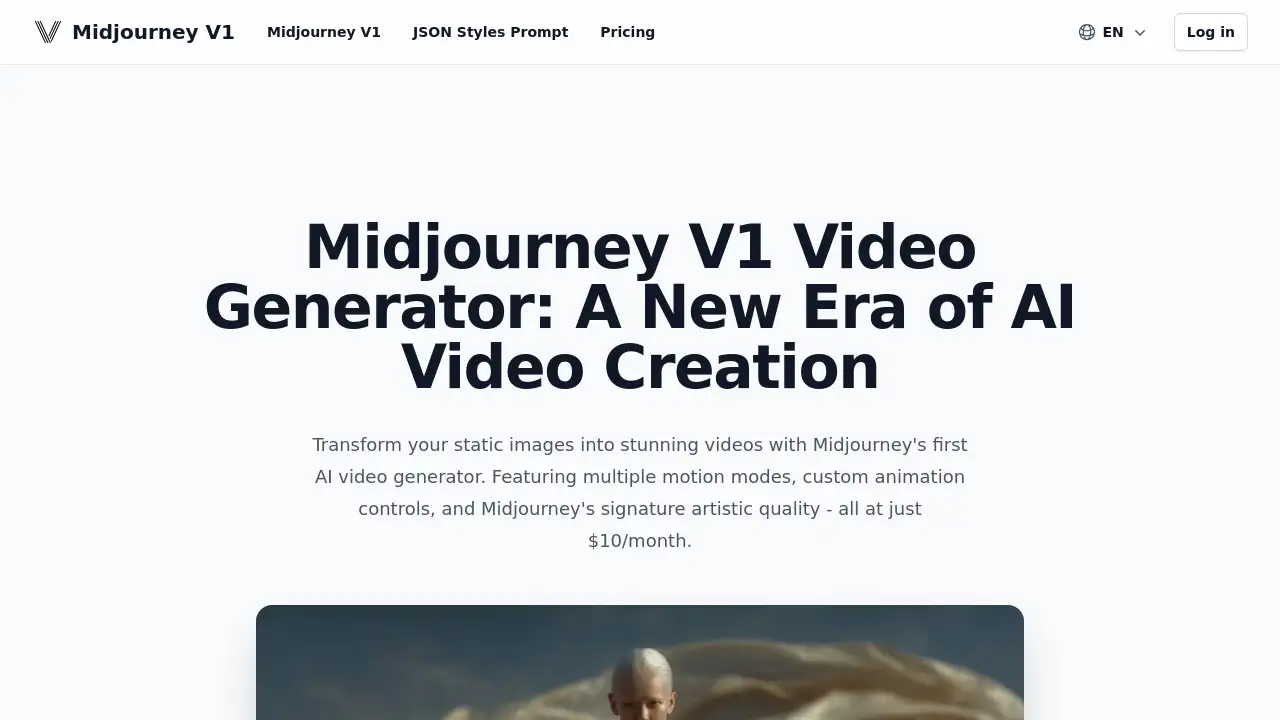
Midjourney V1 is an AI tool that transforms static images into dynamic videos.
What is Midjourney V1?
Midjourney V1 is an innovative AI video generator designed to make video creation accessible. It addresses the common challenge of needing advanced skills or expensive software to animate static images. By using this tool, users can easily bring their photographs, digital art, and illustrations to life with fluid motion. This product is suitable for a wide range of users, from social media content creators and digital artists to marketers and educators. Its significance lies in democratizing video production, offering professional-looking animation results at a simple, affordable price point.
Key Features of Midjourney V1
Multiple Motion Modes
Users can choose between Low Motion for subtle, cinematic movements and High Motion for more dynamic and energetic scene animations, providing flexibility for different creative needs.
Custom Animation Control
This feature allows for precise control over the video’s movement, enabling creators to use either automatic AI suggestions or manual animation prompts to direct the motion exactly as envisioned.
Video Extension
Starting with a 5-second clip, creators can extend their AI-generated videos up to 21 seconds, allowing for more detailed storytelling and longer narrative sequences without extra complexity.
High Artistic Quality
The generator maintains Midjourney’s signature artistic integrity, ensuring that the final video output preserves the style, detail, and quality of the original static image throughout the animation process.
Simple User Workflow
The process from image upload to final video is streamlined into a few intuitive steps, making the AI video generator quick to learn and use for creators of all skill levels.
Use Cases for Midjourney V1
Social Media Content Creation
Creators can quickly produce engaging, animated posts and stories for platforms like Instagram and TikTok, turning static images into dynamic videos that capture more attention.
Digital Art and Illustration
Artists can animate their digital paintings and character illustrations, adding a new dimension to their portfolios and creating captivating visual experiences for their audience.
Marketing and Advertising
Businesses and marketers can create eye-catching promotional materials and advertisements by animating product photos or brand imagery, enhancing their digital marketing campaigns.
Educational Content
Educators and presenters can transform diagrams, historical photos, or scientific illustrations into short animated clips to make learning materials more interactive and memorable.
How to Use Midjourney V1
Getting started with Midjourney V1 involves a straightforward process:
- Upload a high-quality image from your device or select one from your existing Midjourney gallery.
- Choose your animation mode, opting for either Auto for AI-suggested motion or Manual for custom control.
- Select your preferred motion mode, deciding between Low Motion or High Motion based on the desired effect.
- Initiate the generation process; the AI will create your video in a matter of seconds.
- Optionally, use the video extension tool to lengthen your clip up to 21 seconds for more detailed storytelling.
Target Audience for Midjourney V1
- Social media influencers and content creators
- Digital artists, illustrators, and graphic designers
- Marketing professionals and small business owners
- Educators, teachers, and academic presenters
- Hobbyists and enthusiasts interested in easy video creation
Is Midjourney V1 Free?
Midjourney V1 operates on a subscription model. Based on the provided information, the service is offered at a single, straightforward price point.
| Plan | Price | Key Features |
|---|---|---|
| Standard Subscription | $10 per month | Access to all Midjourney V1 features including multiple motion modes, custom animation, video extension, and high-quality video generation. |
For the most current and detailed pricing, including any potential free trials or plan changes, users should check the official Midjourney website.
Midjourney V1's Pros and Cons
| Aspect | Pros | Cons |
|---|---|---|
| Ease of Use | Very simple, step-by-step process; no prior video editing skill required. | Creative control is limited compared to professional desktop animation software. |
| Cost & Accessibility | Highly affordable at $10/month, lowering the barrier to entry for video creation. | Requires a subscription; no confirmed one-time purchase or extensive free tier. |
| Output & Quality | Generates videos with high artistic quality that maintain the original image's style. | Output is dependent on the quality and composition of the input static image. |
| Functionality | Excellent for its core purpose of animating single images quickly and effectively. | Primarily designed for animating existing images, not for generating video from text prompts. |
Frequently Asked Questions about Midjourney V1
What is Midjourney V1?
Midjourney V1 is an AI video generator that uses advanced algorithms to analyze and animate static images. It creates natural, fluid motion to transform pictures into short, dynamic video clips, making video creation accessible to everyone.
How does Midjourney V1 work?
The tool works by analyzing the visual elements of an uploaded image. Users then select a motion style and any custom animation parameters. The AI processes this information to generate a video that adds movement while preserving the image's original artistic quality and composition.
What types of images work best with Midjourney V1?
For optimal results, use high-resolution images with clear subjects and good contrast. The AI video generator handles a variety of types well, including portraits, landscapes, digital art, and illustrations. Images with cluttered backgrounds or very low detail may produce less defined motion.
Can I control how my image is animated?
Yes, Midjourney V1 offers custom animation controls. You can choose the motion intensity (Low or High) and, in Manual mode, provide specific prompts to influence the direction and style of the movement, allowing for a degree of personalized creative control.
What is the maximum video length I can create?
You can start with a 5-second video and extend it up to a maximum of 21 seconds using the video extension feature. This allows for longer narratives and more detailed animated sequences from a single static image.
Is there a free trial for Midjourney V1?
The reference information specifies a subscription price of $10/month. For the most accurate and up-to-date information on free trials or promotional offers, visiting the official Midjourney website is recommended.
Midjourney V1 Tags
Midjourney V1, AI video generator, static image to video, animate photos, motion modes, custom animation, affordable video tool, video creation software, AI animation, digital art animation, social media video maker, Midjourney AI