Introduction
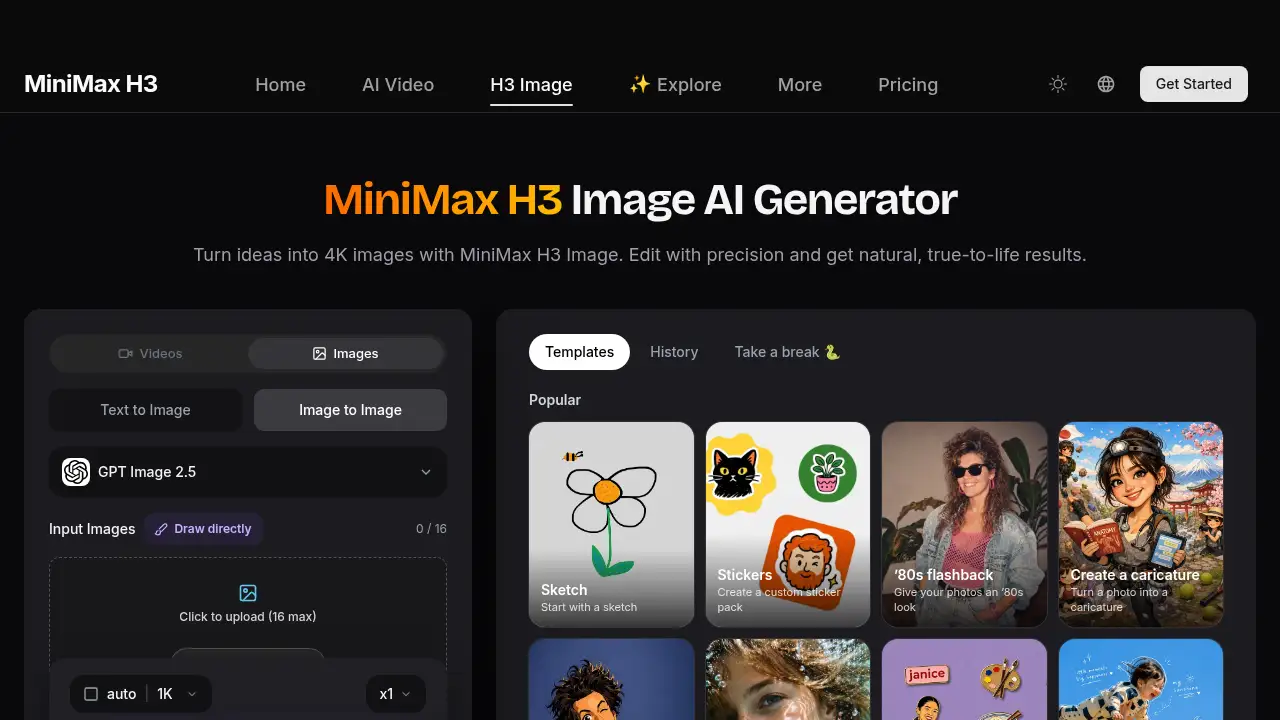
MiniMax H3 Image is a new AI image generator for turning text or up to 16 reference images into sharp 1K, 2K, and 4K visuals. This MiniMax H3 Image review explains features, use cases, pricing, and practical limits.
What is minimax h3 image?
MiniMax H3 Image is an AI image model from MiniMax that creates detailed pictures from text prompts or reference images. It is designed for people who need more control than a basic text-to-image tool offers, especially when a scene must include specific people, products, or locations. MiniMax H3 Image helps solve a common problem: keeping many visual references recognizable while still following a clear prompt. It is suitable for designers, marketers, game artists, portrait creators, and teams that need 4K AI images for web, print, or client work. The model is in early access on Hailuo AI, and new accounts can try it with free credits.
Key Features of minimax h3 image
Up to 16 Reference Images
MiniMax H3 Image accepts as many as 16 reference images in one generation. It lets MiniMax H3 Image combine people, objects, and places into a composed scene while keeping each reference recognizable.
Accurate Prompt Following
MiniMax H3 Image follows layout, clothing, lighting, and placement instructions closely. Even with many references, the requested details stay in the picture instead of getting lost.
1K, 2K, and 4K Output
MiniMax H3 Image supports 1K for drafts, 2K for social and web, and 4K for print-ready detail or cropping room. This makes MiniMax H3 Image flexible for quick tests and high-resolution final images.
Readable Text Rendering
MiniMax H3 Image can generate signs, labels, posters, and dense text with clean results. Early testers created a contract image with nearly 5,000 characters, and the small print stayed sharp when zoomed in.
Consistent Face Across Images
Use a clear portrait reference and MiniMax H3 Image keeps the face recognizable across new outfits, settings, and styles. Creators use this for lookbooks and character sheets.
Text-to-Image Mode
MiniMax H3 Image can also work without reference images. Switch to text-to-image and describe the scene, style, lighting, and mood in the prompt.
Use Cases for minimax h3 image
Photorealistic Portraits and Lookbooks
MiniMax H3 Image suits portrait creators who need consistent faces across outfits and settings. Fashion teams can build lookbooks with 2K or 4K AI images without losing the model’s identity.
Product Exploded Views and Ads
Use MiniMax H3 Image to place products, parts, and labels in one clear layout. It helps create ad visuals, product page images, and technical-style exploded views with readable text.
Game Assets and 3D Scenes
MiniMax H3 Image can draft game assets, character sheets, and 3D-style scenes from references. Artists can test compositions before moving into a full production pipeline.
Oil Painting and Eastern Art Styles
MiniMax H3 Image handles oil painting looks and Eastern art styles with detailed results. Creators can use reference images to guide brushwork, color, and composition.
Social Media and Web Images
Generate 2K visuals with MiniMax H3 Image for social posts, banners, and website sections. The model’s prompt following helps keep layouts close to the brief.
Signs, Posters, and Dense Text
MiniMax H3 Image is useful for posters, labels, and signs that need readable text. It can also handle dense text layouts that often fail in standard AI image generators.
How to Use minimax h3 image
Using MiniMax H3 Image follows a simple three-step flow:
- Upload your references. Add up to 16 images of the people, products, and places you want in the scene, or start from text only.
- Describe the scene. Write a prompt that says how each reference should be arranged, plus style, lighting, and mood. Then choose an aspect ratio and 1K, 2K, or 4K.
- Generate and download. Click Generate, compare results, adjust the prompt if needed, and download the version you like.
- Refine if necessary. Rewrite placement details or swap references to improve accuracy before final export.
Target Audience for minimax h3 image
- Designers and creative teams needing controlled AI image generation
- Marketers creating product ads, social visuals, and campaign images
- Game artists and 3D creators drafting assets and scenes
- Portrait photographers and fashion teams building lookbooks
- Print and poster creators who need 4K output and readable text
- Agencies producing commercial AI images for clients
Is minimax h3 image Free?
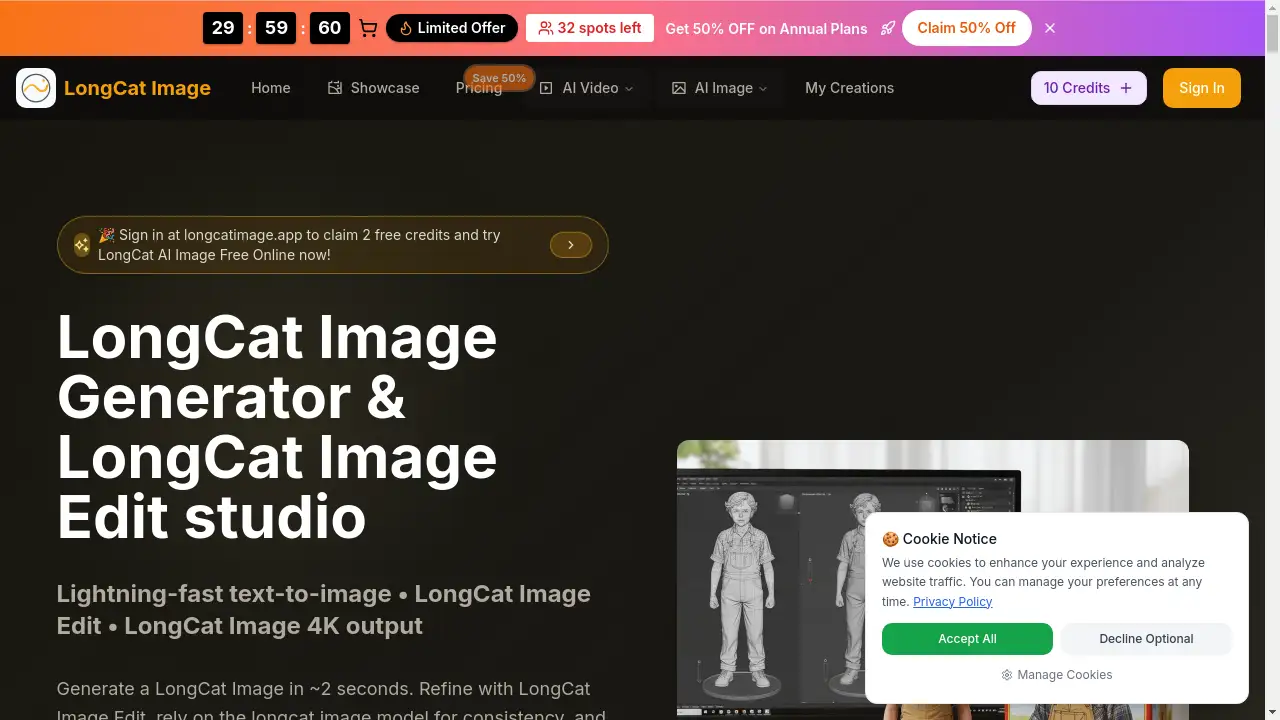
MiniMax H3 Image offers free credits for new accounts, so users can try it before paying. Paid plans add more credits. A MiniMax H3 Image annual plan launch offer is listed at 50% OFF, but exact paid prices are not provided in the reference content.
| Plan | Price | Features |
|---|---|---|
| Free trial | $0 for new accounts | Free credits to try MiniMax H3 Image |
| Paid plans | Annual launch offer: 50% OFF; exact price not listed | More credits, commercial use under paid plan or credit pack |
For current pricing, check the official MiniMax H3 Image page.
minimax h3 image's Pros and Cons
| Aspect | Pros | Cons |
|---|---|---|
| Features | Supports up to 16 reference images, 1K–4K output, and readable text | Many references can make prompts more complex |
| Output quality | Strong prompt following and detailed 4K AI images | Best results may require careful prompt writing |
| Use cases | Works for portraits, products, game assets, art styles, and posters | Not a replacement for full 3D or design software |
| Pricing | Free credits and a 50% annual launch offer | Exact paid prices are not listed in the reference |
| Access | Early access on Hailuo AI | Availability may be limited during early access |
Frequently Asked Questions about minimax h3 image
What is MiniMax H3 Image?
MiniMax H3 Image is an AI image generator that turns text or up to 16 reference images into one detailed picture. It is in early access on Hailuo AI.
How many reference images can MiniMax H3 Image use?
MiniMax H3 Image can use up to 16 reference images in a single generation. Users can mix people, objects, and scenes in one prompt.
Does MiniMax H3 Image support 4K output?
Yes. MiniMax H3 Image supports 1K, 2K, and 4K output. Use 1K for drafts, 2K for web and social, and 4K for print or cropping.
Can MiniMax H3 Image keep a face consistent?
Yes. Upload a clear photo as a reference, and MiniMax H3 Image can keep the face recognizable across outfits, settings, and styles.
Is MiniMax H3 Image free to try?
Yes. New accounts get free credits, so users can test MiniMax H3 Image before paying. Paid plans add more credits.
Can MiniMax H3 Image images be used commercially?
Yes. Images made under a paid plan or credit pack can be used in ads, product pages, client work, and print, according to the reference information.
minimax h3 image Tags
minimax h3 image, MiniMax H3 Image review, AI image generator, 4K AI images, reference image AI, text-to-image generator, AI portrait generator, product image AI, AI art generator, commercial AI images