Introduction
MOLE is a simple Mac cache cleaner for macOS.
What is mole?
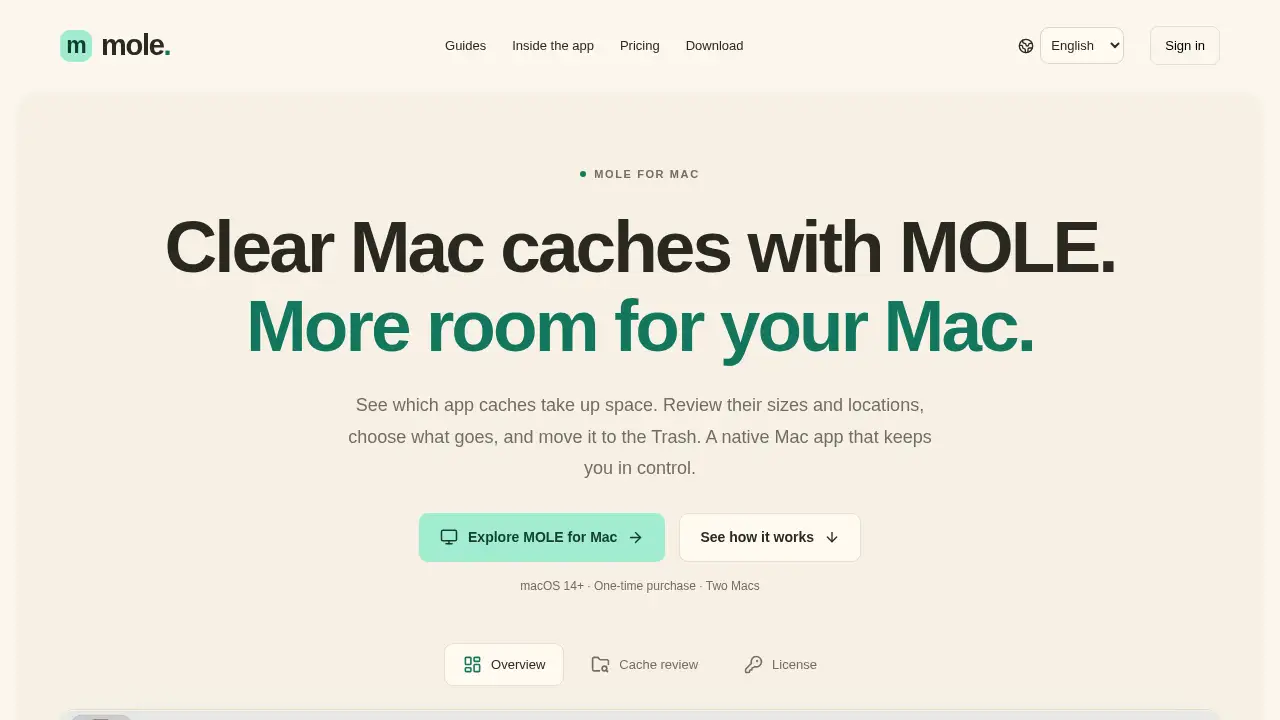
MOLE is a native Mac app for reviewing and cleaning user app cache folders. As a Mac cache cleaner, it focuses on one practical task: showing which application caches take up space so you can decide what to remove. It scans the current user’s Library/Caches directory, lists folders by size, and lets you inspect paths before moving selected items to the Trash. It is designed for people who want a clear Mac cache cleanup process instead of a mystery cleanup button.
MOLE for Mac does not delete files automatically. It only moves folders you select and confirm to the Trash, and you still need to empty the Trash to reclaim Mac storage. The tool is most useful for Apple Silicon Macs running macOS 14 or later. It is not a full disk analyzer, duplicate file finder, or app uninstaller. If the goal is to clear Mac caches safely and understand app cache sizes, MOLE offers a focused, manual approach. A one-time license for two Macs keeps the pricing simple for personal use.
Key Features of mole
Review App Cache Sizes
Scan user app cache folders and see their sizes ordered from largest to smallest. This Mac cache cleaner feature helps you compare app cache sizes before starting any cache cleanup.
Search and Inspect Folders
Search by folder name and check the full path or reveal an item in Finder. These details make it easier to confirm what you are about to move.
Manual Move to Trash
Select the caches you want to remove and confirm the move to the Trash. MOLE never empties the Trash for you, so you keep control over the final step.
Local Cache Scanning
The scanner reads cache files locally on your Mac. License checks happen online, but the scanner does not upload your cache contents according to the product information.
Clear Storage Overview
See disk capacity, available storage, and scanned cache size together. This gives context before you clear Mac caches or plan other Mac storage cleanup.
Two-Mac Personal License
Use one license on two active Macs with no recurring subscription. The key arrives by email, and device management lets you unlink an old Mac when you switch computers.
Use Cases for mole
Free Up Mac Storage
Use MOLE as a Mac cache cleaner when app caches are taking up space and you want to review them before cleanup. It can help identify large cache folders without promising a fixed amount of recovered Mac storage.
Check App Cache Sizes Before Cleanup
Compare folder sizes and inspect locations before you clear Mac caches. This is useful when you want a manual cache cleanup process rather than automatic deletion.
Move Caches to Trash with Confirmation
Select only the folders you recognize and move caches to Trash after checking the paths. Because the files stay in the Trash until you empty it, you can review the final step in macOS.
Manage a Simple Two-Mac Setup
A one-time license for two Macs suits users who switch between a desktop and laptop. If a third Mac needs access, an old device can be unlinked from the account.
How to Use mole
- Download and open MOLE for Mac on an Apple Silicon Mac running macOS 14 or later.
- Start a read-only scan to view user app cache folders ordered by size.
- Search for a folder, check its path, and reveal it in Finder if you need more context.
- Close related apps, select the caches you want, and confirm the move to Trash.
- Empty the Trash in macOS when you are ready; until then, the selected files still use Mac storage.
Target Audience for mole
- Apple Silicon Mac users on macOS 14+ who need a simple Mac cache cleaner.
- People who prefer manual review over automatic deletion.
- Users who want to see app cache sizes before they clear Mac caches.
- Budget-conscious Mac owners interested in a one-time license for two Macs.
- Users looking for a focused cache cleanup tool, not a full disk analyzer.
Is mole Free?
MOLE is not free for cleanup, but scanning can be tried without activation during the preview. The personal license is listed at $15 once for two Macs. The product page notes that sales may remain closed during the preview, so check the official download page for current availability.
| Plan | Price | Features |
|---|---|---|
| Preview scan | Free | Read-only cache scanning without activation; cleanup requires a paid license |
| MOLE Personal | $15 one-time | Two active Macs, license key by email, self-service device unlinking, keep the purchased version |
No recurring subscription is listed. Applicable taxes are shown at checkout.
mole's Pros and Cons
| Aspect | Pros | Cons |
|---|---|---|
| Pricing | One-time $15 license for two Macs | No free cleanup license; sales may be limited during preview |
| Features | Clear app cache review, manual move to Trash, local scanning | Limited to user app caches; no full-disk analysis, duplicate finding, or app uninstallation |
| Control | No automatic deletion; user confirms cleanup | Requires manual selection and emptying the Trash |
| Compatibility | Native Mac app for Apple Silicon and macOS 14+ | No Intel Mac or Windows version listed |
| Privacy | Scanner reads cache files locally | Activation and each cleanup require an online license check |
Frequently Asked Questions about mole
What does a Mac cache cleaner remove?
A Mac cache cleaner like MOLE lists supported folders in the current user’s Library/Caches directory. You review paths and sizes, then choose which cache folders to move to the Trash. Apps may recreate caches later, so clearing them is not a permanent fix for low Mac storage.
Does MOLE delete files automatically?
No. Scanning is read-only, and cleanup requires your selection and confirmation. MOLE moves selected caches to the Trash but does not empty the Trash for you.
Can I try MOLE before buying?
The product information says cache scanning works without activation during the preview. Moving selected caches to the Trash requires a paid license.
Can I use MOLE on more than two Macs?
A license allows two active Macs at a time. To use a third Mac, unlink an old device in the license account. The unlinked device can still scan but will fail its next cleanup license check.
Is MOLE a full disk analyzer or duplicate finder?
No. MOLE for Mac is a focused Mac cache cleaner for user app caches. It does not scan arbitrary drives, analyze the whole disk, find duplicate files, or uninstall apps in the current version.
Why does free space not change after cleanup?
Selected folders are moved to the Trash and still occupy Mac storage until you empty the Trash in macOS. Cache sizes are estimates, and apps may create new caches after cleanup.
mole Tags
Mac cache cleaner, clear Mac caches, MOLE for Mac, Mac storage cleanup, app cache sizes, move caches to Trash, Mac cache cleanup, macOS storage, one-time license for two Macs, Apple Silicon Mac app, manual cache cleaner, Mac storage guide.