Introduction
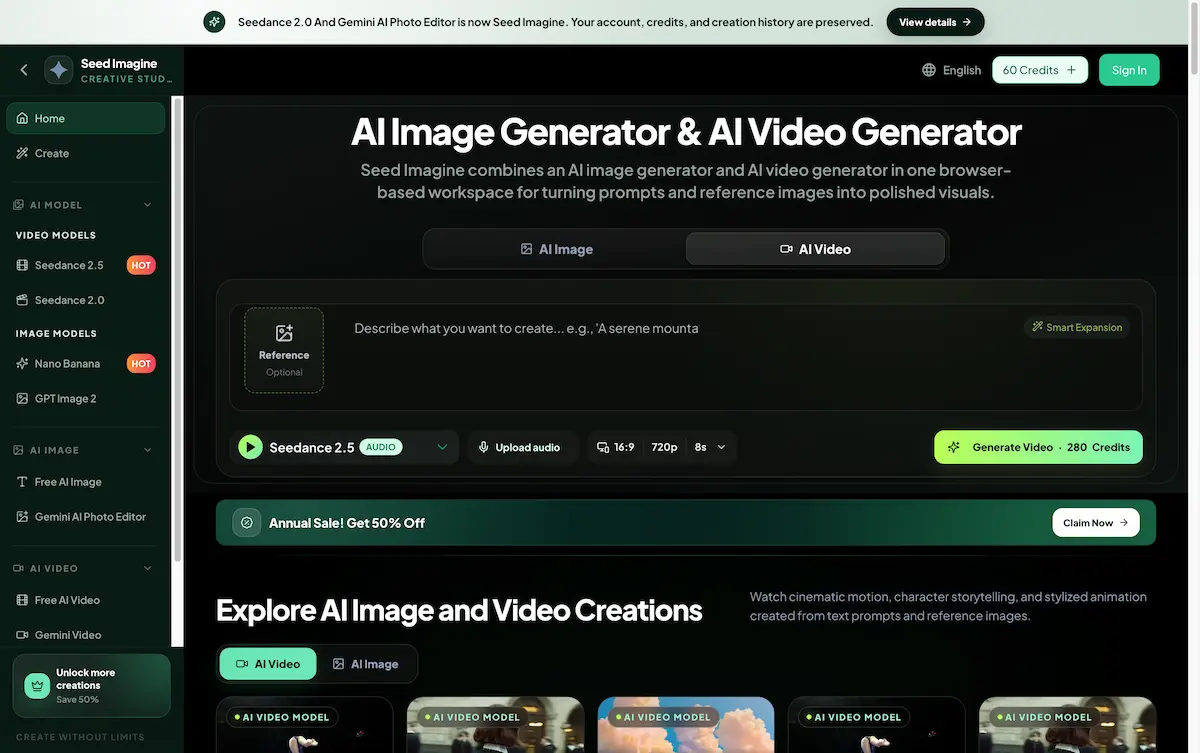
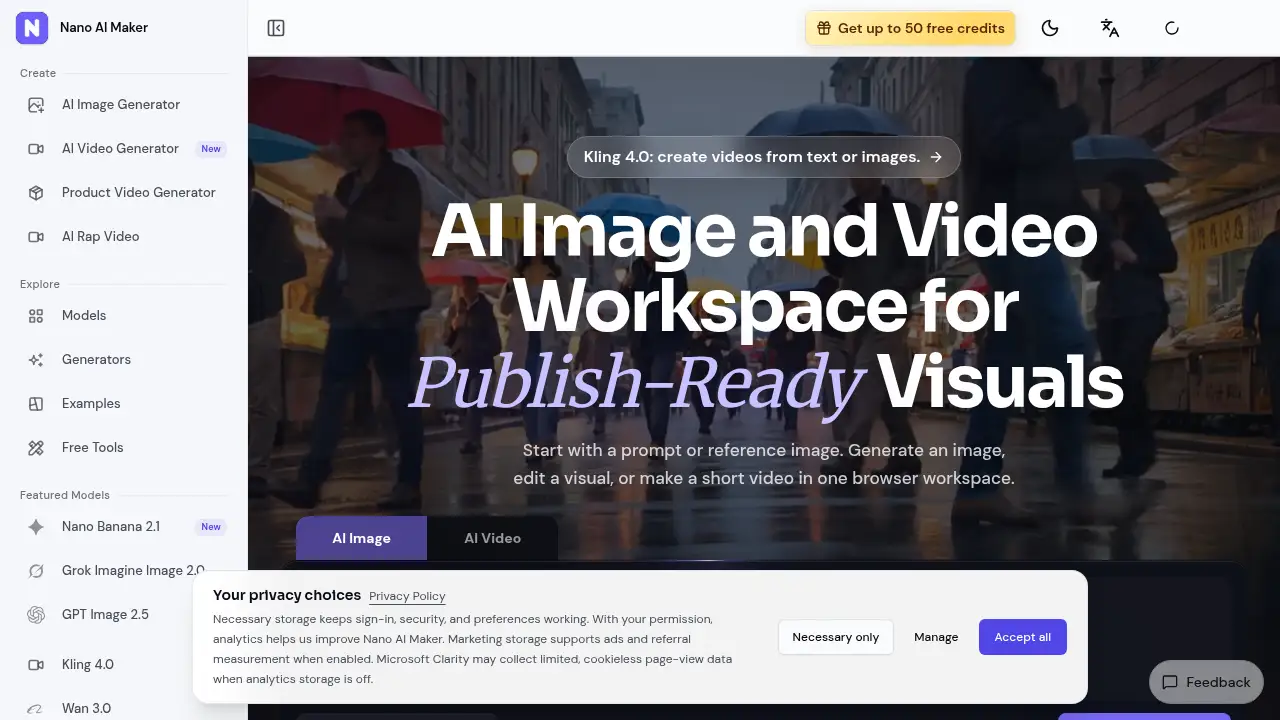
Nano AI Maker is a browser-based AI creative workspace for generating images, editing reference photos, and making short videos in one place. It connects several image and video models behind a single prompt box, so marketers, founders, and creators can move from a rough idea to a usable visual without switching between tools.
What is Nano AI Maker?
Nano AI Maker is a browser workspace for AI image generation, reference-based image editing, and short video creation. Rather than juggling separate apps for a product photo, a campaign poster, and a short clip, users start in one place and pick the workflow that matches the task in front of them.
The problem it addresses is fragmented creative production. Small teams often need fast visuals for ads, listings, and social feeds but have no design pipeline for every request. Nano AI Maker solves this by pairing a text prompt or an uploaded reference image with a set of hosted models, then returning a finished image or clip in the same window.
Nano AI Maker suits marketers, founders, e-commerce sellers, and content creators who value speed over pixel-level control. It also helps designers check concepts before committing to a full production cycle. Because every task is tracked in Activity, teams can revisit an earlier result and iterate on it, which makes Nano AI Maker useful for ongoing creative testing instead of one-off experiments.
Key Features of Nano AI Maker
Natural Language Prompts
Describe an image or an edit in everyday language, then generate it. Nano AI Maker turns plain text into a starting frame for AI image generation, with no layered design software required.
Reference Image Editing
Upload a photo and restyle it while keeping the main subject recognizable. Reference image editing in Nano AI Maker lets users change backgrounds, lighting, or styling without rebuilding a scene from zero.
Character Consistency
Keep facial features and identity direction steadier across a series of reference-guided edits. This helps Nano AI Maker users produce character studies and recurring brand personas that look related rather than random.
Multiple AI Models in One Workspace
Choose from a list of hosted image and video models based on the task. As an AI image generator and an AI video generator inside one account, Nano AI Maker covers stills, posters, and motion without stacking subscriptions.
Short Video Creation
Turn a single product image, character frame, or campaign still into a short clip. The text-to-video and image-to-video options in Nano AI Maker are practical for motion drafts and quick social previews.
Activity Tracking
Submit a task, follow its status, and download finished files. Nano AI Maker saves image and video tasks in Activity, which makes it easier to compare variations or recover an earlier result.
Free Utility Tools
Use small helpers such as an image compressor, converter, resizer, or video frame extractor. These tools sit beside the main Nano AI Maker workflows, so preparation and cleanup happen in the same place.
Use Cases for Nano AI Maker
Product Shots
Generate catalog-ready scenes from a prompt or a product reference image. Sellers use Nano AI Maker to create product photos for listings and marketplaces without booking a studio session.
Social Posts and Ads
Turn campaign ideas into square posters and social visuals with room for a headline. Nano AI Maker keeps short video creation and static formats together, so one concept can appear as both a still and a clip.
Reference Edits
Restyle an existing photo while keeping the subject intact. This is one of the most practical uses of Nano AI Maker for teams that already own assets and need fresh variations.
Creative Testing
Run quick, lower-cost image generations to test directions before spending more credits. Nano AI Maker lets users compare several candidates, then push the strongest one into a higher-quality image or video step.
Character and Editorial Studies
Build consistent character frames for storytelling, comics, or brand mascots. Nano AI Maker applies reference-guided editing here to keep identity details aligned across outputs.
How to Use Nano AI Maker
- Sign in and check credits. Create an account to see any free credits available, then review the pricing page if more capacity is needed.
- Choose a workflow. Open the image or video section of Nano AI Maker and select a preset such as product photo, social poster, or reference edit.
- Add a prompt or reference. Type a description or upload a reference image. For edits, keep the subject clear so the model has a solid anchor point.
- Pick a model and settings. Compare models, output sizes, and variation counts. Nano AI Maker shows the exact credit cost before the task is submitted.
- Review and download. Open Activity to preview the result, download the file, or re-run the task with adjusted wording.
Target Audience for Nano AI Maker
- E-commerce and product marketers
- Social media managers and ad teams
- Founders and small marketing teams
- Designers who need fast concept checks
- Content creators producing short videos
- Agencies managing multiple brand assets
Is Nano AI Maker Free?
Nano AI Maker offers a free entry point with a limited credit balance, plus paid capacity for heavier use. Exact plan prices are listed on the official pricing page, and each generator displays its own credit cost before submission.
| Plan | Price | Features |
|---|---|---|
| Free | $0 | New accounts can start with free credits (up to 50 shown on the homepage); access to image and video workflows; results saved in Activity |
| Paid plans and credit packs | Listed on the official pricing page | More credits for image generation, reference image editing, and short video creation |
Per-task credit examples published by Nano AI Maker: GPT Image 2 costs 3, 5, or 8 credits for 1K, 2K, or 4K images, and Veo 3.1 Fast costs 30 credits for an 8-second video.
Nano AI Maker's Pros and Cons
| Aspect | Pros | Cons |
|---|---|---|
| Pricing | Free starting credits; per-task costs shown before submission | Credit costs vary by model and can add up quickly on video tasks |
| Features | Image generation, editing, and video in one workspace | Output quality differs between models, so results need comparison |
| Usability | Text prompts remove the need for design software | Fine-grained controls are limited compared with professional editing suites |
| Output management | Tasks saved in Activity for review and download | Full plan tiers are not detailed on the homepage |
| Rights | Commercial use is possible with proper input rights | Users must hold rights to prompts, references, logos, and people |
Frequently Asked Questions about Nano AI Maker
What is Nano AI Maker used for?
Nano AI Maker is used for AI image generation, reference-based image editing, and short video creation. Typical outputs include product photos, social posters, campaign art, character studies, and motion drafts for ads.
Do I need design experience to use Nano AI Maker?
No. Nano AI Maker relies on everyday language prompts, so users describe the change they want instead of adjusting layers or masks. Some familiarity with prompt writing helps, but there is no steep learning curve.
Can I use Nano AI Maker outputs commercially?
Outputs can be used in commercial workflows when the user holds the rights to all uploaded prompts, reference images, product photos, logos, and people, subject to Nano AI Maker terms and upstream model policies.
Are generated results watermarked?
Nano AI Maker does not add an extra watermark to image downloads. Video watermark behavior depends on the selected model and settings, and the generator shows available controls when a model supports them.
How many credits does one generation cost?
Costs are deducted per generation and vary by model and settings. A 1K image on GPT Image 2 costs 3 credits, while an 8-second Veo 3.1 Fast video costs 30 credits. Nano AI Maker displays the exact cost before submission.
Where are completed tasks saved?
Generated image and video tasks are stored in Activity. Users can preview finished results there and download files once a task succeeds.
Nano AI Maker Tags
Nano AI Maker, AI image generator, AI video generator, AI creative workspace, reference image editing, short video creation, product photos, text-to-image, image-to-video, AI product video generator, social media visuals, AI image and video workspace