Introduction
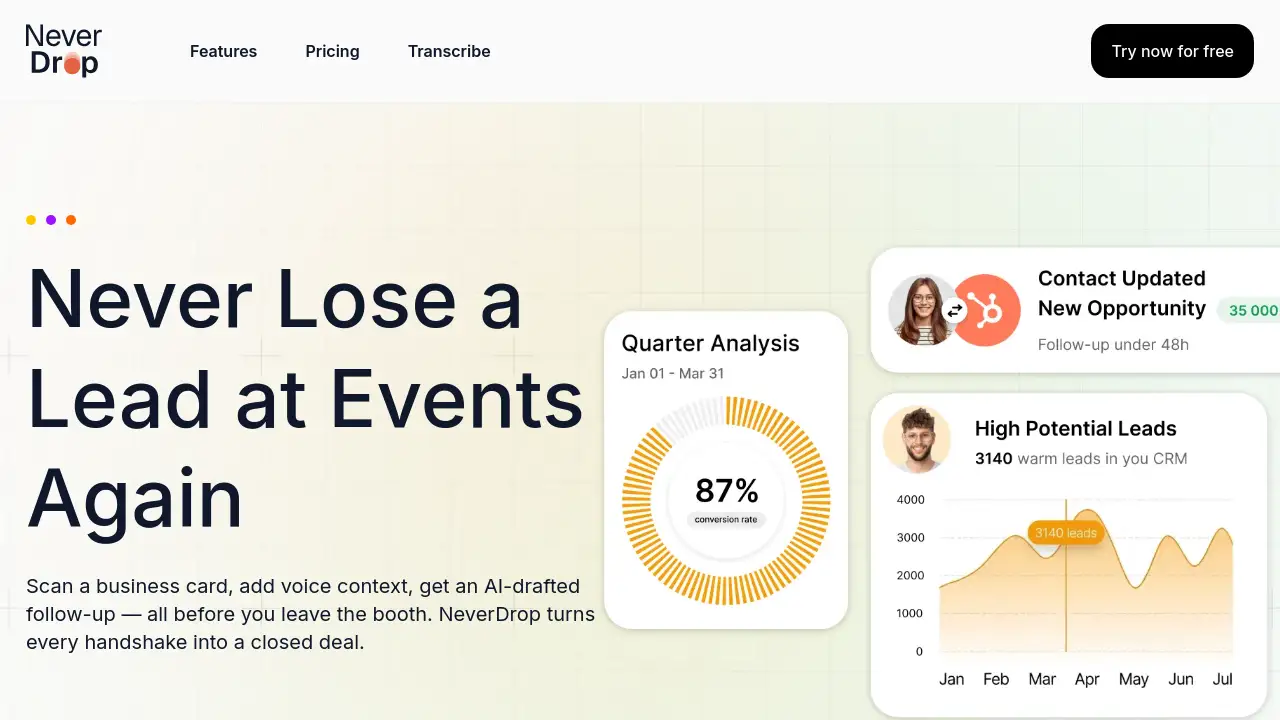
Never Drop is an AI-powered lead capture app that helps sales teams instantly scan business cards and send personalized follow-ups.
What is Never Drop?
Never Drop is a mobile application designed to solve the common problem of losing track of contacts and failing to follow up after business events. It is an AI-powered business card scanner that allows sales professionals and networkers to capture lead information in seconds. By simply taking a photo of a card, the app extracts all contact details, enriches the profile with verified work emails, and drafts a personalized follow-up email based on the conversation context. This tool is essential for anyone who attends trade shows, conferences, or networking events and needs a fast, reliable system to turn event leads into concrete sales opportunities without letting potential deals slip through the cracks.
Key Features of Never Drop
AI-Powered Business Card Scanner
The app uses advanced Optical Character Recognition (OCR) to instantly extract key details like name, company, title, phone, and email from any business card photo, eliminating manual data entry.
Contact Enrichment with Verified Emails
Never Drop automatically finds and adds verified work email addresses to a contact's profile, going beyond the often generic information found on a physical card.
Context-Aware AI Follow-Up Drafting
Based on voice notes or text context recorded by the user, the AI generates a personalized follow-up email that reflects the actual conversation, not a generic template.
Rapid, In-the-Moment Workflow
The entire process—from scanning a business card to sending a tailored email—is designed to be completed in under two minutes, keeping pace with the fast rhythm of events.
Team Workspace and Lead Management
Users can organize scans by event, reassign leads between team members, and track activity from a central dashboard, ensuring team alignment and proper lead management.
CRM and Email Integration
The platform integrates with tools like HubSpot to push enriched contacts directly into a sales pipeline and with Gmail to send follow-ups from a user's own email address.
Use Cases for Never Drop
Trade Show and Conference Lead Capture
Sales representatives can efficiently capture dozens of leads from booth visits without fumbling with cards or notes, ensuring no contact is lost.
Post-Event Networking Follow-Up
Professionals who collect cards at dinners or mixers can immediately send a relevant follow-up while the conversation is still fresh, increasing engagement rates.
Sales Team Coordination at Large Events
Sales managers can use the team dashboard to monitor lead capture in real-time and redistribute contacts among reps to optimize coverage and follow-up.
Streamlining CRM Data Entry
Individuals and teams can automate the tedious process of manually inputting new contact information from business cards into their Customer Relationship Management (CRM) system.
How to Use Never Drop
Using Never Drop to capture leads and follow up is a straightforward three-step process.
- Scan the Card: Open the Never Drop mobile app and take a photo of the business card you received. The AI will instantly extract the contact information.
- Add Context: Dictate a quick voice note or type a few text notes about your conversation to give the AI context for the follow-up.
- Review and Send: Review the AI-drafted, personalized follow-up email, make any quick tweaks if needed, and send it directly from your phone—all in under two minutes.
Target Audience for Never Drop
- Sales Representatives and Account Executives attending industry events.
- Business Development Professionals and Networkers.
- Sales Managers and Team Leads overseeing event participation.
- Startup Founders and Entrepreneurs building their network.
- Marketing Professionals managing event booths and lead generation.
Is Never Drop Free?
Specific pricing details for Never Drop are not listed in the provided reference information. The product is offered by a company called SCOPEO. For accurate and current information regarding free trials, subscription plans, and pricing tiers, it is best to visit the official Never Drop website or contact their sales team directly.
Never Drop's Pros and Cons
| Aspect | Pros | Cons |
|---|---|---|
| Efficiency | Drastically reduces lead capture and follow-up time to under two minutes. | Relies on a clear photo of the business card for optimal OCR accuracy. |
| Data Quality | Enriches contacts with verified emails, improving data reliability for sales teams. | Effectiveness of email enrichment depends on the available public data for the contact. |
| User Experience | Simple, three-step mobile workflow is built for the fast pace of live events. | Primarily designed for event use; may be less critical for day-to-day lead management. |
| Team Management | Dashboard provides useful oversight for managers tracking team activity at events. | Pricing structure for teams is not publicly detailed in the reference material. |
Frequently Asked Questions about Never Drop
How does Never Drop's business card scanner work?
The scanner uses AI-powered Optical Character Recognition (OCR) technology. When you take a photo of a card, the AI analyzes the image to identify and extract text fields like name, company, title, phone number, and email address instantly.
What happens if a business card doesn't have an email on it?
Never Drop's contact enrichment feature is designed for this scenario. Using the extracted name and company, the system automatically searches for and adds a verified work email address to the contact's profile, saving you from manual LinkedIn searches or guesswork.
Is my data secure with Never Drop?
Yes. According to the provided information, Never Drop is built by SCOPEO, a French company. Data is hosted in the EU in compliance with GDPR regulations. It is encrypted both in transit and at rest, and business card images are used solely for contact extraction and are not shared with third parties.
Can I use Never Drop with my existing CRM?
Never Drop offers integration with HubSpot to push enriched contacts directly into your CRM pipeline. The reference information also states that more integrations are coming soon.
What's the difference between the mobile app and the web dashboard?
The mobile app is for on-the-go actions: scanning business cards, adding voice context, and sending follow-ups. The web dashboard is for management tasks: organizing leads by event, reviewing team activity, reassigning contacts, and configuring settings.
Is Never Drop only useful for large conferences?
No. While extremely effective for trade shows and large conferences, it is also valuable for any networking scenario, including smaller meetups, business dinners, or chamber of commerce events where you exchange business cards and need to follow up promptly.
Never Drop Tags
business card scanner, lead capture app, AI follow-up, sales productivity tool, contact enrichment, event networking, trade show leads, CRM integration, OCR scanner, sales team software, follow-up email tool, contact management