Introduction
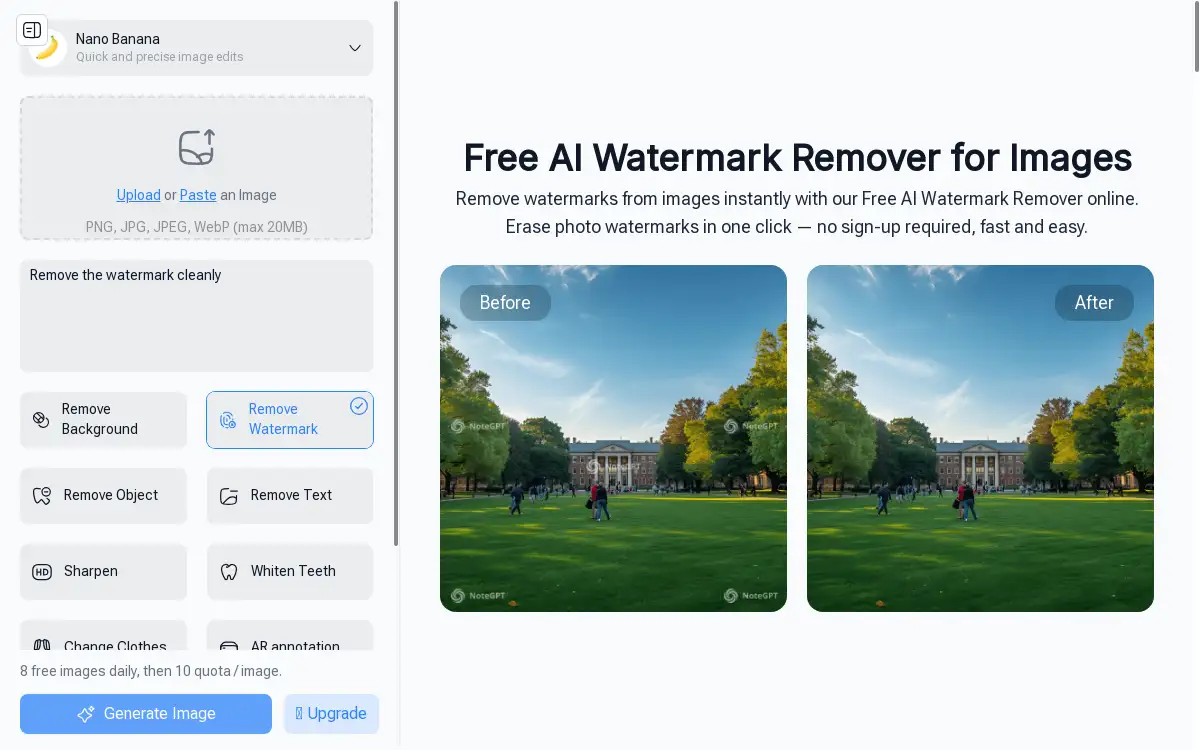
A free online tool to remove watermarks from images instantly.
What is AI Watermark Remover by NoteGPT?
AI Watermark Remover by NoteGPT is an online tool designed to erase watermarks and other unwanted marks from images. It addresses the common problem of needing clean, reusable photos for various projects without the time-consuming process of manual editing. This product is suitable for a wide range of users, including educators, content creators, marketers, and business owners. It matters because it simplifies a traditionally complex task, making professional-looking image cleanup accessible to everyone, regardless of their technical or design skills. The ability to remove watermarks from images quickly and for free online removes a significant barrier for individuals and professionals who rely on visual content.
Key Features of AI Watermark Remover by NoteGPT
One-Click Watermark Removal
The tool uses automated AI settings to detect and erase different types of watermarks instantly, delivering clean images without requiring any manual editing skills from the user.
Fast Online Processing
This AI watermark remover works directly within a web browser, processing images instantly online without the need to download or install any software, which saves considerable time.
Free and No Sign-Up
Users can begin to remove watermarks from images immediately without creating an account or providing any personal information, offering a truly accessible and beginner-friendly solution.
High-Quality Output
The tool is designed to preserve the clarity and quality of the original image after the watermark removal process is complete, ensuring the final photo remains sharp and usable.
Generous Daily Quota
The service provides a daily allowance of free image processing, allowing users to clean multiple photos online each day without an initial cost.
Use Cases for AI Watermark Remover by NoteGPT
Creating Educational Materials
Educators and online instructors can remove watermarks from images to create clean slides, worksheets, and other teaching resources for a more professional presentation.
Preparing Product Listings
E-commerce founders and small business owners can clean supplier images by removing watermarks for use in product catalogs and online store listings.
Enhancing Marketing Content
Marketing specialists and content creators can erase logos and text from images for use in social media posts, blogs, and professional presentations.
Academic and Personal Projects
Students and bloggers can easily remove watermarks from images for use in reports, blog posts, and personal projects, saving time and effort.
How to Use AI Watermark Remover by NoteGPT
Using the AI Watermark Remover is a straightforward process that can be completed in three simple steps.
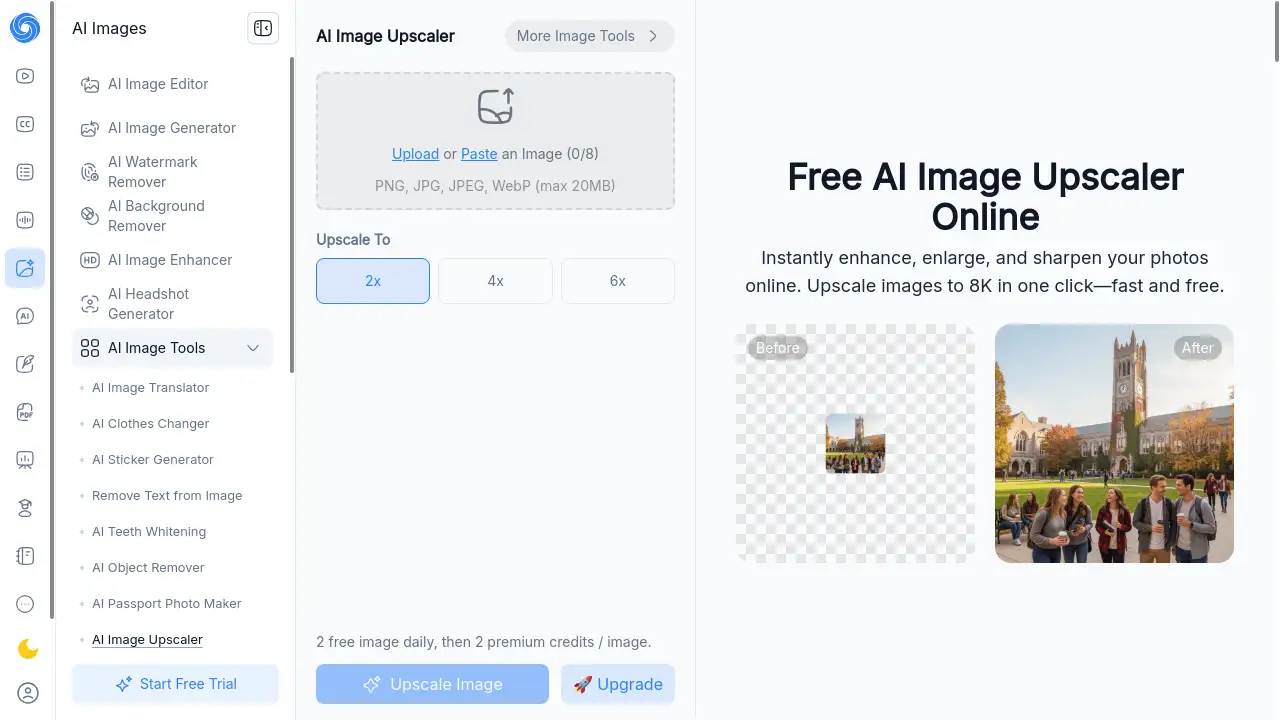
- Upload Your Image: Navigate to the tool's webpage and upload the photo you wish to clean. The tool supports common formats like PNG, JPG, JPEG, and WebP, with a maximum file size of 20MB.
- Remove Watermarks: Initiate the processing with the default automatic settings. The AI will instantly detect and erase the watermark. For more precise results, users have the option to adjust prompts.
- Copy or Download Image: Once the processing is complete, you can immediately download the cleaned image to your device or copy it for direct use, all while maintaining high quality.
Target Audience for AI Watermark Remover by NoteGPT
- Online Instructors and Educators
- E-commerce Store Owners and Founders
- Marketing Specialists and Social Media Managers
- University Students and Researchers
- Freelance Content Creators and Bloggers
- HR Managers and Corporate Professionals
Is AI Watermark Remover by NoteGPT Free?
Yes, AI Watermark Remover by NoteGPT offers a generous free plan. Users can process a set number of images per day at no cost and without any registration. For users with higher volume needs, the service provides affordable premium options that offer additional processing quota, making it a cost-effective solution for both casual and power users.
Frequently Asked Questions about AI Watermark Remover by NoteGPT
Is the AI Watermark Remover really free to use?
Yes, the tool offers a free plan that allows users to remove watermarks from a number of images each day without any payment or sign-up required.
What image formats are supported?
The tool supports popular image formats including PNG, JPG, JPEG, and WebP, making it compatible with most digital photos.
Do I need to create an account to use this tool?
No account creation is necessary. You can access the AI watermark remover and start processing your images immediately without any registration.
Does the watermark removal affect image quality?
The tool is designed to remove watermarks while striving to preserve the original clarity and quality of the image, resulting in a clean, high-quality output.
How many images can I process for free?
The service provides a daily quota for free image processing, allowing users to clean several photos online each day without charge.
Is my data safe when using this online tool?
The processing happens directly in your browser, which means your images are handled securely without being stored on external servers for prolonged periods.
AI Watermark Remover by NoteGPT Tags
AI watermark remover, remove watermarks from images, free online watermark remover, erase photo watermarks, instant watermark removal, image cleanup tool, no sign-up watermark remover, one-click watermark removal, fast image editing, online photo editor, remove text from image, clean images for presentations