Introduction
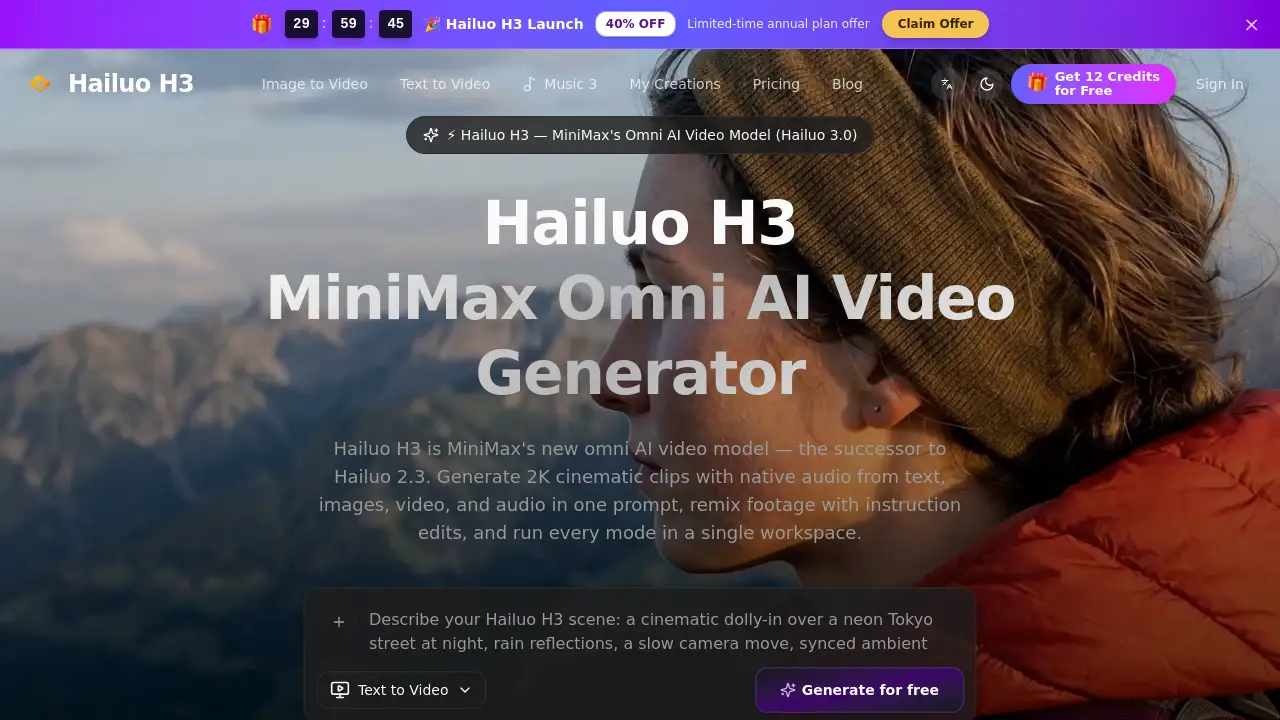
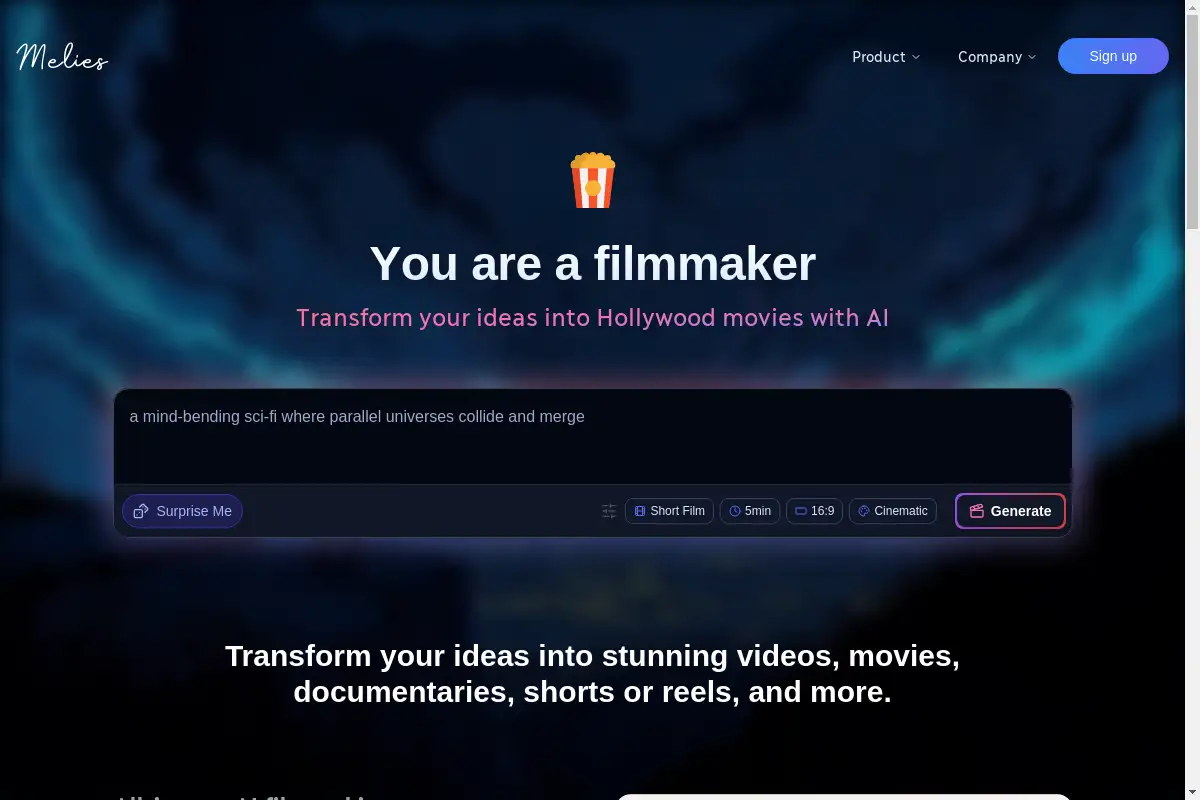
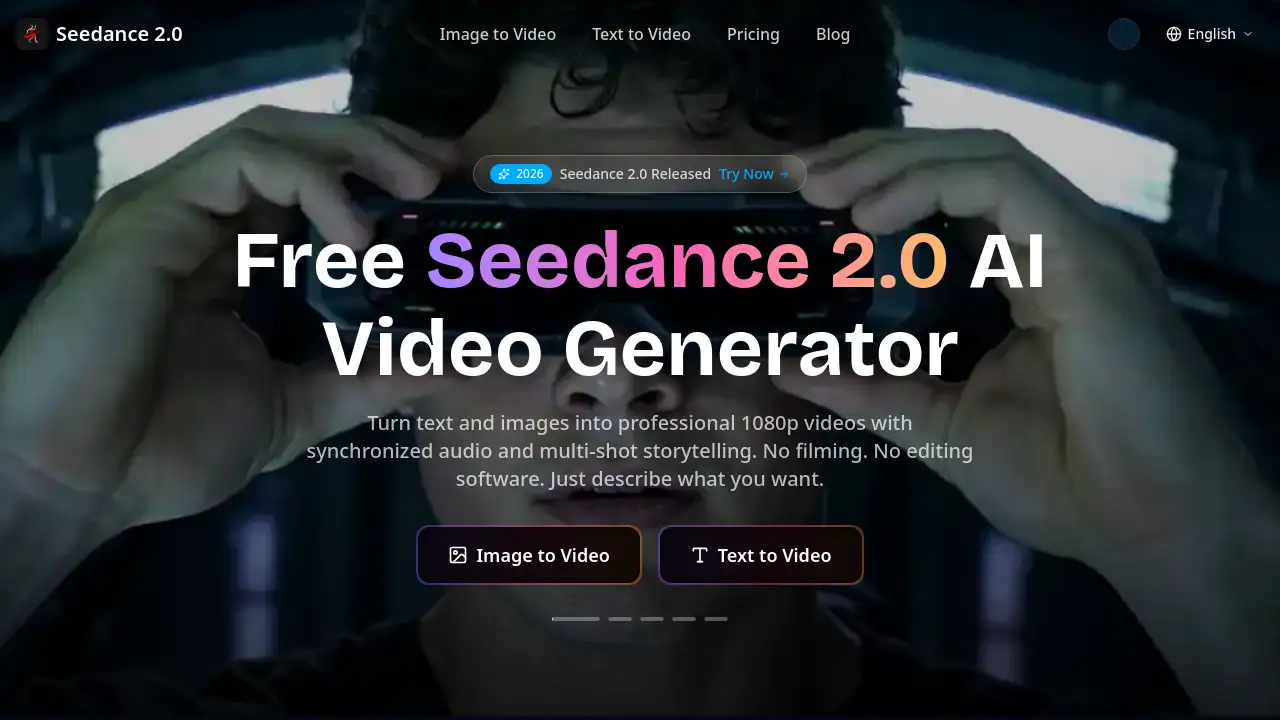
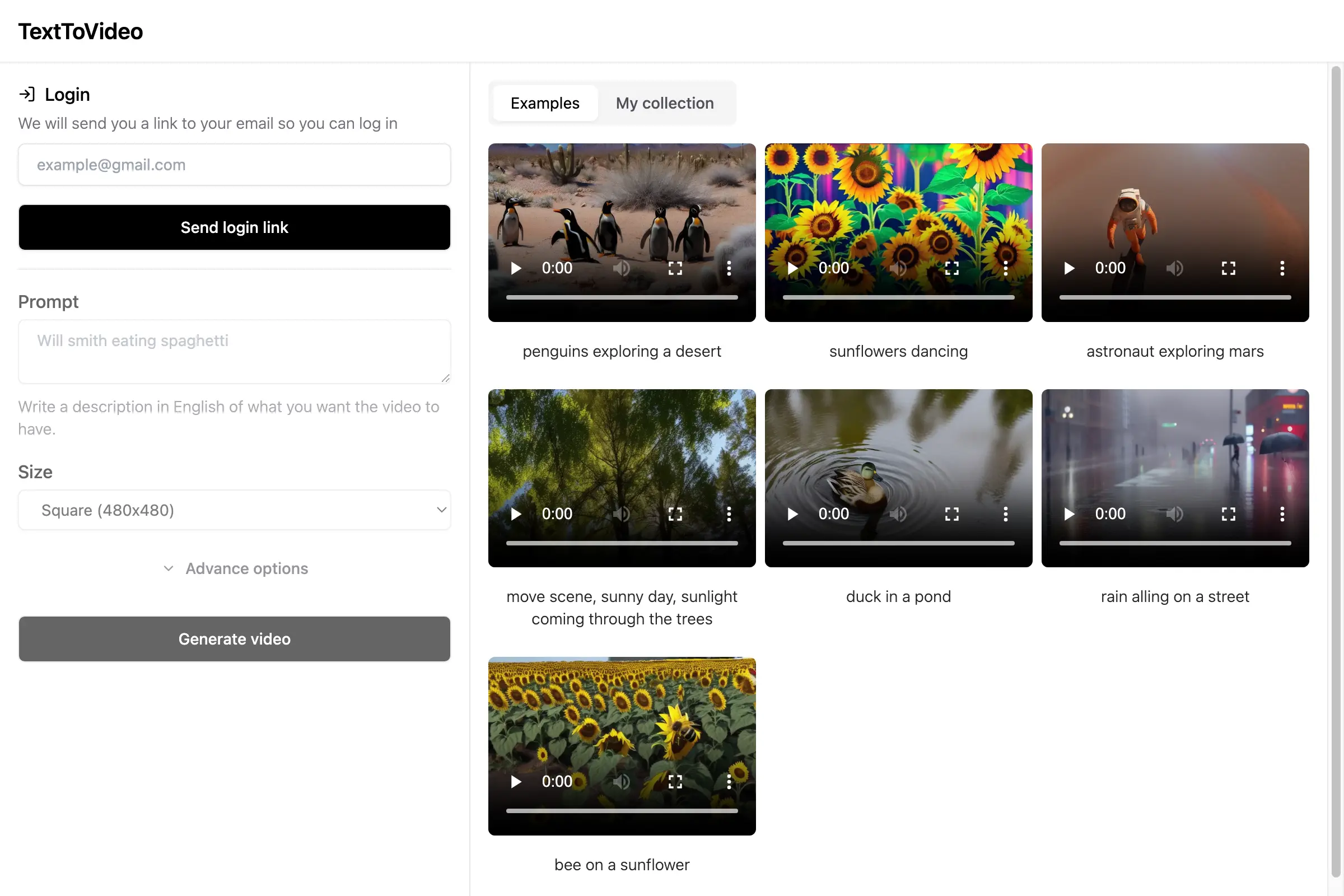
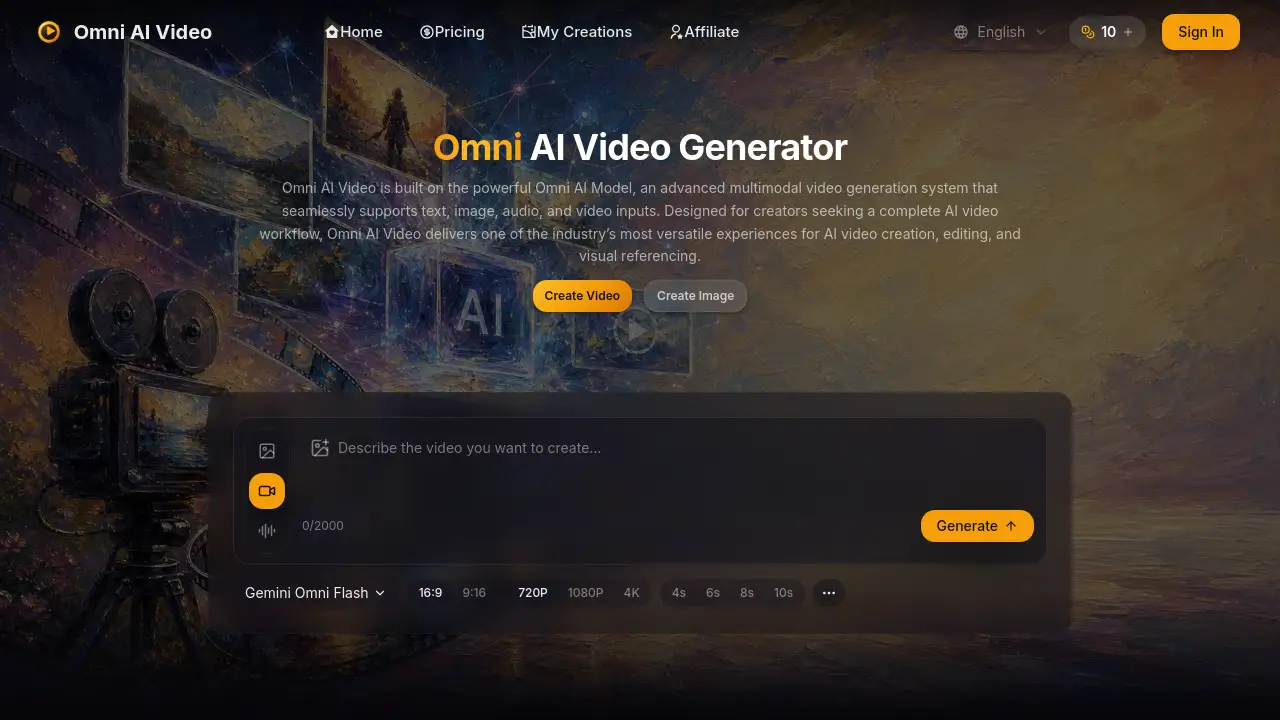
Omni AI Video is a multimodal AI video generator powered by the Omni Video Model. It helps creators turn text, images, audio, and short reference clips into polished video output. The platform lives at omniaivideo.ai and offers one unified workspace for AI video creation. For anyone looking for an AI video generator, Omni AI Video combines flexibility with a simple interface.
What is Omni AI Video?
Omni AI Video is an independent video creation platform built around the Omni Video Model. Instead of choosing separate tools for text-to-video, image-to-video, or reference-to-video, users work from one screen. The Omni Video Model reads text prompts, visual references, audio cues, and short video clips together. This makes Omni AI Video a true multimodal AI video generator.
The main problem Omni AI Video solves is workflow fragmentation. Many creators spend time moving content between different apps. Omni AI Video replaces that with one unified pipeline. It is suitable for social media managers, content creators, small businesses, marketers, and anyone who needs quick video assets. It matters because it reduces the gap between an idea and a finished clip. With natural-language prompts and visual references, Omni AI Video makes professional-looking video production more accessible.
Key Features of Omni AI Video
One AI Model for Every Input
Omni AI Video uses the Omni Video Model for every input type. Users can combine text, images, audio descriptions, and reference clips in one generation. This keeps the creative process simple.
Text-to-Video Creation
Written prompts become short clips with clear motion and composition. This feature lets creators describe a scene and let Omni AI Video handle the rest.
Image-to-Video Animation
Creators can upload up to five reference images and animate them into video. The Omni Video Model preserves the subject, style, and creative intent across frames.
Reference Video Support
Omni AI Video accepts one reference video in MP4, MOV, or WEBM format. The clip can be up to 50MB and 30 seconds long. Users can choose a trim segment to guide the output. The Omni Video Model uses that reference clip to match motion and composition.
Audio and Ambience Cues
The Gemini Omni Flash option supports synchronized audio prompts. Users can describe sounds, ambience, and dialogue for richer output. This audio layer makes Omni AI Video a more complete multimodal AI video generator.
Flexible Output Controls
Omni AI Video offers durations of 4, 6, 8, or 10 seconds. Resolution choices include 720p, 1080p, and 4K. Aspect ratios include 16:9 for landscape and 9:16 for vertical content.
Simple Credit System
Omni AI Video uses one credit pool for all models. All Omni Video Model generations draw from the same pool. Paid plans include commercial usage rights, priority processing, and watermark removal.
Use Cases for Omni AI Video
Social Media Content
Omni AI Video can generate vertical clips for TikTok, Instagram Reels, and YouTube Shorts. The fast workflow helps creators test multiple concepts quickly.
Product Showcases
Brands can turn product images into dynamic videos or use a reference clip for style. The Omni Video Model keeps visual consistency for commercial content.
Ad Creative
Marketers can create short ad variations from prompts, images, and reference videos. Different aspect ratios make it easy to adapt one idea to multiple platforms.
Creative Experiments
Artists can explore AI video creation without complex software. Omni AI Video supports playful prompts, unusual combinations, and quick visual tests.
How to Use Omni AI Video
Using Omni AI Video is straightforward:
- Open the AI video generator at omniaivideo.ai.
- Write a prompt and optionally upload reference images or a reference video.
- Choose duration, resolution, and aspect ratio.
- Select a model such as Gemini Omni Flash.
- Generate the video, preview it, and download it.
Because Omni AI Video uses the Omni Video Model for all input types, there is no need to switch between separate tools.
Target Audience for Omni AI Video
- Social media managers who need regular short-form content
- Content creators exploring text-to-video and image-to-video tools
- Digital marketers looking for quick ad variations
- Small business owners who want product videos without a production team
- Freelance video editors who need reference visuals or rapid drafts
- Creative professionals curious about multimodal AI video generation
Is Omni AI Video Free?
Omni AI Video offers a daily free credit that users can claim every 24 hours. This lets new users test the platform without payment. For regular work, paid plans are available.
| Plan | Price | Features |
|---|---|---|
| Basic | $9.90/month | 150 credits per month, 1,800 credits issued once, up to 15 videos per month, commercial usage, no watermark |
| Pro | $19.90/month | 350 credits per month, 4,200 credits issued once, up to 35 videos per month, commercial usage, no watermark |
| Max | $34.90/month | 750 credits per month, 9,000 credits issued once, up to 75 videos per month, commercial usage, no watermark |
| Pro Max | $59.90/month | 1,500 credits per month, 18,000 credits issued once, up to 150 videos per month, commercial usage, no watermark |
Annual plans save 30%. Credit cost depends on output settings. For example, 720p and 1080p clips use 30 to 60 credits. 4K clips use 70 to 100 credits. With a reference video, credits are flat: 80 for 720p/1080p and 120 for 4K.
Omni AI Video's Pros and Cons
| Aspect | Pros | Cons |
|---|---|---|
| Pricing | Daily free credit, one credit pool, annual discount | 4K output can consume many credits |
| Features | Handles text, image, audio, and video inputs in one model | Clip length is limited to 10 seconds |
| Workflow | No tool switching, simple generation steps | Users may still need manual editing for final polish |
| Commercial Use | Paid plans include commercial usage rights | Free daily credit may not include commercial use |
Frequently Asked Questions about Omni AI Video
What is Omni AI Video?
Omni AI Video is a multimodal AI video generator powered by the Omni Video Model. It supports text, image, audio, and reference video inputs in one workspace.
How many credits does a video cost?
A video costs 30 to 100 credits without a reference video, depending on duration and resolution. With a reference video, the cost is 80 credits for 720p/1080p and 120 credits for 4K.
Can I use Omni AI Video for image-to-video?
Yes. Omni AI Video supports image-to-video generation. You can upload up to five images and use them to guide motion, style, and subject consistency. The Omni Video Model preserves the subject across frames.
What formats are accepted for reference videos?
Omni AI Video accepts MP4, MOV, and WEBM files. The maximum file size is 50MB, and the clip can be up to 30 seconds long. The Omni Video Model can process a short reference clip for style and motion guidance.
Is Omni AI Video free to use?
Omni AI Video offers a daily free credit. Users can claim one free credit every 24 hours. Paid plans are available for more videos, commercial use, and faster processing.
Can I use Omni AI Video videos commercially?
Paid plans include commercial usage rights. Users should review the terms on the official site before publishing client or brand work.
Omni AI Video Tags
Omni AI Video, AI video generator, multimodal AI video generator, Omni Video Model, text-to-video, image-to-video, reference video, AI video creation, short video generator, video editing AI, AI video platform, commercial AI video