Introduction
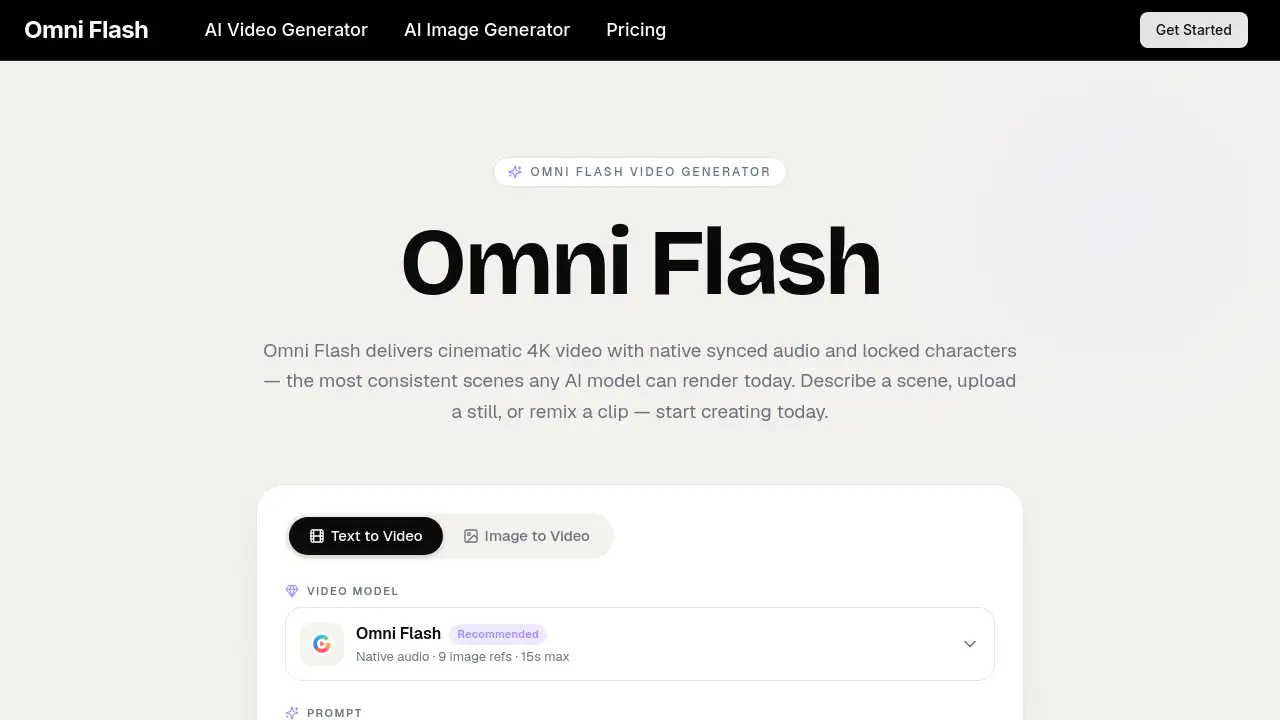
Omni Flash is an advanced AI video generator that creates cinematic 4K videos with synced audio and consistent characters from a simple text, image, or audio prompt.
What is Omni Flash?
The Omni Flash video generator is a powerful AI tool designed to streamline the video creation process. It addresses the common challenge of piecing together multiple tools for scriptwriting, storyboarding, animation, and audio scoring by offering a unified, multimodal solution. This AI video model understands cinematic language, allowing users to generate broadcast-ready scenes in seconds. The tool is suitable for a wide range of users, from solo creators and indie filmmakers to marketing teams and educators, who need to produce high-quality video content quickly and efficiently without extensive production resources.
Key Features of Omni Flash
Unified Multimodal Engine
Omni Flash processes text, images, and audio inputs simultaneously in a single pass to output a synchronized video, eliminating the need for separate rendering steps and disjointed workflows.
Cinematic Frame Composer
The model is trained on film grammar, allowing creators to direct shots using terms like focal length, depth of field, and motivated lighting as if working with a director of photography.
Fast Iteration Loop
Users can receive previews in well under a minute, enabling rapid experimentation with different creative directions before finalizing a scene.
Style Memory
Specific visual looks—including color palette, grain, and motion style—can be saved as presets and applied consistently across all future video generations.
Conversational Editing
Refinements can be made through simple chat instructions, such as requesting a longer close-up, and the model will rewrite only the specified portion of the scene.
Studio-Safe Outputs
Every render includes a commercial-use license, comes without watermarks, and contains provenance metadata, making the content safe for professional and commercial projects.
Use Cases for Omni Flash
Pre-Visualization for Filmmakers
Indie directors can use the Omni Flash video generator to storyboard and visualize entire scenes before booking physical sets, saving significant time and budget during pre-production.
Marketing and Ad Creation
Marketing teams can rapidly produce campaign-ready hero videos and easily localize them for different markets by adjusting voice-overs and color palettes within the platform.
E-commerce Product Videos
Online merchants can transform static product photos into engaging, scroll-stopping video clips complete with sound, enhancing product listings without hiring a production crew.
Educational Content
Educators and course creators can generate short, illustrative video sequences that perfectly match their narration, making complex concepts or historical events more engaging for students.
How to Use Omni Flash
Using the Omni Flash video AI is a straightforward three-step process designed for speed and simplicity.
- Provide Your Starting Point: Begin by typing a scene description, uploading a reference image, or pasting a script. The Omni Flash model accepts whichever input best captures your idea.
- Generate the Initial Take: The AI plans the framing, motion, dialogue, and audio together, then renders a cinematic preview in about 60 seconds for a 1080p clip.
- Refine and Export: Adjust the output using conversational chat commands or by re-prompting. Once satisfied, download the final 4K master file for use in your projects.
Target Audience for Omni Flash
- Independent filmmakers, directors, and content creators
- Marketing professionals and in-house brand teams
- E-commerce store owners and DTC merchants
- Educators, trainers, and online course creators
- Advertising and creative agencies
- Game designers and concept artists
- Social media influencers and travel content creators
Is Omni Flash Free?
Omni Flash operates on a credit-based subscription model. There is no permanently free tier, but it offers scalable plans with significant discounts for annual billing. All plans include access to the full multimodal AI video generator, commercial licenses, and watermark-free outputs.
| Plan | Price (Monthly, Billed Yearly) | Key Features & Credits |
|---|---|---|
| Lite | $7.9/month | 400 credits/month, 1 concurrent generation, up to 1080p resolution. |
| Pro | $17.9/month | 1,500 credits/month, 4 concurrent generations, priority speed, up to 1080p. |
| Ultra | $49.9/month | 4,400 credits/month, 10 concurrent generations, fastest speed, dedicated support, up to 1080p. |
Omni Flash's Pros and Cons
| Aspect | Pros | Cons |
|---|---|---|
| Workflow & Output | Unified engine for picture, motion, and sound; produces studio-ready 4K video with native audio and lip-sync. | Maximum output resolution is currently 1080p for generations, despite mentions of 4K masters (which may refer to upscaling). |
| Ease of Use | Simple three-step process; fast generation allows for quick iteration. | Requires understanding of cinematic terminology to fully leverage directorial control. |
| Pricing | Transparent, scalable credit system; commercial license included at all tiers. | No free tier; credit system may require careful management for high-volume users. |
| Consistency | Excellent locked character consistency across scenes, a standout feature in AI video. | As with any AI model, results can vary and may require several iterations to match exact vision. |
Frequently Asked Questions about Omni Flash
What makes Omni Flash different from other AI video tools?
Unlike single-purpose tools, Omni Flash is a unified multimodal engine that handles planning, framing, animation, and audio scoring in one integrated process, resulting in more coherent and cinematic scenes from the first prompt.
How long does it take to generate a video with Omni Flash?
The platform is optimized for speed, typically delivering a 1080p video clip preview in approximately 60 seconds, enabling a very fast creative iteration loop.
Can I use Omni Flash videos for commercial projects?
Yes, every video generated with Omni Flash comes with a commercial-use license and is delivered without watermarks, making the outputs safe for use in professional and commercial work.
What does "locked character consistency" mean?
This feature allows you to define a character's appearance (face, wardrobe, etc.) once, and the Omni Flash AI model will maintain that exact identity consistently across different shots and scenes, even in separate generations.
What kind of inputs does the Omni Flash video generator accept?
You can start a generation using a text prompt, by uploading a reference image, or by providing an audio clip. The model synthesizes these inputs to create the final video.
Is there a free trial for Omni Flash?
Based on the available pricing information, Omni Flash does not appear to offer a traditional free trial. Users can explore the service by subscribing to one of its paid plans, which start at a discounted rate.
Omni Flash Tags
AI video generator, Omni Flash, cinematic video AI, text to video, video creation tool, AI video model, multimodal AI, character consistent AI, video marketing tool, AI for filmmakers, 4K video generator, synced audio AI