Introduction
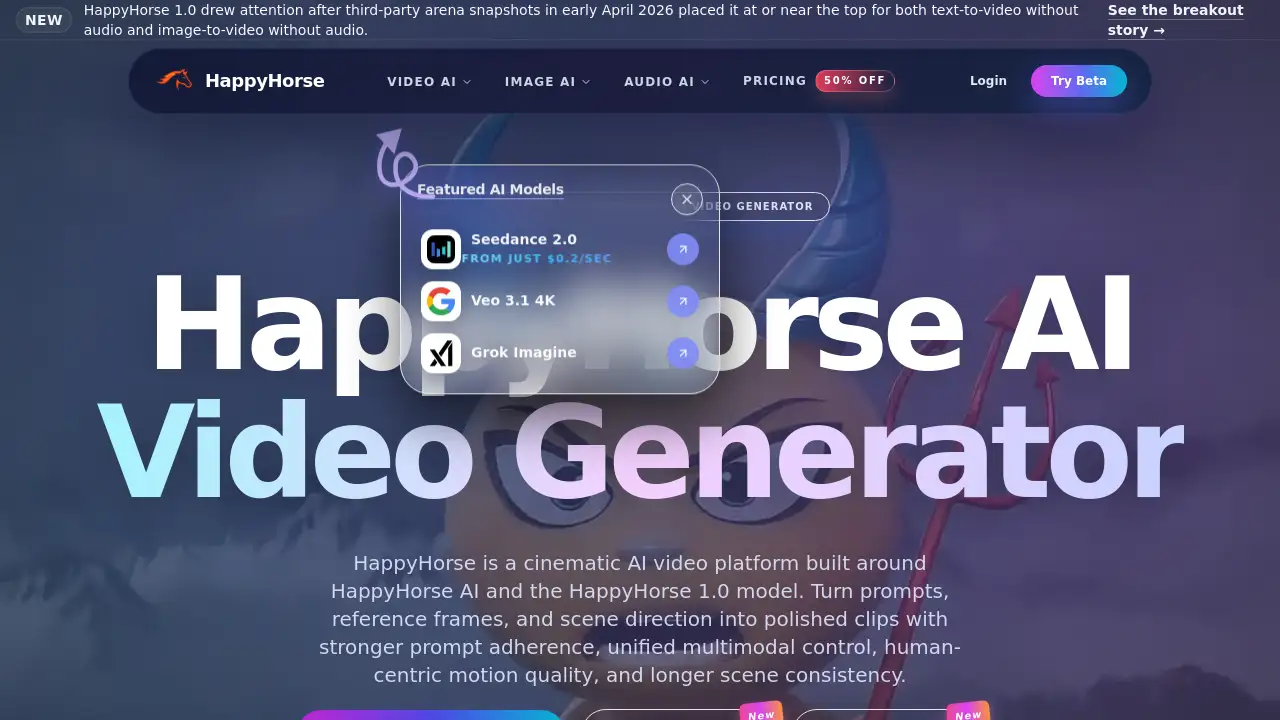
Open HappyHorse is a leading cinematic AI video generator for creators and marketers.
What is Open HappyHorse?
Open HappyHorse is an AI-powered platform designed to turn text prompts and images into high-quality, cinematic video clips. It solves the problem for creators and businesses who need efficient, professional-grade video content without extensive production resources. At its core is the HappyHorse 1.0 model, a unified system noted for its strong prompt fidelity and realistic motion. This product is suitable for a wide range of users, from content creators and marketing teams to educators and agencies, who require a controllable and high-fidelity text-to-video and image-to-video solution.
Key Features of Open HappyHorse
Cinematic Text-to-Video Generation
Users can input descriptive text prompts to generate polished video clips, with the platform excelling at following complex instructions to create scenes with cinematic quality.
Advanced Image-to-Video Control
The platform allows for uploading a reference image to guide video generation, offering creators precise control over subjects, composition, and initial scene setup for more consistent outputs.
Strong Prompt Fidelity and Motion
A key strength of the HappyHorse AI video generator is its adherence to user prompts, coupled with the generation of smooth and realistic human motion, particularly in facial expressions and body movement.
Fast 8-Step Inference
Public technical notes highlight that the HappyHorse 1.0 model uses an efficient 8-step denoising process, enabling faster video generation compared to some other models.
Unified Multimodal Architecture
The model is described as a single-stream system that processes text, video, and audio tokens together, which can lead to better timing and continuity in generated scenes, especially for dialogue.
Multilingual Prompt Support
Creators are not limited to English; they can use prompts in various languages to generate video content, broadening its usability for global marketing and content creation.
Use Cases for Open HappyHorse
Marketing and Advertisement Clips
Teams can rapidly prototype and produce high-quality ad concepts, social media clips, and product launch videos with consistent branding and human-centric scenes.
Content Creation and Storytelling
Individual creators and studios can use it for explainer videos, short films, mood pieces, and other narrative content, leveraging its strong scene control and motion quality.
E-commerce and Product Demos
Businesses can create engaging video showcases for products by using image-to-video to animate product shots or creating scenes that demonstrate use cases.
Digital Human and Avatar Scenes
The platform's noted strength in realistic facial performance and lip-sync makes it suitable for generating clips featuring AI avatars or digital humans for various applications.
How to Use Open HappyHorse
- Access the Platform: Visit the Open HappyHorse website and sign up for an account. A free tier is available to test the service.
- Choose Your Mode: Select either the text-to-video or image-to-video tool from the main dashboard, depending on your starting point.
- Provide Input: For text-to-video, write a detailed, cinematic prompt. For image-to-video, upload a reference image and optionally add a text prompt for further guidance.
- Adjust Settings (if available): Configure parameters like motion intensity, scene length, or other available controls to shape the output.
- Generate and Review: Initiate the generation process. Once complete, review the AI video clip, and use it directly or refine your input for another iteration.
Target Audience for Open HappyHorse
- Marketing Professionals and Ad Agencies
- Social Media Content Creators and Influencers
- E-commerce Business Owners and Teams
- Video Production Studios and Freelancers
- Educators and Corporate Trainers
- Product Managers and Launch Teams
Is Open HappyHorse Free?
Open HappyHorse offers a free starter tier that provides credits to test its core AI video generation capabilities. For higher usage limits, faster processing, longer video generations, and more production-oriented features, users need to upgrade to a paid plan. Specific pricing details should be checked on the official Open HappyHorse pricing page.
| Plan | Price | Features |
|---|---|---|
| Starter | Free (with credits) | Access to basic text-to-video and image-to-video generation for testing. |
| Paid Plans | Variable (See Official Page) | Higher credit limits, faster queues, longer generation length, commercial usage rights. |
Open HappyHorse's Pros and Cons
| Aspect | Pros | Cons |
|---|---|---|
| Output Quality | Excellent prompt fidelity and realistic human motion. | Full capabilities may require learning effective prompting. |
| Speed & Tech | Fast 8-step inference process for quicker generation. | Advanced technical architecture details are not fully public. |
| Control & Flexibility | Strong image-to-video control and multilingual support. | May have limitations on video length or complexity in lower tiers. |
| Accessibility | Free tier available for testing and exploration. | Production-scale use requires a paid subscription. |
Frequently Asked Questions about Open HappyHorse
What is the difference between HappyHorse, HappyHorse AI, and HappyHorse 1.0?
HappyHorse refers to the overall product brand and platform. HappyHorse AI is the creative engine within that platform, while HappyHorse 1.0 is the specific underlying AI model known for its performance in text-to-video and image-to-video generation.
Is HappyHorse free to try?
Yes. Open HappyHorse offers a free starter tier that provides a limited number of credits, allowing users to test the AI video generator and create sample clips before deciding to upgrade.
Can I use my own images to create videos?
Absolutely. The image-to-video feature is a core function. You can upload a reference image—such as a product photo, storyboard frame, or portrait—to guide and initiate the video generation process.
What kind of videos can I create with Open HappyHorse?
The platform is versatile, suitable for creating advertisement clips, social media content, product demos, explainer videos, digital-human scenes, and creative storytelling projects, especially those benefiting from strong human motion.
What makes HappyHorse AI different from other video AI tools?
Based on public analysis, HappyHorse AI is noted for a combination of strong prompt adherence, a unified architecture that handles multiple data types, and particularly high-quality, realistic facial and body motion in generated videos.
Are there any content restrictions?
Yes. The platform prohibits content involving impersonation, non-consensual material, misinformation, and other harmful uses. Users must own the rights to any images, prompts, or brand assets they upload.
Open HappyHorse Tags
Open HappyHorse, HappyHorse AI, HappyHorse 1.0, AI video generator, text-to-video, image-to-video, cinematic AI video, AI video creation, video from text, video from image, Happy Horse AI, AI video maker, multimodal AI, realistic motion