Introduction
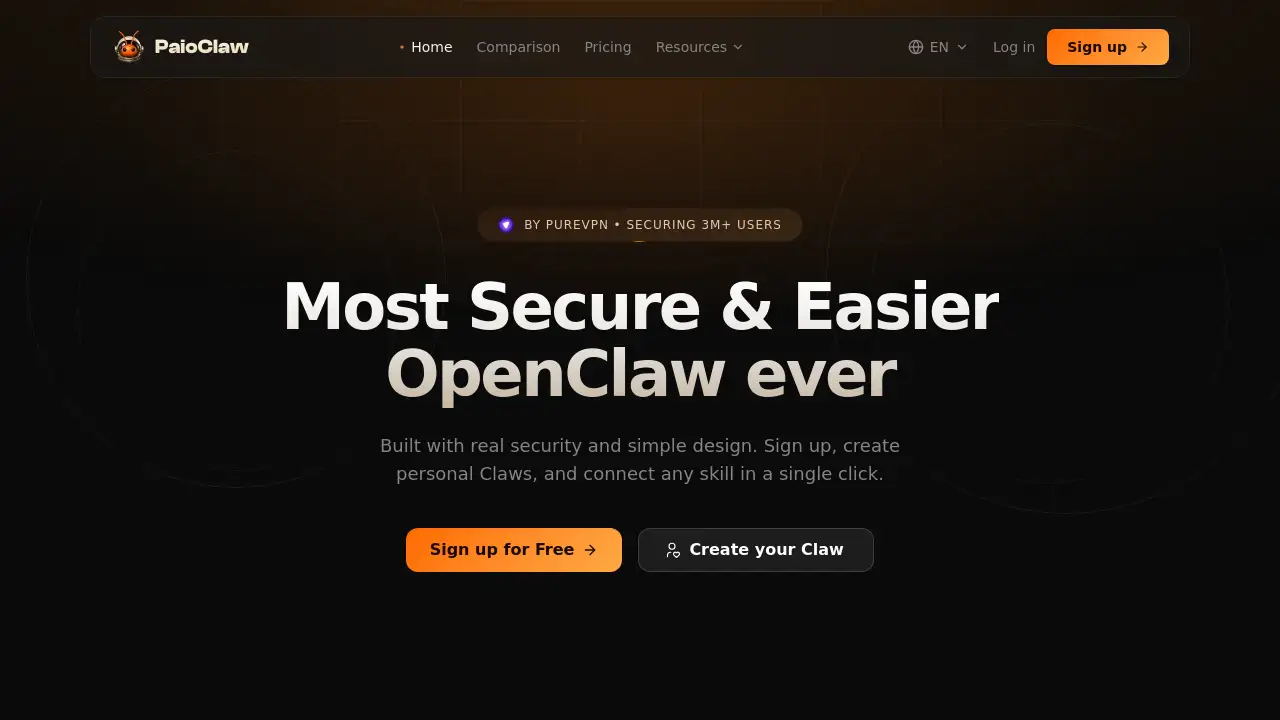
PaioClaw offers a private, always-on AI assistant powered by your own API keys, ready in 60 seconds without any technical setup.
What is PaioClaw?
PaioClaw is a hosted platform that makes it easy to run an OpenClaw-based AI assistant securely and reliably. OpenClaw is a powerful open‑source framework for creating AI agents that can connect to apps, remember context, and take actions – but setting it up traditionally requires Docker, terminal commands, and constant maintenance. PaioClaw removes all of that complexity: sign up, attach your own API keys, and your Claw (the AI assistant) is live in under a minute. It is built on the cybersecurity infrastructure of PureVPN, which has protected over 3 million users for 17 years, so your data stays encrypted and isolated. Whether you are a developer who wants to avoid server headaches or a business user who needs a reliable, always‑on AI assistant, PaioClaw provides the security and ease that self‑hosted OpenClaw often lacks.
Key Features of PaioClaw
60‑Second Claw Setup
No Docker, no command line. Sign up, choose or create your Claw, connect your LLM API key, and it runs instantly in your browser. No config files, no server setup.
One‑Click Skill Setup
PaioClaw is the only OpenClaw platform where you can connect 2000+ skills with a single tap – no lengthy steps or manual configuration. Add calendar, social media, market research, or any other skill instantly.
Always‑On Uptime
Your Claw stays connected 24/7 with no random disconnections, session resets, or timeout errors. PaioClaw ensures reliable connectivity so you never lose your workflow.
Claw Visibility & Control
Monitor every task, every token, and every action your Claw takes. Full control over AI usage and cost, with activity logs and credit tracking.
Token Optimisation
PaioClaw uses up to 50% fewer tokens per task compared to standard OpenClaw setups, reducing your API costs. This is available on the Genius plan and partially on the Smart plan.
Security by Design
Built on PureVPN’s hardened infrastructure, your API keys and conversations are encrypted and isolated. No exposed ports or unauthenticated access – a common risk with self‑hosted OpenClaw.
Personalised Claw Templates
Start with ready‑made Claws like “James” (customer support), “Shahz” (content and social media), or “Lilly” (research and reporting). Each comes with pre‑configured workflows and skills.
Use Cases for PaioClaw
Automated Calendar Management
Your Claw can handle meeting requests, check your availability, find the right time slot, and book events automatically – no back‑and‑forth emails.
Task Assignment and Tracking
Drop any task into your Claw. It picks the right owner, sets deadlines, checks progress, and notifies you when done. Ideal for remote teams and busy professionals.
Real‑Time Business Metrics Review
Ask your Claw about MRR, churn, runway, or any key metrics – it accesses live data without dashboards or pivot tables. Perfect for founders and analysts.
Market Research on Demand
Give your Claw a topic and it will research competitors, pricing moves, launches, and sentiment – delivering actionable takeaways without hours of web browsing.
Customer Support Automation
Claws like “James” can handle tickets, resolve common issues, and escalate complex cases, all while learning from past interactions.
How to Use PaioClaw
- Create an Account – Sign up with Google or email on the PaioClaw website. No credit card is required for the free tier.
- Choose a Plan – Select Curious (free), Smart ($15/month), or Genius ($25/month). Upgrade anytime if needed.
- Set Up Your Claw – Pick a pre‑built Claw template or start from scratch. Enter your LLM API key (e.g., OpenAI, Anthropic) – the Claw is live in under 60 seconds.
- Connect Skills and Channels – In one click, add skills like WhatsApp, Telegram, Slack, or any of the 2000+ integrations.
- Start Using It – Assign tasks, ask questions, or let your Claw run automated workflows. Monitor activity and costs from the dashboard.
Target Audience for PaioClaw
- Freelancers and solopreneurs who need a reliable AI assistant without technical overhead.
- Small to medium teams looking to automate repetitive tasks and improve productivity.
- Developers who want to deploy OpenClaw quickly without managing servers.
- Business owners and founders who need real‑time metrics and automated reporting.
- Customer support teams seeking an AI‑powered ticketing and resolution system.
- Content creators and marketers wanting help with research, social media, and content generation.
Is PaioClaw Free?
Yes, PaioClaw offers a free plan called “Curious” with no time limit – you can use it for up to 3 hours per day. Paid plans unlock more memory, skills, and token savings.
| Plan | Price | Features |
|---|---|---|
| Curious | $0 forever | 60 free AI credits, 100+ skills, connect WhatsApp & Telegram, fully private & encrypted |
| Smart | $15/month | 200 free AI credits, 2000+ skills, 40% fewer tokens, activity log, 4× memory |
| Genius | $25/month | 500 free AI credits, 2000+ skills, 50% fewer tokens, early access to new models & skills, 2× memory of Smart |
Additional credits can be topped up (e.g., $5 for 1,200 credits). All plans use your own API keys for AI model calls.
PaioClaw's Pros and Cons
| Aspect | Pros | Cons |
|---|---|---|
| Setup | 60‑second, no technical skills required | Free plan limited to 3 hours/day |
| Security | Built on PureVPN’s cybersecurity infrastructure; encrypted and isolated | Still requires you to trust a third‑party with your API keys (though securely handled) |
| Uptime | 24/7 always‑on with no disconnections | Depends on PaioClaw’s server availability (but backed by PureVPN) |
| Skills | 2000+ one‑click integrations | Some advanced skills may require higher plan (Smart/Genius) |
| Cost | Free tier available; paid plans cheaper than self‑hosting VPS + time | Credit top‑ups can add cost if you use heavily |
| Token Efficiency | Up to 50% fewer tokens on Genius plan | Lower efficiency on free plan (no token optimisation) |
Frequently Asked Questions about PaioClaw
What is the difference between PaioClaw and using ChatGPT or Claude directly?
ChatGPT and Claude are conversation‑focused AI tools that stop at the reply. PaioClaw uses OpenClaw to connect to your apps, hold memory across tasks, and take real actions – like scheduling meetings, updating CRM, or sending messages – making it a true AI assistant rather than a chat interface.
Do I need to know how to code to set up PaioClaw?
No. PaioClaw is designed for non‑technical users. Sign up, pick a Claw, attach your API key, and it works instantly. No terminal, no Docker, no configuration files. Skills are added with a single click.
How is my data protected with PaioClaw?
PaioClaw runs on PureVPN’s security infrastructure – the same stack that protects over 3 million users. Your API keys, conversations, and data are encrypted and isolated inside a hardened environment. Unlike self‑hosted OpenClaw, there are no exposed ports or unauthenticated access points.
Can I use my own API keys with PaioClaw?
Yes. PaioClaw is designed for you to bring your own LLM API keys (e.g., OpenAI, Anthropic). This gives you full control over which models you use and how much you spend directly with the provider.
How long does it really take to set up?
PaioClaw claims 60 seconds, and user feedback agrees. You create an account, choose a Claw, connect a channel like WhatsApp or Slack, and you start interacting immediately. Adding more skills takes a single tap – no waiting.
What happens if I run out of credits?
You can top up credits in bundles (e.g., $5 for 1,200 credits). The free plan gives 60 credits and resets each day. If you run out, your Claw pauses until more credits are available or you upgrade to a higher plan.
PaioClaw Tags
PaioClaw, OpenClaw, AI assistant, secure AI assistant, private AI assistant, always‑on AI, 60‑second setup, OpenClaw setup, AI agent platform, API key assistant, PureVPN AI, automated workflows, token optimisation, one‑click skills, AI for business