Introduction
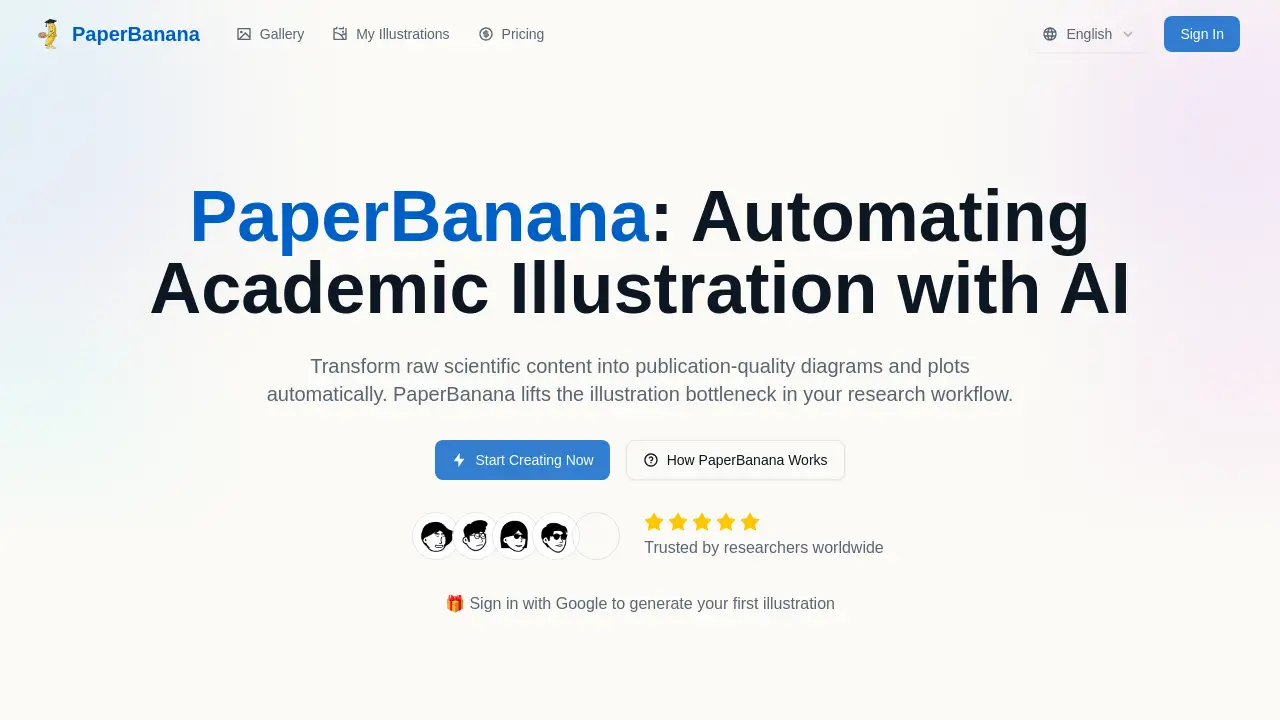
PaperBanana is an AI illustration generator that transforms raw scientific content into publication-ready diagrams and plots.
What is PaperBanana?
PaperBanana is an AI-powered tool designed specifically for researchers and academics. It addresses the significant bottleneck of creating high-quality, publication-ready illustrations for research papers, presentations, and posters. The platform utilizes a sophisticated, multi-agent workflow where specialized AI agents collaborate to interpret scientific text—such as methodology descriptions or datasets—and automatically generate accurate, stylistically appropriate visualizations. This eliminates the need for advanced design skills or time-consuming manual drawing in software like PowerPoint or Illustrator, allowing researchers to focus on their core work while producing professional-grade academic graphics.
Key Features of PaperBanana
Multi-Agent AI Workflow
Five specialized agents—Retriever, Planner, Stylist, Visualizer, and Critic—collaborate to ensure each publication-quality diagram is thoughtfully planned, styled, rendered, and refined.
Reference-Driven Generation
The system retrieves relevant academic reference examples to guide the visual style, ensuring outputs meet the aesthetic standards of top-tier journals and conferences.
Iterative Self-Critique
A built-in Critic agent automatically reviews generated images against the source content, providing feedback for refinement until the result is truly publication-ready.
Code-Based Statistical Plots
For data visualizations, PaperBanana can generate executable Python Matplotlib code, guaranteeing numerical accuracy and eliminating AI hallucination in charts and graphs.
Diverse Output Types
The platform handles a wide range of academic illustrations, including methodology diagrams, statistical plots, educational infographics, and aesthetic enhancements for existing figures.
High-Resolution Download
Users can directly download high-quality, optimized image files that are ready to be inserted into LaTeX documents, Word manuscripts, or presentation slides.
Use Cases for PaperBanana
Creating Methodology Diagrams
Researchers can describe a complex experimental setup, algorithm, or neural network architecture in text and receive a clear, well-labeled methodology diagram suitable for a paper's figures section.
Visualizing Research Data
Scientists can input datasets and chart specifications to generate accurate bar charts, line graphs, or scatter plots, creating statistical plots with correct scales and legends.
Enhancing Rough Sketches
Academics with a hand-drawn or poorly formatted diagram can use the aesthetic enhancement feature to upgrade its visual quality with better colors, fonts, and layout.
Developing Teaching Materials
Educators and science communicators can transform dense technical concepts into intuitive educational infographics for lectures, tutorials, or public outreach.
Refining Existing Figures
Authors can polish figures from previous publications or drafts, improving their visual appeal to meet the higher standards of a new target journal without redrawing.
How to Use PaperBanana
Using the PaperBanana AI illustration generator is a straightforward process designed for researchers.
- Input Your Content: Navigate to the PaperBanana web interface. In the provided text box, paste a detailed description of your scientific content. This could be a methodology, a dataset for a plot, or a concept you wish to visualize.
- Select Preferences (Optional): Adjust style templates, aspect ratio, and resolution settings to match your target publication's requirements.
- Generate the Illustration: Click the "Generate Images" button. PaperBanana's multi-agent system will process your input, retrieve references, plan the layout, and create the visualization.
- Review and Refine: Examine the generated publication-ready illustration. You can adjust your prompt and regenerate or use the refinement features to polish specific elements.
- Download and Use: Once satisfied, download the high-resolution image file or the accompanying Python code for plots, and insert it directly into your document.
Target Audience for PaperBanana
- Academic Researchers and Scientists across all STEM fields.
- PhD Students and Postdoctoral Fellows writing theses or journal articles.
- University Lecturers and Professors creating course materials and presentations.
- Data Scientists and Analysts needing to visualize complex data accurately.
- Science Communicators and Journalists explaining technical topics to broader audiences.
Is PaperBanana Free?
Based on the available reference information, PaperBanana offers a free tier to start. The homepage prominently features a call to "Sign in with Google to generate your first illustration," indicating immediate, free access for initial use. For detailed information on premium plans, ongoing usage limits, or advanced features, users should visit the official PaperBanana website's pricing page.
PaperBanana's Pros and Cons
| Aspect | Pros | Cons |
|---|---|---|
| Workflow Efficiency | Dramatically reduces time spent on manual figure creation. | Output may require iterative prompting for highly specific or novel designs. |
| Output Quality | Generates publication-ready diagrams that adhere to academic aesthetic standards. | As an AI tool, creative control is ceded compared to manual graphic design. |
| Accessibility | No prior design expertise required; accessible via a web browser. | Relies on a clear, detailed text description from the user for optimal results. |
| Accuracy | Code-based plot generation ensures data visualization accuracy. | The range of artistic styles may be guided by retrieved references, potentially limiting extreme customization. |
Frequently Asked Questions about PaperBanana
What types of illustrations can PaperBanana generate?
PaperBanana specializes in core academic illustration types: Methodology Diagrams (e.g., flowcharts, system architectures), Statistical Plots (bar/line/scatter plots), Aesthetic Enhancement for rough sketches, Educational Infographics, and visual Refinement of existing figures.
How does PaperBanana ensure the quality of its diagrams?
Quality is ensured through its multi-agent workflow. A dedicated Critic agent performs an iterative self-critique, comparing the generated image to the source content and providing feedback for automatic refinement until the visual meets a high standard.
Can I use PaperBanana figures in my journal submission?
Yes. Illustrations generated by PaperBanana are intended to be publication-ready and are yours to use in research papers, theses, presentations, and posters. They are designed to meet the graphic standards of reputable academic venues.
What input do I need to provide to get a good result?
Provide a clear, detailed text description of what you want to visualize. For methodology, describe the components and flow. For plots, provide the data and chart type. The more precise your input, the more accurate and relevant the resulting publication-quality diagram will be.
Does PaperBanana only work for AI or computer science research?
No. While the examples may lean towards technical fields, the underlying principle of transforming descriptive text into visuals applies to any scientific discipline, including biology, chemistry, physics, and engineering.
Can I edit the diagrams after they are generated?
You can refine results by adjusting your text prompt and regenerating. For statistical plots, you receive the Python code, allowing for deep customization. For other images, you can use standard image editing software or the platform's Aesthetic Refinement feature for tweaks.
PaperBanana Tags
AI illustration generator, publication-ready diagrams, academic illustrations, research figure generator, scientific diagram AI, multi-agent AI, methodology diagram tool, statistical plot generator, PaperBanana AI, academic workflow tool, automated figure creation, data visualization AI