Introduction
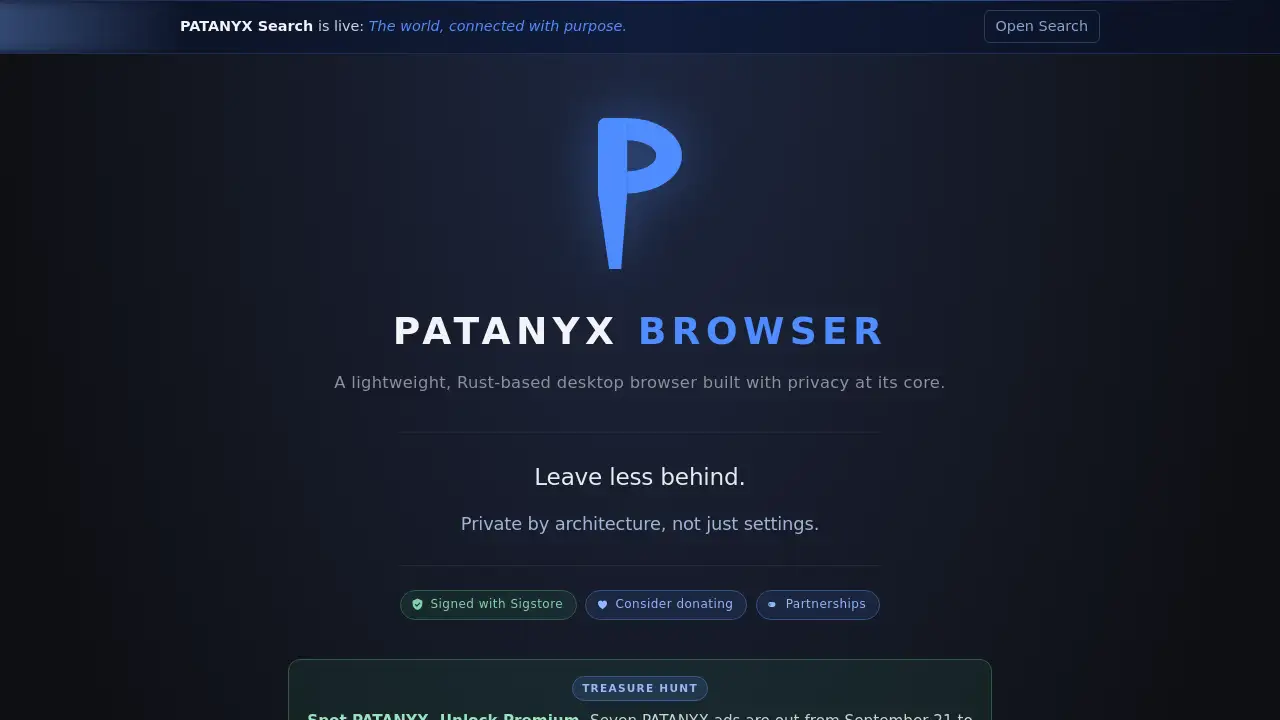
PATANYX Browser is a lightweight, Rust-based desktop browser focused on privacy by architecture. It aims to leave less behind while browsing.
What is PATANYX Browser?
PATANYX Browser is a desktop browser developed by EdgeXene. It is built with Rust and designed around privacy from the ground up, rather than as an optional setting. The browser targets users who want a lightweight alternative for everyday web use without accounts, sign-ups, or sync. It addresses common privacy concerns such as ad tracking, invisible trackers, DNS exposure, and phishing threats.
The product also includes tools to inspect tab activity, freeze or quarantine pages, forget cookies, save pages as PDFs, and check images for hidden low-contrast text using color detection from XLiteOCR. As a privacy browser, PATANYX Browser matters because it tries to reduce data leaving the computer by default. It is suitable for privacy-conscious individuals, researchers, and professionals who prefer local controls over cloud-linked browsing.
Key Features of PATANYX Browser
Lightweight Rust-Based Desktop Browser
PATANYX Browser uses Rust to support a lightweight desktop browsing experience. It is positioned as a private browser that focuses on speed, local processing, and a smaller privacy footprint.
Privacy by Architecture
The browser is designed so privacy comes from its architecture, not just from settings. It avoids accounts, sign-ups, and sync, which reduces the need to create or manage a profile.
Tracker and Ad Blocking
PATANYX Browser can block ads and trackers so requests do not leave the computer. This helps reduce third-party tracking during normal browsing.
Page and Tab Controls
Users can freeze a page after it loads, open tabs that keep nothing, quarantine a tab, or forget its cookies. These controls support cleaner browsing and easier tab management.
Local Phishing and Malware Protection
The browser includes 770,000+ local, multi-source phishing and malware protection entries. It checks for a newer phishing list every hour.
Encrypted DNS on Windows
On Windows, PATANYX Browser supports encrypted DNS to keep DNS lookups out of an ISP's view. Users can also choose who resolves the sites they visit.
Vault Lock
The vault locks itself after 5 minutes of no input. This adds a time-based privacy layer for users who step away from the desktop.
XLiteOCR Color Detection
Color detection from XLiteOCR, EdgeXene's open-source OCR engine, now runs inside PATANYX Browser. Users can check a photo before sharing it; the tool finds text hidden by low contrast and reports what it says.
Sigstore Signing
PATANYX Browser is signed with Sigstore. This gives users a way to verify the software's authenticity.
Use Cases for PATANYX Browser
Everyday Private Browsing
Use PATANYX Browser for daily web browsing when reducing ads, trackers, and account-linked data is a priority. It fits users who want a privacy browser without complicated setup.
Sensitive Research
Researchers and professionals can use the desktop browser to freeze or quarantine tabs and clear cookies. The tab activity view helps show what a page is doing.
Pre-Sharing Image Checks
Before sharing a photo, users can run the XLiteOCR color detection inside PATANYX Browser. It can reveal low-contrast text that might be hard to see.
Windows DNS Privacy
Windows users can enable encrypted DNS in PATANYX Browser. This helps keep DNS lookups away from ISP visibility.
Lightweight Desktop Browsing
Users who prefer a lightweight browser can try PATANYX Browser as an alternative to heavier desktop browsers. Its Rust foundation and local privacy features are central to its design.
Phishing Awareness
People who want local phishing and malware protection can benefit from the browser's multi-source list and hourly updates. It adds another layer when visiting unfamiliar sites.
How to Use PATANYX Browser
- Visit the official PATANYX Browser website at patanyx.net and download the desktop browser.
- Install it on a supported desktop system, then open the browser and begin browsing. There are no accounts, sign-ups, or sync steps.
- Use the page and tab controls to block ads and trackers, freeze pages, quarantine tabs, forget cookies, or save a page as a PDF.
- On Windows, turn on encrypted DNS and choose a DNS resolver if available in the settings.
- For images, run the XLiteOCR color detection feature to check for hidden low-contrast text before sharing.
- Let the vault lock after 5 minutes of no input, or verify the Sigstore signature if software authenticity checks matter.
Target Audience for PATANYX Browser
- Privacy-conscious desktop users
- Windows users who want encrypted DNS
- People who prefer no accounts, sign-ups, or sync
- Researchers and professionals handling sensitive browsing sessions
- Minimalists seeking a lightweight Rust-based browser
- Users who share images and want to check for hidden text
- Anyone looking for a private browser with local phishing protection
Is PATANYX Browser Free?
The reference information does not list paid plans or subscription pricing for PATANYX Browser. The official site includes an option to donate, which suggests the browser may be free to use with optional support. For exact pricing, users should check the official PATANYX Browser website.
| Plan | Price | Features |
|---|---|---|
| Not listed | Not listed | The reference content does not provide pricing details. |
| Donation | Optional | The official site links to a donation page for project support. |
PATANYX Browser's Pros and Cons
| Aspect | Pros | Cons |
|---|---|---|
| Privacy | Privacy by architecture, no accounts or sync, tracker blocking | No sync may be inconvenient for multi-device users |
| Performance | Lightweight Rust-based desktop browser | Platform support details are limited in the reference |
| Features | Freeze tabs, quarantine, forget cookies, save PDFs, tab activity | Some advanced controls may require learning |
| Security | 770,000+ local phishing/malware entries, hourly updates, Sigstore signing | Fingerprinting is reported as nearly unique and not hidden |
| DNS | Encrypted DNS available on Windows | Encrypted DNS is Windows only |
| OCR | XLiteOCR color detection runs inside the browser | Usefulness depends on image quality and content |
Frequently Asked Questions about PATANYX Browser
What is PATANYX Browser?
PATANYX Browser is a lightweight, Rust-based desktop browser from EdgeXene. It is built with privacy at its core and is designed to leave less data behind while browsing.
Is PATANYX Browser free?
The reference information does not show a paid plan. The official PATANYX Browser site offers a donation option, so the browser appears free to use with optional support. Check the official site for current pricing details.
Does PATANYX Browser sync my data?
No. The product description says there are zero accounts, sign-ups, or sync. This supports privacy but means browsing data is not synchronized across devices by the browser.
How does PATANYX Browser handle phishing and malware?
It includes 770,000+ local, multi-source phishing and malware protection entries. The browser checks for a newer phishing list every hour.
What does the XLiteOCR color detection do in PATANYX Browser?
Color detection from XLiteOCR runs inside PATANYX Browser. It can check a photo before sharing and find text hidden by low contrast, then tell the user what it says.
Does PATANYX Browser protect against fingerprinting?
The reference content states that EFF's Cover Your Tracks test reported tracking ads and invisible trackers blocked, but it also reported a nearly unique fingerprint. The product does not claim to hide that fingerprint.
PATANYX Browser Tags
PATANYX Browser, privacy browser, Rust-based browser, lightweight desktop browser, private browser, tracker blocking browser, encrypted DNS browser, phishing protection, no account browser, browser privacy, EdgeXene browser, PATANYX review.