Introduction
A free online AI photo editor for quick, professional image enhancement.
What is AI Photo Editor?
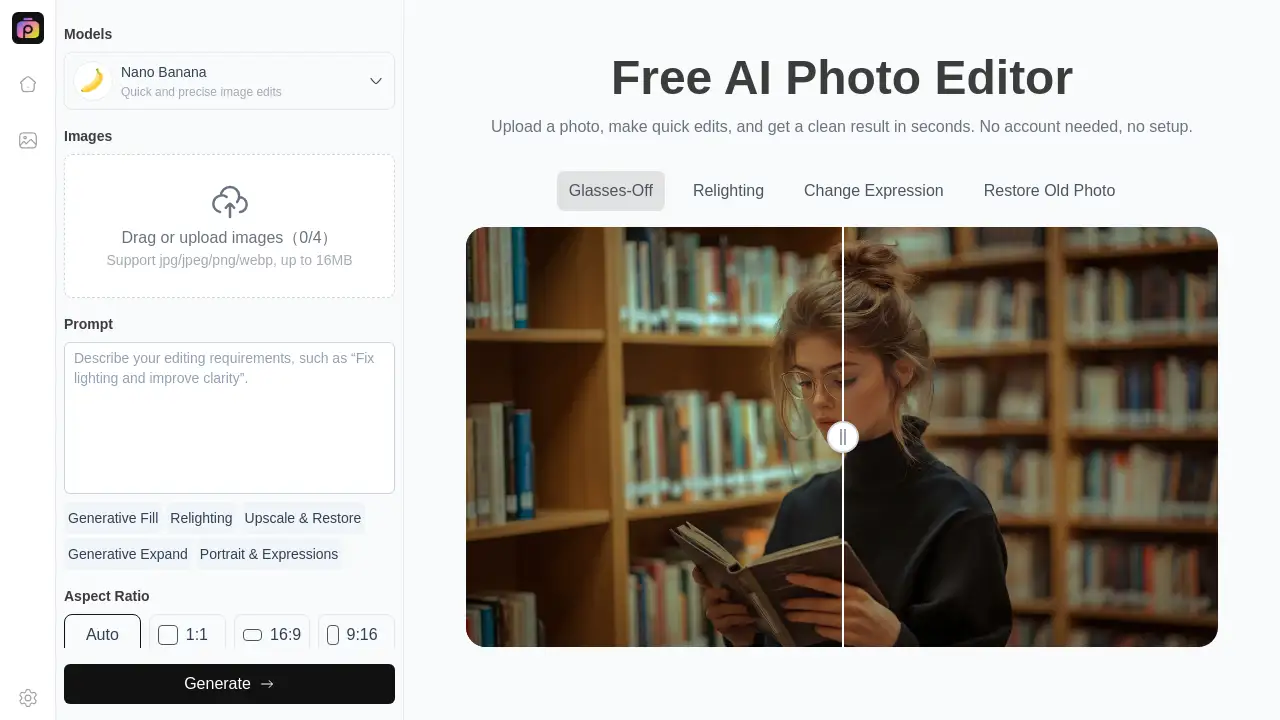
AI Photo Editor is a web-based tool that allows users to enhance, fix, and edit photos online using artificial intelligence. It solves the problem of needing complex, expensive software or technical skills for everyday photo improvement. Users simply upload an image, describe the desired changes in a text prompt, and the AI automatically applies the edits. This makes professional-level photo editing accessible to everyone, from complete beginners to busy professionals. The platform is suitable for anyone looking to quickly improve their images for social media, business, or personal projects without any downloads or sign-up process.
Key Features of AI Photo Editor
Free Online Access
The AI photo editor operates entirely online for free, requiring no software installation or account creation to start editing photos instantly.
No Sign-Up Required
Users can immediately upload and edit photo online without any registration, streamlining the process from start to finish.
Fast AI-Powered Editing
Leveraging artificial intelligence, the tool processes images rapidly, applying complex enhancements and fixes based on simple text prompts.
Simple Prompt-Based Interface
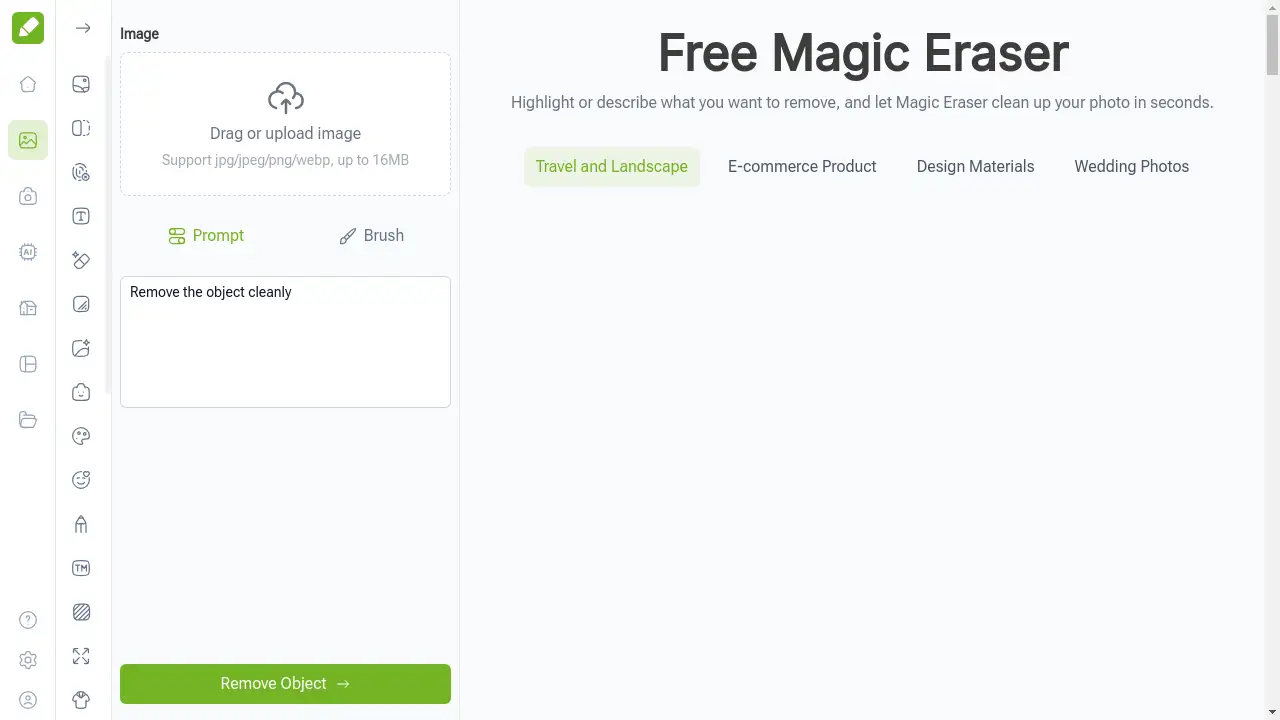
Editing is driven by user-written prompts, allowing anyone to describe changes like "enhance colors" or "remove background" for automatic, precise results.
Instant Preview and Download
After the AI processes the request, users can preview the edited image and download the final result with a single click.
Use Cases for AI Photo Editor
Social Media Content Creation
Quickly enhance and fix photo quality for Instagram, Facebook, or TikTok posts to create more engaging and professional-looking content.
E-commerce Product Photography
Online sellers can efficiently improve product photos by enhancing details, adjusting lighting, and creating cleaner backgrounds to boost sales.
Blog and Website Imagery
Bloggers and content creators can edit photo online to ensure their website images are clear, visually appealing, and optimized for their audience.
Personal Photo Restoration and Enhancement
Individuals can easily restore old photos, improve snapshots from events, or creatively alter personal images for gifts or digital albums.
How to Use AI Photo Editor
Using the AI photo editor is a straightforward, three-step process designed for simplicity and speed.
- Upload Your Photo: Navigate to the tool's website and upload a clear image from your device. The platform supports common formats.
- Enter an Edit Prompt: In the provided text box, describe the changes you want. For example, type "enhance photo sharpness" or "fix dark shadows."
- Preview and Download: The AI will process your prompt and display the edited image. Review the result, and if satisfied, download it to your device instantly.
Target Audience for AI Photo Editor
- Social media enthusiasts and influencers
- Small business owners and e-commerce sellers
- Bloggers and digital content creators
- Marketing professionals and social media managers
- Casual photographers and hobbyists
- Students and individuals needing quick photo fixes
Is AI Photo Editor Free?
The core service of this AI photo editor is available for free. Based on the reference information, users can access the online tool to edit photo online without any cost or mandatory sign-up. For the most current information on any potential premium features or plans, users should refer to the official product page.
AI Photo Editor's Pros and Cons
| Aspect | Pros | Cons |
|---|---|---|
| Accessibility | Completely free and requires no account, making it instantly accessible. | Requires a stable internet connection to function. |
| Ease of Use | Extremely simple, prompt-based interface with no learning curve. | Advanced, granular manual control over edits is limited compared to professional software. |
| Speed | AI processes edits very quickly, ideal for fast turnarounds. | Results depend on the clarity of the user's text prompt. |
| Output | Delivers naturally enhanced, professional-looking results for common tasks. | May not replace highly specialized editing needs for professional photographers. |
Frequently Asked Questions about AI Photo Editor
Is the AI photo editor really free to use?
Yes. The primary function of uploading, editing with AI, and downloading enhanced photos is completely free with no sign-up required.
Do I need any photo editing experience to use this tool?
No prior experience is needed. The AI photo editor is designed for beginners. You only need to describe the edit you want in simple language.
Are my uploaded photos kept private?
The reference information does not specify a detailed privacy policy. For specific details on data handling and retention, it is recommended to review the website's privacy terms before uploading sensitive images.
What image formats does the AI photo editor support?
The tool supports common image formats. For the best results, it is recommended to upload clear, high-quality photos.
Can I use this tool to edit photo online for commercial purposes?
Yes, the tool is used by businesses and organizations, as noted in the reference material. It is suitable for enhancing commercial images like product photos for e-commerce or social media marketing.
How does the AI know what edits to make?
The AI analyzes the user's text prompt. By describing your goal, such as "brighten the image" or "remove the person in the background," the AI interprets these instructions and applies the corresponding enhancements to your photo.
AI Photo Editor Tags
AI photo editor, photo editor online, edit photo online, free photo editor, enhance photo, fix photo, online image editor, AI image editor, photo enhancement tool, improve photo quality, quick photo edit, background remover