Introduction
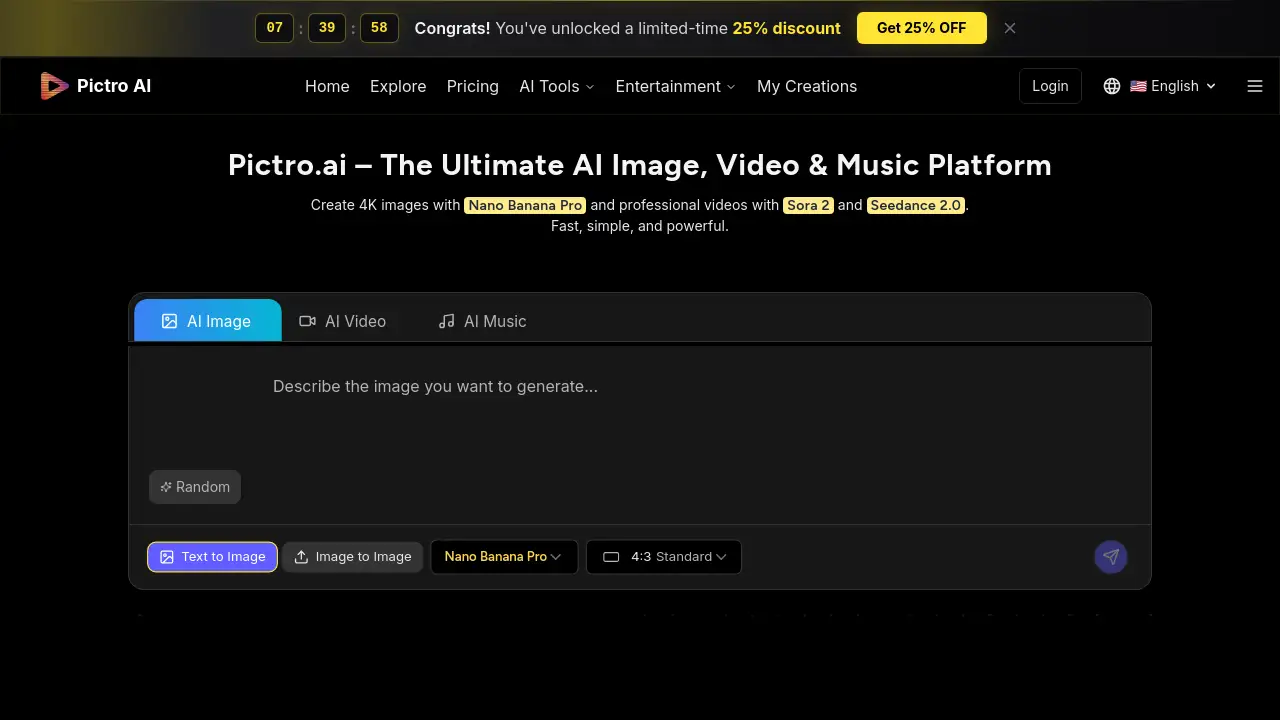
Pictro AI is a free, all-in-one AI generator for images, videos, and music.
What is Pictro AI?
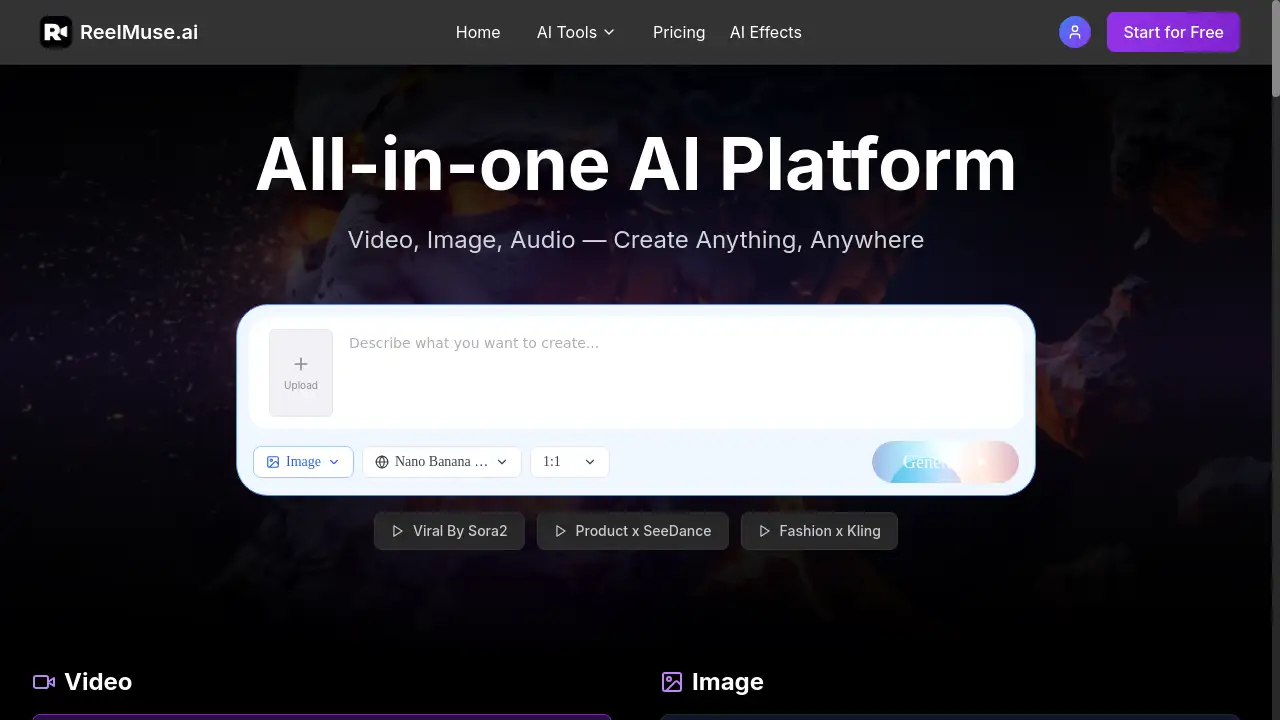
Pictro AI is an integrated online platform that functions as a powerful AI image generator and AI video generator. It solves the problem of creative professionals and hobbyists needing multiple, separate tools by offering a unified space to transform text prompts, images, or existing videos into high-resolution, high-quality visual and audio content. By leveraging top-tier models like Nano Banana Pro for images and Sora 2 and Seedance 2.0 for video, Pictro AI enables fast, studio-quality content creation. It is suitable for a wide range of users, from social media content creators and marketing teams to video producers and designers, who need to turn ideas into professional assets quickly and efficiently.
Key Features of Pictro AI
Studio-Quality Control
Users gain fine control over composition, lighting, color grading, and details, enabling professional results that meet specific creative visions.
Real-World Knowledge
The platform’s deep understanding of context allows for the generation of accurate infographics, visualizations, and realistic scenes.
Multi-language Text Rendering
It supports high-fidelity text rendering in multiple languages, ensuring perfect typography within generated images and videos.
Fast Generation Speed
The platform is designed for speed, creating stunning 4K images and professional videos in a matter of seconds.
Unified AI Model Access
Pictro AI integrates the world's best models—Nano Banana Pro for images, Sora 2 and Seedance 2.0 for video—into a single, accessible platform.
All-in-One Creative Suite
Beyond images and video, Pictro AI also includes intelligent AI music generation, making it a comprehensive creative toolkit.
Use Cases for Pictro AI
Social Media Content Creation
Quickly generate eye-catching 4K images and short video clips for posts, stories, and ads to maintain a consistent and engaging online presence.
Advertising and Prototyping
Advertising teams can use the AI video generator to rapidly prototype and test multiple visual concepts for campaigns before moving to full production.
Storyboarding and Pre-Visualization
Video producers and filmmakers can create professional-grade storyboards and concept visualizations to plan shots and communicate ideas effectively.
Design Workflow Enhancement
Design studios can streamline their process by using Pictro AI for initial mock-ups, style exploration, and asset generation, significantly speeding up project timelines.
Educational and Presentation Material
Educators and presenters can create accurate infographics, diagrams, and explanatory videos to make complex information more accessible and visually appealing.
How to Use Pictro AI
Using Pictro AI to create content is a straightforward process:
- Enter Your Prompt: Describe your vision in natural language. The platform understands context, style, and composition details from your text.
- Choose Settings: Select your desired parameters, such as resolution (e.g., 4K), artistic style, and other creative controls to match your project needs.
- Generate: Click to generate. Pictro AI processes your request using its powerful AI models to create high-quality images or videos rapidly.
- Download and Edit: Export your final creation in multiple formats and resolutions. The platform also offers online editing tools for further refinement.
Target Audience for Pictro AI
- Content Creators (Bloggers, YouTubers, Social Media Influencers)
- Marketing and Advertising Professionals
- Video Producers and Filmmakers
- Graphic Designers and Design Studios
- Educators and Trainers
- Small Business Owners and Entrepreneurs
Is Pictro AI Free?
Based on the available reference information, Pictro AI is promoted as a free ultimate all-in-one generator. The homepage emphasizes "free" access to create images, videos, and music. For detailed information on any potential premium tiers, usage limits, or additional features, users should refer to the official Pictro.ai website.
Pictro AI's Pros and Cons
| Aspect | Pros | Cons |
|---|---|---|
| Cost & Accessibility | Completely free to use, lowering the barrier to entry for high-quality AI generation. | Premium features or higher usage tiers, if they exist, are not detailed on the homepage. |
| Features & Quality | Integrates top AI models (Nano Banana Pro, Sora 2) for professional, 4K image and video output. | The performance and limits of the free tier compared to paid alternatives are unspecified. |
| Workflow | Unified all-in-one platform for images, video, and music streamlines the creative process. | Users familiar with specialized, standalone tools may need time to adapt to the integrated workflow. |
| Ease of Use | Simple four-step process and in-browser editing make it accessible for beginners and professionals. | Advanced studio-quality control features might have a learning curve for complete novices. |
Frequently Asked Questions about Pictro AI
Is Pictro AI really free to use?
Yes, according to its official description, Pictro AI is a free all-in-one AI generator. Users can access its core features for creating images, videos, and music without an upfront cost.
What AI models does Pictro AI use for generation?
Pictro AI integrates several leading models. It uses Nano Banana Pro for generating photorealistic images. For video creation, it employs Sora 2 and Seedance 2.0, which are known for producing professional-grade video content.
Can I use Pictro AI for commercial projects?
While the tool is free, users should review Pictro AI's official terms of service or licensing agreements to understand the specific rights and permissions for using generated content in commercial projects.
How does Pictro AI handle text in different languages?
A key feature of Pictro AI is its multi-language text rendering capability. It can generate high-fidelity text with perfect typography within images and videos for multiple languages.
What kind of control do I have over the final output?
Pictro AI offers studio-quality control, allowing users to fine-tune elements like composition, lighting, color grading, and details to achieve professional results that closely match their creative vision.
Are there any limits on how much I can generate?
The reference information does not specify usage limits for the free version. For the most current information on generation quotas or any fair usage policies, visiting the Pictro.ai website is recommended.
Pictro AI Tags
Pictro AI, AI image generator, AI video generator, free AI generator, Nano Banana Pro, Sora 2, Seedance 2.0, 4K image generator, text to image, AI music generator, all-in-one AI platform, online video creator