Introduction
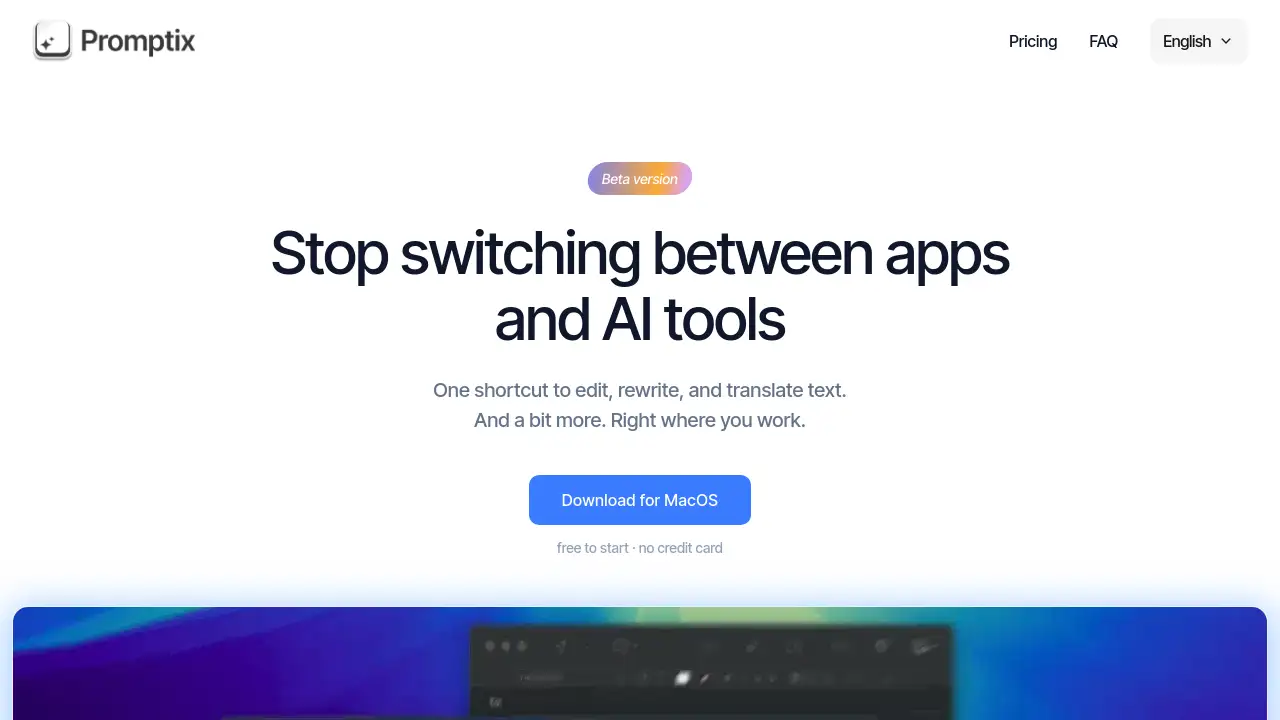
Promptix is a Mac productivity app that uses AI to edit, rewrite, and translate text instantly.
What is Promptix?
Promptix is a desktop application designed to eliminate the friction of switching between different AI tools and writing apps. It provides a centralized, shortcut-driven interface for performing common text manipulation tasks directly within any application on a Mac. The core idea is to streamline workflows by offering quick access to AI-powered text editing, rewriting, and translation without leaving the current window. This tool is particularly suitable for writers, students, marketers, and professionals who frequently need to polish, rephrase, or translate text. Its significance lies in its ability to save time and maintain focus by integrating powerful AI actions into a simple, consistent workflow.
Key Features of Promptix
Five Built-in Prompts
Promptix comes ready to use with five essential text operations: Translate, Rewrite, Improve text, Fix grammar, and Summarize, accessible with a single keyboard shortcut.
Use Your Own API Key
Users can connect their own API keys from supported AI services, allowing for unlimited requests and avoiding per-user subscription limits imposed by other platforms.
Broad AI Model Compatibility
The app is compatible with any large language model that supports the OpenAI API format, including popular services like ChatGPT, Claude, Gemini, and DeepSeek.
Prompt as App Feature
This unique feature allows users to turn a custom prompt into a standalone application that appears in the Mac Launchpad, complete with a custom icon, for repeated use without reconfiguration.
Contextual Text Actions
All AI-powered text editing and rewriting actions are performed on selected text within any active application, preserving the user's workflow and context.
Use Cases for Promptix
Polishing Written Content
Users can instantly improve the clarity and tone of emails, reports, or social media posts by selecting text and using the "Improve text" or "Rewrite" function.
Cross-Language Communication
The translation feature enables quick and accurate translation of selected text into numerous languages, facilitating seamless multilingual communication.
Grammar and Spelling Correction
The "Fix grammar" prompt automatically corrects errors in selected text, helping to ensure professional and error-free writing without breaking concentration.
Rapid Content Generation
From drafting quick emails to generating ideas for notes, the built-in prompts help users create text efficiently for various everyday tasks.
Creating Custom AI Workflows
Advanced users can build and save their own prompts as dedicated mini-applications for specialized, repetitive tasks, automating their unique workflows.
How to Use Promptix
Using Promptix involves a straightforward setup process. First, download and install the application from the official website for MacOS. After launching the app, the user needs to configure it by entering their own API key from a compatible AI service provider like OpenAI or Anthropic. Once set up, using Promptix is simple: in any application, such as a word processor, email client, or browser, the user highlights the text they want to modify. They then press the global keyboard shortcut to bring up the Promptix menu, choose the desired action (e.g., translate, rewrite), and the processed text is returned instantly, ready to use.
Target Audience for Promptix
- Writers, bloggers, and content creators needing to edit and refine text.
- Students and academics for proofreading essays and translating research.
- Professionals and business users for crafting clear emails and documents.
- Non-native English speakers looking to improve their written communication.
- Developers and power users interested in creating custom prompt-based apps.
Is Promptix Free?
Promptix offers a free tier and a professional monthly subscription. The free plan is designed for users to try the app's core functionality.
| Plan | Price | Key Features |
|---|---|---|
| Free | $0/month | 50 requests per day, 10,000 characters per request limit. Use your own API key with any compatible model. |
| Pro | $4.99/month | 500 requests per day, unlimited characters per request (limited by model). Access to more popular AI models. |
Promptix's Pros and Cons
| Aspect | Pros | Cons |
|---|---|---|
| Convenience | Integrates AI text editing directly into any Mac app via shortcuts, minimizing context switching. | Currently only available for MacOS, limiting the user base. |
| Cost & Flexibility | Very cost-effective; using your own API key prevents per-request fees and offers model choice. | Requires users to have and manage their own paid AI service accounts. |
| Features | The unique "Prompt as App" feature allows for highly customizable and reusable AI workflows. | The product is in Beta, so some features may be under development or subject to change. |
| Ease of Use | Simple setup with five ready-to-use prompts for immediate productivity gains. | Initial setup requires obtaining and entering an external API key, which may deter non-technical users. |
Frequently Asked Questions about Promptix
What operating systems does Promptix support?
Currently, Promptix is available as a desktop application for MacOS. There is no information about versions for Windows, Linux, or mobile platforms at this time.
What can I do with the free version of Promptix?
The free plan allows up to 50 AI requests per day, with each request limited to 10,000 characters. You can use all built-in prompts with your own API key, making it a fully functional way to test the app.
Which AI models can I use with Promptix?
Promptix is compatible with any AI service that supports the OpenAI API format. This includes ChatGPT, Claude, Gemini, DeepSeek, and Cohere, among others. The Pro plan offers access to additional popular models.
What is the "Prompt as App" feature?
This feature lets you save a custom prompt as a standalone application on your Mac. This app appears in your Launchpad and can be run independently, which is useful for turning a specific, complex prompt into a reusable tool.
Do I need an API key from OpenAI or another service?
Yes, Promptix requires you to provide your own API key from a supported AI service. The app itself does not provide the AI processing; it acts as an efficient interface to the models you subscribe to.
Is my data sent to Promptix's servers?
Based on the architecture described, your text and API key are likely used to communicate directly with your chosen AI service provider (e.g., OpenAI). It is advisable to review the app's privacy policy for definitive details.
Promptix Tags
Promptix, AI text editor, rewrite text, translate text, Mac productivity app, OpenAI API tool, grammar fixer, content generation, shortcut text editing, AI writing assistant, custom prompts, Prompt as App