Introduction
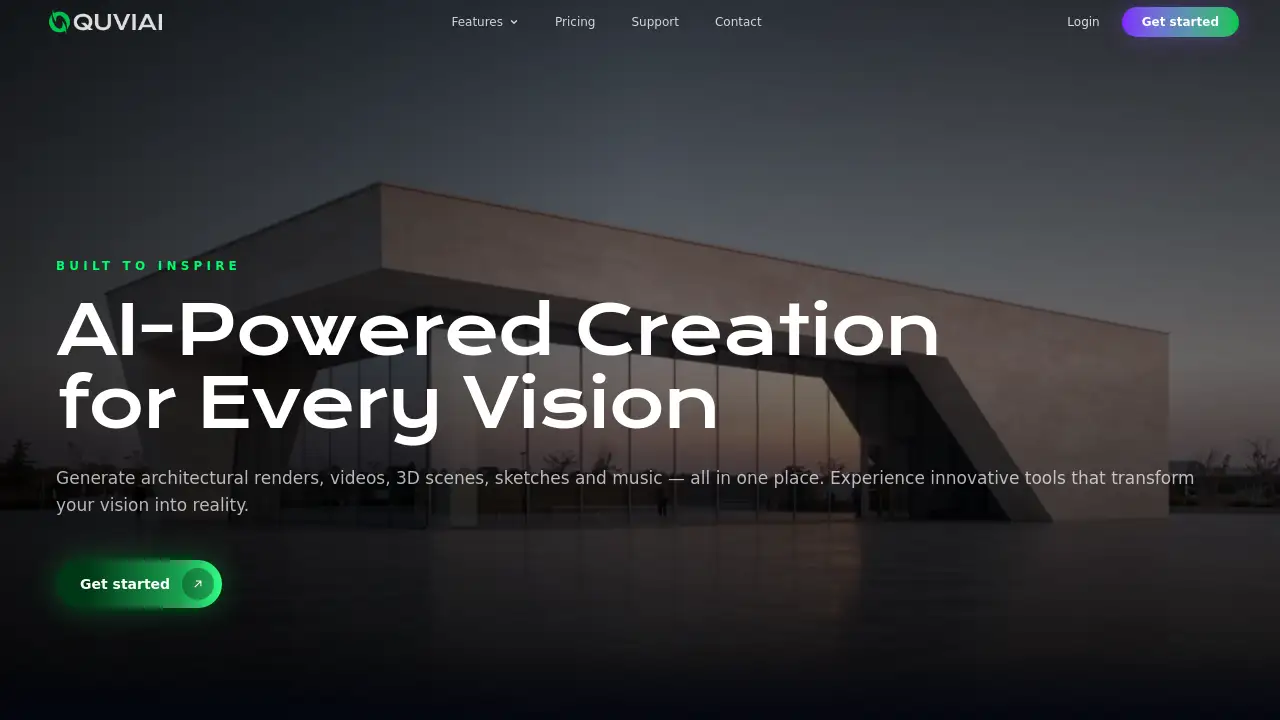
QUVIAI is an all-in-one AI platform for creating professional images, videos, and 3D objects.
What is QUVIAI?
QUVIAI is an AI creativity platform designed to transform ideas into professional visuals. It solves the problem of needing multiple, disparate tools for different creative tasks by offering a unified 3D workspace for generating images, videos, and 3D scenes. This platform is particularly suitable for architects, designers, content creators, and marketers who require high-quality architectural renders, animated walk-throughs, and polished 3D compositions. Its significance lies in streamlining the creative workflow, enabling users to go from a simple text prompt to a production-ready visual asset all within one integrated environment.
Key Features of QUVIAI
AI Image Generation
This suite allows users to turn any text prompt or reference image into stunning, photorealistic architectural renders in a matter of seconds.
AI Video Creation
Users can animate still images, generate walk-throughs, or create cinematic sequences directly from a single text or image prompt using this video generation suite.
Multi-Angle View Generation
From a single source image, this tool can generate multiple architectural viewpoints, creating richer, presentation-ready perspective sets effortlessly.
3D Object Staging
This feature enables the staging of generated 3D objects into scene backgrounds, producing polished compositions with consistent lighting and context.
AI-Powered Render Suite
It transforms basic 3D setups into high-quality, camera-ready architectural renders with enhanced materials, lighting, and detail.
Fast Editing Workflow
Built for precision, this edit suite offers tools for masking, inpainting, cleanup, and detail adjustments to refine any visual asset quickly.
Use Cases for QUVIAI
Architectural Visualization
Professionals can rapidly create and iterate on photorealistic architectural renders and exterior scenes for client presentations and project approvals.
Interior Design Mockups
Designers can visualize different styles, materials, and layouts for spaces, generating Japandi-style interiors or modern cafes from simple descriptions.
Marketing and Content Creation
Marketers can produce high-quality visual content, including animated videos for social media or website banners, directly from concept prompts.
Concept Art and Prototyping
Artists and product designers can use the platform to generate 3D objects and scenes for concept art, storyboarding, or early-stage prototyping.
How to Use QUVIAI
Getting started with the QUVIAI platform is a straightforward process designed for users of all skill levels.
- Sign Up for an Account: Visit the QUVIAI website and create a free account. The process is quick, and free credits are included to try the platform.
- Choose Your Workflow: Navigate to the desired tool, such as AI Image Generation, Video Creation, or the 3D Editor, based on your project needs.
- Input Your Prompt: For image or video generation, enter a descriptive text prompt (e.g., "modern cafe interior with wood and concrete"). For editing or rendering, upload your existing image or 3D scene.
- Generate and Refine: Click to generate your initial visual. Use the integrated edit suite for masking, inpainting, or adjusting details to polish the final output.
- Export Your Creation: Once satisfied, download your production-ready image, video, or 3D scene for use in your projects.
Target Audience for QUVIAI
- Architects and Architectural Visualizers
- Interior and Product Designers
- Marketing Professionals and Content Creators
- Concept Artists and 3D Modelers
- Real Estate Developers and Agencies
Is QUVIAI Free?
QUVIAI offers a free tier to get users started. According to the reference information, signing up includes free credits to generate your first render. For detailed information on subscription plans, features, and ongoing pricing, users should visit the official QUVIAI pricing page.
QUVIAI's Pros and Cons
| Aspect | Pros | Cons |
|---|---|---|
| Workflow | All-in-one platform for images, video, and 3D; integrated 3D workspace streamlines creation. | Learning multiple suites (image, video, 3D) may have an initial learning curve. |
| Output Quality | Capable of producing professional, production-ready architectural renders and visuals. | Output quality is highly dependent on the user's input prompts and guidance. |
| Accessibility | Free tier with credits lowers the barrier to entry for testing core AI image generation features. | Advanced features and high-volume usage likely require a paid subscription. |
| Specialization | Tools are built with a strong focus on architectural production and design workflows. | May have fewer niche tools for unrelated creative fields like character illustration. |
Frequently Asked Questions about QUVIAI
What can I create with QUVIAI?
You can create a wide range of visuals, including photorealistic architectural renders, animated videos, 3D objects, and scene compositions, all from text or image prompts within its AI creativity platform.
Is there a free trial available?
Yes. QUVIAI offers a free sign-up that includes free credits, allowing users to test core features like AI image generation and explore the platform before committing to a paid plan.
Do I need 3D modeling experience to use QUVIAI?
Not necessarily. While experience helps, many tools, like text-to-image generation and the multi-angle view creator, are designed to work from simple prompts or uploaded images, making advanced visual creation accessible.
What makes QUVIAI different from other AI art generators?
QUVIAI distinguishes itself by combining image generation, video creation, and 3D object staging in one unified 3D workspace, with a particular focus on professional workflows for architecture and design.
Can I use QUVIAI for commercial projects?
Users should review the platform's Terms of Service for specific licensing details. Typically, assets created with such tools can be used commercially, but it's essential to confirm the terms applicable to your subscription tier.
How do I get better results from the AI?
For better architectural renders or videos, use detailed, descriptive prompts that include style, materials, lighting, and context. Utilizing reference images and iterating with the edit suite tools also significantly improves final outputs.
QUVIAI Tags
QUVIAI, AI creativity platform, AI image generation, architectural renders, AI video creation, 3D workspace, 3D objects, all-in-one AI, design tool, interior design visualization, text to image, video generator, AI for architects, free AI tools