Introduction
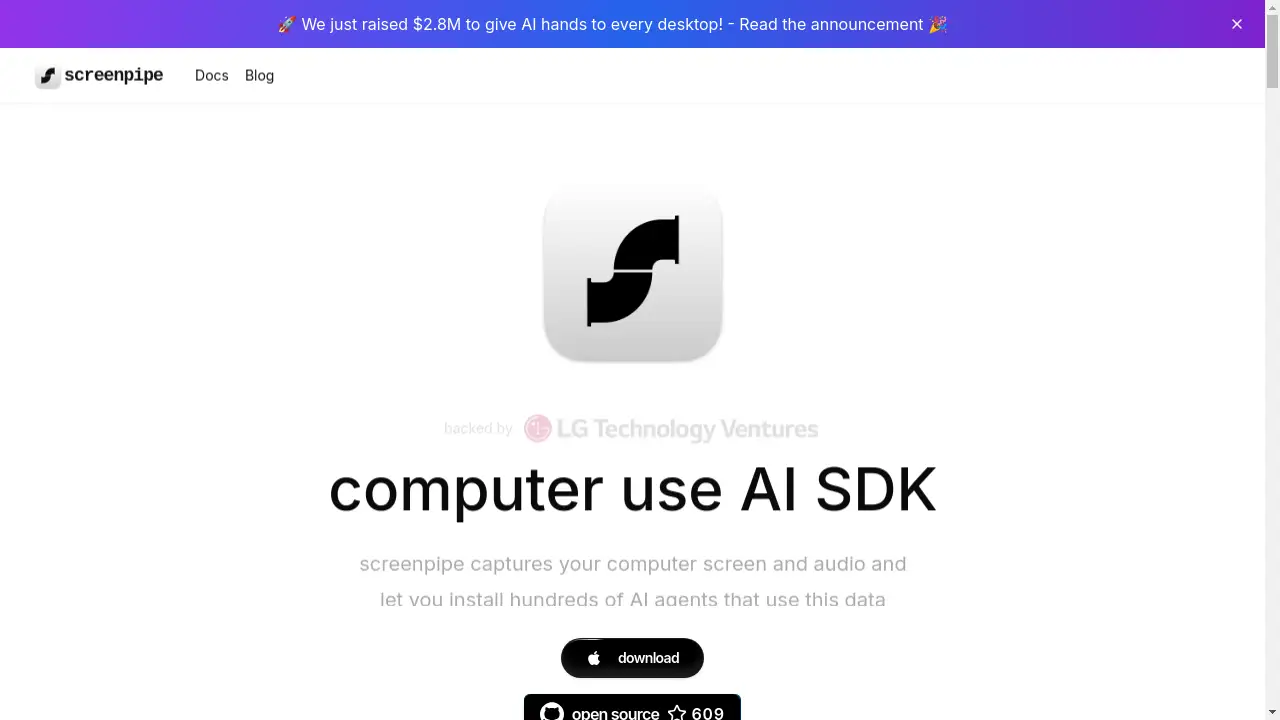
screenpipe is an AI-powered platform for capturing and analyzing screen and audio activities.
What is screenpipe?
screenpipe is a software platform that continuously records computer screens and audio input, enabling users to install various AI agents that process this captured data. It addresses the challenge of information overload and lost context by creating a searchable, analyzable digital memory of all computer-based activities. This product is suitable for professionals, researchers, students, and anyone seeking to enhance productivity, gain insights from their digital interactions, or build automated workflows around their screen content. The ability to capture, search, and analyze screen and audio activities in milliseconds provides significant value for personal productivity and organizational efficiency.
Key Features of screenpipe
Continuous Screen Capture
screenpipe automatically records computer screen activities, creating a comprehensive visual log of all work sessions.
Audio Activity Recording
The platform captures audio input from microphones, enabling transcription and analysis of conversations, meetings, and other audio interactions.
AI App Store Integration
Users can browse and install numerous AI-powered plugins from a community-driven marketplace to extend functionality.
Real-time Data Analysis
AI agents process captured screen and audio data in real-time, providing immediate insights and actionable information.
Local Processing Option
Many screenpipe functions can operate using local AI models, ensuring data privacy and security without requiring internet connectivity.
Advanced Search Capabilities
The platform enables users to search through their recorded screen activities and audio transcripts using keywords, time ranges, and specific criteria.
Speaker Identification
screenpipe includes voice recognition technology that can identify and tag different speakers in audio recordings.
Cross-Platform Compatibility
The software works across various operating systems and applications, capturing data from any window or program.
Use Cases for screenpipe
Meeting Analysis and Documentation
Professionals can use screenpipe to automatically transcribe meetings, extract action items, and create searchable archives of discussions.
Personal Knowledge Management
Individuals can transform their screen activities into organized knowledge bases, capturing ideas, research, and insights automatically.
Productivity Monitoring and Optimization
Users can analyze their work patterns, identify time-wasting activities, and optimize their digital workflow for better efficiency.
Job Search and Recruitment Tracking
Job seekers can automatically detect and catalog job postings during browsing sessions, creating structured databases of opportunities.
Behavioral Pattern Recognition
The platform helps users identify recurring habits and behaviors in their digital activities for self-improvement and awareness.
Research and Data Collection
Researchers can systematically capture and analyze screen content across multiple sources, building comprehensive datasets automatically.
How to Use screenpipe
-
Install the screenpipe application on your computer from the official website.
-
Configure recording settings by selecting which screens and audio sources to capture, adjusting privacy controls as needed.
-
Browse the AI App Store to discover and install plugins that match your specific needs, such as meeting assistants, data organizers, or reminder systems.
-
Customize AI agents by setting preferences for how each plugin should process your screen and audio data.
-
Access analyzed data through various interfaces, search functions, and visualization tools provided by your installed plugins.
Target Audience for screenpipe
- Professionals in back-to-back meetings needing automated note-taking
- Researchers and analysts requiring systematic data collection
- Productivity enthusiasts seeking to optimize work habits
- Knowledge workers building personal knowledge management systems
- Job seekers tracking applications and opportunities
- Teams needing secure internal activity monitoring
Is screenpipe Free?
screenpipe offers a generous free plan that includes access to basic recording capabilities and many community-developed plugins. The platform also provides premium plugins available for purchase, typically priced around $20, offering advanced functionality such as integration with popular knowledge management tools. This freemium model makes screenpipe accessible to individual users while providing affordable premium options for advanced features.
Frequently Asked Questions about screenpipe
How does screenpipe ensure data privacy and security?
screenpipe prioritizes privacy by offering local processing options using embedded AI or local LLMs, eliminating the need to send sensitive data to external servers. Users can choose to process all data locally, ensuring complete control over their information.
What types of AI agents are available for screenpipe?
The platform hosts hundreds of AI agents in its App Store, including search tools, data visualization plugins, meeting assistants, reminder systems, and integrations with popular applications like Obsidian and Notion.
Can screenpipe work without an internet connection?
Yes, screenpipe can function completely offline using local AI models through technologies like Ollama, making it suitable for secure environments or privacy-conscious users.
How does the speaker identification feature work?
screenpipe's speaker identification allows users to train the system to recognize different voices, which then automatically tags speakers across all recordings and applications.
What system requirements does screenpipe have?
The platform requires standard computer hardware with sufficient storage for recordings, though specific requirements may vary based on the number and type of AI agents installed.
Is screenpipe suitable for team or organizational use?
While screenpipe serves individual users effectively, its capability to capture and analyze screen activities across organizations makes it valuable for team productivity analysis and secure activity monitoring.
screenpipe Tags
screenpipe, AI screen capture, audio activity recording, digital productivity, AI agents, screen recording software, meeting transcription, knowledge management, local AI processing, speaker identification, activity monitoring, workflow automation