Introduction
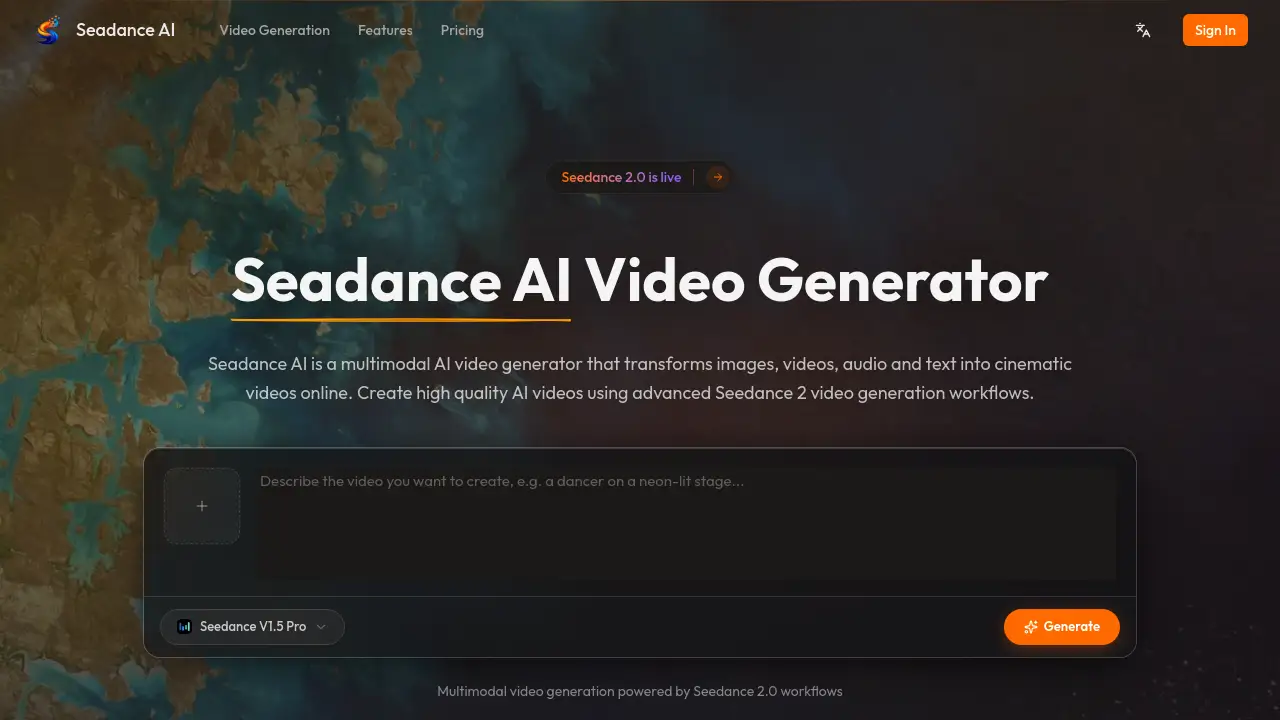
Seadance AI is a multimodal AI video generator that transforms images, videos, audio, and text into cinematic videos online.
What is Seadance AI?
Seadance AI is an online video generation platform designed to turn creative ideas into professional, cinematic videos. It solves the common challenge of needing complex video editing skills or expensive equipment to produce high-quality video content. By combining multiple input types—like images, videos, audio clips, and text prompts—into a single, streamlined workflow, it empowers users to create dynamic videos with precise control over style, motion, and narrative. This tool is particularly suitable for content creators, marketers, and storytellers looking to leverage AI video generation technology for projects ranging from social media ads to short films. The integration of Seedance 2.0 workflows provides the advanced technology backbone for these creative processes.
Key Features of Seadance AI
Multimodal Reference Input
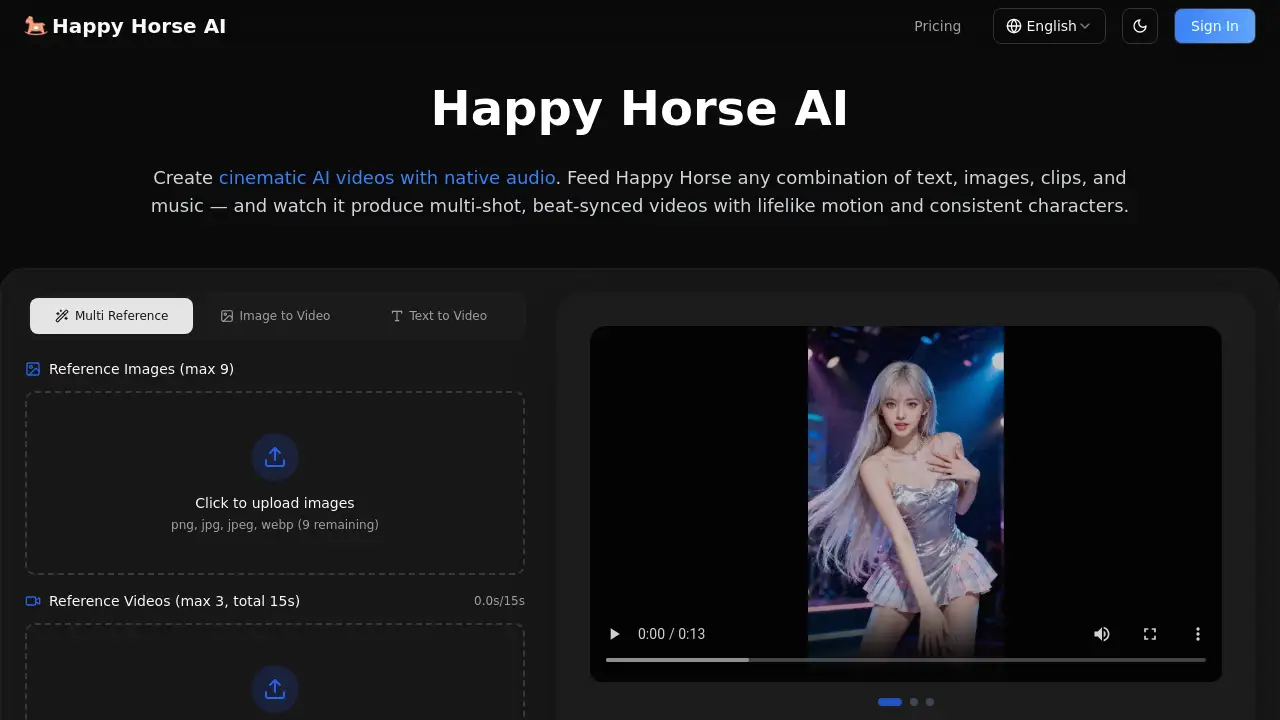
Users can combine up to nine images, three videos, and three audio clips with text prompts in a single generation, using natural language to assign specific roles to each asset for a cohesive creative vision.
Camera & Motion Replication
The platform can analyze a reference video and faithfully replicate its complex camera movements, character actions, and scene transitions, allowing for the recreation of professional cinematography techniques.
Video Extension & Continuation
Existing video clips can be seamlessly extended by up to 15 seconds, adding new scenes or bridging shots while maintaining consistency in style, motion, and characters for smooth narrative flow.
Creative Effect Replication
Seadance AI can reproduce specific visual effects, transitions, and animation styles from any reference video, enabling users to clone and apply sophisticated visual language to their own content.
Seedance 2.0 Workflow Powered
The entire video generation process is powered by advanced Seedance 2.0 technology, which analyzes combined inputs to produce synchronized, high-quality cinematic video outputs.
Use Cases for Seadance AI
Social Media Content Creation
Creators can quickly produce engaging, stylized short videos for platforms like TikTok, Instagram Reels, and YouTube Shorts using their own photos and audio.
Marketing and Advertisement Production
Marketing teams can generate professional ad videos with specific visual effects and transitions, replicating successful ad formats for different products or campaigns.
Storyboarding and Pre-Visualization
Filmmakers and directors can use the tool to create visual previews of scenes, experimenting with camera angles and motion before actual filming begins.
Educational and Explainer Videos
Educators and businesses can transform text scripts and reference images into clear, animated explainer videos to simplify complex topics.
Music Video Production
Artists can generate dynamic music videos by uploading their audio track and a series of style-reference images or videos to set the visual tone.
How to Use Seadance AI
- Upload Your Inputs: Begin by uploading your creative assets to the platform. This can include images for visuals, videos for motion reference, audio clips for sound, and text prompts to describe your scene.
- Assign Roles with Natural Language: Use simple, natural language instructions (like "@" references) to tell the AI how to use each uploaded asset. Define what should be the first frame, style reference, camera motion guide, or background music.
- Generate Cinematic Video: Initiate the AI video generation process. Seadance AI, using its Seedance 2.0 workflows, will analyze all inputs and produce a cohesive, cinematic video.
- Extend or Refine Your Video: After generation, you can choose to extend the video's duration, adjust its style, or modify specific elements without starting the creative process from scratch.
Target Audience for Seadance AI
- Digital Content Creators and Influencers
- Marketing Professionals and Ad Agencies
- Independent Filmmakers and Video Directors
- Social Media Managers
- Educators and Corporate Trainers
- Musicians and Visual Artists
Is Seadance AI Free?
Specific pricing details for Seadance AI plans are not provided in the available reference information. The product homepage indicates that it is an online service where users can "Create high quality AI videos," suggesting there is likely a free tier or trial available for initial use. For accurate and current information on subscription plans, features, and pricing, users should visit the official Seadance AI website at https://seadanceai.app.
Seadance AI's Pros and Cons
| Aspect | Pros | Cons |
|---|---|---|
| Creative Control | Offers precise control over style, motion, and effects through multimodal inputs. | The natural language instruction system may have a learning curve for new users. |
| Technology | Powered by advanced Seedance 2.0 workflows for high-quality video generation. | Performance and output quality are dependent on the clarity and quality of the user's reference inputs. |
| Workflow Efficiency | Streamlines complex video production into a simple online process, saving time. | As an online tool, it requires a stable internet connection for all operations. |
| Versatility | Supports a wide range of inputs (image, video, audio, text) for diverse projects. | Pricing structure is not publicly detailed, which may require direct inquiry. |
Frequently Asked Questions about Seadance AI
What types of files can I upload to Seadance AI?
Seadance AI accepts multiple file types as inputs. You can upload images (likely common formats like JPG, PNG), video clips for reference, and audio files to use as background music or soundscapes, alongside text prompts.
Can Seadance AI copy the exact camera movement from my reference video?
Yes, one of its core features is camera & motion replication. By uploading a reference video, the AI can analyze and replicate its specific camera movements, such as pans, zooms, and tracking shots, in the newly generated video.
How long can the AI-generated videos be?
While the reference information specifies you can extend existing clips by up to 15 seconds, the total maximum length for a newly generated video is not explicitly stated. This detail would be best confirmed on the official website or within the tool itself.
Do I need video editing experience to use Seadance AI?
No, the platform is designed to simplify the video generation process. Its workflow guides users through uploading assets and describing their vision in natural language, making it accessible even for those without professional editing skills.
What is the "Seedance 2.0 workflow" mentioned?
Seedance 2.0 refers to the underlying advanced AI technology that powers Seadance AI. It is the system that processes the multimodal inputs (images, video, audio, text) and generates the final cinematic video output with synchronized elements.
Is there a watermark on videos created with Seadance AI?
The reference information does not specify watermark policies. This is typically a detail defined by the pricing plan (e.g., free vs. paid). Users should check the terms on the official website for the most accurate information.
Seadance AI Tags
Seadance AI, AI video generator, multimodal video generation, Seedance 2.0, create AI videos online, cinematic video maker, video extension tool, camera motion replication, creative effect cloning, AI video creator, text to video, video from images