Introduction
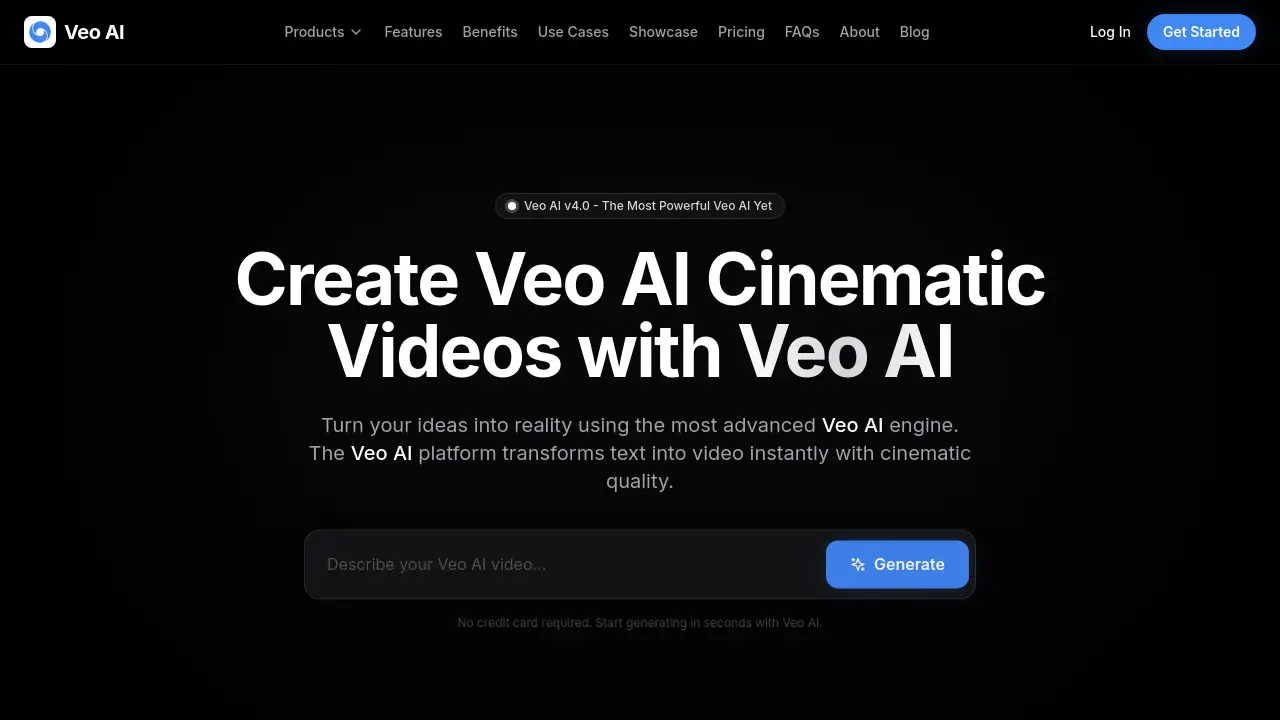
Create cinematic AI videos instantly with Veo AI, the advanced AI video generator designed for creators.
What is Veo Ai?
Veo AI is a powerful AI video generator designed to transform text descriptions into high-quality, cinematic videos. It solves the challenge of producing professional video content without needing extensive filming equipment, editing skills, or large budgets. The platform, featuring its latest Veo 4 engine, allows users to generate realistic videos in minutes. It is suitable for a wide range of users, from filmmakers and marketers to educators and social media creators, who need an efficient tool for creating visually compelling AI videos.
Key Features of Veo Ai
Veo AI Smart Upscaling
Automatically enhances video resolution up to 8K, providing crystal-clear results perfect for professional-grade output.
Veo AI Prompt Assistant
Helps users craft effective text prompts to guide the AI video generator more accurately towards their desired cinematic outcome.
Veo AI Version History
Allows creators to track and revert to previous versions of their projects, facilitating easy experimentation and iteration.
Veo AI Fast Rendering
Delivers generated videos in seconds, enabling rapid production and quick turnaround for projects on tight deadlines.
Veo AI Physics Engine
Simulates real-world physics like light refraction and fluid dynamics, ensuring movements and interactions in the video appear natural and realistic.
Veo AI Style Consistency
Users can train custom models on specific brand assets to maintain a uniform visual style across all generated content.
Use Cases for Veo Ai
Cinema Pre-Visualization
Filmmakers can instantly visualize movie scenes, experiment with different camera angles and lighting setups before actual filming begins.
Marketing Brand Assets
Marketing teams can create consistent, high-quality visual content for campaigns at scale, maintaining brand identity across all materials.
Gaming Environment Design
Game developers can rapidly generate textures and prototype 3D environments, significantly speeding up the level design process.
Architectural Visualizations
Architects and designers can turn blueprints into photorealistic walkthroughs to show clients a realistic view of finished spaces.
Educational Interactive Learning
Educators can create immersive videos to make complex subjects in history or science more engaging and understandable for students.
Social Media Viral Content
Content creators can quickly produce eye-catching, platform-optimized videos for TikTok, Instagram, and YouTube to drive engagement.
How to Use Veo Ai
Using Veo AI to create videos is a straightforward process designed for simplicity and speed.
- Sign Up and Describe: Create an account on the Veo AI platform. In the generation interface, type a detailed text description of the video you want to create.
- Configure Settings: Select your preferred model (like Veo 4 Pro), choose the output resolution (from 720p to 4K), and specify the number of variations.
- Generate and Review: Click the generate button. The AI video generator will process your prompt and create the video, typically in a matter of seconds. You can then review the result.
- Edit and Export: Use features like version history to try different prompts or upscale the video. Once satisfied, export the final video for your project.
Target Audience for Veo Ai
- Filmmakers and Video Professionals: For pre-visualization, storyboarding, and creating B-roll content.
- Marketing and Advertising Agencies: For producing ad creatives, social media content, and brand commercials.
- Game Developers and Designers: For conceptualizing and creating in-game assets and environments.
- Architects and Real Estate Professionals: For creating client presentations and realistic property visualizations.
- Educators and Trainers: For developing engaging educational materials and interactive lessons.
- Social Media Content Creators and Influencers: For consistently producing high-volume, trending video content.
Is Veo Ai Free?
Veo AI operates on a credit-based subscription model. There is a free trial that allows users to start generating videos without a credit card. For ongoing use, users must choose a paid plan. The official pricing page lists the following weekly plans:
| Plan | Price | Key Features |
|---|---|---|
| Basic | $4.99/week | 400 credits, 720p resolution, personal use only. |
| Standard (Most Popular) | $12.99/week | 1500 credits, 1080p resolution, standard commercial license. |
| Premium | $24.99/week | 3000 credits, up to 4K resolution, full commercial rights, priority processing. |
Veo Ai's Pros and Cons
| Aspect | Pros | Cons |
|---|---|---|
| Speed & Efficiency | Extremely fast rendering, generates videos in seconds. | Weekly subscription may be costly for very casual users. |
| Output Quality | High cinematic quality, advanced physics simulation, up to 4K/8K output. | Highest resolutions and full commercial rights are locked behind the top-tier plan. |
| Ease of Use | Simple text-to-video interface, no technical expertise required to start. | Mastering prompt engineering for optimal results may require practice. |
| Features & Control | Powerful features like style consistency, version history, and dedicated processing. | The array of features and models might be overwhelming for absolute beginners. |
Frequently Asked Questions about Veo Ai
Is there a free version of Veo AI available for testing?
Yes, Veo AI offers a free trial that lets users generate videos without requiring a credit card upfront, allowing them to test the platform's core capabilities.
Do I own the commercial rights to videos made with Veo AI?
Commercial rights depend on your subscription plan. The Standard plan includes a standard commercial license, while the Premium plan grants full commercial and resale rights. The Basic plan is for personal use only.
What is the maximum video length I can create with Veo AI?
The reference material does not specify a maximum single-video length. The generation capacity is governed by the credit system within each subscription plan.
How does Veo AI compare to other AI video generators?
According to the platform's system analysis, Veo AI claims advantages in areas like video consistency, output resolution (offering 4K natively), and includes an integrated physics engine for more realistic motion.
Can Veo AI maintain character consistency across multiple shots?
Yes, through the Veo AI Style Consistency feature, which allows users to train custom models to ensure characters and visual styles remain uniform across different video generations.
Does Veo AI add a watermark to the videos?
The FAQ states that videos made with Veo AI do not contain a watermark, which is essential for professional and commercial use.
Veo Ai Tags
Veo AI, AI video generator, Veo 4, cinematic AI video, text to video, AI video creator, video generation, AI filmmaking, marketing video AI, create AI video, realistic AI video, AI video editing