Introduction
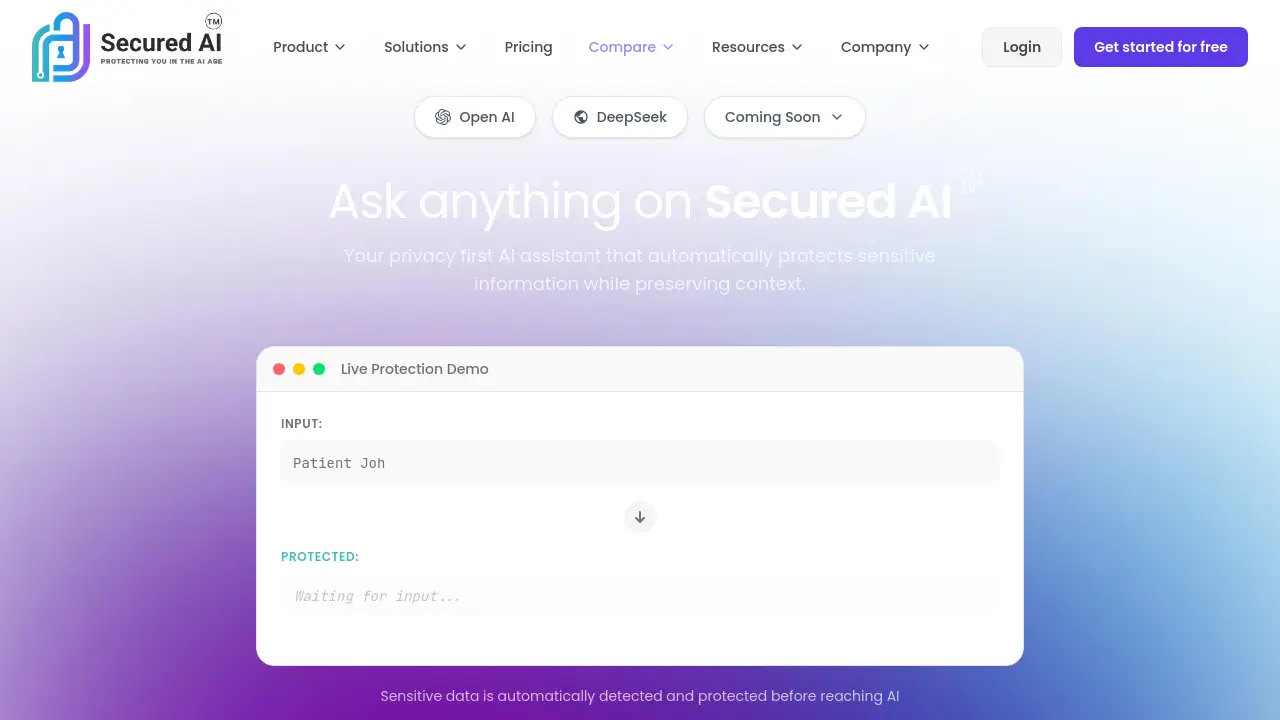
Secured AI is a privacy-first AI assistant that automatically protects sensitive data before it reaches AI systems like OpenAI and DeepSeek.
What is Secured AI?
Secured AI is a security tool designed to solve the critical problem of data exposure when using artificial intelligence. As organizations and individuals adopt AI for productivity, they often need to input sensitive information—such as names, emails, or account numbers—into AI models. This creates a significant data privacy risk. Secured AI acts as a protective intermediary, automatically detecting and obfuscating this sensitive data before it is sent to an AI. Its unique Zero-Knowledge Vault then allows the original, real data to be restored locally on the user's device, ensuring the AI never sees or stores the actual values. This makes Secured AI particularly suitable for security-conscious users in regulated industries like healthcare, finance, and legal, who need to leverage AI without compromising on data security or compliance.
Key Features of Secured AI
Automatic Sensitive Data Detection
The system instantly scans AI prompts for common sensitive data types like names, email addresses, phone numbers, and organization names before any information leaves your device.
Context-Preserving Obfuscation
Detected sensitive data is replaced with system-generated placeholders like [PERSON_A], preserving the context and meaning for the AI model so it can provide accurate responses without seeing real values.
Zero-Knowledge Vault
All original sensitive data is encrypted and stored locally using a Master Key that only the user controls, ensuring data never leaves the device or is accessible to Secured AI’s servers.
Local Data Restoration with Reveal Technology
The unique Reveal Technology allows users to instantly de-obfuscate and restore the original data values locally on their device, maintaining workflow productivity without security trade-offs.
Multi-AI Model Support
Secured AI currently integrates with popular AI platforms like OpenAI and DeepSeek, with support for others like Grok and Claude planned, creating one secure platform for various AI workflows.
Custom Pattern Detection
Users can define and add their own custom patterns for detection, allowing the tool to protect proprietary or unique types of sensitive information specific to their organization.
Use Cases for Secured AI
Healthcare Professionals Consulting AI
Medical staff can safely use AI to analyze patient notes or suggest treatments. Secured AI obfuscates Protected Health Information (PHI) like patient names, preserving privacy while allowing for useful AI-assisted insights.
Financial Analysts Processing Data
Analysts in financial services can input market reports or client information into AI models for summarization or analysis without exposing real account numbers, identifiers, or sensitive financial data.
Legal Teams Researching Cases
Law firms can leverage AI for legal research and document review. The tool protects attorney-client privileged information and personal identifiers, ensuring compliance and confidentiality.
Enterprise IT Managing Shadow AI
IT departments can provide a sanctioned, secure AI tool that automatically protects data, mitigating the risks of employees using unapproved AI applications that could lead to data leaks.
How to Use Secured AI
Using Secured AI to protect your data involves a simple, secure workflow:
- Access the Platform: Visit the Secured AI chat interface or integrate it into your workflow.
- Compose Your Prompt: Type your question or task for the AI as you normally would, including any necessary sensitive information.
- Automatic Protection: As you type, Secured AI automatically detects sensitive data like emails or phone numbers and obfuscates them (e.g., changes "[email protected]" to
[EMAIL_1]). - Send the Secure Prompt: The obfuscated prompt is sent to the chosen AI model (like OpenAI or DeepSeek), which processes it without ever seeing the real data.
- Receive and Restore Locally: The AI's response is returned with the placeholders. Using your local Zero-Knowledge Vault and Reveal Technology, you can instantly restore the original values on your device for a usable, context-rich answer.
Target Audience for Secured AI
- Professionals in regulated industries (Healthcare, Finance, Legal)
- Enterprise IT and Security Teams concerned with data governance
- Compliance Officers and risk management personnel
- Security-conscious individuals who use AI tools with personal or work data
- Organizations looking to safely adopt AI productivity tools
Is Secured AI Free?
Based on available information, Secured AI offers a free tier that allows users to try the core functionality. For detailed pricing on professional, team, or enterprise plans, users should visit the official Secured AI website for the most current information.
| Plan | Price | Key Features |
|---|---|---|
| Free | $0 | Access to core obfuscation, Zero-Knowledge Vault, and support for basic AI models. |
| Pro / Team | Contact for Quote | Advanced features, custom pattern detection, priority support, and enterprise-grade security. |
Secured AI's Pros and Cons
| Aspect | Pros | Cons |
|---|---|---|
| Security & Privacy | Implements a true Zero-Knowledge model; sensitive data never leaves the user's device. | Relies on user responsibility to safeguard their local Master Key. |
| Usability | Context-preserving obfuscation and local restoration maintain productivity and workflow integrity. | Currently supports a limited number of AI models compared to the full market. |
| Implementation | Works automatically in the background, requiring minimal user training or configuration. | May require organizational buy-in and integration into existing tech stacks for enterprise use. |
| Value Proposition | Solves a critical AI data privacy concern, enabling secure AI adoption. | Pricing for full enterprise features is not publicly listed, requiring a sales inquiry. |
Frequently Asked Questions about Secured AI
What types of sensitive data does Secured AI detect?
Secured AI automatically detects common patterns including names, email addresses, phone numbers, organization names, account numbers, and various identifiers. It also allows users to add custom patterns for unique data types.
How does the Zero-Knowledge Vault work?
The Zero-Knowledge Vault encrypts your original sensitive data locally on your device using a Master Key that you control. This encrypted data never leaves your device. Secured AI's servers only handle the obfuscated placeholders, meaning the company never sees, stores, or has access to your real sensitive information.
Can I use Secured AI with ChatGPT or Claude?
Yes, Secured AI currently supports OpenAI models (which power ChatGPT) and DeepSeek. Support for other models like Anthropic's Claude and xAI's Grok is announced as coming soon.
What happens if I lose my Master Key?
The Master Key is essential for decrypting and restoring your original data from the Zero-Knowledge Vault. As it is never stored server-side, losing it may result in the permanent loss of access to your restored sensitive data. It is crucial to store your Master Key securely.
Is there a free version of Secured AI?
Yes, a free tier of Secured AI is available, allowing users to test the core sensitive data detection and obfuscation features with supported AI models.
How is Secured AI different from just redacting information manually?
Manual redaction is time-consuming and often breaks the context of information, making AI responses less useful. Secured AI automates detection, uses context-preserving obfuscation to maintain meaning for the AI, and uniquely allows for the local restoration of original data, balancing both security and usability.
Secured AI Tags
Secured AI, AI data privacy, Zero-Knowledge Vault, sensitive data protection, context-preserving obfuscation, AI security tool, data obfuscation, OpenAI privacy, DeepSeek security, local data encryption, GDPR AI compliance, HIPAA AI tool, enterprise AI security, privacy-first AI, Reveal Technology