Introduction
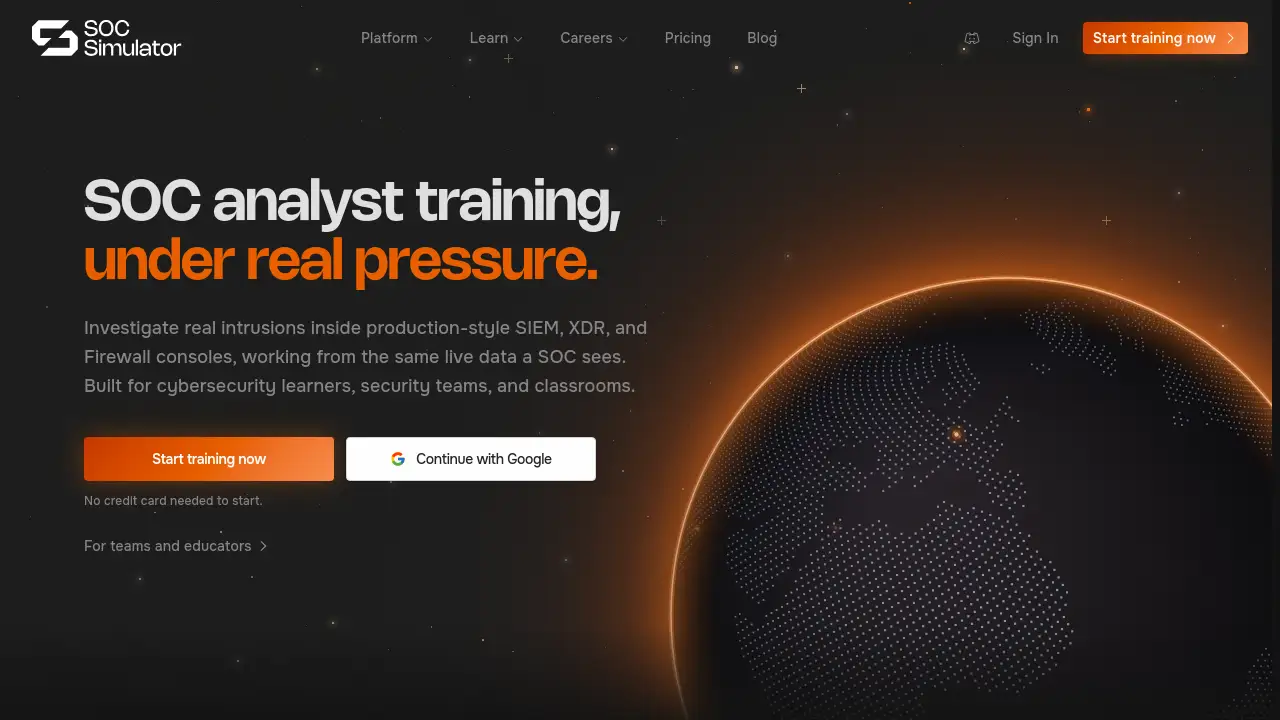
SOCSimulator is a free SOC analyst training platform that provides realistic alert triage and incident investigation practice using production-grade SIEM, XDR, and Firewall interfaces.
What is SOCSimulator?
SOCSimulator is a hands-on security operations center (SOC) training platform designed to help learners build practical skills in alert triage, incident investigation, and threat analysis. Unlike traditional cybersecurity courses that rely on theoretical content or capture-the-flag puzzles, SOCSimulator immerses users in realistic environments modeled after actual security tools used in enterprise SOCs. The platform offers pre-built operations based on real-world attacks from the current threat landscape, mapped to the MITRE ATT&CK framework. All scenarios use authentic telemetry data that mirrors what a SOC analyst would encounter during a breach.
The platform addresses a common gap in cybersecurity education: the lack of safe, affordable, and realistic environments where career-switchers, students, and security teams can practice incident response without risking production systems. SOCSimulator requires no prior security experience and provides a generous free tier with no credit card required. It supports individual learners, team training, and classroom use by offering guided walkthroughs, open investigations, and shift-mode exercises that simulate the pressure of live SOC queues.
Key Features of SOCSimulator
Realistic SIEM, XDR, and Firewall Simulations
SOCSimulator provides three core consoles that mirror production-grade security information and event management (SIEM), extended detection and response (XDR), and firewall tools. Learners investigate alerts using the same interfaces and data formats they would encounter in a real SOC.
MITRE ATT&CK-Mapped Operations
Every operation on SOCSimulator is built around a real intrusion from the current threat landscape and mapped to specific MITRE ATT&CK techniques. This ensures training is directly relevant to modern attack patterns and helps learners connect tactics to observable evidence.
Competency Radar and Progress Tracking
The platform scores every triage decision across eight analyst competencies, including triage speed, cross-tool correlation, and investigation methodology. A visual radar chart shows strengths and weaknesses, making progress measurable and actionable.
Shift Mode (Live SOC Queue)
Shift Mode simulates a real-time SOC queue where incoming alerts must be triaged under time pressure. Learners handle critical, high, and medium severity alerts across SIEM, XDR, and Firewall surfaces, making escalate-or-dismiss decisions that are graded against the actual verdict.
Walkthroughs and Open Investigations
New learners can start with guided walkthroughs that teach triage workflows step by step. More experienced users can tackle open investigations with minimal guidance, practicing independent analysis and decision-making.
Weekly New Operations
The platform releases new operations every week, built on current threat intelligence such as ransomware campaigns, identity-based attacks, and supply chain compromises. This ensures the training remains aligned with the evolving threat landscape.
Use Cases for SOCSimulator
Career Switchers Seeking Hands-On Practice
Individuals transitioning into cybersecurity from other fields can use SOCSimulator to gain practical, resume-relevant experience in alert triage and incident investigation without needing access to expensive lab environments or production tools.
Security Teams Conducting Tabletop Exercises
SOC teams can run shift-mode scenarios during team training days to practice cross-tool correlation and incident response procedures. Managers can track individual progress and identify skill gaps across the team.
Cybersecurity Bootcamps and University Labs
Educators can assign operations as homework or in-class exercises, using the teaching dashboard to monitor student progress and review investigation decisions. No infrastructure setup is required, reducing overhead for instructors.
Self-Study for SOC Analyst Certifications
Learners preparing for certifications such as CompTIA Security+, CySA+, or GIAC can use SOCSimulator to apply theoretical knowledge in realistic environments, reinforcing concepts like log analysis, indicator correlation, and incident classification.
How to Use SOCSimulator
-
Create a Free Account
Visit socsimulator.com and click “Start training now.” Sign up with Google or email – no credit card is required. -
Choose a Training Mode
Select from Walkthroughs (guided step-by-step), Investigations (open-ended), or Shift Mode (live queue). Beginners should start with a walkthrough operation. -
Analyze Indicators in the Consoles
Use the SIEM, XDR, and Firewall interfaces to review telemetry, filter logs, and examine process trees, network connections, and user activities. Look for suspicious patterns and correlate evidence across tools. -
Make and Confirm Your Verdict
Decide if the alert is a true positive or false positive. Escalate, investigate, or resolve based on the evidence. Each decision is scored and compared to the actual attack outcome. -
Review Your Performance
After completing an operation, check your competency radar and detailed score breakdown. Repeat operations to improve speed and accuracy, or move to more complex scenarios.
Target Audience for SOCSimulator
- Career-switchers entering cybersecurity
- Current SOC analysts seeking additional practice
- Security teams conducting internal training
- University and bootcamp instructors
- Students enrolled in cybersecurity programs
- Professionals preparing for SOC-related certifications
- Red teams wanting to understand blue-team workflows
Is SOCSimulator Free?
Yes, SOCSimulator offers a genuine free tier with no credit card required. The paid plans add unlimited operations, Shift Mode, and team management features.
| Plan | Price | Features |
|---|---|---|
| Free | $0 (no credit card) | Hands-on operations, SIEM/XDR/Firewall consoles, progress tracking |
| Pro | $15/month (billed yearly) | Everything in Free + Shift Mode + all 6 tools + unlimited operations |
| Enterprise | Custom | Team management, custom scenarios, SSO, dedicated support |
| Lifetime Pro | $299 one-time | Same as Pro, lifetime access |
Full comparison is available on the official pricing page.
SOCSimulator's Pros and Cons
| Aspect | Pros | Cons |
|---|---|---|
| Pricing | Free tier available with real training; no credit card needed | Pro subscription required for Shift Mode and unlimited scenarios |
| Realism | Production-style SIEM, XDR, Firewall interfaces; real attack telemetry | Some advanced tool integrations (e.g., EDR) may not be present in free tier |
| Learning Curve | Guided walkthroughs for beginners; no prior security experience needed | Open investigations can be overwhelming without foundational knowledge |
| Content Freshness | Weekly new operations based on current threats | Some operations require Pro access to unlock fully |
| Assessment | Competency radar provides clear, measurable skill breakdown | Self-assessment only; no formal certification issued |
| Team & Classroom | Team dashboards and teaching tools available | Enterprise plan required for cohort management and SSO |
Frequently Asked Questions about SOCSimulator
Is SOCSimulator really free?
Yes, the Free plan gives you real walkthrough operations, three tool consoles (SIEM, XDR, Firewall), and progress tracking – with no credit card needed. It is not a time-limited trial.
Can I start with no security experience?
Yes. SOCSimulator is built for career-switchers. Guided walkthroughs teach the triage methodology step by step, and you can move to open investigations when you feel ready.
How is SOCSimulator different from TryHackMe or Hack The Box?
Those platforms focus on offensive security and CTF challenges. SOCSimulator is purpose-built for the blue-team analyst role: alert triage, log analysis, and incident investigation in production-style consoles.
Does SOCSimulator cover real attacks?
Every operation is built on telemetry from real 2025 and 2026 breaches. Scenarios include ransomware, identity attacks, phishing, and supply chain compromises, all mapped to MITRE ATT&CK.
Will SOCSimulator help me get hired?
Yes. You practice the exact triage workflows that hiring managers test in interviews. Completing operations builds a portfolio of real investigations you can discuss during interviews.
What tools are included in the simulation?
The free tier includes SIEM, XDR, and Firewall consoles. The Pro plan adds three more tools (including endpoint detection) and Shift Mode that simulates a live SOC queue.
SOCSimulator Tags
SOCSimulator, SOC analyst training platform, free SIEM simulation, XDR training, firewall simulator, alert triage practice, incident investigation, MITRE ATT&CK training, cybersecurity hands-on lab, blue team training, SOC simulation tool, real attack scenarios