Introduction
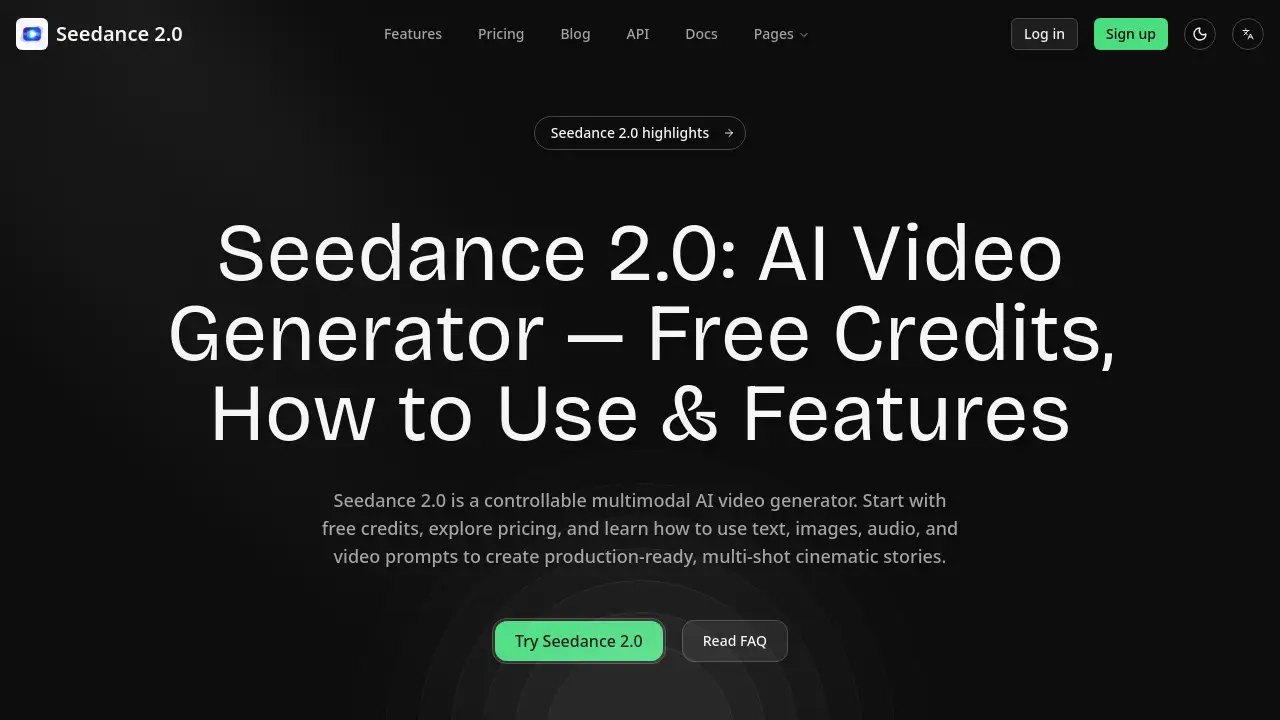
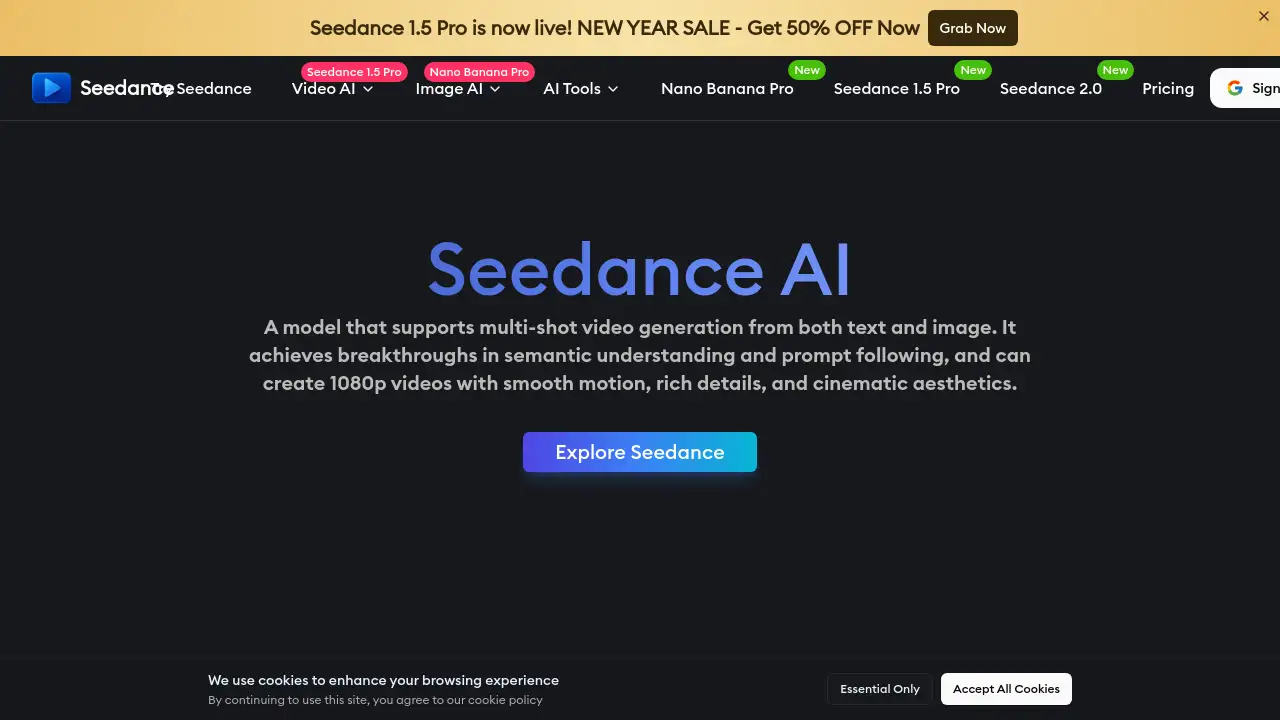
Seedance is a powerful, free online AI video generator that transforms text and images into professional-quality videos with voiceovers.
What is Seedance?
Seedance is an advanced AI video generator developed by ByteDance's Seed lab. It solves the problem of time-consuming and costly traditional video production by enabling users to create high-quality, 1080p videos from simple text prompts or uploaded images. This text-to-video (T2V) and image-to-video (I2V) platform is suitable for a wide range of users, from individual content creators and marketers to filmmakers and educators. It matters because it democratizes professional-grade video creation, offering cinematic visuals, smooth motion, and creative control that was previously accessible only to those with extensive resources and technical skills.
Key Features of Seedance
High-Quality 1080p Video Generation
Seedance produces smooth, cinematic videos in full HD resolution, ensuring every frame is detailed and free from visual artifacts like jitter or ghosting.
Text-to-Video and Image-to-Video
The platform offers dual input methods, allowing users to generate videos either by describing a scene with text or by uploading an image as a starting point for animation.
Multi-Shot Scene Coherence
Seedance excels at creating coherent multi-shot scenes, maintaining consistent characters, lighting, and artistic style across different cuts for seamless storytelling.
Diverse Visual Style Adaptation
From photorealistic landscapes to stylized animations, the AI model can adapt to dozens of visual genres, providing exceptional artistic versatility for any project.
Advanced Prompt Conditioning
The technology provides director-level control by precisely understanding complex prompts involving multiple subjects, layered actions, and specific camera angles.
Professional Voiceover Integration
Users can easily add voiceovers to their creations, transforming them into complete, professional-quality visual and auditory experiences.
Use Cases for Seedance
Content Creation for Social Media
Creators can rapidly produce engaging, high-quality clips for platforms like YouTube, Instagram, and TikTok to maintain a consistent posting schedule and boost audience engagement.
Marketing and Advertising Campaigns
Marketing teams can scale their efforts by generating unlimited variations of ad content, explainer videos, and social media teasers quickly and cost-effectively.
Film and Video Prototyping
Filmmakers and agencies can use Seedance for storyboarding, prototyping scenes, and creating trailers or narrative shorts, drastically cutting pre-production and post-production time.
Educational and Training Materials
Educators and corporate trainers can revolutionize learning by creating dynamic course materials, training videos, and interactive visual explanations that cater to different learning styles.
Product Demonstrations and Presentations
Businesses can create compelling product demo videos and presentation visuals to communicate features and benefits more effectively to clients and stakeholders.
How to Use Seedance
Using Seedance to create an AI-generated video is a straightforward process designed for users of all skill levels.
- Start a New Project: Navigate to the Seedance platform and choose to create a video from a text prompt or by uploading an image.
- Describe Your Vision: For text-to-video, type a detailed description of the scene you want to generate. For image-to-video, upload your reference image.
- Customize Settings: Adjust parameters like visual style, motion intensity, and resolution to match your desired aesthetic and output quality.
- Generate and Review: Click the generate button. The AI will process your request, typically within 3-5 minutes, and present you with the resulting video.
- Edit and Export: Review your video, make any necessary adjustments or add a voiceover, then export your final 1080p video for use in your projects.
Target Audience for Seedance
- Content Creators, Vloggers, and Social Media Influencers
- Filmmakers, Animators, and Video Production Studios
- Marketing Managers, Brand Strategists, and Advertising Agencies
- Educators, Trainers, and E-learning Developers
- Software Developers and Tech Teams looking to integrate video generation via API
- Small Business Owners and Entrepreneurs needing affordable video content
Is Seedance Free?
Based on the reference information, Seedance offers a free tier that allows users to create AI-generated videos online. The platform emphasizes its accessibility with phrases like "Create stunning AI-generated videos online for free." For specific details on credit limits, premium plans, or advanced features, users should visit the official Seedance website or pricing page for the most current information.
Seedance's Pros and Cons
| Aspect | Pros | Cons |
|---|---|---|
| Accessibility & Cost | Offers a free tier, dramatically reducing production budget overhead. | Premium features or high-volume use likely require a paid plan. |
| Quality & Output | Generates high-quality, 1080p, cinematic videos with smooth motion and temporal stability. | Processing time for complex scenes can take several minutes. |
| Ease of Use | Intuitive process; creates videos in just a few clicks without traditional editing software. | Achieving highly specific, nuanced results may require practice with prompt engineering. |
| Versatility | Supports both text and image inputs and adapts to dozens of visual styles and genres. | As with all AI models, output quality can be unpredictable with very abstract or complex prompts. |
| Professional Application | Trusted by over 50,000 creators; suitable for commercial and branded content. | The inherent uncertainty of generative AI means some generations may fail, requiring a retry. |
Frequently Asked Questions about Seedance
What is Seedance AI?
Seedance is an advanced AI video generator platform that transforms text prompts or images into high-quality, animated videos. It utilizes text-to-video and image-to-video technology to enable fast and intuitive video creation.
How long does it take to generate a video with Seedance?
The average processing time for generating a video with Seedance ranges between 3 to 5 minutes. More complex animations or detailed prompts may take slightly longer to ensure the highest visual quality and consistency.
Can I use Seedance videos for commercial purposes?
Yes, Seedance supports usage in professional and business contexts. Videos created on the platform can be included in promotional materials, product presentations, client work, and other commercial initiatives.
What video styles can I create with this AI video generator?
Seedance is highly versatile and can generate videos in numerous styles, including cinematic, realistic, educational, stylized, and playful animations like felt-texture stop motion. Users can customize resolution, motion, and visual tone.
What happens if my video generation fails?
Credits are only deducted for successfully generated videos. If a generation fails, credits are typically automatically refunded to the user's account within 24 hours. An exception is if the user leaves the page during the generation process.
Does Seedance support multiple languages for text input?
Yes, the Seedance AI model recognizes prompts written in several major languages. It can process multilingual descriptions to generate videos that accurately reflect the described scene and actions.
Seedance Tags
AI video generator, text to video, image to video, free video maker, AI video creator, cinematic video AI, Seedance AI, video production tool, marketing video AI, content creation tool, AI animation, professional video generator