Introduction
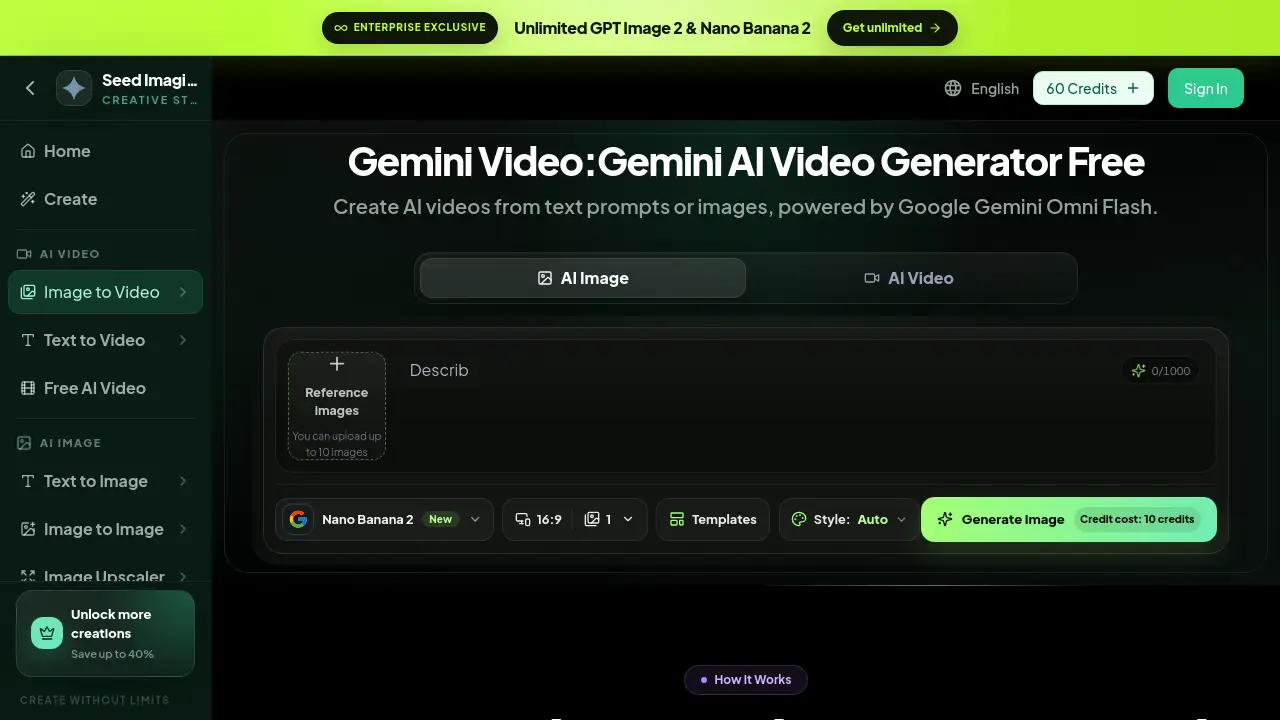
Gemi Video is a free online Gemini AI video generator that lets anyone turn text prompts and images into short, high-quality videos. Powered by Google Gemini AI, this AI video generator is designed for people who need quick clips without editing software. The platform supports both text to video and image to video workflows, making it a versatile free AI video generator for creators, marketers, and small businesses. With a simple browser interface and a strong AI engine, Gemi Video makes AI video creation feel accessible to everyone.
What is Gemi Video?
Gemi Video is a browser-based Gemini AI video generator built on Google's Gemini Omni Flash model. It solves the problem of complex video production by allowing users to describe scenes in plain English or upload reference images. The AI then generates a video clip that matches the prompt.
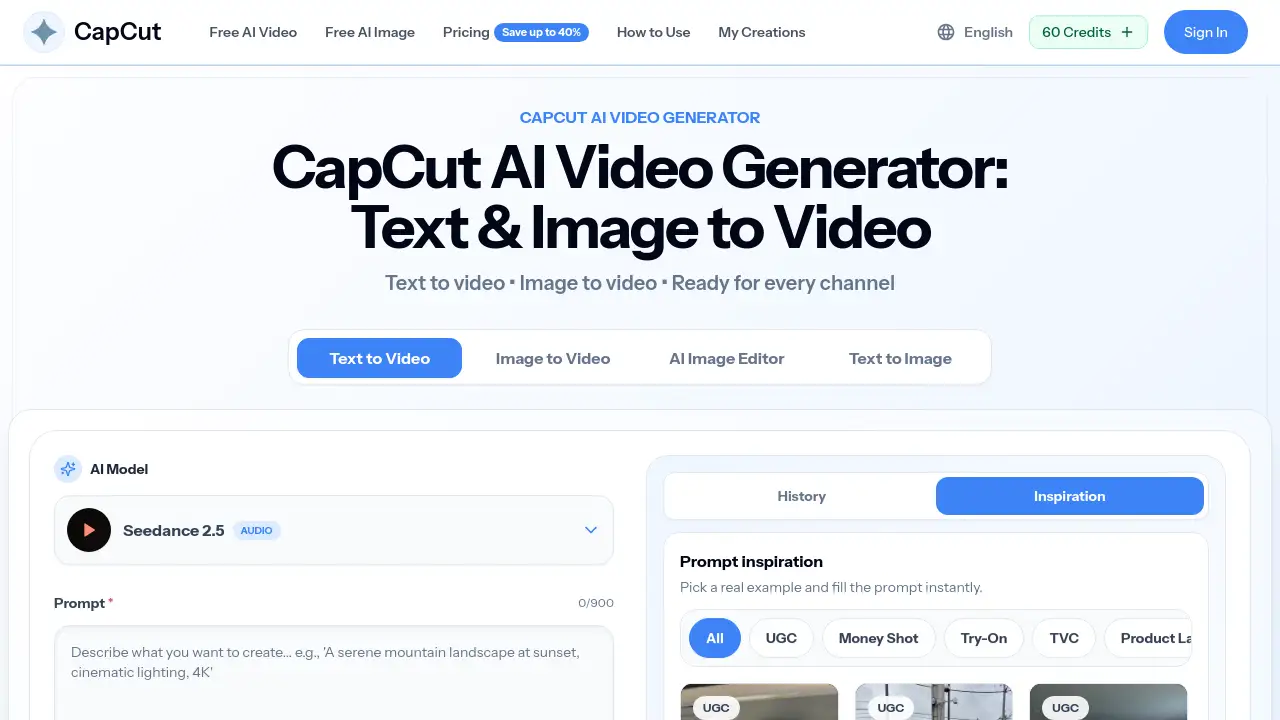
The tool is suitable for content creators who want text to video output, businesses looking for product demos, and anyone who needs a free AI video generator for quick concept visuals. It matters because it lowers the barrier to video creation: no camera, studio, or timeline needed. The site also offers related tools like image to video, AI image generation, and upscalers, so Gemi Video sits inside a larger creative ecosystem.
Key Features of Gemi Video
Gemini Omni Flash Engine
Gemi Video is powered by Google's Gemini Omni Flash model, which handles scene composition, motion, and object behavior. This makes the AI video generator feel more natural than simple motion effects.
Natural Language Scene Control
Users can write detailed text prompts such as "slow pan across a rainy street at dusk." The text to video engine understands camera angles, lighting, and mood, and turns those words into video frames.
Realistic Motion and Physics
Objects in generated clips move with realistic physics. Water splashes, fabric drapes, and shadows follow moving subjects, which improves the overall quality of the AI video output.
Frame-to-Frame Coherence
The tool keeps characters and backgrounds consistent throughout a clip. This means fewer flickers, morphs, or disappearing elements, a common issue in many AI video generation tools.
Adaptable Creative Styles
Users can choose from cinematic, documentary, product showcase, or animated styles. This flexibility helps brands match visual tone without rewriting the entire text prompt.
Google Safety and SynthID Watermarking
Every generated clip includes SynthID digital watermarking from Google DeepMind. This identifies AI content transparently while preserving video quality, which is useful for publishing workflows.
Use Cases for Gemi Video
Social Media Video Content
A free AI video generator like Gemi Video can produce short clips for Instagram Reels, TikTok, and YouTube Shorts. Marketers can use text to video prompts to create engaging visuals quickly.
Marketing Product Demos
Businesses can upload product images and use the image to video feature to create motion demos for landing pages or ads. This works well for e-commerce sellers who want video content without a production team.
Storyboarding and Previsualization
Filmmakers and designers can test scenes before shooting. By using the Gemini AI video generator, they can visualize camera motion and lighting from a text description or a static image.
Educational Explainers
Teachers and trainers can turn lesson notes into simple video clips. The AI video generator helps explain concepts with visual examples, making learning materials more engaging.
How to Use Gemi Video
Using Gemi Video is straightforward:
- Go to the Gemi Video page on Seed Imagine.
- Select Text to Video or Image to Video.
- Enter a detailed text prompt or upload reference images. The platform supports up to 10 images.
- Choose a style and aspect ratio, then click generate.
- Preview the clip, refine the prompt if needed, and download the final video as an MP4 file.
No video editing experience is required. The Gemini AI video generator handles the heavy lifting, from scene construction to frame rate.
Target Audience for Gemi Video
- Content creators who need quick AI video clips
- Social media managers using text to video for posts
- Small business owners creating product videos
- Educators and trainers making explainer videos
- Designers and filmmakers for previsualization
- Hobbyists exploring free AI video generator tools
Is Gemi Video Free?
Gemi Video can be used online for free. The free experience lets users generate videos with credits, and the platform also offers paid plans for users who need more creations. According to the product page, users can unlock more creations and save up to 40% on credit packs. There is also an enterprise option with unlimited access to selected tools.
| Plan | Price | Features |
|---|---|---|
| Free | $0 | Access to Gemini AI video generator tools with limited credits |
| Paid plans | Varies | More credits, faster generation, extra features |
| Enterprise | Custom | Unlimited access to selected tools, team-focused options |
For exact prices, visit the official pricing page.
Gemi Video's Pros and Cons
| Aspect | Pros | Cons |
|---|---|---|
| Ease of use | Simple browser interface, no editing skills needed | Limited manual control compared to professional editors |
| Pricing | Free to start, credit packs can save up to 40% | Advanced or heavy use requires paid credits |
| AI quality | Realistic motion, consistent frames, style options | Output length and resolution may depend on the plan |
| Safety | SynthID watermarking provides content transparency | Some platforms may require labels for AI-generated content |
Frequently Asked Questions about Gemi Video
Is Gemi Video really free?
Yes, Gemi Video can be used as a free AI video generator online. New users can generate videos using credits. For more regular use, paid plans are available.
What is the difference between text to video and image to video?
Text to video uses a written prompt to create a clip. Image to video uses reference images to guide the AI video generator. Gemi Video supports both modes.
Does Gemi Video use Google Gemini?
Yes, Gemi Video is powered by Google Gemini AI, specifically the Omni Flash model. This model helps generate natural-looking video output.
Can I upload my own images to Gemi Video?
Yes. The image to video mode lets users upload up to 10 reference images to guide the AI video generator.
What video format does Gemi Video output?
The final video can be downloaded as an MP4 file.
Are AI videos from Gemi Video watermarked?
Generated videos include SynthID digital watermarking from Google DeepMind. This helps identify AI-generated content while maintaining video quality.
Gemi Video Tags
Gemi Video, Gemini AI video generator, AI video generator, text to video, image to video, free AI video generator, Google Gemini video, AI video creation, AI video online, video maker AI, text to video AI, image to video AI