Introduction
Seedance 2.5 Video Generator turns ideas into AI videos.
What is Seedance 2.5 Video Generator?
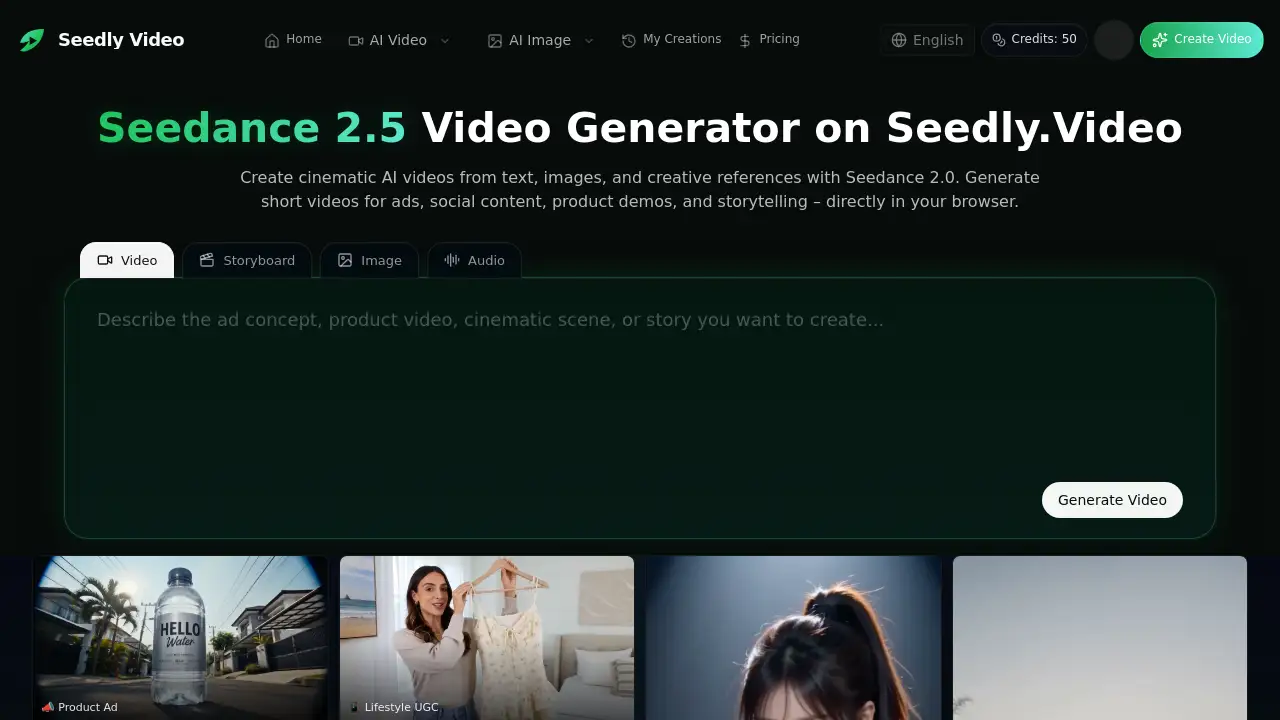
Seedance 2.5 Video Generator is a browser-based AI video creation tool available on Seedly.Video. It helps users turn text prompts, images, and reference assets into short-form videos for ads, social content, product visuals, and stories. The platform supports Seedance 2.0 workflows and promotes Seedance 2.5 as a live option with early-bird annual pricing.
This AI video generator solves a common creative problem: moving from an idea to a testable video asset without a full production pipeline. For marketers, creators, and small teams, Seedance 2.5 Video Generator offers a practical workspace where prompts, references, credits, history, and exports stay connected. Seedly.Video states that it is an independent platform and is not affiliated with ByteDance or Seedance. The tool is built around text to video, image to video, and reference to video creation.
Key Features of Seedance 2.5 Video Generator
Multi-Modal Input Control
Combine text, images, video, and audio references to guide style, subject behavior, rhythm, and scene direction. This makes Seedance 2.5 Video Generator flexible for different creative briefs.
Text to Video Creation
Write a prompt that describes the subject, action, camera movement, visual style, and tone. The AI video generator then turns that direction into a cinematic short video for ads, social clips, or story concepts.
Image to Video Animation
Upload a product photo, portrait, character image, or key frame, then guide the motion with a prompt. This image to video workflow helps preserve the source image as a visual anchor while controlling movement, pacing, and framing.
Reference to Video Direction
Use visual references and prompt instructions to shape camera movement, action timing, framing, and scene flow. The reference to video mode gives creators stronger control over characters, motion, and composition.
Audio-Supported Video Workflow
Create richer clips with audio-supported generation workflows. Depending on the selected mode and model availability, sound, rhythm, and dialogue options may be available.
Flexible Output Formats
Generate videos in 16:9, 9:16, 1:1, and other formats. This helps users adapt one concept for social channels, landing pages, stores, and campaign tests.
Browser-Based Workspace
Use Seedly.Video as an online AI video creation workspace. Keep prompts, references, settings, generations, and outputs in one place without installing traditional editing software.
Use Cases for Seedance 2.5 Video Generator
Product Ads and Campaign Concepts
Create product launch scenes, ad concepts, and campaign variations before committing to a larger production cycle. Seedance 2.5 Video Generator helps teams compare hooks, visual angles, and product moments quickly.
Social Media Clips
Generate short-form videos for platforms that need vertical, square, or widescreen content. The text to video and image to video modes are useful for fast social content testing.
Brand Visuals and Storytelling
Turn brand ideas into cinematic AI videos with controlled lighting, motion, and tone. Reference to video workflows help keep characters, framing, and mood aligned with the original concept.
Course and Teaching Content
Animate teaching images or explainer visuals into short video segments. Creators can explore motion, pacing, and framing without rebuilding the concept from scratch.
UGC-Style Lifestyle Videos
Create lifestyle clips, product demos, and casual social content with AI-assisted generation. This can support ad testing, landing pages, and ecommerce promotions.
How to Use Seedance 2.5 Video Generator
- Define the creative direction. Specify the subject, action, camera movement, style, mood, and product moment you want the video to capture.
- Add reference materials. Upload images or reference assets to guide character appearance, product details, framing, motion, or visual style.
- Configure the output. Select aspect ratio, duration, quality, and generation settings based on the intended channel and use case.
- Generate the video. Use Seedance 2.5 Video Generator to create the first version of your clip.
- Review, refine, and export. Review the result, adjust the prompt or references, then export or test the next version.
Target Audience for Seedance 2.5 Video Generator
- Performance marketers who need fast ad variations
- Creative directors and agencies exploring visual concepts
- Social media creators producing short-form content
- Course creators and educators making explainer videos
- Small business owners creating product visuals
- Product and ecommerce teams testing campaign assets
Is Seedance 2.5 Video Generator Free?
Seedly.Video shows a Credits: 50 indicator and promotes a “Start Creating Free” option. The site also advertises an early-bird annual plan with 50% off and credits delivered upfront. Exact paid prices are not listed in the available reference content, so users should check the official Pricing page for current details.
| Plan | Price | Features |
|---|---|---|
| Free start / trial | Not specified | Start Creating Free option; 50 credits shown |
| Annual plan | 50% off early-bird | Credits delivered upfront; exact price on Pricing page |
Seedance 2.5 Video Generator's Pros and Cons
| Aspect | Pros | Cons |
|---|---|---|
| Pricing | Free start and annual discount are promoted | Exact pricing is not shown in the overview |
| Features | Multi-modal inputs, text to video, image to video, reference to video | Some controls may require learning prompts and references |
| Accessibility | Browser-based and no install required | Sign-in and internet access are needed |
| Output | Multiple formats for ads, social clips, and campaigns | Not a full traditional video editing suite |
| Workflow | Keeps prompts, references, generations, and exports together | Audio availability may vary by mode and model |
Frequently Asked Questions about Seedance 2.5 Video Generator
What is Seedance 2.5 Video Generator?
Seedance 2.5 Video Generator is an AI video creation tool on Seedly.Video. It creates short-form videos from text, images, and references for ads, social content, product visuals, and stories.
Is Seedly.Video affiliated with ByteDance or Seedance?
No. Seedly.Video states that it is an independent platform and is not affiliated with, endorsed by, sponsored by, or officially connected with ByteDance or Seedance.
What inputs can I use with Seedance 2.5 Video Generator?
Depending on the selected mode and model availability, users can start from prompts, images, visual references, video references, and audio-supported options. This supports text to video, image to video, and reference to video workflows.
Can Seedance 2.5 Video Generator create videos with audio?
Audio-supported generation workflows are mentioned, including sound, rhythm, and dialogue when available. Availability may depend on the selected mode and model.
What video formats and durations are available?
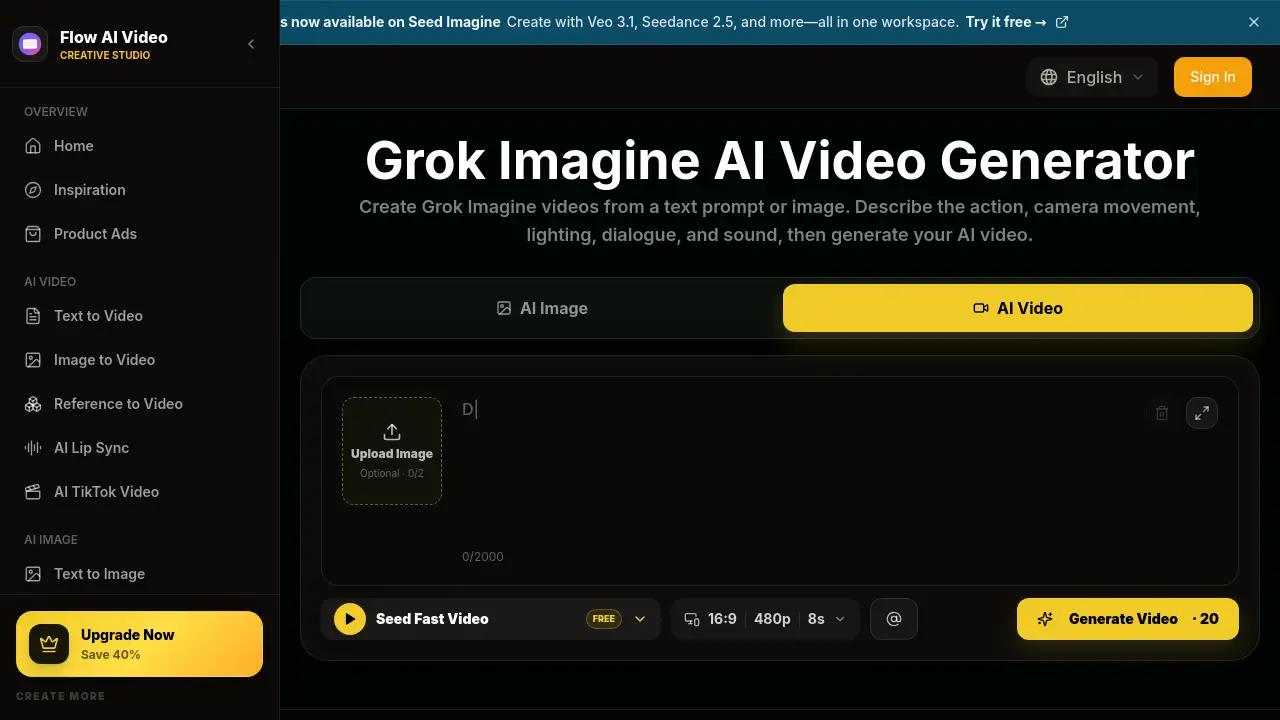
The platform lists 16:9, 9:16, 1:1, and other formats. A visible example shows 7-second, 480p output, but actual options may vary by model and settings.
Do I need editing experience to use Seedance 2.5 Video Generator?
No advanced editing experience is required for basic use. Users mainly need a clear prompt, optional reference images, and simple output settings. Refining results may still take practice.
Seedance 2.5 Video Generator Tags
Seedance 2.5 Video Generator, Seedance 2.5, Seedly.Video, AI video generator, text to video, image to video, reference to video, AI video creation, Seedance 2.0, cinematic AI videos, short-form videos, AI video workspace