Introduction
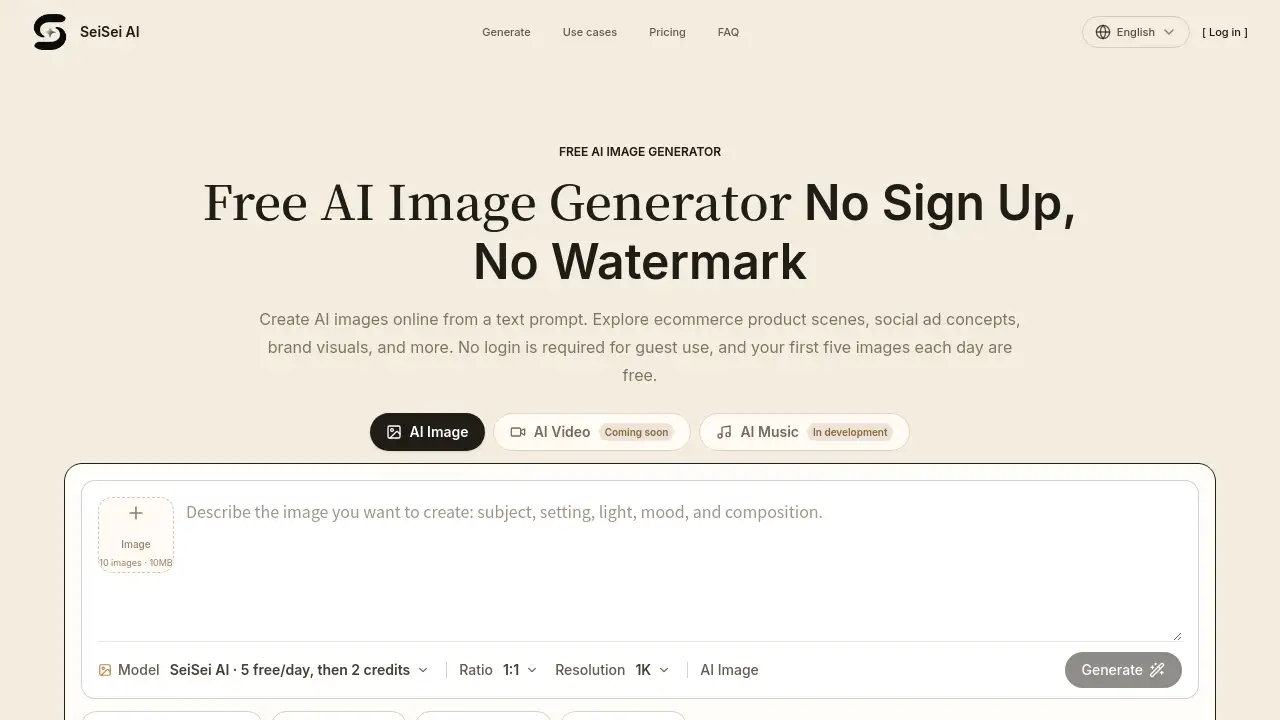
SeiSei AI is a free AI image generator that turns text prompts into images online. It requires no sign-up and adds no platform watermark, making it easy for anyone to try AI image generation without commitment. This review covers key features, pricing, use cases, and the strengths and weaknesses of this web-based tool.
What is SeiSei AI?
SeiSei AI is an online AI image generator that creates pictures from written descriptions. The service is built for people who want to test AI tools without creating accounts or paying money upfront. A user types what they want to see, such as a person, place, light, color, and composition, and the system produces image options in seconds.
The platform solves several common problems. Many AI image tools require registration or have expensive tiers. Others add watermarks to free output. SeiSei AI removes these barriers by offering a no-cost entry point. The free AI image generator tier includes a daily limit, while paid credit packs and monthly plans serve heavier workloads.
The tool works for beginners and professionals alike. It is suitable for bloggers, social media managers, product operators, and anyone who needs quick visuals. Its text to image workflow is direct, and users can refine results by editing their descriptions.
SeiSei AI also accepts reference images. Users can upload JPEG, PNG, or WEBP files to guide the output while adding written instructions. This gives the tool more flexibility than a prompt-only service.
Key Features of SeiSei AI
Free Generation Without Sign-Up
The biggest draw is the free tier. Anyone can visit the site and generate up to five images per day without logging in. This makes it one of the most practical free AI image generator options for quick experimentation.
No Watermark on Output
Generated images do not show a SeiSei AI logo or platform watermark on the final picture. Users get cleaner files for drafts, client previews, or published content, as long as the terms are followed.
Text to Image Prompting
Users write descriptions in natural language. Japanese is fully supported. Subjects, location, light, composition, and art style can all be included in the same prompt. This text to image approach keeps the creative process simple and fast.
Reference Image Upload
Users can upload up to ten reference images in JPEG, PNG, or WEBP format. This feature helps maintain a certain atmosphere or layout while still allowing text-based changes.
High-Quality Model Selection
After logging in, users can choose from additional models, including GPT Image 2. The free tier uses the basic model, while paid plans unlock higher-quality output. This makes the AI image generator suitable for both casual and serious projects.
Saving and Adjusting Results
Each generation produces an image that can be saved directly. If the result is not right, users can change one part of the prompt and generate again. This gradual adjustment process helps users understand how different words affect the final image.
Use Cases for SeiSei AI
AI Illustration Creation
Artists and hobbyists can describe characters, expressions, costumes, and backgrounds to make rough drafts or concept art.
AI Photo Generation
Users can generate realistic photos by specifying time of day, light direction, lens feel, and environment. This is useful for exploring photographic compositions without a camera.
SNS and Blog Content
Social media posts can use generated images as thumbnails, eye-catchers, or explanatory visuals. The free AI image generator is especially useful for testing ideas before full production.
Business Planning and Presentation
Teams can create mood boards and concept images for presentations, store displays, or product visuals. The tool allows multiple directions to be compared quickly.
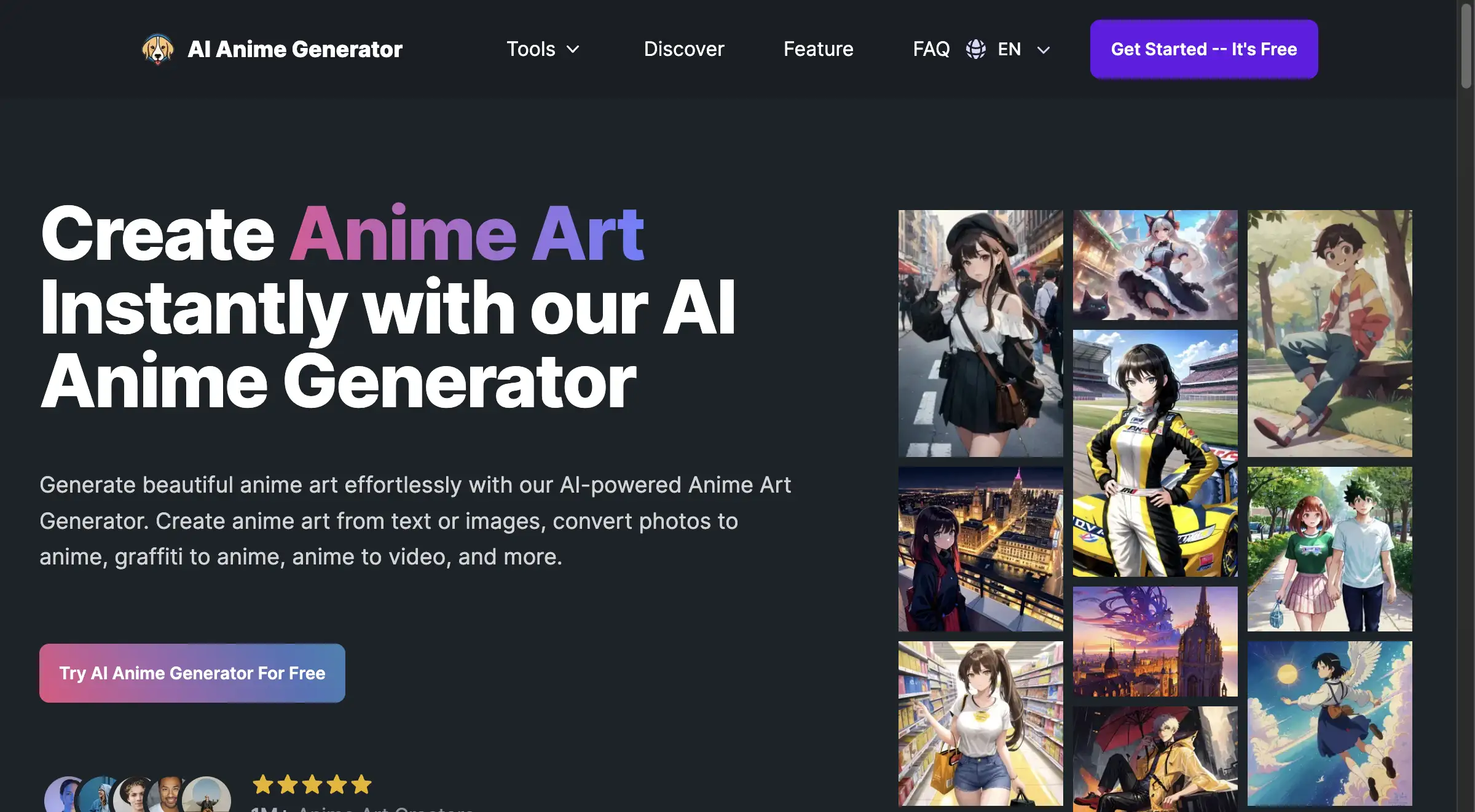
Anime-Style Art
For those who enjoy Japanese anime aesthetics, the tool can adjust line style and color to create anime-style images.
How to Use SeiSei AI
- Open the official SeiSei AI website.
- Enter a text to image prompt in the input field.
- Click the generate button.
- Review the result and adjust the prompt if needed.
- Save the final image to the device.
This simple flow means even a first-time user of an AI image generator can start right away.
Target Audience for SeiSei AI
- Bloggers and content creators
- Social media managers
- Online store operators
- Designers and freelancers
- Marketing and planning teams
- Illustrators and hobby artists
The mix of free access and paid upgrades makes this AI image generator flexible for many audiences.
Is SeiSei AI Free?
SeiSei AI is free to start. Guest users can generate up to five images per day without creating an account. Logging in gives five free credits once, plus access to more models. For continued use, paid options are available:
| Plan | Price | Features |
|---|---|---|
| Free (Guest) | $0 | 5 images/day, basic model, no watermark |
| Basic | ¥3,000/month | 300 credits, high-resolution output, text and image-to-image modes, email support |
| Pro | ¥6,000/month | 1,600 credits, priority support |
| Max | ¥30,000/month | 9,200 credits, commercial use, priority support |
Annual billing is available and reduces the monthly cost.
SeiSei AI's Pros and Cons
| Aspect | Pros | Cons |
|---|---|---|
| Pricing | Free tier with daily limit; flexible credit packs | Higher-tier plans may be costly for casual users |
| Ease of Use | No sign-up needed for basic generation | Full features require login |
| Output Quality | Clean images with no watermark | Quality depends on model and prompt quality |
| Language Support | Japanese prompts fully supported | Interface content is primarily Japanese |
Frequently Asked Questions about SeiSei AI
Is SeiSei AI Free to Use?
Yes. The free AI image generator can be used without registration or payment. Guest users are limited to five images per day.
Can I Use SeiSei AI Without Signing Up?
Yes. The official site allows anonymous use. There is a daily limit and access control to prevent misuse.
What Is the Difference Between Guest Use and Login Use?
Guests get five free images per day. Logged-in users receive five credits once, can manage history, and can select high-quality models such as GPT Image 2.
Does SeiSei AI Add a Watermark?
No platform watermark is added to generated images. Users should still confirm content rights under the terms.
Can I Use the Images Commercially?
Commercial use is possible under the terms. Users must check details about people, trademarks, characters, and buildings before publishing.
Can I Write Prompts in Japanese?
Yes. Japanese is fully supported for prompts. Short phrases are fine, and users can gradually add elements across multiple generations.
SeiSei AI Tags
AI image generator, free AI image generator, text to image, AI image generation, online AI art tool, no sign-up AI image, AI illustration generator, AI photo generator, anime style AI, SeiSei AI review