Introduction
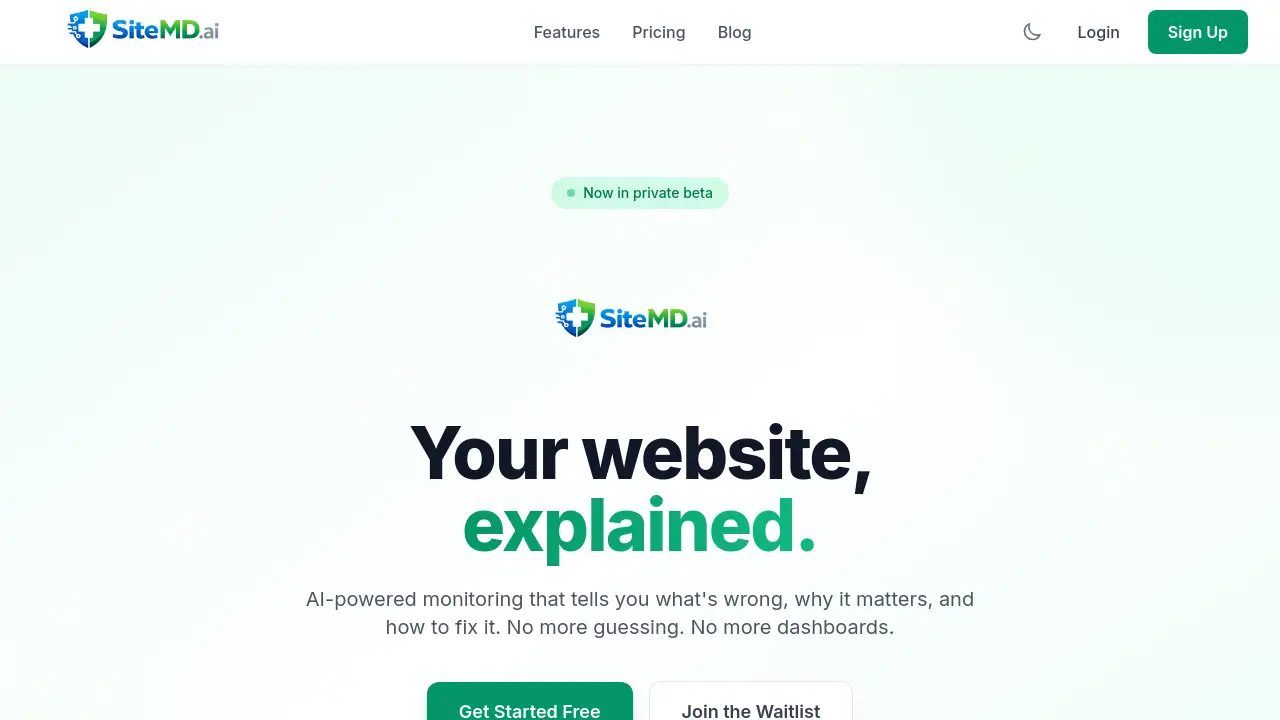
AI-powered website monitoring that diagnoses issues and provides clear fixes.
What is SiteMd?
SiteMd is an AI-powered website monitoring service designed to simplify website management. It solves the common problem of complex dashboards and unclear technical alerts by providing plain-English reports. The tool continuously checks a website's uptime monitoring, performance, SEO audit status, and security scan health. It is suitable for small business owners, freelancers, developers, and marketing teams who need clear insights into their website's health without deep technical expertise. By translating technical data into actionable steps, SiteMd helps users maintain a reliable, fast, and secure online presence efficiently.
Key Features of SiteMd
Uptime Monitoring
The system detects downtime instantly and sends smart alerts, allowing users to address issues before visitors are affected.
SEO Audit
It performs weekly scans of meta tags, links, and rankings to help users stay compliant with search engine algorithms and improve visibility.
Performance Tracking
Core Web Vitals are measured and explained in simple terms, pinpointing exactly what elements are slowing down the website performance.
Security Scan
The service automatically checks for SSL certificate validity, security headers, and common vulnerabilities to ensure the site is protected.
AI Reports
Instead of complex dashboards, users receive plain-English, AI-powered diagnosis reports that explain problems, their impact, and provide step-by-step fixes.
Smart Alerts
Notifications are tailored to deliver only critical information, reducing alert fatigue and ensuring users focus on what actually matters.
Use Cases for SiteMd
Small Business Website Management
Owners can ensure their primary revenue or contact channel is always online and performing well without needing to hire a dedicated webmaster.
Freelancer and Agency Client Reporting
Professionals can provide transparent, easy-to-understand AI reports to clients about their website's health, SEO audit results, and security posture.
Web Developer Maintenance
Developers managing multiple sites can use the tool for uptime monitoring and security scanning to get a centralized overview and proactive alerts.
Marketing Team Oversight
Teams focused on lead generation and content can rely on weekly SEO and performance insights to ensure the website supports their campaigns effectively.
How to Use SiteMd
Getting started with this AI-powered website monitoring tool is designed to be quick and code-free.
- Add Your URL: On the SiteMd platform, paste the website URL you wish to monitor. The service begins tracking immediately without requiring code changes or DNS records.
- Automated 24/7 Monitoring: SiteMd's systems continuously check the site's uptime, performance, SEO, and security around the clock.
- Receive AI Diagnosis: Users are then provided with clear, plain-English reports that diagnose any issues, explain why they matter, and offer actionable steps to resolve them.
Target Audience for SiteMd
- Small business owners and entrepreneurs
- Freelancers (web designers, developers, SEO consultants)
- Marketing teams and managers
- Web development and digital agencies
- Bloggers and content creators
Is SiteMd Free?
SiteMd offers a free forever plan and several paid tiers with more features. The current pricing structure is as follows:
| Plan | Price | Key Features |
|---|---|---|
| Free | $0 forever | 1 website, Monthly AI reports, Basic uptime monitoring, Email notifications |
| Pro | Price per month | 5 websites, Weekly AI reports, Full AI diagnosis, Smart alerts, Security scanning, SEO audits |
| Team | Price per month | 20 websites, Daily AI reports, All Pro features, Competitor tracking, API access, Team collaboration |
| Agency | Price per month | Unlimited websites, Weekly AI reports, All Team features, Priority support, Bulk site management |
Note: SiteMd is currently in a private beta phase. Specific monthly prices for paid plans are to be confirmed upon public launch.
SiteMd's Pros and Cons
| Aspect | Pros | Cons |
|---|---|---|
| Ease of Use | Extremely simple setup with no technical configuration required. AI reports are clear and actionable. | Advanced users might desire more granular, raw data access beyond the AI summaries. |
| Value & Pricing | A robust free plan is available for a single site. Transparent pricing tiers scale with needs. | The service is in private beta, so full feature availability and pricing are not yet publicly finalized. |
| Features & Technology | AI-powered diagnosis converts complex metrics into plain English. Covers essential areas (uptime, SEO, security, performance) holistically. | As a new product, it lacks a long public track record and extensive user reviews compared to established competitors. |
| Support & Reporting | Smart alerts reduce notification noise. Reporting is designed for clarity and client-sharing. | Priority support is reserved for the highest-tier Agency plan. |
Frequently Asked Questions about SiteMd
How long does it take to set up SiteMd?
Setup takes under a minute. Users simply paste their website URL into the platform, and AI-powered website monitoring begins immediately without any code installation or DNS changes.
What is included in the free forever plan?
The free plan includes monitoring for one website, basic uptime monitoring with email notifications, and a monthly AI-powered diagnosis report.
What methods are used for smart alerts?
While the current reference material specifies email notifications, smart alerts typically evolve to include channels like SMS, Slack, or Discord integrations as a service matures.
How often does the AI generate reports?
Report frequency depends on the plan: monthly for Free, weekly for Pro and Agency, and daily for the Team plan. Each report contains a fresh SEO audit, performance analysis, and security scan.
Is my website data secure with SiteMd?
The service performs security scans on other sites, indicating a strong focus on security. While specific data handling policies should be checked upon launch, the service is designed to be non-intrusive, requiring only a URL to start monitoring.
Does SiteMd offer competitor tracking?
Yes, competitor tracking is a featured capability included in the Team and Agency pricing plans, allowing users to benchmark their website performance and SEO against others.
SiteMd Tags
AI-powered website monitoring, SiteMd, uptime monitoring, SEO audit, website performance, Core Web Vitals, security scan, SSL check, AI reports, smart alerts, website health check, website management tool