Introduction
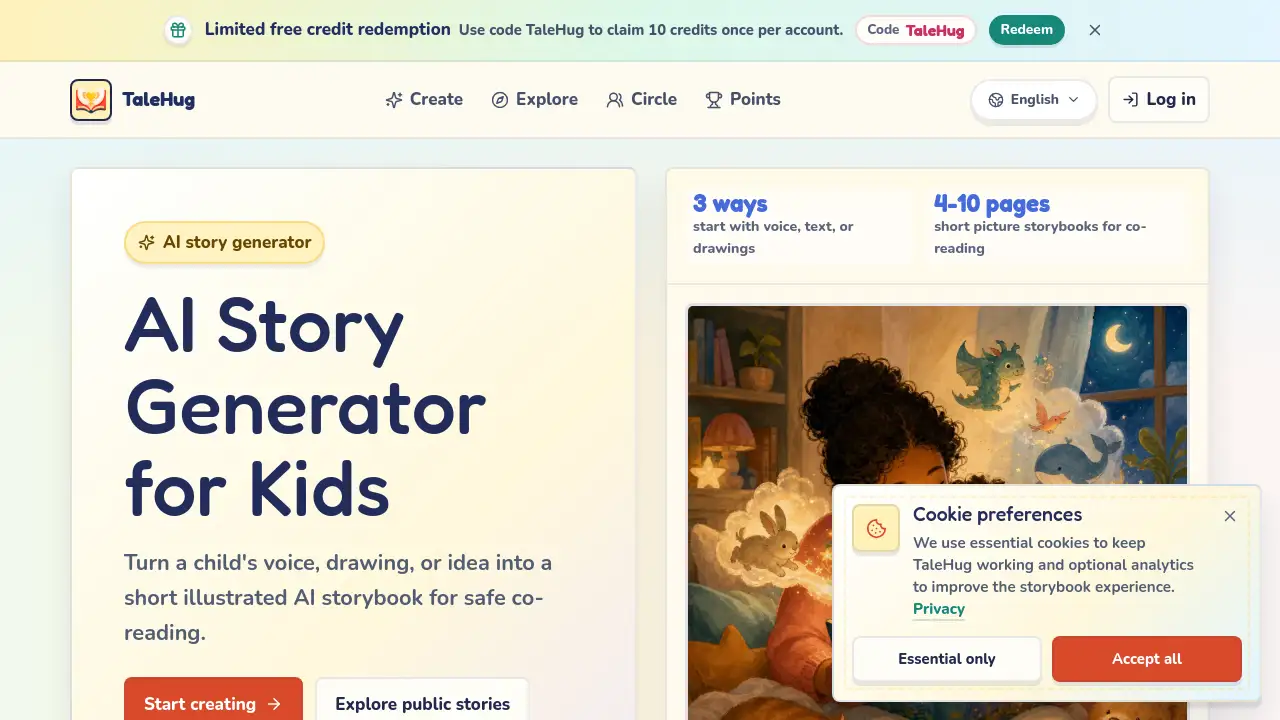
Parents seeking a safe AI story generator for kids can turn a child's voice, drawing, or simple idea into an illustrated storybook. TaleHug is designed for preschool and kindergarten co-reading, with built-in privacy defaults.
What is AI Story Generator for Kids?
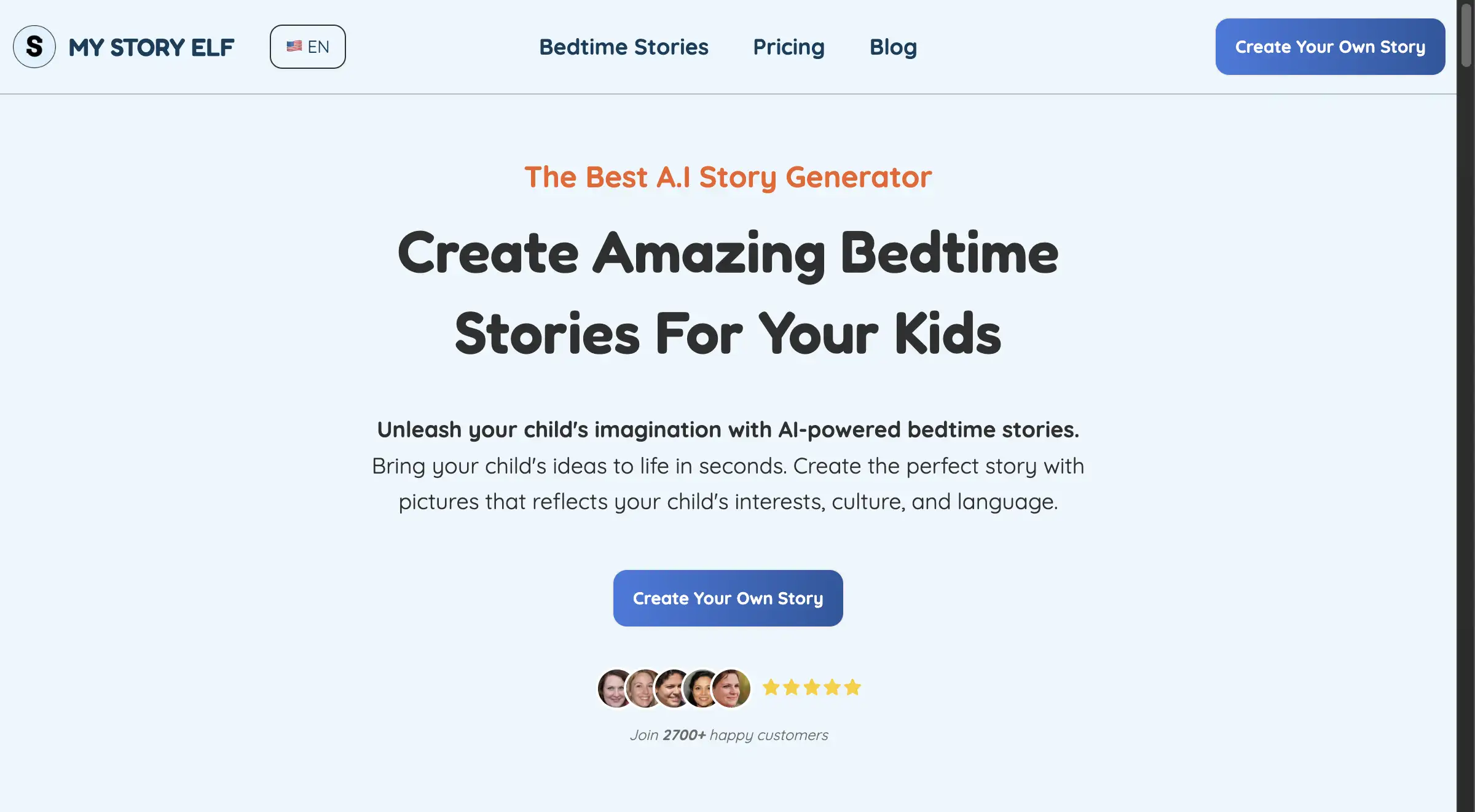
TaleHug is an AI story generator for kids that lets children create short picture storybooks using voice, text, or their own drawings. It solves the problem of finding child-safe, parent-approved digital storytelling tools that don't expose personal data. The platform is suitable for families, early childhood educators, and anyone looking for a free ai story generator that prioritizes safety. By using AI to turn a spoken idea or scribble into a 4‑10 page storybook, TaleHug encourages creativity without requiring advanced reading or typing skills. It matters because it gives young children a voice in storytelling while keeping adult supervision at the center of the publishing process.
Key Features of AI Story Generator for Kids
Voice, Text, or Drawing Input
Children can start a story by speaking into the microphone, typing a few words, or uploading a drawing. This flexibility makes the tool accessible even for pre‑readers. The children's story generator accepts all three inputs and turns them into illustrated pages.
4-10 Page Picture Storybooks
Each story is automatically generated as a short book with 4 to 10 pages. Every page includes a strong image, one short sentence, and a stored prompt that allows regeneration. This format matches the attention span of young readers and works well as a bedtime story generator.
Parent-Approved Publishing
Drafts are private by default. Publishing to a circle or the public gallery requires adult review. This feature makes TaleHug a trustworthy ai storybook generator for families who want control over what their child shares online.
Safety-First Design
No public comments in the MVP, safe display names instead of full child names, and no collection of school names, addresses, or contact details. The picture story generator also uses approved examples only in the public gallery, adding an extra layer of protection.
Pre-Made Story Ideas
Users can start from ready‑made prompts like “Moon rabbit bedtime” or “Sharing the red truck.” These templates help children who need a little inspiration, making the ai story generator with pictures easier to use for first‑timers.
Use Cases for AI Story Generator for Kids
Bedtime Story Creation
A parent and child can sit together, describe a dreamy scene like “a cloud hopping bunny,” and instantly get a 4‑page storybook. This use case fits perfectly with a bedtime story generator that produces gentle, sleep‑ready tales.
Classroom Social Stories
Teachers can generate stories about sharing, asking for help, or managing emotions. For example, “Sharing the red truck” becomes a short picture book that reinforces social skills. The kindergarten story ideas section offers ready prompts for this purpose.
Creative Drawing to Story
A child draws a dragon at home, uploads the picture, and the AI turns it into a storybook. This ai picture to story generator feature encourages children to see their own art as the start of a narrative.
How to Use AI Story Generator for Kids
- Start with an idea – speak into the microphone, type a sentence, or upload a drawing.
- Generate the story pages – the AI creates 4‑10 illustrated pages with one sentence each.
- Review and regenerate – parents can adjust any page by using the stored prompt to get a new version.
- Choose visibility – keep the draft private, share with a family circle, or ask adult approval for public publishing.
- Read together – the finished storybook is ready for co‑reading on any device.
The whole process takes just a few minutes and requires no technical skills. This AI story generator for kids works directly in a browser without extra downloads.
Target Audience for AI Story Generator for Kids
- Parents of preschoolers and kindergarteners – looking for safe, screen‑time activities that encourage creativity.
- Early childhood educators – needing quick, visual social stories for classroom use.
- Librarians and children’s program coordinators – seeking a simple free ai story generator for storytelling events.
- Caregivers of children aged 3‑6 – who want to turn everyday moments into shared reading experiences.
Is AI Story Generator for Kids Free?
TaleHug offers a limited free credit redemption system. Users can use the code TaleHug to claim 10 credits once per account. Credits are used to generate storybooks. Additional pricing details are available on the official pricing page at talehug.app/pricing.
| Plan | Price | Features |
|---|---|---|
| Free Credits | $0 (use code TaleHug) | 10 credits, create up to 2‑3 storybooks depending on page count |
| Paid Plans | See pricing page | More credits, priority features (details on official site) |
AI Story Generator for Kids's Pros and Cons
| Aspect | Pros | Cons |
|---|---|---|
| Safety | Private drafts by default, adult approval for public sharing, no public comments | Limited social interaction (no comments in MVP) |
| Ease of Use | Voice and drawing input suitable for pre‑readers | May need adult help for first time setup |
| Content Variety | Pre‑made story prompts for multiple scenarios | Only 4‑10 pages per story – not for longer narratives |
| Pricing | Free credits available with code | No clear monthly subscription details on homepage |
| Image Quality | AI‑generated images are coherent with text | Regeneration is possible but not unlimited with free credits |
Frequently Asked Questions about AI Story Generator for Kids
Can children use the AI story generator for kids without a parent?
Children can create stories on their own, but all drafts start as private. Publishing to any audience requires an adult to review and approve. The tool is designed for co‑reading, so parent involvement is encouraged at every step.
How many pages does each story have?
Each story is automatically set to between 4 and 10 pages. The exact number depends on the input and the chosen prompt. All pages include one short sentence and one illustration.
Is the free ai story generator truly free?
There is a limited free option. New users can redeem 10 credits using the code TaleHug. One credit is used per story generation. After that, additional credits may be purchased on the pricing page.
What age range is this children's story generator designed for?
TaleHug is built for preschool and kindergarten ages, roughly 3 to 6 years old. The short text, large images, and simple vocabulary match early reading levels.
Can I customize the pictures in the story?
Yes. Each page has a stored prompt that parents can reuse to regenerate the image. This allows adjusting the art style or scene without starting over.
Is my child’s data safe on this ai storybook generator?
Yes. TaleHug uses safe display names, does not ask for school names or addresses, and keeps all drafts private by default. Public gallery examples are pre‑approved. No public comments are available in the MVP.
AI Story Generator for Kids Tags
AI story generator for kids, free ai story generator, ai storybook generator, picture story generator, bedtime story generator, children's story generator, ai story generator with pictures, kindergarten story ideas, ai picture to story generator, safe story generator for children, parent approved AI stories, preschool storybook maker