Introduction
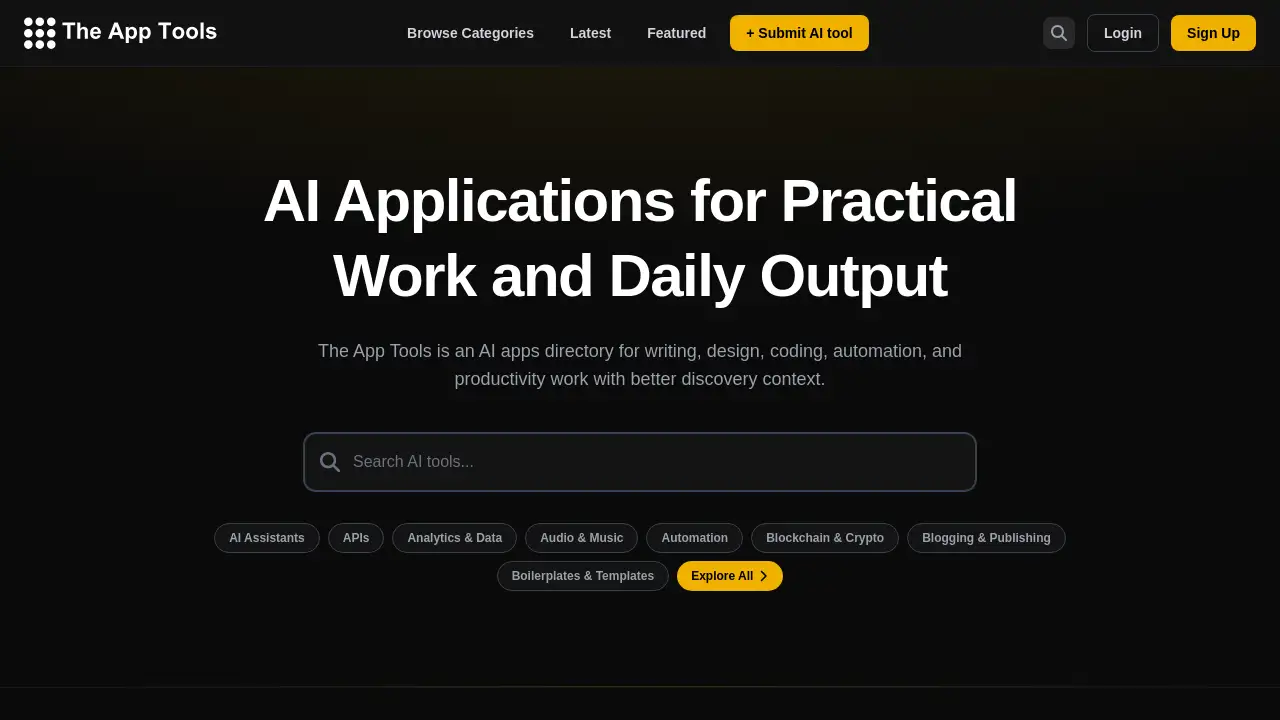
The App Tools is an AI apps directory designed to help users discover practical AI applications for work and daily tasks.
What is The App Tools?
The App Tools is a specialized AI apps directory focused on curating and organizing artificial intelligence tools for professional and personal productivity. It addresses the common problem of information overload and scattered discovery in the rapidly expanding world of AI software. The platform helps users find the right AI applications for specific tasks like writing, design, coding, automation, and more by providing a structured, context-rich discovery experience. It is suitable for professionals, creators, developers, and anyone looking to leverage AI to enhance their workflow and daily output. By filtering tools by category and highlighting new and featured apps, it simplifies the process of evaluating and selecting the best AI tools for any need.
Key Features of The App Tools
Comprehensive Categorized Directory
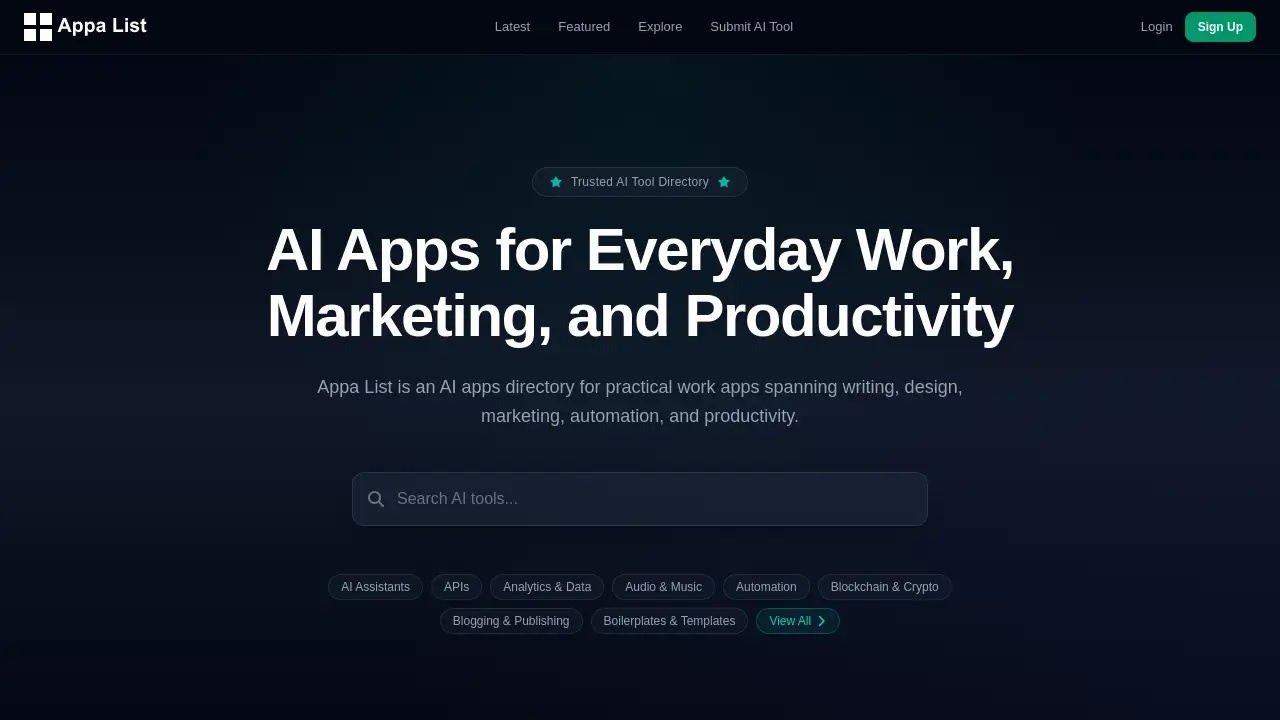
The platform organizes thousands of AI applications into over 40 specific categories, from AI Assistants and Automation to Design Tools and Marketing, making targeted discovery intuitive.
Curated Featured & Latest Lists
Users can browse hand-picked featured tools and the newest additions to the directory, ensuring they stay updated on top-rated and emerging AI tools.
Detailed Tool Listings
Each listed tool includes a clear description, relevant categories, and its pricing model (Free, Freemium, Paid, Free Trial), providing essential context for quick evaluation.
Advanced Browsing and Filtering
Beyond categories, the site allows users to filter tools by pricing tier and explore all submissions, offering a powerful discovery engine for finding niche productivity solutions.
Community-Driven Submissions
The directory grows through user submissions, fostering a community-curated collection of AI applications that reflects real-world usage and emerging trends.
Use Cases for The App Tools
Finding a Niche AI Design Tool
A graphic designer can use the AI apps directory to browse the "Design Tools" or "Image & Photo" categories to find a specialized AI image editor like SparkPix for enhancing photos.
Automating Repetitive Work Tasks
An office manager looking to streamline processes can explore the Automation category to discover tools like Playwriter that control browsers with AI, saving hours of manual work.
Sourcing APIs for Development Projects
A software developer can filter through the APIs category to find reliable services like Browsable for fetching clean web data, accelerating their productivity in building applications.
Discovering New AI Marketing Solutions
A marketing professional can check the "Latest AI Tools" section and the Marketing category to stay ahead of trends, finding platforms like quickseo.ai for brand visibility analytics.
How to Use The App Tools
Using The App Tools is straightforward and designed for quick discovery.
- Visit the Website: Navigate to the official The App Tools website at https://theapptools.com/.
- Browse or Search: Start by scrolling through the "Latest AI Tools" or "Featured" sections on the homepage. Alternatively, use the "Browse Categories" link to explore the full directory by specific work area like writing or coding.
- Explore a Category: Click on a relevant category, such as AI Assistants or Productivity & Management, to see a filtered list of all related AI applications.
- Evaluate a Tool: Click on any tool card to (presumably) see more detailed information. Review its description, categories, and pricing model to assess if it fits your needs.
- Take Action: Follow the provided link to the tool's official website to sign up, start a free trial, or learn more.
Target Audience for The App Tools
- Professionals & Creators: Writers, designers, marketers, and content creators seeking AI tools to enhance their work quality and efficiency.
- Developers & Technologists: Coders, engineers, and tech enthusiasts looking for AI APIs, dev tools, and automation software.
- Business Owners & Entrepreneurs: Individuals needing AI solutions for analytics, productivity, marketing, or customer support to grow their business.
- Productivity Seekers: Anyone interested in using AI applications to optimize daily tasks, manage personal projects, or learn new skills.
Is The App Tools Free?
Based on the available reference information, The App Tools directory itself appears to be a free resource for discovering and browsing AI tools. The platform does not list a separate pricing plan for its directory service. However, the individual AI applications listed within the directory have their own pricing models, which are clearly labeled. Users should visit the official pricing page of any tool they are interested in for accurate cost details.
| Plan | Price | Features |
|---|---|---|
| Directory Access | Free | Browsing categories, viewing featured/latest tools, reading tool descriptions and pricing info. |
The App Tools's Pros and Cons
| Aspect | Pros | Cons |
|---|---|---|
| Scope & Organization | Vast, well-categorized directory spanning dozens of niches for efficient discovery. | The sheer volume of tools might be overwhelming for beginners without guidance. |
| Currency & Curation | Regularly updated with latest tools and a featured list highlights quality AI applications. | The "featured" selection criteria are not explicitly defined, relying on editorial choice. |
| User Experience | Clean, simple interface makes browsing the AI apps directory intuitive and fast. | Lacks advanced search filters (e.g., by user rating, integration) that some competitors offer. |
| Cost | Completely free to use as a discovery platform. | Users must navigate to external sites for tool details, trials, and support. |
Frequently Asked Questions about The App Tools
Is The App Tools free to use?
Yes, The App Tools directory is completely free to access and use for browsing and discovering AI applications. There is no charge for using the platform to search its categorized listings.
How are the AI tools on the directory selected?
The directory features a mix of community-submitted tools and presumably editorial selections. The "Featured" section showcases a curated list, while the "Latest" section includes all new submissions, allowing for both quality picks and broad discovery.
Can I submit my own AI tool to The App Tools?
Yes. The website includes a "+ Submit AI tool" link, inviting developers and companies to add their AI applications to the directory, contributing to its community-driven growth.
Does The App Tools own or develop the listed AI tools?
No, The App Tools is an independent directory and discovery platform. It does not develop, host, or own the AI applications it lists. It acts as a categorized index, linking users to the official websites of each tool.
How current is the information on The App Tools?
The platform emphasizes discovery of the "Latest AI Tools," indicating it is regularly updated. However, for the most accurate pricing or feature details, users should always visit the official website of the specific tool.
What makes The App Tools different from other AI tool directories?
The App Tools distinguishes itself with a strong focus on discovery context, organizing tools into very specific, work-oriented categories (like Boilerplates & Templates, Legal, Interior Design) which can help professionals find highly niche productivity solutions more effectively.
The App Tools Tags
AI apps directory, AI applications, AI tools discovery, productivity AI tools, find AI software, AI for work, automation tools directory, design AI tools, coding AI tools, latest AI apps, featured AI tools, AI software categories