Introduction
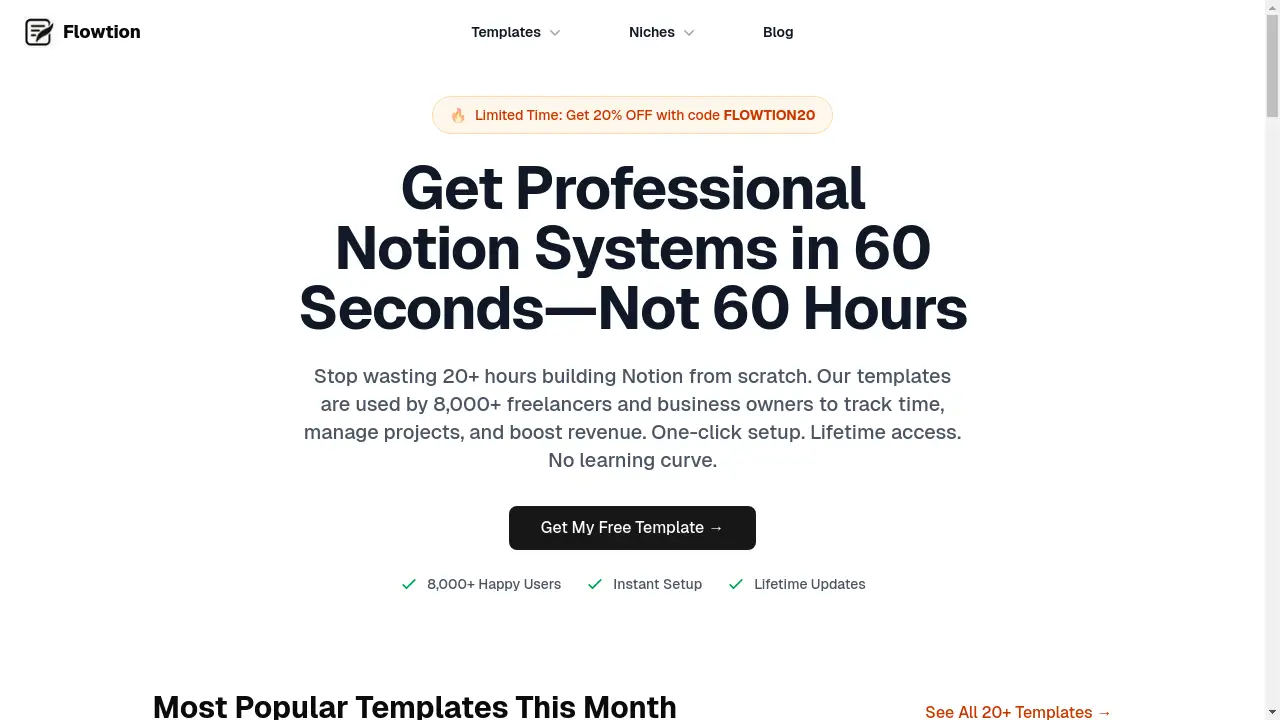
Flowtion provides expertly designed Notion templates for business and life.
What is Flowtion?
Flowtion is a digital marketplace offering a curated collection of professional Notion templates. It addresses a common problem for freelancers, business owners, and productivity enthusiasts: the immense time and effort required to build complex organizational systems from scratch within Notion. Instead of spending dozens of hours designing databases and layouts, users can instantly duplicate expert-built systems for time tracking, project management, finance, and more. This solution is suitable for anyone looking to centralize their workflow, from Notion newcomers to seasoned experts. The platform matters because it translates the powerful flexibility of Notion into immediate, actionable systems that save time and can potentially increase revenue by ensuring billable hours are tracked and projects are managed efficiently.
Key Features of Flowtion
One-Click Duplication
Users can instantly duplicate any template into their own Notion workspace with a single click, bypassing a lengthy build process.
Lifetime Access and Updates
Purchasing a template grants lifetime access, including all future improvements and updates at no additional cost.
Beginner-Friendly Design
The templates are designed to be intuitive, requiring no prior technical skills or deep Notion expertise to set up and use effectively.
Expert-Built Systems
Every template is constructed by experts to ensure it is both functional and optimized for real-world productivity and business management.
Comprehensive Template Categories
The library covers a wide range of needs, including productivity, business operations, finance tracking, and bundled suites for an all-in-one solution.
Time and Revenue Recovery
Specific templates, like the Time Tracker, are designed to help users identify and bill for previously unbilled work, aiming to recover lost revenue.
Use Cases for Flowtion
Freelancer Time Tracking
Freelancers can use the Time Tracker template to meticulously log billable hours, leading to more accurate client invoices and increased monthly revenue.
Project Management for Small Teams
Small business owners and team leaders can implement project management templates to organize tasks, deadlines, and collaboration in a single, unified space.
Personal Finance and Subscription Management
Individuals can utilize the Subscription Manager and other finance templates to track recurring payments, manage budgets, and gain control over personal spending.
All-in-One Productivity System
Professionals seeking a centralized hub can deploy the Complete Bundle to manage their business, personal goals, and home life from one interconnected system.
How to Use Flowtion
Using Flowtion is a straightforward process designed for immediate results.
- Browse the template library on the Flowtion website and select a system that fits your needs, such as the Time Tracker or the Complete Bundle.
- Click the purchase or "Get Template" option. Upon completion, you will receive instant digital delivery.
- Use the provided link to open the template in Notion and click the "Duplicate" button to copy it directly into your own workspace.
- Customize the duplicated template with your specific projects, clients, and data to start organizing your business and life immediately.
Target Audience for Flowtion
- Freelancers and independent contractors
- Small business owners and startups
- Creators and content developers
- Productivity enthusiasts and Notion users
- Individuals and teams seeking better project management tools
Is Flowtion Free?
Flowtion operates on a freemium model. There is a selection of free Notion templates available that provide substantial value. For users needing more advanced systems, there are affordable premium options for individual templates and bundles. The premium templates represent a one-time purchase, offering lifetime access and updates without any recurring subscription fees, making them a cost-effective long-term solution for business productivity.
Frequently Asked Questions about Flowtion
What is included in the Complete Bundle?
The Complete Bundle provides access to all 19 premium templates plus 13 free templates, creating a full suite of systems for business and personal productivity.
Do I need to be a Notion expert to use these templates?
No, the templates are specifically designed to be beginner-friendly. If you can click a "Duplicate" button in Notion, you have the necessary skill to get started.
How does the Time Tracker template help recover revenue?
The Time Tracker provides a structured system to log all billable work. Users report that this helps them stop undercharging and identify hours that would have otherwise gone unbilled, potentially recovering thousands monthly.
What does "lifetime updates" mean?
When you purchase a Flowtion template, you receive all future improvements and versions of that specific template for free, with no additional payment required.
Is there a money-back guarantee?
The reference information does not specify a money-back guarantee policy. It is recommended to check the Flowtion website's terms and conditions for detailed information on refunds.
How do I apply the FLOWTION20 discount code?
During the checkout process on the Flowtion website, there should be a field to enter a promo code. Entering "FLOWTION20" will apply a 20% discount to eligible purchases.
Flowtion Tags
Notion templates, Flowtion, productivity templates, business management, time tracker, project management, subscription manager, Notion systems, freelance tools, small business organization, expert-built templates, lifetime access, one-click setup, productivity bundle